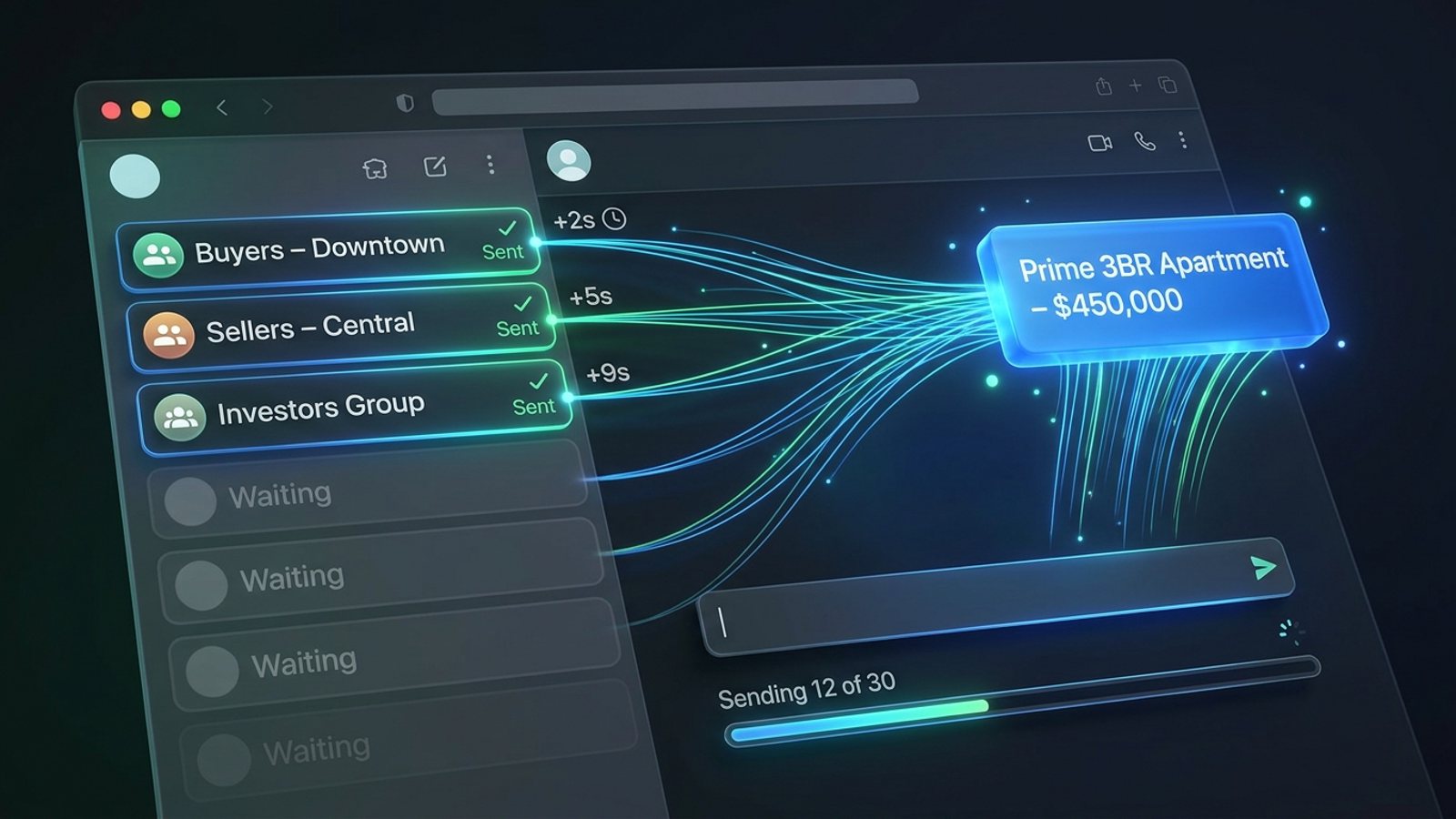
Is there a tool that sends a WhatsApp message to many batch groups at once?
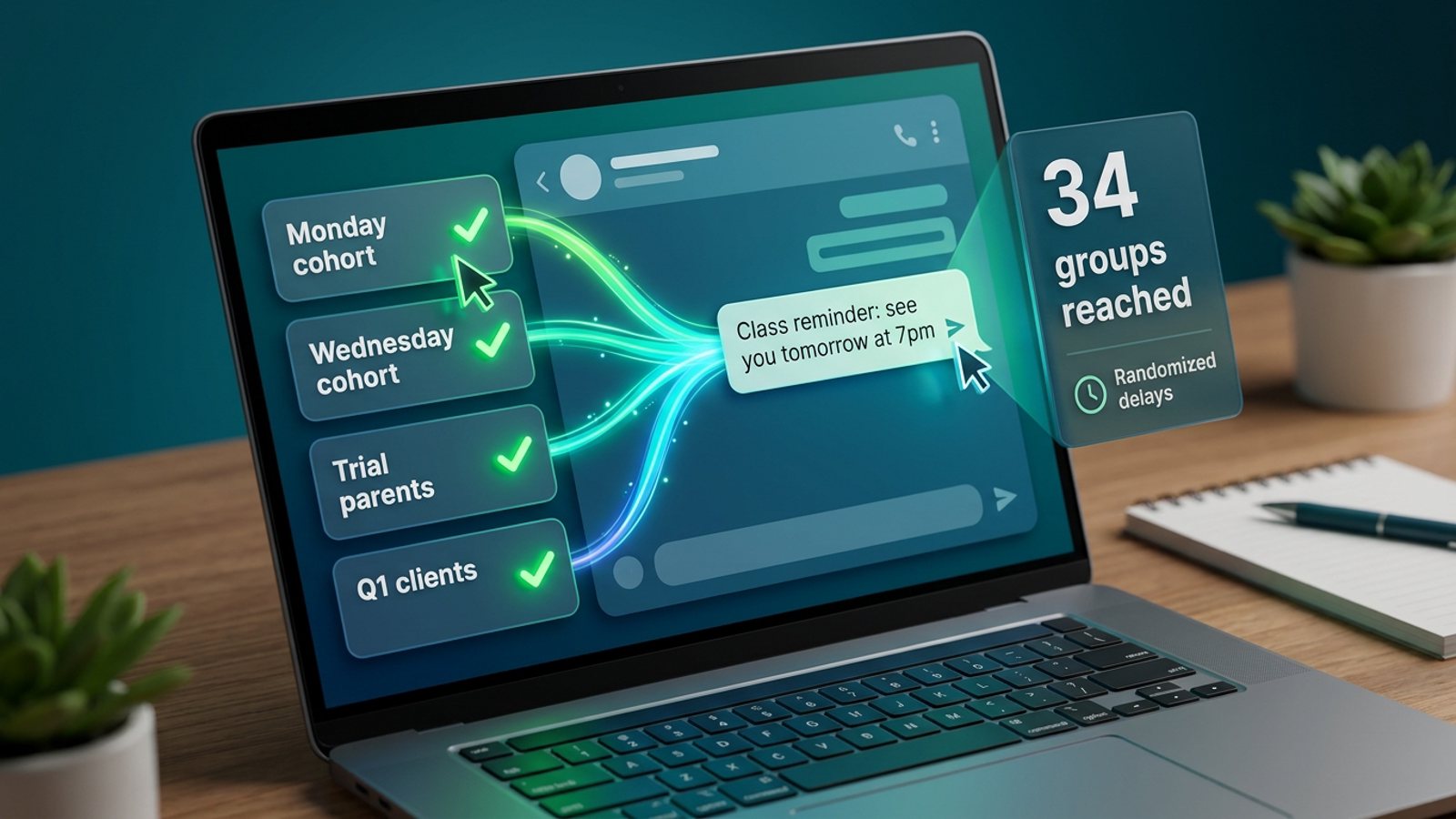
Yes. Browser-extension senders for WhatsApp Web can send whatsapp to many batch groups beyond WhatsApp's own five-chat forwarding limit. The useful ones save your group lists once, let you mix contacts and groups in a single send, and space deliveries with randomized delays. None of them can promise your number won't be flagged — WhatsApp's policy page states that bulk and automated messaging violate its Terms of Service.
If you run cohorts, classes or client batches, the five-chat cap turns one announcement into twenty minutes of tapping. That's the exact job extension senders were built for — and the exact job where choosing badly costs you your number.
How many groups can I send one WhatsApp message to at once?
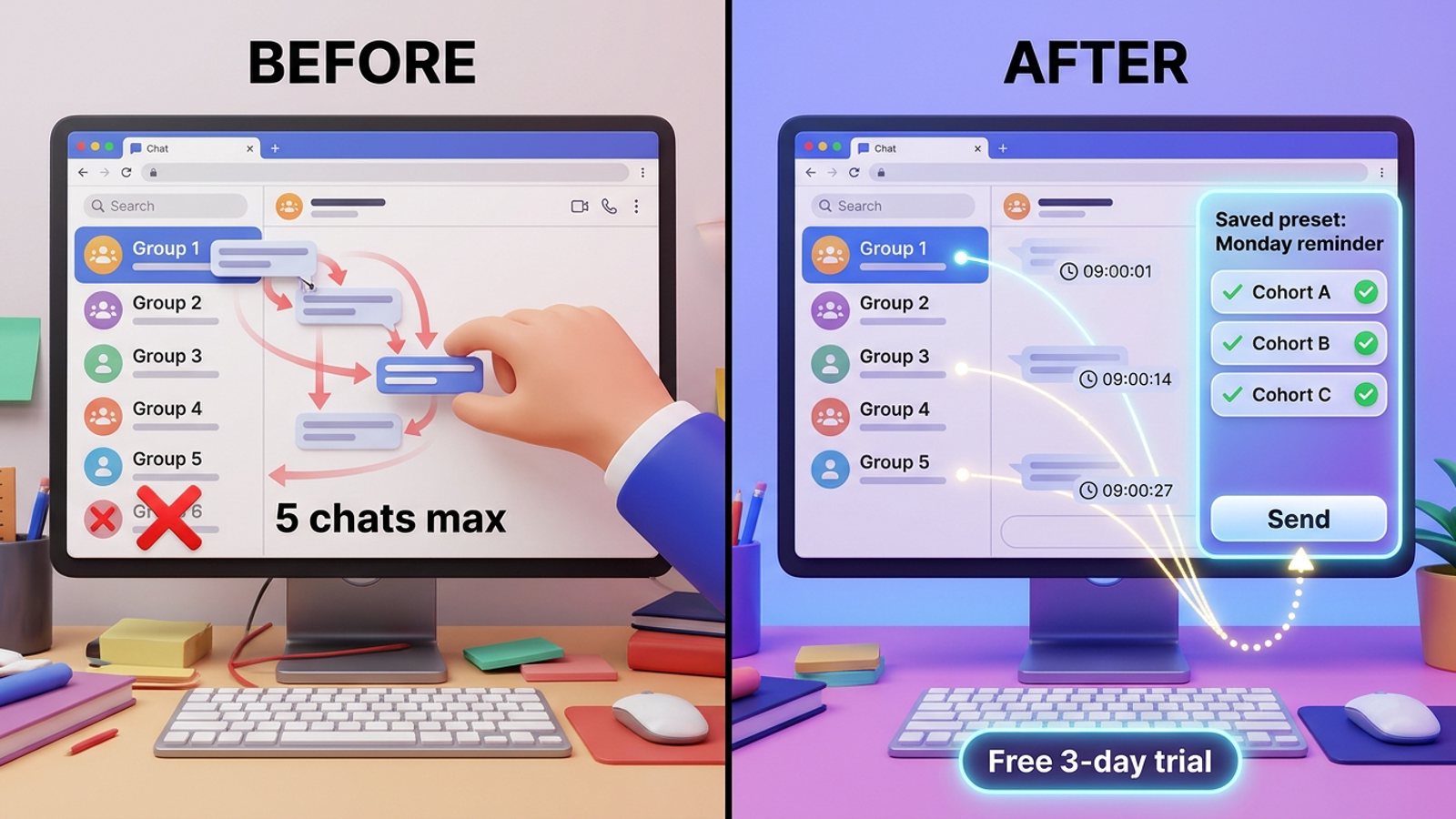
WhatsApp itself allows five chats at a time. Its help centre says you can forward a message to up to five people or groups at a time, and if the message was itself forwarded to you, it can only go to one additional group chat.
That's the ceiling you're working against. A third-party tool doesn't raise WhatsApp's limit — it automates your WhatsApp Web session so the sends happen one after another, faster than you could tap them out. Everything else is about how carefully that automation is done.
What should I look for in a tool that can send WhatsApp to many batch groups?
Three features separate a workable tool from a frustrating one. If you send to the same batches every week, judge any option on these before price.
- Saved group lists. You build the batch once — say "Monday cohort," "Trial class parents," "Q1 clients" — and reuse it. Without this you re-search every group name on every send.
- Mixing contacts and groups. Real batches are messy: some people are in a group, some aren't. A tool that forces you to pick one or the other doubles your work.
- Randomized delays. Sending everything in one instant burst is the pattern vendor blogs like Respond.io (2026) describe as spammy behaviour, with restricted accounts, blocked numbers and delivery problems as warning signs. Staggered timing looks more like a person typing.
Two more worth checking: whether the tool needs your WhatsApp Web tab to stay open, and whether it works on Chrome, Firefox, or both.
Is FivePlus a good fit for sending to many batch groups at once?
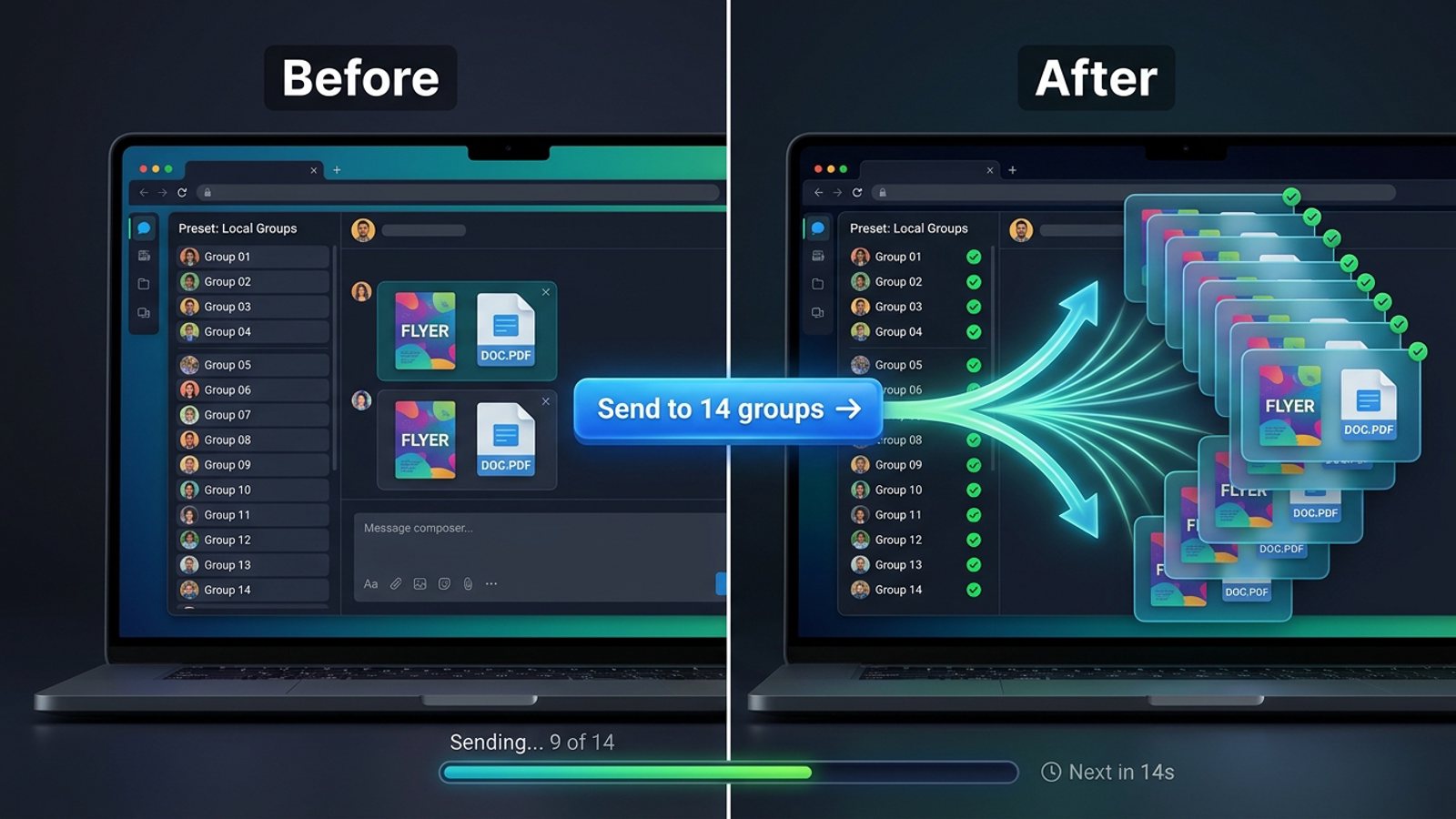
Yes, if your batches repeat and you work from a laptop. FivePlus is a Chrome extension for WhatsApp Web that sends a message, announcement or media to many saved groups and contacts in one click, instead of the standard five at a time.
Here's how a coaching owner's week looks with it. You save "Monday cohort," "Wednesday cohort" and "Trial parents" as presets once. On Monday you pick the preset (V2 lets you choose several saved lists at once), attach the message or media, and send. Randomized delays stagger the messages so the timing looks natural rather than machine-gunned.
The details that matter for batch work:
- Unlimited forwarding — send to dozens of chats at once, beyond the standard 5-recipient limit.
- Saved group lists — build them once, reuse them forever; the owner confirms saved lists stay saved even if you cancel, so it's better not to uninstall the extension.
- Mix people and groups into one preset for maximum reach.
- Anti-ban technology that mimics natural human behaviour, plus randomized delays.
- No login required — it works on WhatsApp Web in Chrome.
Price: free to try for 3 days, as of November 2026, and prices can change. The owner confirms all plans include unlimited sharing with no monthly sending limit.
Honest limits: it needs Chrome and WhatsApp Web, so it's a desktop workflow, not a phone one. The free trial is 24 hours. And it isn't affiliated with Meta — WhatsApp is a trademark of Meta Platforms, Inc.
Ready to test it on your own batches? Get FivePlus for WhatsApp Chrome extension (bulk share beyond 5 recipients) and run one real send before you decide.
Which tool is best for sending one message to many batch groups?
Of the tools we compared, FivePlus is our pick for recurring group batches — the saved-preset workflow is built for it. The other options below suit different jobs better, and we've said so plainly.
| Option | Best for | Key features | Price / free option | Watch-outs |
|---|---|---|---|---|
| FivePlus (Our pick) | Recurring group batches from a laptop | Saved lists, mix contacts + groups, randomized delays | Free 3-day trial (as of Nov 2026) | Chrome + WhatsApp Web only; 24-hour free use |
| WhatsApp broadcast lists | Warm contacts who saved your number | Private 1:1 delivery, up to 256 contacts | Free with WhatsApp | Contacts only, not groups; no scheduling |
| WhatsApp Business Platform (Cloud API) | Large opt-in campaigns at scale | Official route, no saved-number rule | No Meta monthly fee; per-message pricing | Template approval; developer setup |
| WA Bulk Sender Pro | Firefox users who want CSV and delay control | Multi-select, CSV upload, delays up to 30s | Price not stated in our sources | Unofficial automation; ban risk |
| WaSenderHQ | CSV or Google Sheets sends | Human-like typing, randomized delays | Free tier; Pro listed at $19.99 and $9.99 | Contradictory price on its own page |
FivePlus is made by the team behind this blog.
How does FivePlus compare with WhatsApp broadcast lists?
Broadcast lists are the free, native option — and they don't do groups. A broadcast list holds up to 256 contacts, messages arrive as private one-to-one chats, and only recipients who have saved your number receive them (hensontsai.com, 2026). The same source notes there's no native scheduling and list upkeep is manual, which it calls weak for larger campaigns.
If your batch is a list of past clients who all have your number, a broadcast list is the simpler, lower-risk choice. If your batch is groups — cohorts, class groups, buyer groups — it can't help you.
How does FivePlus compare with the WhatsApp Business Platform (Cloud API)?
The Cloud API is the official, sanctioned route. Wati (2026) notes it lets businesses send to thousands of contacts in one campaign without manual lists and without customers needing to save the number first. Meta must approve a message template before it can be used for broadcasts (Kommo support, 2025), and pricing is per delivered message with no Meta monthly fee (Square Cloud, 2026).
That's the right pick if you're running opt-in marketing at scale and can handle template approval and developer setup. It's heavy machinery for a coach messaging six cohort groups. And it isn't risk-free either: Meta's policy enforcement page (updated May 2026) says enforcement applies to accounts that repeatedly break its policies, and Kommo notes recovery after a restriction isn't certain.
How does FivePlus compare with WA Bulk Sender Pro and WaSenderHQ?
Both are browser extensions in the same family as FivePlus, and both are Firefox add-ons. WA Bulk Sender Pro lets you select multiple contacts and groups, upload CSVs, set delays from none to 30 seconds, and stop or retry sends (Firefox Add-ons listing, 2026). WaSenderHQ offers CSV and Google Sheets sends with human-like typing and randomized delays, a free tier with no daily cap, and a Pro price its own page lists as both $19.99 and $9.99 one-time (Firefox Add-ons, 2026).
If you mainly need CSV imports of phone numbers, those two are the more direct choice. If you mainly work from saved group lists you reuse weekly, FivePlus is built around exactly that.
Is it safe to send WhatsApp to many batch groups with a tool?
No tool makes it risk-free. WhatsApp's policy page states its products "are not intended for bulk or automated messaging, both of which have always been a violation of our Terms of Service," and says it has stopped millions of abusive accounts.
What happens if you're caught? WhatsApp's account-restriction help says accounts can be restricted for spam, automated or bulk messages. A restricted account can still chat with existing contacts and groups but cannot start new chats, create groups, add members or use linked devices. The same page says the restriction lifts automatically after the set time with no action needed.
Since 7 December 2019, WhatsApp also says it takes legal action against people or businesses it judges to be involved in or assisting abuse that breaks its terms, including automated or bulk messaging — even when the judgement rests only on off-platform evidence such as public claims of bulk-sending capability.
This is not legal advice, and WhatsApp's rules and enforcement can change. Follow the terms, and decide what risk your business can carry.
The honest summary: a tool can save you hours, but it can't make bulk messaging compliant — that decision is yours, and WhatsApp's terms are the line.
How do I actually run a batch send without tripping spam flags?
Space it out and keep it human. Respond.io (2026) names sending too many messages too fast as the trigger, and recommends throttling and a timing strategy.
A practical sequence:
- Check the rule first. Decide whether native tools (broadcast lists, group chats) cover your batch, or whether you need a sender extension.
- Build your batch once — groups, contacts, or both — and save it as a preset.
- Set randomized delays between sends rather than firing instantly.
- Send and watch progress, stopping if something looks wrong.
- Keep a simple log of what went out to which batch, so you never double-send.
Our recommendation: start with your smallest batch. Send to one cohort, see how it lands, then scale to the rest. If you want the mechanics of a bigger send, our guide to messaging 30 WhatsApp groups at once without getting banned walks through it.
If your batches are weekly and repeat, the preset workflow is the part that compounds — see how a tool that remembers your WhatsApp group list changes a repeat send.
If you're ready to try the saved-preset workflow on your own batches, Get FivePlus for WhatsApp Chrome extension (bulk share beyond 5 recipients).
Sources
- About forwarding limits (WhatsApp Help Center, undated)
- Unauthorized use of automated or bulk messaging (WhatsApp Help Center, undated)
- WhatsApp account restrictions (WhatsApp Help Center, undated)
- WhatsApp Business Platform policy enforcement (Meta for Developers, updated 2026-05-21)
- WhatsApp broadcast list guide (hensontsai.com, 2026-03-30)
- WhatsApp broadcast vs group (hensontsai.com, 2026-09-06)
- Broadcast WhatsApp efektif 2026 (Wati, 2026-09-28)
- WhatsApp Business banned account (Respond.io, 2026-09-28)
- Cloud API cost guide (Square Cloud, 2026-10-21)
- Ensure your broadcasts comply (Kommo support, 2025-07-29)
- WaSenderHQ (Firefox Add-ons, 2026-05-24)
- WA Bulk Sender Pro (Firefox Add-ons, 2026-09-18)
- TurboText WA (Chrome Web Store, undated)
- Bulk WhatsApp app 2026 (richautomate.in, 2026-06-12)
Frequently asked questions
Not with WhatsApp's native forwarding — its help centre caps it at five chats at a time, or one group chat if the message was already forwarded to you. Extension senders automate WhatsApp Web to go beyond that, but they're unofficial and carry account risk.
No. Broadcast lists deliver as private one-to-one chats to contacts who have saved your number, up to 256 per list (hensontsai.com, 2026). They reach people, not groups.
With FivePlus, yes — you can mix people and groups into one preset. Among the third-party tools in our sources, TurboText WA lists numbers, exact group names and saved contacts as targets. Check each tool's own listing before you rely on it.
For recurring group batches from a laptop, FivePlus is our pick of the tools we compared — saved presets, mixed contacts and groups, and randomized delays, free to try for 3 days as of November 2026. If you need CSV number lists, WaSenderHQ or WA Bulk Sender Pro are more direct. If you need official, opt-in campaigns at scale, the Cloud API is the sanctioned route.
WhatsApp treats bulk and automated messaging as a Terms of Service violation and restricts or bans accounts it identifies as abusive. No tool can promise otherwise. Delays and human-like pacing reduce the pattern, but they don't make bulk sending compliant.