Is there a tool that remembers my WhatsApp group list for repeat sends?
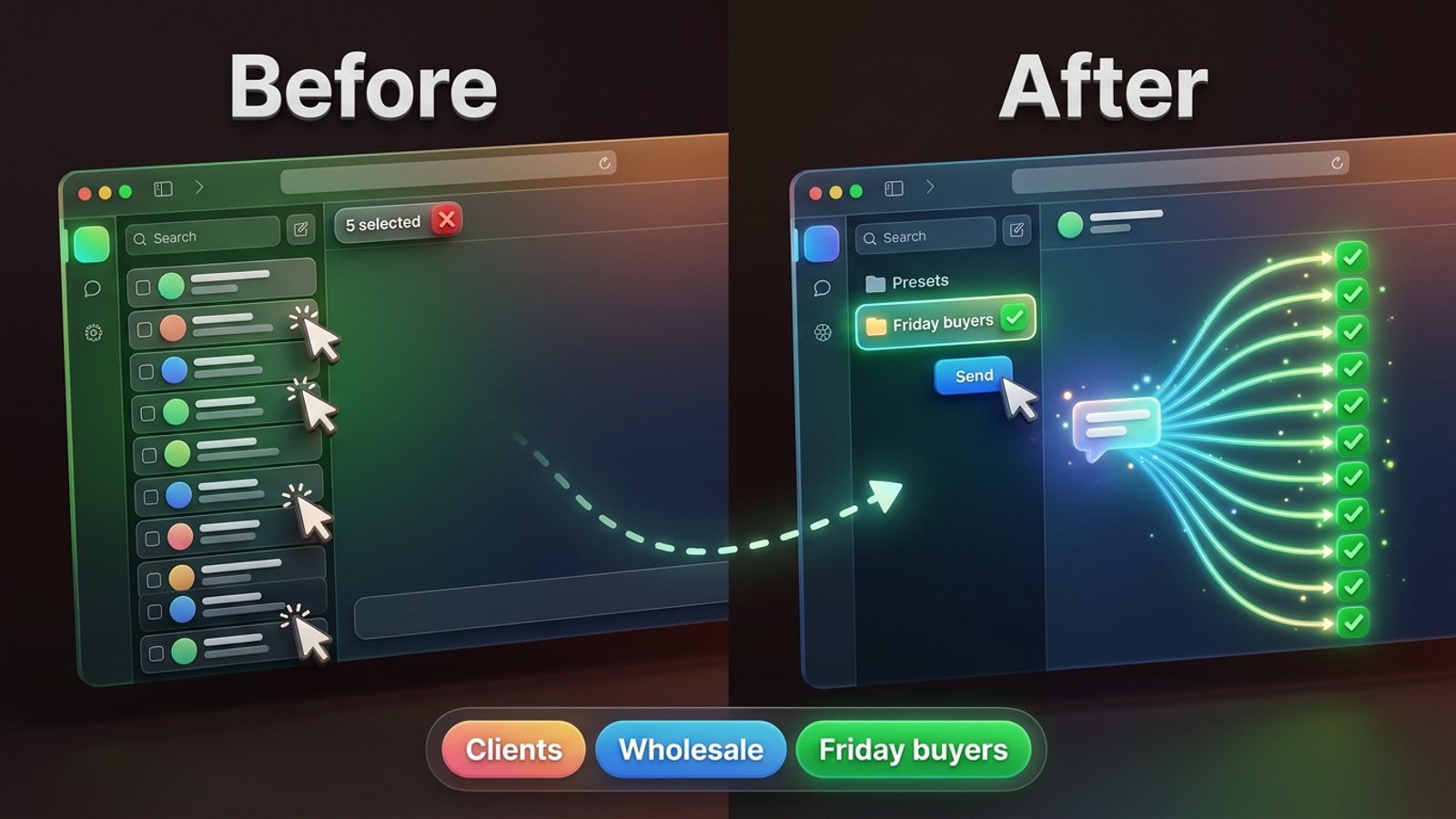
Yes. Browser extensions that sit beside WhatsApp Web can import your groups once and keep them as named, saved lists, so next week's send is a tick instead of a search. FivePlus is built around this, and RitPost and WA Shooter advertise similar saved-list features. WhatsApp itself has nothing that saves a group selection for reuse.
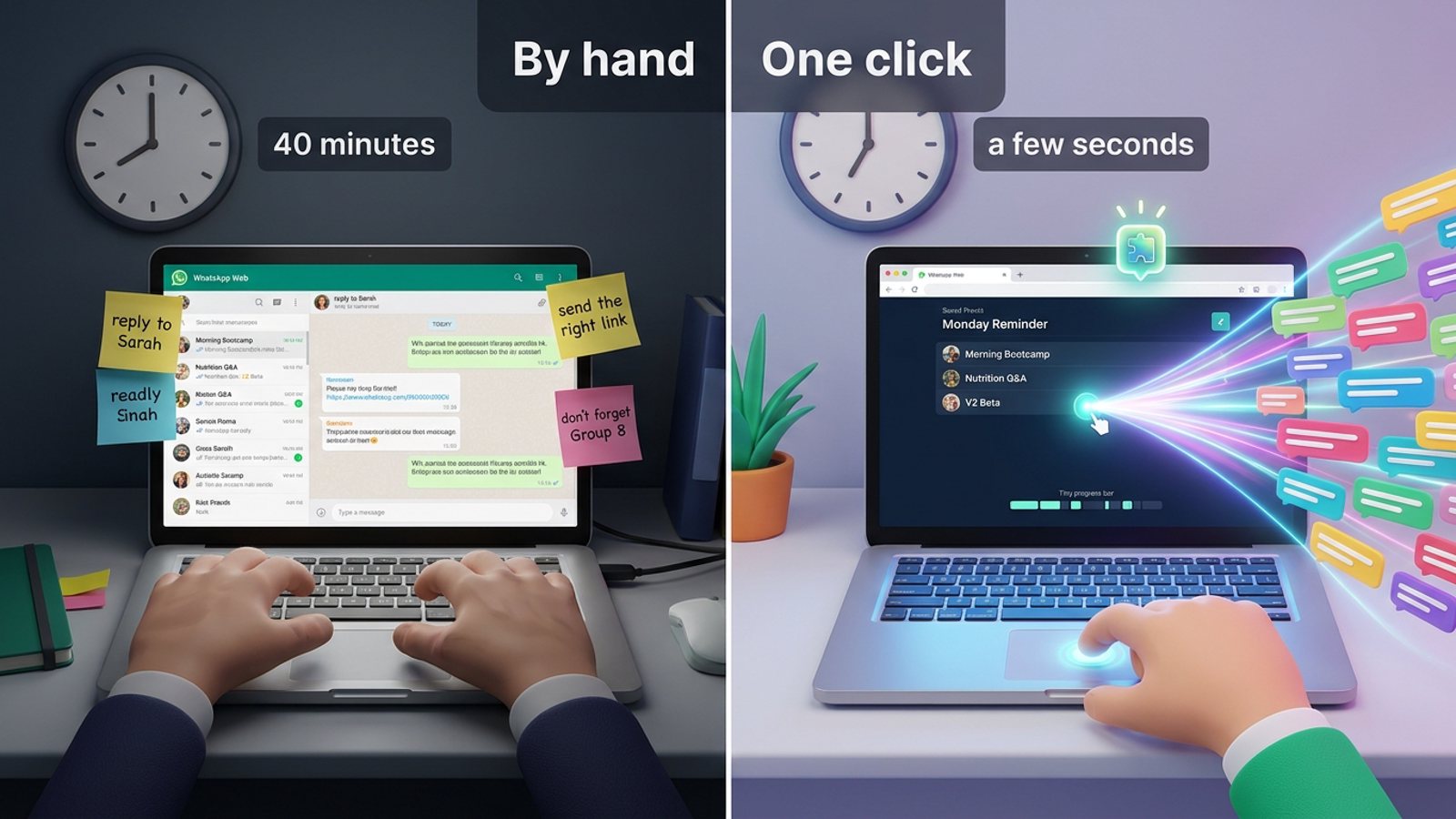
Say you run a bakery and every Friday you post the same weekend special to eleven groups. The message takes two minutes to write. Finding and ticking those eleven groups takes longer. That's the job a group list saver does — it holds the list so you don't rebuild it every week.
Get FivePlus for WhatsApp Chrome extension (bulk share beyond 5 recipients) and your Friday list becomes one preset you open, not eleven searches you repeat.
How does a WhatsApp group list saver actually work?
It imports your groups from WhatsApp Web once, then stores them as a named list you pick from on every future send. The list lives in the extension, not in WhatsApp — which is why WhatsApp's own app can't do it.
The pattern is the same across the tools we compared:
- Install the extension in Chrome and open WhatsApp Web.
- Import or select your groups once, from the chats already in your sidebar.
- Name the list something you'll recognise — "Clients", "Church groups", "Friday buyers".
- Save it as a preset so it survives between sessions.
- Pick the preset next time, add your message, and send.
The saving is in step 5. A list of eleven groups you tick once beats eleven separate searches every week — and beats the tap-tap-tap of forwarding to five chats, then five more, then one.
Why doesn't WhatsApp remember my group selection for me?
Because WhatsApp has no saved-selection feature at all — its two native options, forwarding and broadcast lists, both start from scratch every time and neither is built for groups.
Forwarding is capped at 5 chats at a time, according to a 2025 tutorial from WHAMetrics (an older vendor guide). With fifteen groups, that's three full rounds of picking, every single send, and nothing is remembered between them.
Broadcast lists are a different tool entirely. As SendApp explained in June 2026, a broadcast list caps at 256 contacts, delivers only to recipients who have saved your number, and works with individual contacts — not groups. Chatarmin's 2024 vendor guide adds that each message arrives as a private one-to-one chat, so nobody sees who else received it. Wati's September 2026 comparison notes broadcast lists have no full campaign scheduling and only very limited analytics.
So the honest answer to "why doesn't WhatsApp do this?" is: it was never designed to. If your audience is groups, the native tools don't fit the job.
What should I look for in a tool that saves group lists?
Look for four things: named reusable lists, a mix of groups and contacts in one preset, some form of pacing, and a clear statement about where your data goes.
Named lists you can reuse. Not just "recently selected" — actual saved lists with names, so you can keep several going at once. RitPost's listing, updated 23 November 2026, describes one-click import of groups from WhatsApp Web and saved named lists such as "Church groups" or "Clients". It imports groups only, not individual contacts.
Groups and people in one preset. Planners and brokers usually message a mix — three supplier groups plus six individual clients. FivePlus lets you mix people and groups into one preset for maximum reach, and its V2 lets you send to multiple saved lists at once.
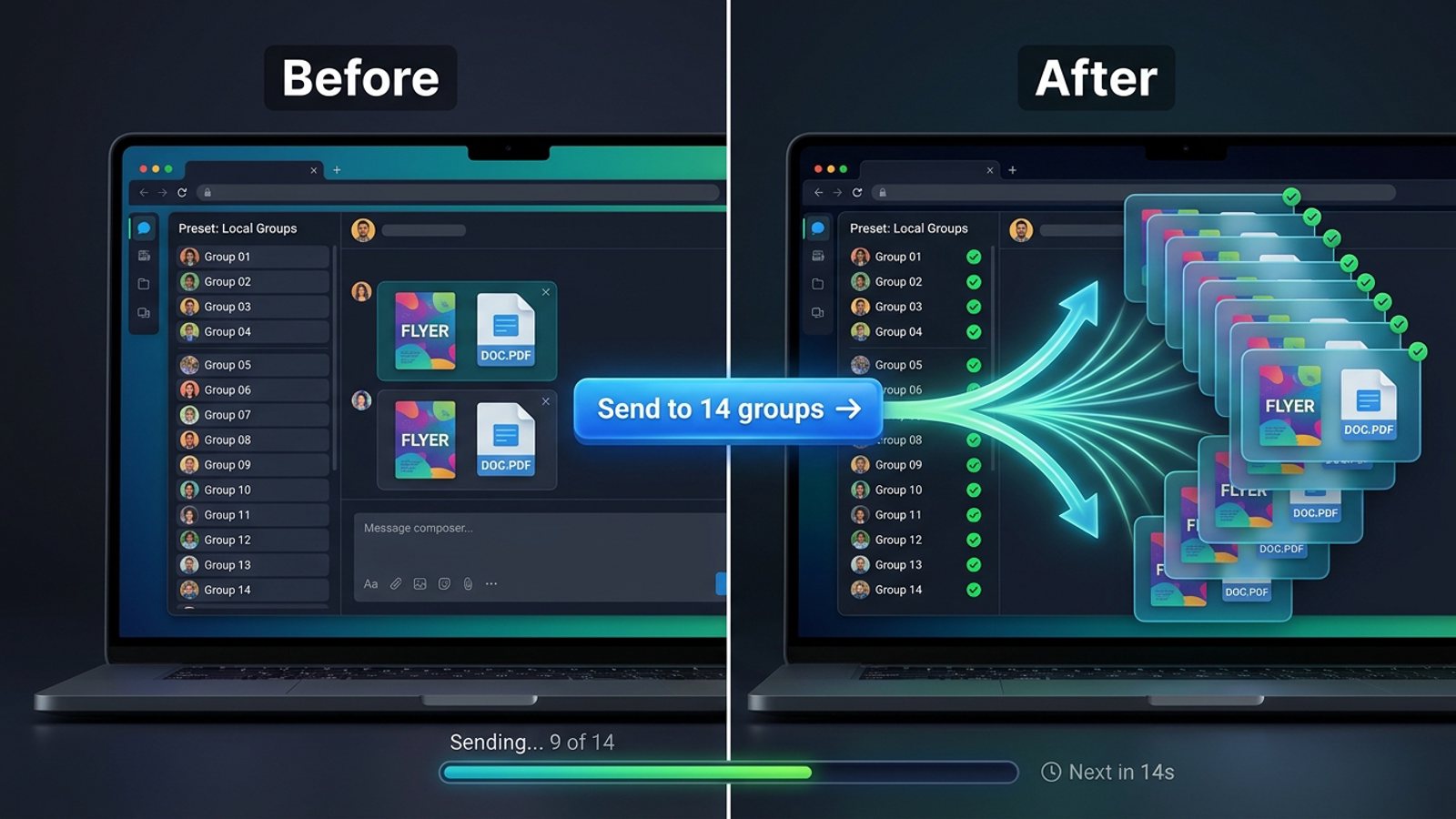
Pacing built in. LeadTrapper's delay calculator (Microsoft Edge Add-ons, September 2026) describes constant intervals as a known trigger for anti-abuse detection, with randomised pacing plus longer batch pauses as the standard mitigation. FivePlus uses randomized delays to stagger message timing, plus anti-ban technology that mimics natural human behavior.
Where the list is stored. RitPost's privacy policy (last updated 12 November 2026) says the extension collects, transmits, sells or shares no data and keeps group names, lists and templates in the browser on your device. WA Shooter's listing, by contrast, discloses that it handles personally identifiable, financial/payment and authentication information. Neither is wrong — but you should know which one you're installing.
Which tools remember your WhatsApp group list? (compared)
FivePlus is our pick of the tools we compared for repeat sends, because it combines saved presets, mixed people-and-groups lists, and randomised delays in one extension — and it runs on WhatsApp Web in Chrome with no login required.
FivePlus is made by the team behind this blog.
| Option | Best for | Key features | Price / free option | Watch-outs |
|---|---|---|---|---|
| FivePlus (Our pick) | Repeat sends to mixed groups and contacts | Saved presets, multiple lists at once, mixed lists, randomized delays | Free to try for 3 days | Chrome and WhatsApp Web only |
| RitPost | Groups-only senders who want manual control | One-click group import, named lists, templates, {group} placeholder | No price shown in listing | Groups only, no contacts |
| WA Group Bulk Sender | Free group broadcasting with attachments | 5 attachments, @all mention, 5 templates, pause/resume | Free | Templates, not a named list library |
| WA Shooter | Teams wanting campaigns and reporting | Smart group creation, templates, CSV import/export, campaign tracking | No price shown in listing | Handles payment and auth data |
| WhatsApp broadcast lists | Reaching individual contacts privately | 256 contacts per list, private 1:1 delivery | Free, built in | Contacts only, no groups |
Prices above are as of November 2026 and can change. FivePlus's price details come from the product's own page; competitor prices come from their Chrome Web Store listings, several of which show no price at all.
FivePlus — Our pick
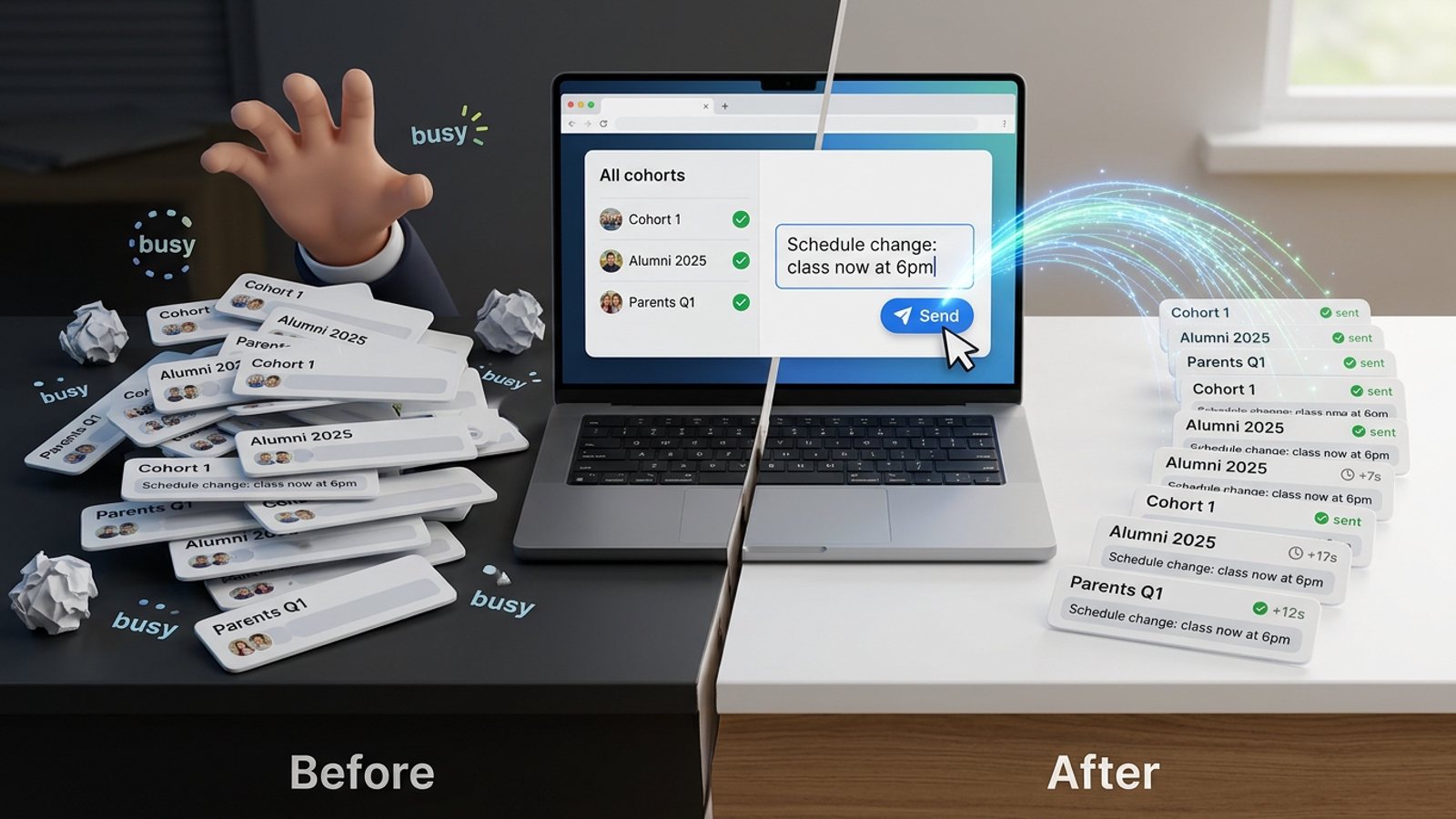
FivePlus does the specific job in the title: you save your group and contact lists as presets once, then choose a preset, pick a message or media, and send in one click. V2 lets you send to multiple saved lists at once, which matters if you have "Clients" and "Wholesale" and want both in one go.
The honest limits: it requires Chrome and WhatsApp Web, and free use is limited to a 24-hour trial. FivePlus is not affiliated with Meta; WhatsApp is a trademark of Meta Platforms, Inc. All plans include unlimited sharing with no monthly sending limit, and saved group lists are saved forever — so it's better not to uninstall the extension.
Get FivePlus for WhatsApp Chrome extension (bulk share beyond 5 recipients) if your weekly send is the same list of groups every time.
RitPost — the closest match on saved lists
If you mainly message groups and want a manual, Enter-per-message rhythm, RitPost is the more direct choice. Its listing (version 2.5.0, updated 23 November 2026) describes one-click group import, named lists, message templates, a {group} placeholder, skip/pause/stop/retry, an optional automatic mode with a 5–600 second interval, and backup/restore of groups, lists and templates.
Two things to weigh: it imports groups only, not individual contacts, and its listing shows 12 users and no ratings. Its own listing also warns that WhatsApp's terms don't allow automated or bulk messaging and that automatic mode can lead to your account being restricted.
WA Group Bulk Sender — free, group-focused
WAGroup is free and sends the same content to selected groups in sequence, with up to five attachments, an "@all" mention switch, five saved templates, an adjustable interval, pause/resume, and Excel export of results. The developer says drafts, templates and task records stay local.
What it isn't: a named group library. Its listing describes templates and selected groups rather than saved lists you name and reuse, and it caps at five templates. If your need is "five templates and go", it's a reasonable free option.
WA Shooter — heavier, more reporting
WA Shooter advertises "smart group creation" — reusable contact groups built from imported contacts or selected recipients — plus saved templates, group and community messaging, CSV/XLSX import and export, configurable pacing with typing simulation, and campaign tracking. Its listing (version 2.0.10, updated 2 July 2026) shows 322 users.
The trade-off is weight: it's a fuller campaign tool than a simple list saver, and its listing discloses that it handles personally identifiable, financial/payment and authentication information. Its listing also states it's designed for people you already know and doesn't bypass WhatsApp platform limitations.
WhatsApp broadcast lists — free, but not for groups
If your audience is individual clients rather than groups, the built-in broadcast list is the more direct choice and costs nothing. Each message arrives as a private chat, so recipients don't see each other.
But it caps at 256 contacts, reaches only people who saved your number, and doesn't take groups. For a broker with twelve client groups, it solves a different problem.
Can I save more than one group list?
Yes — and you should. Most people who message the same audience weekly are really running two or three audiences: existing clients, new enquiries, maybe a staff group.
FivePlus lets you save your group lists once and reuse them, and V2 lets you send to multiple saved lists at once. RitPost's listing explicitly describes keeping several named lists side by side. WA Group Bulk Sender's five-template limit is the constraint to watch there.
Our recommendation: name lists by who and when — "Friday buyers" beats "List 1" three months from now when you've forgotten what was in it.
Will saving a list get my WhatsApp account banned?
No — the list itself isn't the risk. What WhatsApp's rules target is the messaging behaviour, not the address book.
WhatsApp's Messaging Guidelines, last updated 23 September 2026, list "bulk messaging, auto-messaging, auto-dialing, or automation" and "unofficial clients" among the adversarial behaviours users must not engage in. Meta's policy-enforcement page for the Business Platform (updated 21 May 2026) describes escalating penalties: warnings, 1/3/5/7/30-day blocks, account lock, and eventual permanent disable for repeat violations.
A free bulk sender's own Chrome Web Store listing (updated 28 June 2026) puts it bluntly: unsolicited bulk messages can violate WhatsApp's Terms of Service and get a number rate-limited or banned "regardless of pacing".
A vendor playbook from DM Champ Docs (undated) adds one more practical point: a fresh SIM that has never received a message and starts sending outbound immediately is a common cause of permanent bans. Warm a number up before you lean on it.
The list saves you typing. It doesn't save you from the rules — so pace your sends and message people who actually want them.
Do saved lists include individual contacts, or only groups?
It depends on the tool, and this is the detail most people miss when comparing.
RitPost imports groups only. FivePlus lets you mix people and groups into one preset, which matters if your weekly send goes to four supplier groups plus nine individual buyers. WA Shooter builds reusable groups from imported contacts or selected recipients.
If your audience is purely groups, a groups-only tool is simpler. If it's mixed — and for agents, planners and brokers it usually is — check before you commit.
What happens to my saved list if I cancel or uninstall?
With FivePlus, saved group lists are saved forever, so it's better not to uninstall the Chrome extension. Rebuilding a fifteen-group list from memory is exactly the chore you installed the tool to avoid.
RitPost offers backup and restore of groups, lists and templates, per its listing. Our recommendation: whatever tool you choose, export or back up your lists once you've built them, and keep that file somewhere you'll find it.
How do I set up a saved group list in FivePlus?
Four steps, done once.
- Install the extension from the Chrome Web Store and open WhatsApp Web in Chrome.
- Save your group and contact lists as presets — this is the one-time step that does the remembering.
- Choose a preset (or several, in V2), pick a message or media, and send in one click.
- Let the randomised delays run — they spread the messages out so the timing looks natural.
From the second send onward, you skip step 2 entirely. That's the whole point.
If you're still deciding how to structure the first send, our guide to sending one WhatsApp message to multiple groups at once walks through it.
Sources
- WhatsApp Messaging Guidelines (WhatsApp, updated 2026-09-23)
- WhatsApp Business Platform policy enforcement (Meta for Developers, updated 2026-05-21)
- WhatsApp broadcast limits 2026 (ChatbotX, 2026-07-29)
- WhatsApp broadcast: how it works & limits (SendApp, 2026-06-11)
- WhatsApp broadcast: create lists, limits & costs (Chatarmin, 2024-12-12)
- WhatsApp 群發訊息規則 (Wati, 2026-09-22)
- How to broadcast to multiple WhatsApp groups (WHAMetrics, 2025-02-24)
- RitPost listing (Chrome Web Store, version 2.5.0 updated 2026-11-23)
- RitPost Privacy Policy (sirrjay.github.io, 2026-11-12)
- WA Group Bulk Sender listing (Chrome Web Store, updated 2026-11-19)
- WA Shooter listing (Chrome Web Store, updated 2026-07-02)
- WA Bulk Sender listing (Chrome Web Store, updated 2026-06-28)
- WhatsApp Delay Calculator (Microsoft Edge Add-ons, 2026-09-21)
- Scaling WhatsApp Outreach (DM Champ Docs, undated, vendor playbook)
Frequently asked questions
WA Group Bulk Sender is free and saves up to five templates with selected groups, per its November 2026 listing. FivePlus is free to try for 3 days, as of November 2026, with prices able to change. Free tiers tend to limit templates or lists rather than the saving itself.
For repeat sends to a mix of groups and contacts, FivePlus is our pick of the tools we compared, because it stores presets, mixes people and groups, and adds randomised delays. If you only message groups and prefer manual Enter-per-message sending, RitPost is the more direct choice. If you want a free group sender with attachments, WAGroup fits.
Yes, with some tools. FivePlus lets you mix people and groups into one preset. RitPost imports groups only, so a mixed audience isn't its job. Check this before you build your list — it's the difference that matters most for agents and brokers.
The tools covered here save and reuse recipient lists; nothing in this comparison claims CRM sync or scheduling. For scheduling and analytics, the WhatsApp Business Platform (API) is the route the sources describe — it removes the 256-contact limit and adds scheduling, but requires Meta-approved templates outside the 24-hour window, per ChatbotX's July 2026 guide.
It varies. RitPost's privacy policy (12 November 2026) says group names, lists and templates stay in the browser on your device and that it collects, transmits, sells or shares no data. WA Shooter's listing discloses that it handles personally identifiable, financial/payment and authentication information. Read the listing before installing either.