What is the best WhatsApp tool for sending listings to many groups at once?
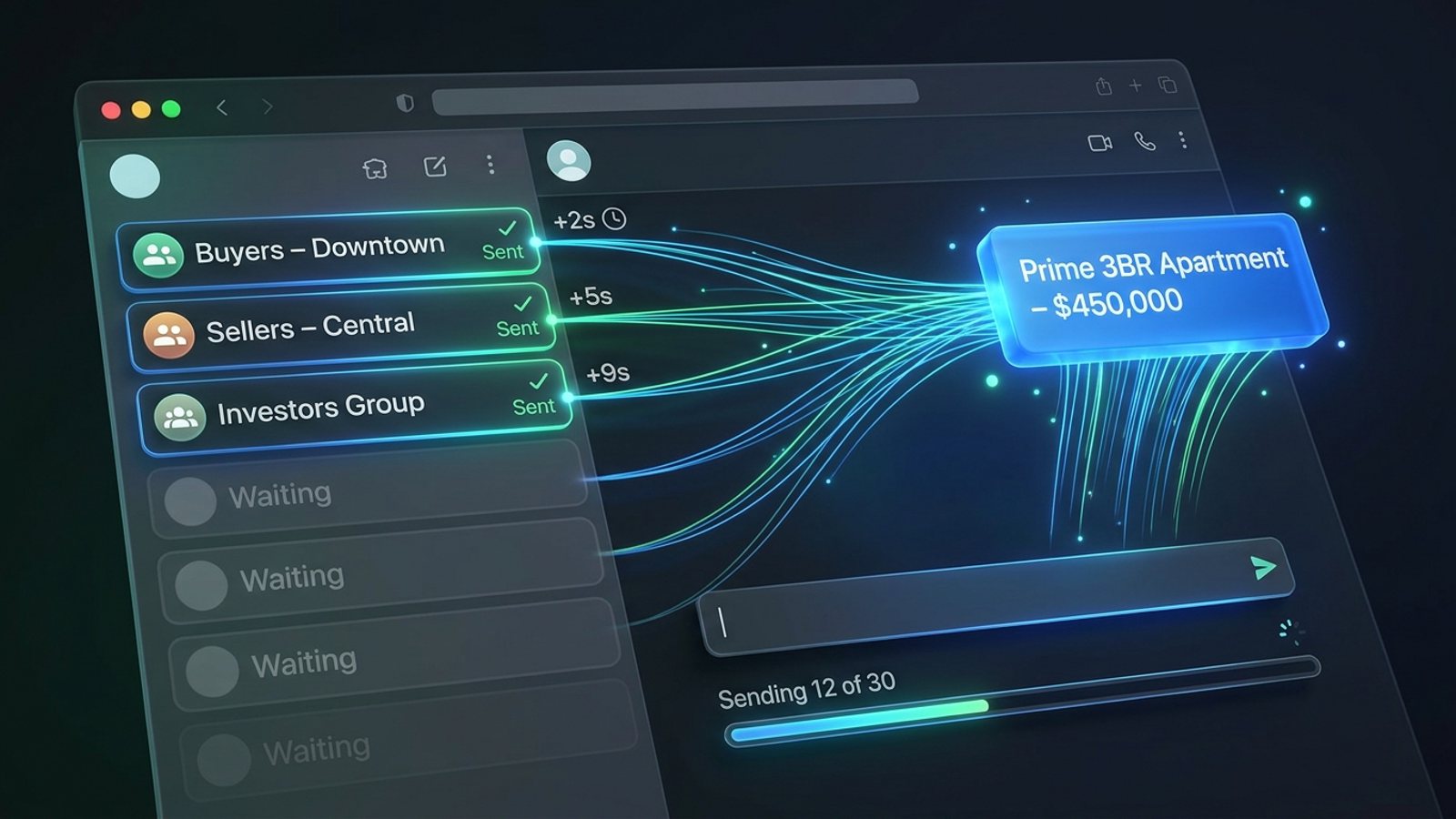
There's no single best tool — it depends on whether you're sending to groups or to a contact list. WhatsApp caps forwarding at five chats at a time, and broadcast lists reach contacts, not groups. For a new listing that has to reach 30 buyer and seller groups in one go, a preset-based Chrome extension like FivePlus is the most direct fit of the tools we compared.
Send listings to many WhatsApp groups and the first wall you hit is WhatsApp itself. Its help centre states forwarding is limited to five chats at a time, and a message already forwarded through a chain of five or more chats can only go to one chat at a time and gets a "Forwarded many times" label. Thirty groups by hand is thirty rounds of pasting.
That's the job in one sentence: one listing, thirty groups, one click. Here's how the realistic options compare — and how to pick the one that matches your send.
If you want the short version: get FivePlus for WhatsApp Chrome extension (bulk share beyond 5 recipients) and it saves your group lists so the next listing is a two-click job.
Why can't I forward a WhatsApp listing to more than 5 groups?
Because WhatsApp deliberately limits forwarding. Its help centre says a message can go to five chats at a time; if it's already been forwarded, those five chats can include a maximum of one group, and a message forwarded through a chain of five or more chats can only go to one chat at a time. The "Forwarded many times" label follows it.
So the five-chat cap isn't a setting you can switch off. Every option below is a different way around the same wall — and each one carries its own trade-off.
What are the realistic ways to send one listing to many groups?
There are five, and they fall into two families. Some send into groups you're already a member of — that's the listings job. Others send to a list of phone numbers — that's a database job.
| Option | Sends to groups? | Best for | Free option | Watch-outs |
|---|---|---|---|---|
| FivePlus (Our pick) | Yes | One listing to many saved groups | 3-day free trial | Chrome + WhatsApp Web only |
| Copy-paste by hand | Yes, one at a time | A handful of groups | Free | Very slow at 30 groups |
| Broadcast lists | No — contacts only | One-way announcements | Free | 256-contact cap; no groups |
| CSV / number senders | Numbers, not group lists | Long client databases | Some free tiers | Paste numbers, not groups |
| Scheduling / CRM apps | Contact campaigns | Teams on the Business API | Some free tiers | Paid plans; templates needed |
The table is the map. The detail below is where the decision actually gets made.
FivePlus: the pick for the saved-preset, one-click listings job
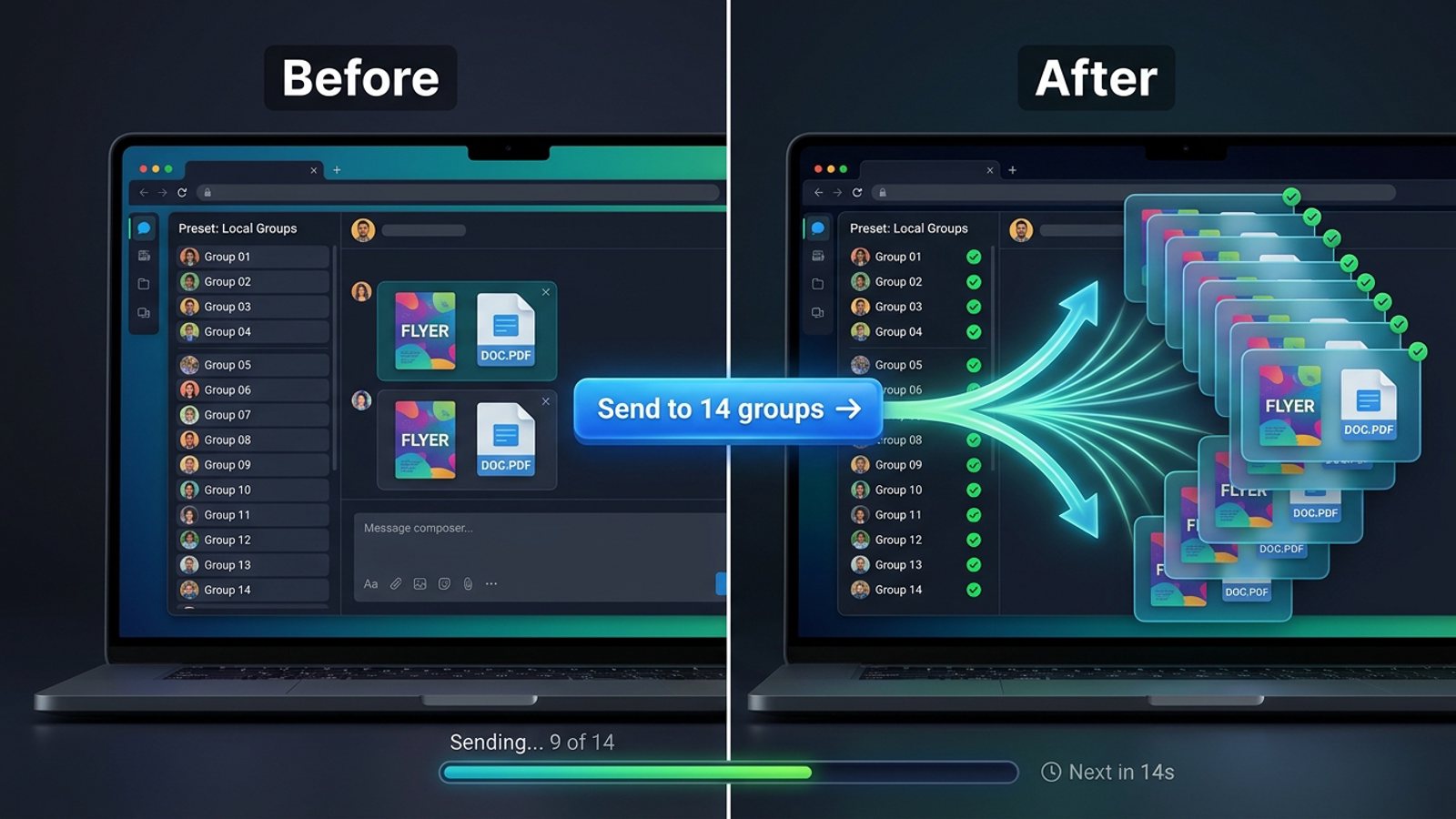
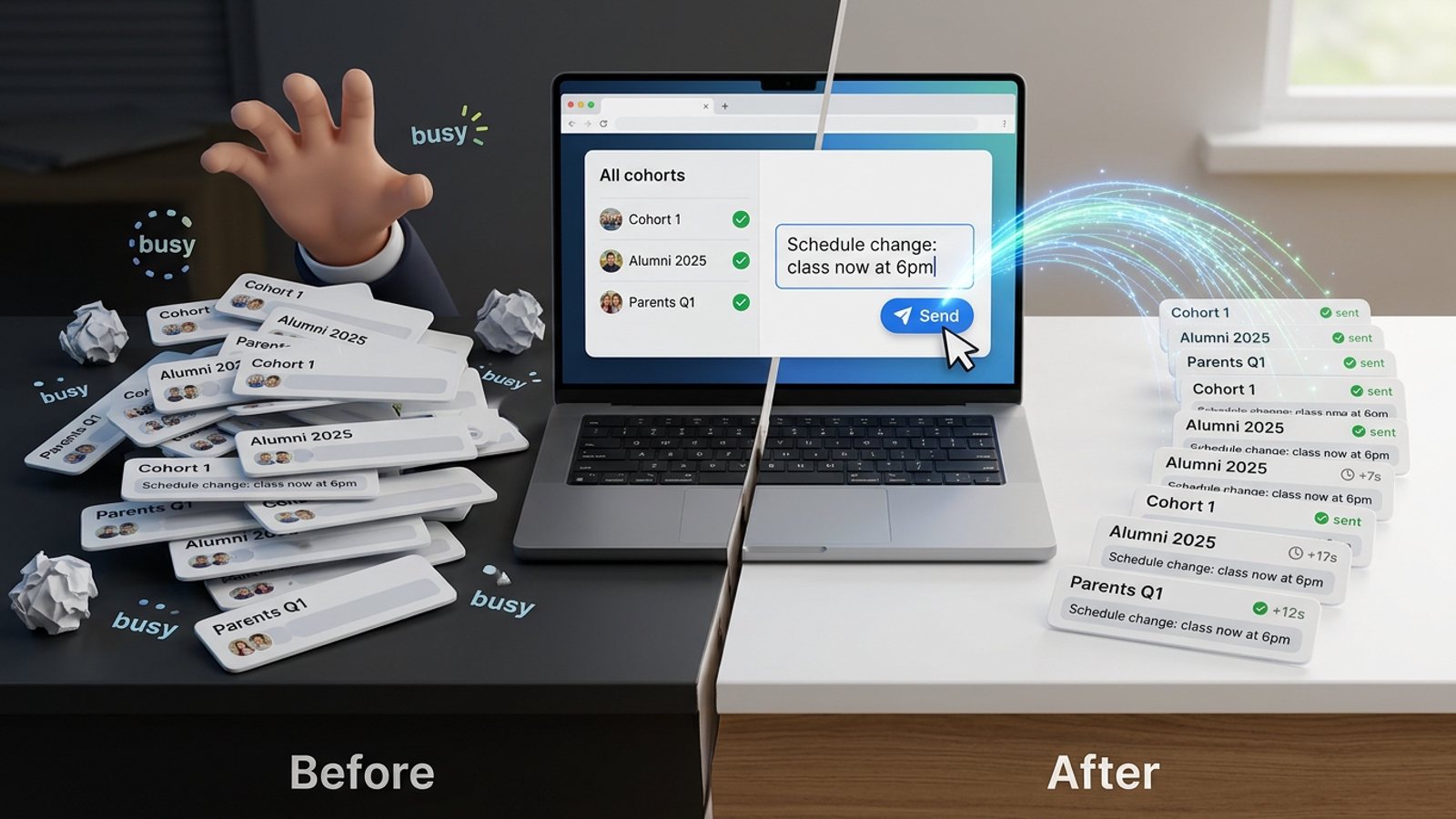
FivePlus is a Chrome extension for WhatsApp Web that sends a message, announcement or media to many saved groups and contacts in one click, instead of the standard five at a time. You save your buyer and seller groups as presets once; after that, a new listing is: pick the preset, paste the listing, send.
It's built for exactly this reader — the agent with a fresh listing and a long list of groups. The features that matter for a listings send:
- Beyond the 5-recipient limit: send to dozens of chats at once.
- Saved group lists: save once, reuse forever — no re-searching 30 groups every time.
- V2 sends to multiple saved lists at once, so a "buyers" preset and a "sellers" preset can go in the same run.
- Randomised delays stagger timing to look natural, plus anti-ban technology that mimics human behaviour.
- Mix people and groups into one preset for maximum reach.
It works on WhatsApp Web in Chrome, with no login required. It's free to try for 3 days as of November 2026 — prices can change.
Honest limits: it needs Chrome and WhatsApp Web, and it is not affiliated with Meta — WhatsApp is a trademark of Meta Platforms, Inc. It cannot guarantee your account won't be banned, and no tool can.
FivePlus is made by the team behind this blog.
How do the alternatives compare for a listings send?
Each of these is a real option with a real use case. Here's who each one suits better.
Copy-paste by hand
Free, part of WhatsApp, no third-party software and no permissions to grant. If you have three groups and want to trigger every send yourself, this is genuinely fine. At 30 groups it means re-pasting the listing and photos thirty times — and the five-chat forwarding cap means native forwarding won't shortcut it.
Suits you better if: you send to a handful of groups and want zero software involved.
WhatsApp broadcast lists
Free in WhatsApp and WhatsApp Business, native, and recipients can't see each other's replies. But a broadcast list sends to individual contacts, not to the groups you're a member of — so it doesn't solve "30 buyer and seller groups." Each list holds up to 256 contacts (per Wati's 2026 vendor blog), only recipients who saved your number receive it, and classic broadcast lists have no native scheduling.
Suits you better if: you're announcing to your own contact book, not to existing group chats.
CSV / phone-number bulk senders
Chrome extensions like WA Bulk Sender (free) and WhatsApp Bulk Sender & Privacy Guard (free tier; Pro from $1.9/month as of November 2026 — prices can change) import a CSV or Excel file of numbers, with randomised delays, pause/resume and retry. They're built around numbers rather than a saved list of groups, so for a listings job you'd be pasting numbers instead of ticking buyer and seller groups, and the WhatsApp tab has to stay open while sending.
Suits you better if: you own a long phone-number database and want personalised placeholders per contact. WA Bulk Sender's own listing warns that unsolicited bulk messages can violate WhatsApp's Terms and get a number rate-limited or banned "regardless of pacing."
Scheduling and automation apps
Tools like SpaceCRM (advertised from $29/month as of November 2026, with a free tier of up to 500 contacts) and BizzSender (subscription plans) add scheduling, delivery counts and CRM features. They send to contact lists, not into existing WhatsApp groups — BizzSender's campaigns target a "contact group." The compliant path at scale is the official WhatsApp Business Platform with opt-in consent and approved templates; from 1 October 2026 service messages there are billed per message, per Wati's 2026 vendor blog.
Suits you better if: you're a team sending at volume who needs consent tracking, template approval and analytics — and you're ready for a monthly commitment.
How do I actually send a listing to 30 groups without getting banned?
You can't remove the risk — but you can avoid the patterns that look like spam. WhatsApp's help centre says it uses on-platform signals and machine learning to find and ban abusive accounts; a developer anti-ban guide (zakirkun/wapi, June 2026) lists sudden volume spikes, identical messages to many recipients, no inbound traffic and repeated failures as spam signals. open-wa's docs (November 2026) put it plainly: "a send queue paces your traffic; it doesn't make a risky pattern safe."
A practical sequence:
- Prepare the listing once — photos, price, link, ready to paste in a single block.
- Decide the audience shape — groups you're a member of, or a saved contact list. They need different tools.
- Build the list once — a saved preset in FivePlus, or a CSV in a number sender — so you never search 30 groups again.
- Use a randomised delay, not a fixed interval. Pacing helps; it doesn't make a risky pattern safe.
- Keep volumes modest and keep real conversations going. Inbound replies are a healthy signal.
- Re-check WhatsApp's terms as they change. This is not legal advice.
Pacing is a seatbelt, not a guarantee — it lowers the odds, and no tool can promise your number stays safe.
What happens if WhatsApp restricts my account?
You keep your existing chats but lose the ability to start new ones. WhatsApp's help centre says a restricted account can still chat with existing contacts and groups but cannot start new chats, create groups, add members or use linked devices — and the restriction lifts automatically after the set time.
That's why the safest habit is to keep your sends looking like a person sending a listing to people who expect it, not a blast to strangers.
Which tool should I pick for my listings?
Match the tool to your send, not the other way round:
- 30 groups, one listing, repeat every week → FivePlus: save the presets, send past five in one click. Get FivePlus for WhatsApp Chrome extension (bulk share beyond 5 recipients).
- A handful of groups, nothing automated → copy-paste by hand is free and fine.
- Your own contact book, not groups → broadcast lists, or a CSV sender if you need personalisation.
- A team on the official platform → the WhatsApp Business Platform with opt-in and approved templates.
If you're still weighing the mechanics, our guide to sending one WhatsApp message to multiple groups at once walks through the group-side options, and the FivePlus blog has more on repeat sends and account safety.
The job doesn't get easier by waiting — the listing goes stale. Save your group lists once, and the next one is a two-click send: get FivePlus for WhatsApp Chrome extension (bulk share beyond 5 recipients).
Sources
- Unauthorized use of automated or bulk messaging on WhatsApp — WhatsApp Help Center, undated
- How to forward messages — WhatsApp Help Center, undated
- About forwarding limits — WhatsApp Help Center, undated
- Restricted accounts — WhatsApp Help Center, undated
- 2026 WhatsApp bulk messaging rules: 256 cap, throttling, Business API guide — Wati vendor blog, 2026-09-22
- Lista de transmissão do WhatsApp — Drag vendor blog, updated 2026-10-05
- WhatsApp Terms of Service & legal considerations — GitHub, 2026-01-27
- Anti-ban guide — GitHub, 2026-06-05
- Rate limits and account risk — GitHub, 2026-11-19
- WA Bulk Sender — free — Chrome Web Store, updated 2026-06-28
- WhatsApp Bulk Sender & Privacy Guard — Chrome Web Store, undated
- WA Bulk Message Sender — Chrome Web Store, undated
- Free WhatsApp Web bulk sender for Chrome — WbizTool, 2026-10-17
- SpaceCRM WhatsApp marketing for real estate — SpaceCRM, undated
- BizzSender — Google Play, updated 2026-06-04
Frequently asked questions
No. Broadcast lists send individual one-to-one messages to contacts, not into the groups you're a member of, so recipients don't see each other's replies. Each consumer list holds up to 256 contacts, and only recipients who saved your number receive the message.
No tool can guarantee otherwise. WhatsApp states bulk and automated messaging violate its Terms of Service, and recipient spam reports are a common trigger. Randomised delays and human-like pacing reduce the risk but don't remove it.
A group sender sends into WhatsApp groups you're already a member of — the listings job. A CSV sender imports phone numbers and messages them individually — the database job. FivePlus is built around saved group lists; WA Bulk Sender and similar tools are built around number files.
Of the tools we compared, FivePlus is the most direct fit: you save the 20 buyer groups as a preset once, then send the listing past the 5-chat limit in one click with randomised delays. If you mainly need scheduling and analytics for a team, a Business Platform tool like SpaceCRM is the more direct choice.
Copy-paste by hand and native broadcast lists are free. FivePlus is free to try for 3 days as of November 2026, and several CSV senders have free tiers, including WA Bulk Sender and WbizTool's Chrome extension.