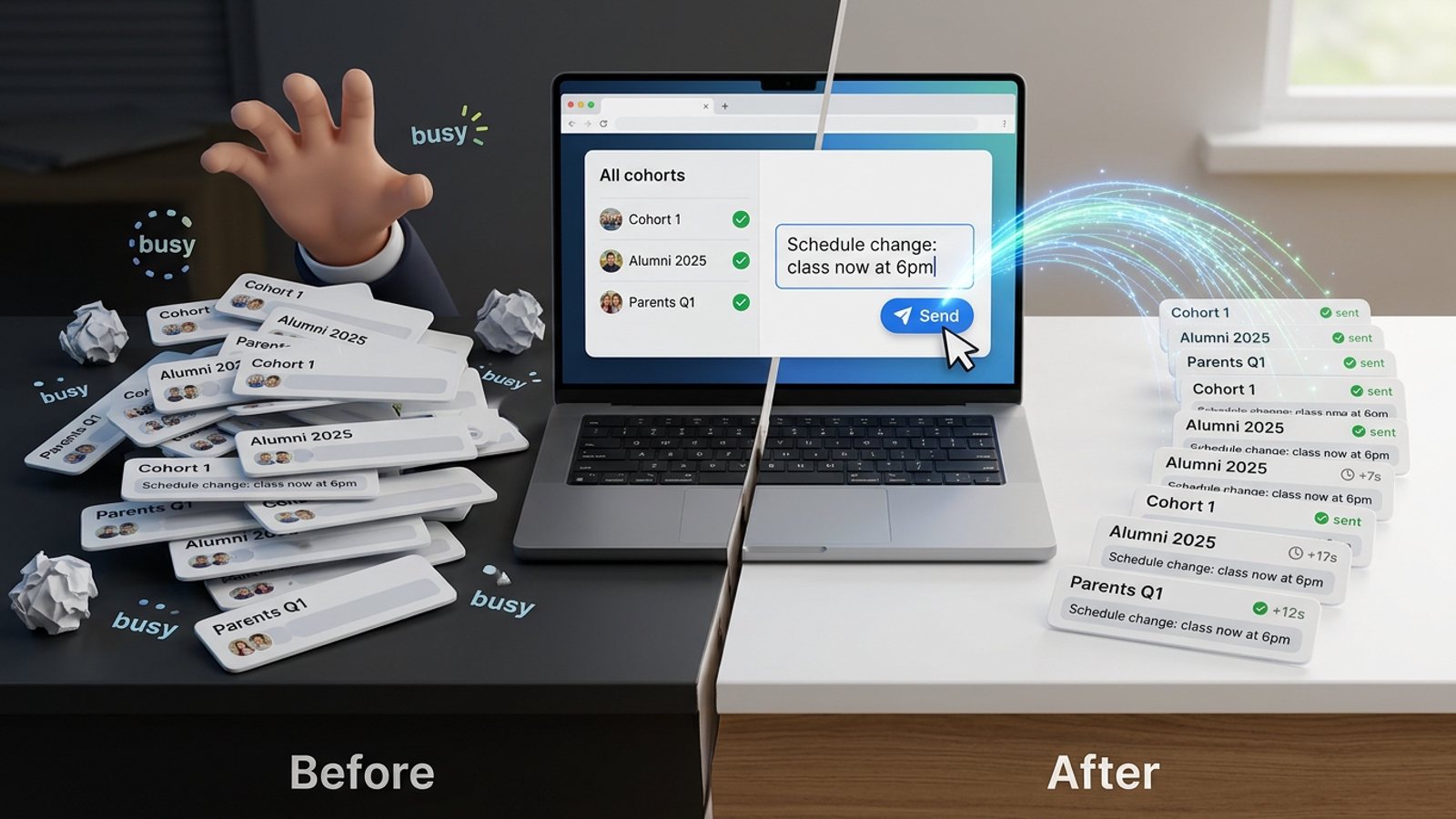
Is there a tool that sends WhatsApp media to many groups in one click?
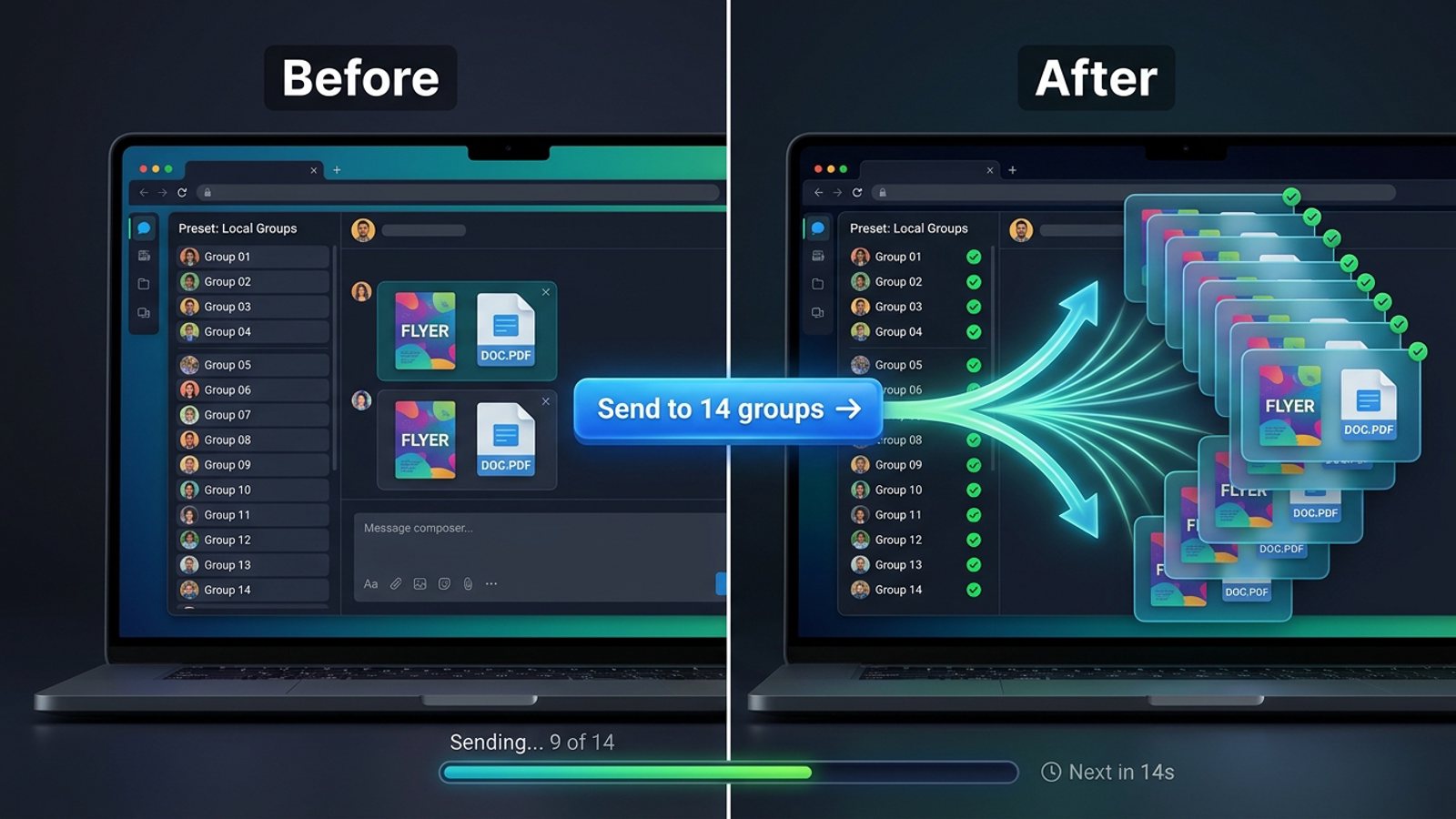
Yes. Chrome extensions that run on top of WhatsApp Web can attach a flyer, PDF or video once and push it to a saved list of groups in one go — FivePlus is one of them. WhatsApp's own forwarding stops at 5 chats per forward, so a tool is the practical route for sending whatsapp media to many groups.
If you want the short version: get FivePlus for WhatsApp Chrome extension (bulk share beyond 5 recipients) and read on to make sure it fits your workflow.
Can WhatsApp itself send one image or PDF to many groups at once?
No. Native forwarding tops out at 5 groups per forward, according to a WHAMetrics tutorial published in February 2025, and broadcast lists are a contact feature, not a group feature.
That's the ceiling you hit the moment your list grows past a handful of groups. WhatsApp's Help Center also states plainly that its products are not intended for bulk or automated messaging and that this has always violated its Terms of Service. The built-in route is designed for reshares, not campaigns.
What you get natively, for free:
- Forward to at most 5 chats per forward (WHAMetrics, 2025)
- Attach documents up to 2 GB, video up to 100 MB at 720p (64 MB at 480p on slower connections), per WhatsApp's Help Center
- No saved group lists, so you re-search the same groups every time
For a one-off reshare to three groups, that's fine. For a weekly flyer to twenty groups, it's twenty minutes of tapping and a real chance of missing one.
What is a WhatsApp media bulk sender, and how does one click work?
It's a browser extension that adds a sending panel to WhatsApp Web: you pick a saved group list, attach the file once, and the extension opens each chat in turn and posts the media with delays between sends.
The "one click" is really one click to start. The extension still works through your groups one at a time — that's the point, because a burst of identical media to thirty groups in ten seconds is exactly the pattern spam filters look for. Pacing is the feature, not a compromise.
Say you run a bakery and you're promoting a Saturday tasting menu. You have a flyer JPG and a one-page PDF menu. You save a preset called "local groups" with your 14 neighbourhood and foodie groups. On Thursday morning you attach the flyer, write two lines of caption, pick the preset, and start. The extension posts to group one, waits, posts to group two, and so on. You check the results log, then get on with the baking.
What should you look for in a tool for sending WhatsApp media to many groups?
Look for five things: saved group presets, media support that matches your file types, randomised delays, a results log, and honest limits about what it can't protect you from.
Saved group lists you build once
If the tool makes you re-select groups every send, you've swapped one manual job for another. Presets are the difference between a two-minute campaign and a twenty-minute one. FivePlus saves your group lists once and lets you reuse them, and its V2 lets you send to several saved lists at once — useful when your "clients" and "partners" lists both need the same announcement.
Media support and file size limits
Check the file types the tool accepts against what you actually send. Category listings vary: WA Group Bulk Sender supports images, video, audio, documents and contact cards with up to five attachments, per its Chrome Web Store listing (updated November 2026). WhatsApp's own limits still apply underneath — documents up to 2 GB, video 100 MB at 720p — per the WhatsApp Help Center.
Randomised delays, not fixed ones
A fixed 5-second gap between thirty sends is a machine signature. Randomised intervals are the baseline — WhatsApp Bulk Media Sender's listing describes randomised delays of 10 seconds to 30 seconds and more "to simulate human behavior and minimize account risk", per its Chrome Web Store page. WA Bulk Sender goes further with randomised minimum and maximum delays plus periodic cooldowns, per its listing (updated June 2026).
A results log
You need to know which groups got the flyer and which failed. WA Group Bulk Sender offers Excel export of results, per its listing; WA Bulk Message Sender (v1.2.0, updated June 2026) lists failed-send retry and result export too.
Honest wording about risk
Be wary of any tool that promises your account can never be banned. The WA Bulk Sender listing itself warns that unsolicited bulk messages can violate WhatsApp's Terms of Service and get a number rate-limited or banned "regardless of pacing". A tool that says that out loud is more trustworthy than one that doesn't.
Bulk sending tools reduce friction and pace your sends — they don't make bulk messaging something WhatsApp approves of.
Which tools send WhatsApp media to many groups? Our comparison
Of the tools we compared, FivePlus is our pick for marketers and event planners who want saved presets and one-click media sends from WhatsApp Web in Chrome. The table below sets it against three real alternatives.
| Option | Best for | Key features | Price / free option | Watch-outs |
|---|---|---|---|---|
| FivePlus (Our pick) | Flyers, PDFs and videos to saved group lists | Presets, multi-list sends, randomised delays | Free to try for 3 days | Chrome + WhatsApp Web only |
| WhatsApp native forwarding | A one-off reshare to a few chats | No setup, no extension | Free | 5 chats per forward |
| WA Group Bulk Sender | Free group sends with several attachments | Up to 5 attachments, templates, Excel export | Free | Independent, not affiliated with Meta |
| WhatsApp Business API (WATI) | Opt-in marketing at scale | Official channel, automation, tracking | Platform fee plus per-message | Template approval, opt-in rules |
FivePlus is made by the team behind this blog.
FivePlus — our pick
FivePlus is a Chrome extension for WhatsApp Web that sends a message, announcement or media to many saved groups and contacts in one click, instead of the standard five at a time. It shares to more than 5 groups and contacts at once, uses anti-ban technology that mimics natural human behaviour, and staggers timing with randomised delays. You can mix people and groups into one preset, and V2 lets you send to multiple saved lists at once.
It's free to try for 3 days as of November 2026, and prices can change. Two limits matter: it requires the Chrome browser and WhatsApp Web, and the owner confirms it's built for regular WhatsApp — not WhatsApp Business accounts.
If your campaign is a flyer to fourteen groups every Thursday, that's the exact job it was built for. Get FivePlus for WhatsApp Chrome extension (bulk share beyond 5 recipients).
WhatsApp native forwarding and broadcast lists — the free baseline
Zero setup, zero permissions, zero cost. For a handful of chats it's genuinely the right answer. It stops working the moment your list gets long, because of the 5-chat forward cap and the lack of saved lists. If you mainly need to reshare to two or three chats occasionally, stay native.
WA Group Bulk Sender — a free group-focused alternative
WAGroup is free and sends the same content to selected groups in sequence, with images, video, audio, documents and contact cards, up to five attachments, an "@all" mention switch, up to five saved templates, adjustable intervals, pause/resume and Excel export of results, per its Chrome Web Store listing (updated 19 November 2026). The listing states it's independent and not affiliated with, endorsed by or sponsored by WhatsApp or Meta, and that file limits apply.
If you mainly need several attachments per send and a free tool, WAGroup is the more direct choice. Its listing showed 358 users at the time we checked — small, so expect a thin support community.
WhatsApp Business API providers — the official, consent-based route
If you need opt-in marketing at scale with CRM integration and per-message tracking, the API route is the right one. Meta bills per delivered template message, priced by category and the recipient's country code, per Meta's pricing documentation (updated September 2026); non-template messages are free but only inside an open customer-service window. WATI's plans were listed at $69, $149 and $349 per month by the third-party tracker Spur in November 2026, with messages billed on top — verify on WATI's own site.
The trade-offs are real: template approval, strict opt-in rules (businesses may only message people who gave their number and consented, per a Wati vendor blog from February 2026), and API media limits that differ from the app's. If you mainly need consent-based, trackable campaigns and have a budget, a BSP platform is the more direct choice.
How do you send a flyer to many WhatsApp groups step by step?
The workflow is the same across tools; the differences are in the details. Here's the sequence that works.
- Decide your route. Built-in forwarding for a few chats, a WhatsApp Web extension for saved group lists.
- Install the extension in Chrome and open WhatsApp Web, scanning the QR code and waiting for chats to load.
- Save your group list once as a preset — one-click import in some tools, search-and-select in others.
- Attach the media once. Image, video, PDF or document; check it's inside WhatsApp's size limits first.
- Write the caption. Keep it short and specific — what it is, when it is, what to do next.
- Set a randomised interval, and a periodic cooldown if the tool offers one.
- Select the preset, review, and start. Leave Chrome and the WhatsApp Web tab open until it finishes.
- Check the results log and note any groups that failed rather than resending blindly.
If you're sending event details specifically, our walkthrough on sending event details to 15 WhatsApp groups in one click goes deeper on the caption and timing side.
Will bulk media sending get my WhatsApp account banned?
It can put your number at risk. WhatsApp states that bulk and automated messaging violates its Terms of Service, and pacing reduces the chance of flags without removing the risk — the WA Bulk Sender listing says so directly.
That's the honest picture, and it's why the practical rules matter more than the tool:
- Send to people who expect it. Unsolicited promotional messages and sending too many messages are named among the most common ban triggers in a Respond.io vendor blog from September 2026.
- Pace everything. Randomised delays and cooldowns, not fixed gaps.
- Keep lists tight. Fourteen relevant groups beat two hundred random ones.
- Don't repeat the same file to the same groups daily. Vary the message, space the campaigns.
Ready to send your next flyer in one click? Get FivePlus for WhatsApp Chrome extension (bulk share beyond 5 recipients) and build your first preset today.
Sources
- Unauthorized use of automated or bulk messaging on WhatsApp — WhatsApp Help Center, undated
- Medien, Kontakte und Standort senden (attachment limits) — WhatsApp Help Center, undated
- How to broadcast to multiple WhatsApp groups — WHAMetrics, 2025-02-24 (vendor tutorial)
- WA Group Bulk Sender — Chrome Web Store, updated 2026-11-19
- WA Bulk Sender — free — Chrome Web Store, updated 2026-06-28
- WhatsApp Bulk Media Sender — Chrome Web Store, undated
- RitPost – Group Posting for WhatsApp Web — Chrome Web Store, undated
- WA Bulk Message Sender (v1.2.0) — Chrome Web Store, updated 2026-06-09
- WhatsApp Business Platform pricing — Meta for Developers, updated 2026-09-30
- WATI pricing comparison — Spur, 2026-11-05 (third-party tracker)
- Is WhatsApp marketing legal? — Wati blog (vendor), 2026-02-02
- WhatsApp Business banned — Respond.io blog (vendor), 2026-09-28
Frequently asked questions
Of the tools we compared, FivePlus is our pick for saved group presets with one-click media sends from WhatsApp Web in Chrome, with a 3-day free trial as of November 2026. If you need several attachments per send and want a free tool, WA Group Bulk Sender is the more direct choice. If you need consent-based campaigns at scale with reporting, go to the official Business API.
WhatsApp's Help Center lists documents up to 2 GB, video up to 100 MB at 720p (64 MB at 480p on slower connections). Individual extensions may accept fewer types or attachments — WA Group Bulk Sender, for example, lists up to five attachments per send.
Yes. The WhatsApp Web tab must stay open while the send runs, per the WA Bulk Sender Chrome Web Store listing (updated June 2026). Plan campaigns for a window when your computer stays awake.
It depends on the tool. FivePlus lets you mix people and groups into one preset. Some extensions are groups-only by design — RitPost, for instance, is built for group posting and waits for you to press Enter per group.
If you message the same five-plus groups more than once a month, yes — the saved list alone pays for the setup time. If you send to two groups twice a year, native forwarding is simpler and free.