How do I message 30 WhatsApp groups at once without getting banned?
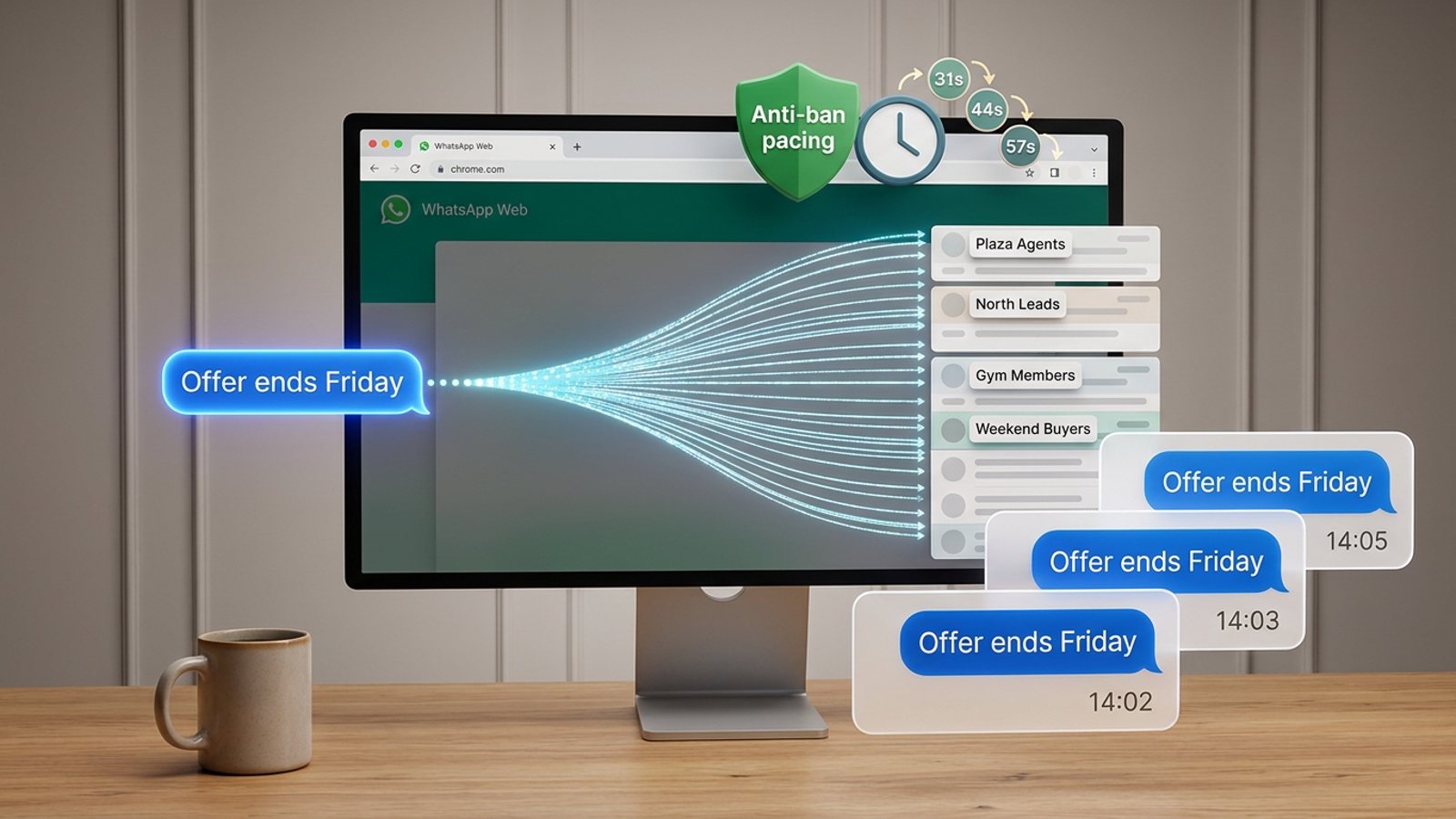
You can't guarantee a ban-free way to message 30 WhatsApp groups. WhatsApp says bulk and automated messaging breaks its Terms of Service, and its detection looks at send speed, identical content and how many people report or block you. You can lower the risk: pace sends with randomised delays, message only groups that expect to hear from you, and vary the wording.
Is messaging 30 WhatsApp groups at once against the rules?
Yes — WhatsApp's own Help Center says its products "are not intended for bulk or automated messaging, both of which have always been a violation of our Terms of Service." That wording doesn't distinguish between ads and a friendly announcement. Same message, 30 groups, is a bulk send.
WhatsApp also says it uses on-platform information and machine learning to find and suspend abusive accounts, and that it has already stopped "millions of accounts." Since 7 December 2019, it says it may take legal action against people or businesses it judges to be abusing the platform — even based on evidence from outside WhatsApp.
So the honest framing for this whole job is risk reduction, not risk removal. You can make message 30 WhatsApp groups without ban risk as low as you reasonably can — but nobody, including us, can promise your number survives. Rules and enforcement can change, and this is not legal advice.
What actually triggers a WhatsApp ban?
Speed, sameness and reports. A Hong Kong tech outlet's review of WhatsApp's terms and complaint cases (ezone.hk, 15 May 2026) names three highest-risk behaviours for automatic bans:
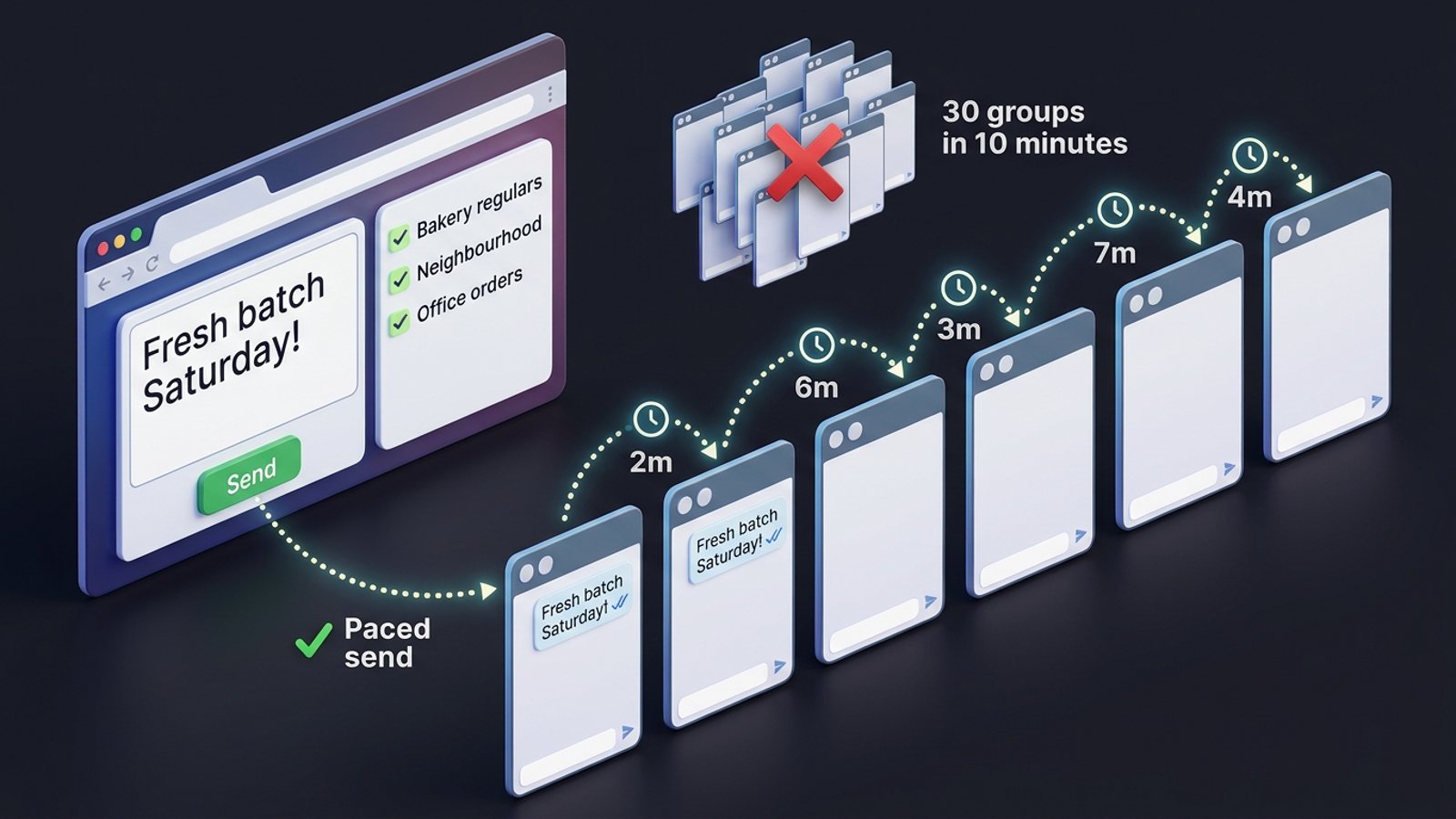
- Sending the same message to many users in a very short window — for example within 10 minutes — especially to people who haven't saved your number.
- Being blocked or reported by many users at once.
- Adding strangers to large groups without their consent.
The same review notes that even non-advertising messages can be flagged — a company's New Year greeting to many customers, sent to people who never saved the sender, is the example it gives. A vendor security blog (Ninja Team, 13 July 2026) adds frequent device switching and rapidly changing VPN locations as risk factors.
A ban is rarely about one message. It's about a pattern: fast, identical, unwanted.
How do I space out 30 messages so they don't look automated?
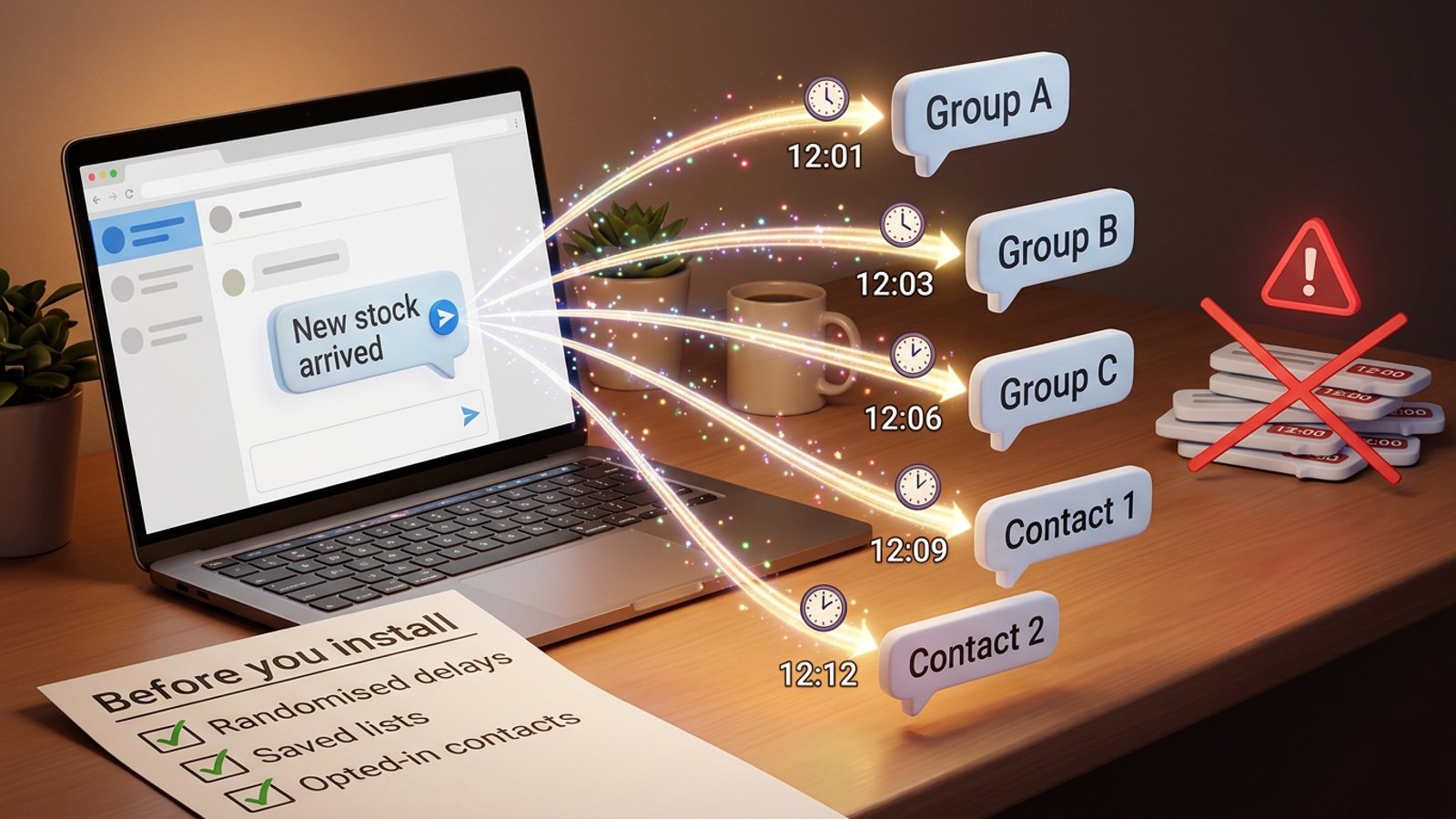
Use randomised delays, not a fixed interval. A WhatsApp Delay Calculator listing (Microsoft Edge Add-ons, 21 September 2026) calls constant-interval sending "a known trigger for automated anti-abuse detection" and describes the standard technique as small varying delays plus longer pauses after a batch.
WhatsApp publishes no safe delay figure, so what exists are tool settings and rules of thumb. WaSenderHQ's Firefox listing (24 May 2026) suggests a delay range of 30–90 seconds as an example, with automatic cooldown breaks after a batch on its Pro tier. QuicSender, a WhatsApp Web Chrome extension (Chrome Web Store, updated 11 August 2026), describes its own safety limits as a maximum of 50 contacts per session, randomised delays and no automatic retries.
Our recommendation: set a range rather than a single number, add a longer pause every 10–15 sends, and keep the WhatsApp Web tab open and in front while it runs.
The 7-step method for sending to 30 groups with less risk
Work through this in order. Each step removes one of the triggers above.
- Save the list once. Save the 30 group names so you're not searching WhatsApp for each one every time. Searching is where people get impatient and start rushing.
- Cut the list before you send. Only include groups whose members expect to hear from you. Dropping 5–10 low-engagement groups is risk reduction, not failure.
- Write something worth reading. A message with a clear reason to reply — and an easy way to opt out — gets fewer blocks. WhatsApp's responsible-use page warns that heavy broadcast use leads people to report you, and repeated reports can get an account banned.
- Pick your route. Broadcast lists (opt-in contacts only), manual one at a time, the official Business Platform (opt-in plus templates), or a WhatsApp Web extension with randomised pacing.
- Set randomised delays and a pause after each batch. Never a fixed interval. Keep the tab open.
- Vary the text. Don't send byte-identical copy to all 30. Change a line, add the group's name, personalise where you can.
- Send the first run slowly and watch. If replies dry up or you see warnings, stop and reassess rather than pushing through.
Then keep your number stable: no constant device switching, no hopping VPN locations (Ninja Team, 2026).
How does FivePlus handle a 30-group send?
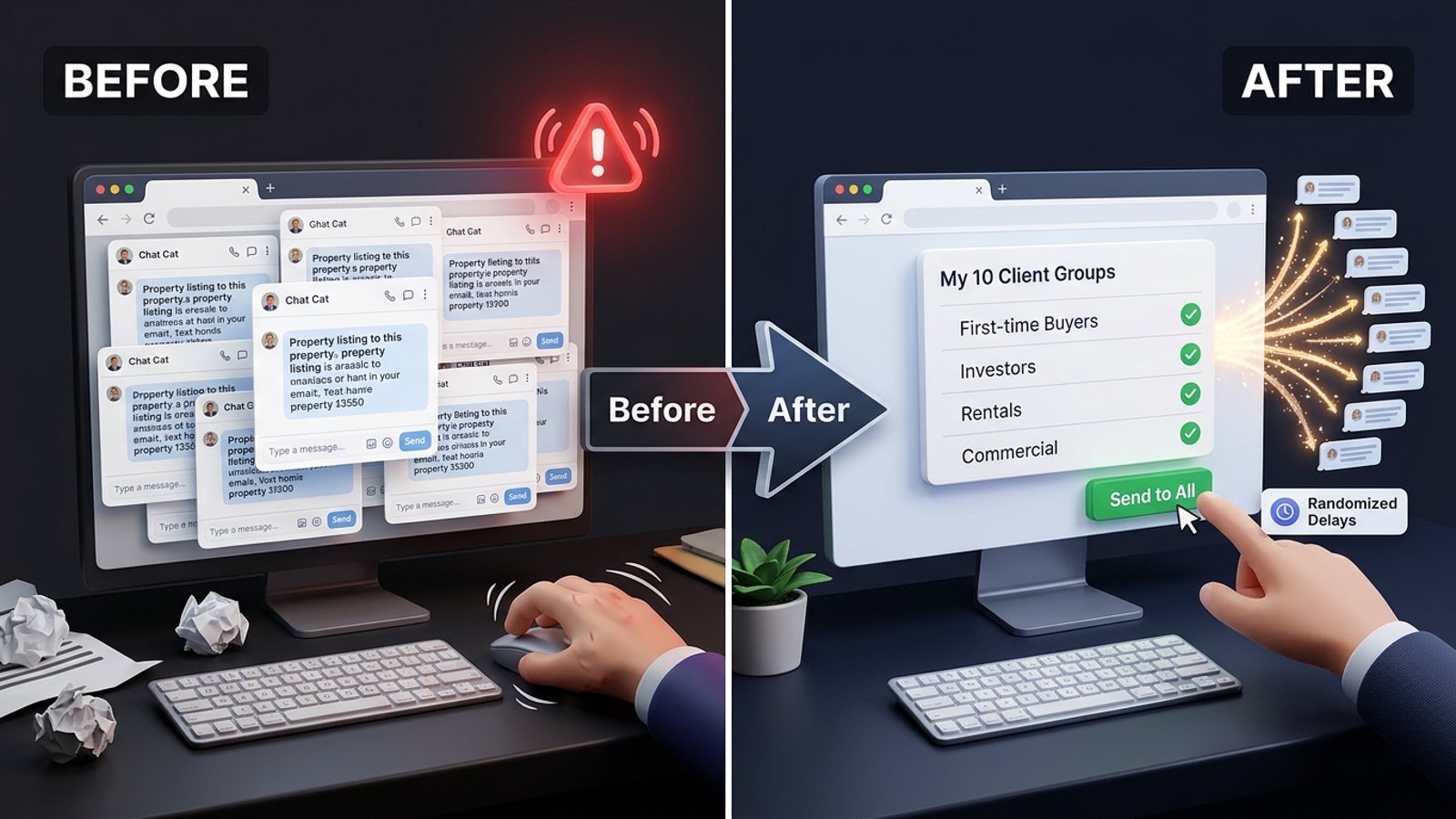
FivePlus is a Chrome extension for WhatsApp Web that sends to more than 5 groups and contacts at once — the standard limit is five at a time. You save your group and contact lists as presets once, mix people and groups into one preset, then pick a message or media and send in one click. V2 lets you send to multiple saved lists at once.
On the safety side, it uses anti-ban technology that mimics natural human behaviour, and randomised delays stagger message timing to avoid spam flags. That's the pacing technique from step 5, built in. All plans include unlimited sharing, there's no monthly sending limit, and saved group lists stay saved forever — so it's better not to uninstall the extension.
Two honest limits. It needs the Chrome browser and WhatsApp Web, and the free trial runs 24 hours (the site also advertises a 3-day try). FivePlus is not affiliated with Meta, and WhatsApp is a trademark of Meta Platforms, Inc.
Get FivePlus for WhatsApp Chrome extension (bulk share beyond 5 recipients) and set your first 30-group send up as a saved preset.
What are the alternatives for messaging many WhatsApp groups?
Here's how the realistic options compare, as of November 2026. Prices can change.
| Option | Best for | Key features | Price / free option | Watch-outs |
|---|---|---|---|---|
| FivePlus — Our pick | 30+ saved groups in one go | Saved presets, randomised delays, unlimited sharing | Free to try for 3 days | Chrome + WhatsApp Web only |
| WhatsApp broadcast lists | Opt-in contacts who saved your number | Up to 256 contacts per list, private DM replies | Free, built in | No groups, phone only |
| WhatsApp Business Platform | Businesses with opted-in customers | Official route, approved templates | No Meta monthly fee, per-message billing | Needs opt-in, BSP, templates |
| Manual, one group at a time | Small lists, the cautious | Nothing automated to detect | Free | Still a bulk send if identical |
| WaSenderHQ | CSV or Sheets campaigns by number | Typing effect, delay range, cooldowns | Free edition; Pro price conflicting | Numbers, not groups |
Of the tools we compared, FivePlus is our pick for this specific job — 30 existing groups, sent once, with pacing — because saved group presets and randomised delays are exactly what the task needs.
The other options are genuinely better for some readers. If you mainly need to reach contacts who already opted in, WhatsApp broadcast lists are the more direct choice — free, built in, and designed for exactly that. They reach up to 256 contacts per list, replies come back as private DMs (Zenvia, updated 21 October 2026; folk CRM blog, 31 August 2026), but they can't be created on WhatsApp Web, only deliver to people who saved your number, and don't reach groups at all (SleekFlow, 15 September 2026; Wati blog, 22 September 2026).
If you're a business with consented customers, the WhatsApp Business Platform is the sanctioned route. There's no Meta monthly fee; you're billed per delivered message by category, country and who started the conversation, with 1,000 free service replies per month per number, and since 1 October 2026 service messages and utility templates inside the 24-hour window are billable (Square Cloud, 21 October 2026; Respond.io, 19 November 2026). New portfolios typically start at 250 unique recipients per rolling 24 hours (Zernio blog, 25 June 2026). The catch: opt-in consent, approved templates outside the 24-hour window, and usually an approved BSP that may charge on top of Meta's fees (SleekFlow, 13 March 2026; Route Mobile, 19 August 2026).
Manual sending looks safest because a human types each message, and it lets you tailor each one and drop groups where you're not welcome. But WhatsApp's rules judge the behaviour, not the tool — the same message across 30 groups is still a bulk send — and it gives you no pacing control beyond your own patience.
WaSenderHQ is built for CSV or Google Sheets campaigns by phone number, with character-by-character typing, a configurable delay range (its listing suggests 30–90 s) and cooldown breaks on Pro (Firefox Add-ons, 24 May 2026). Its listing describes messaging phone numbers rather than WhatsApp groups, and its Pro price is contradictory on the same page — quoted as both $19.99 and $9.99 one-time — so treat the pricing with care.
What if I get restricted anyway?
Use Request review in the app and wait. When WhatsApp blocks an account, the app shows "This phone number can't use WhatsApp" with a Request review option, and most reviews are completed within 24 hours (WhatsApp Help Center). If the Request review option is missing, WhatsApp says the decision is final and cannot be appealed — and contacting WhatsApp outside the review process, or through someone else's account, won't change the outcome.
In August 2026, accounts in several countries were put "in review" for 24 hours with all features blocked while activity and device info were checked (The Times of India, 3 August 2026). A review isn't always a permanent ban.
Does the new 1,500-member group limit change anything?
No — that's group size, not your send volume. WhatsApp groups now hold up to 1,500 members, up from 1,024, rolling out gradually on Android and iOS including groups inside Communities, and existing groups get the higher limit automatically (Engadget and MacRumors, 19 November 2026). A bigger group doesn't make a 30-group send safer; it just means more people can report the same message.
If you want to compare this with sending to 50 groups, read our guide on sending one WhatsApp message to multiple groups at once. And if your list is one you'll reuse, see the tool that remembers your WhatsApp group list.
Get FivePlus for WhatsApp Chrome extension (bulk share beyond 5 recipients) and send your 30 groups with randomised pacing instead of firing them all at once.
Sources
- Unauthorized use of automated or bulk messaging on WhatsApp — WhatsApp Help Center
- How to use WhatsApp responsibly — WhatsApp Help Center
- How to use WhatsApp responsibly (zh) — WhatsApp Help Center
- About account blocking — WhatsApp Help Center
- WhatsApp 隨時被 Ban?官方條款揭「3 類行為」屬高危 — ezone.hk, 15 May 2026
- Why WhatsApp Blocked My Number and How to Fix It — Ninja Team, 13 July 2026
- WhatsApp accounts put under review for 24 hours — The Times of India, 3 August 2026
- WhatsApp's group chats can now have up to 1,500 members — Engadget, 19 November 2026
- WhatsApp Raises Group Chat Limit to 1,500 Members — MacRumors, 19 November 2026
- WhatsApp Bulk Sender & Auto Sender — WaSenderHQ — Firefox Add-ons, 24 May 2026
- QuicSender for WhatsApp — Chrome Web Store, updated 11 August 2026
- WhatsApp Delay Calculator — Microsoft Edge Add-ons, 21 September 2026
- WhatsApp Business API cost — Square Cloud, 21 October 2026
- WhatsApp Business Messaging API Pricing Calculator — Respond.io, 19 November 2026
- WhatsApp business pricing guide — Route Mobile, 19 August 2026
- WhatsApp Business App vs API — SleekFlow, 15 September 2026
- WhatsApp broadcast — Zernio blog, 25 June 2026
- Broadcast list guide — Zenvia, updated 21 October 2026
- How to send broadcast message on WhatsApp — folk CRM blog, 31 August 2026
- WhatsApp Business API guide — hensontsai.com, 13 March 2026
- 256-person limit and throttling guide — Wati blog, 22 September 2026
Frequently asked questions
Yes. WhatsApp's Help Center describes bulk and automated messaging as a Terms of Service violation, even when the content isn't advertising.
Tool listings suggest ranges — WaSenderHQ's example is 30–90 seconds — and the technique is randomised delays with longer pauses after a batch.
It varies. QuicSender caps itself at 50 contacts per session; FivePlus has no monthly sending limit and all plans include unlimited sharing.
No. WhatsApp states that third-party services cannot block or unblock WhatsApp accounts — only WhatsApp can.
If your list is 30 existing WhatsApp groups and you want them sent in one click with randomised pacing, FivePlus is our pick of the tools we compared. If you're messaging opted-in contacts rather than groups, WhatsApp broadcast lists are the more direct, free choice. Either way, follow WhatsApp's terms — risks and rules can change, and this is not legal advice.