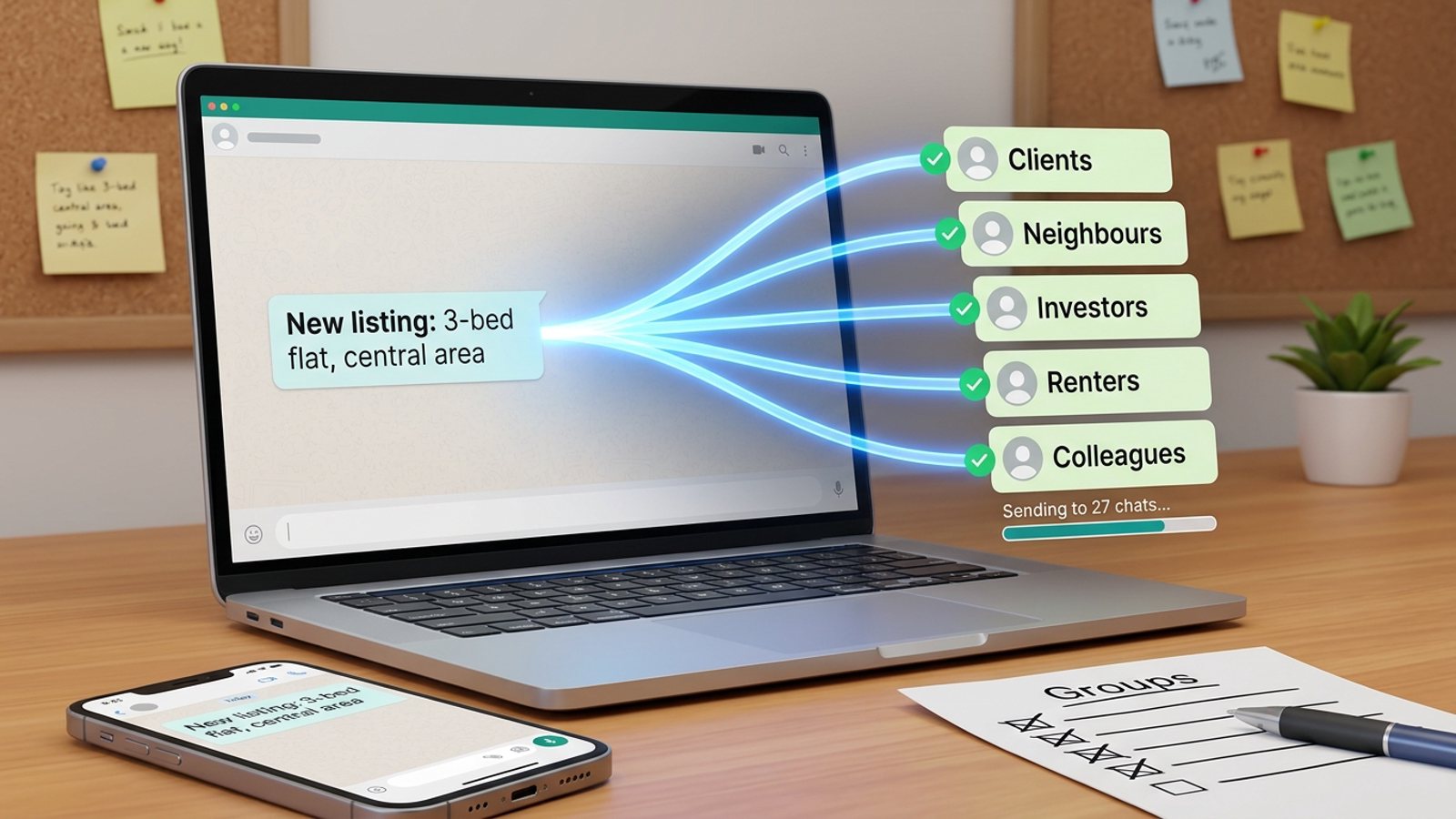
What's the best bulk WhatsApp sender for groups for beginners?
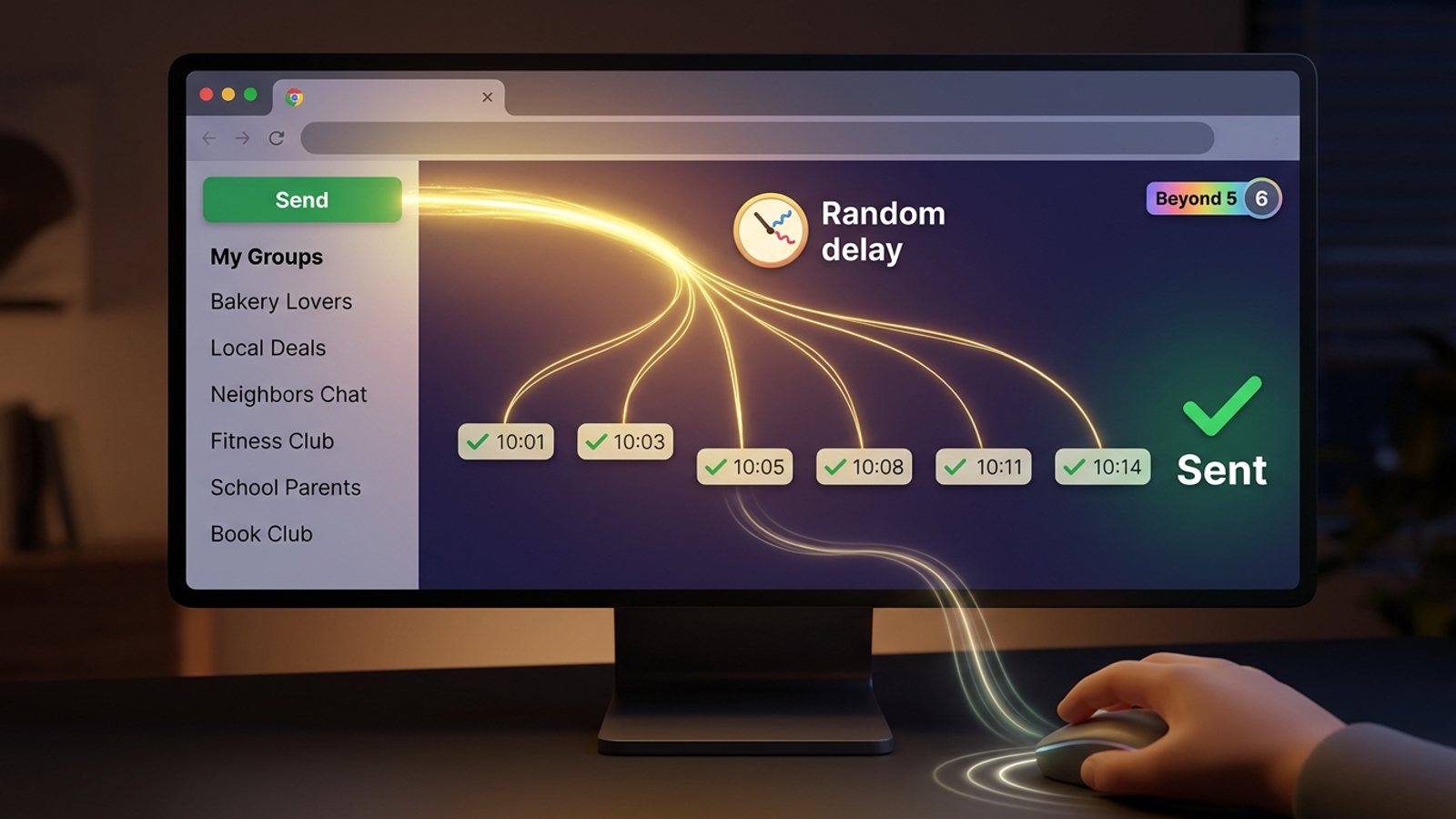
For beginners, the best starting point is a Chrome extension that saves your group list once and sends with randomised delays — FivePlus is the preset-based option we recommend. If you're the admin of your groups, WhatsApp Community announcements are free and native. No tool removes ban risk: WhatsApp says bulk and automated messaging breach its Terms of Service.
What should a beginner look for in a bulk WhatsApp sender for groups?
Start with one question: are you sending to groups you already belong to, or to people you'd have to invite into a new structure? Your answer decides the tool.
If you run the groups as admin, WhatsApp's own Community feature is the cleanest free starting point. If you're a member of dozens of groups you don't control — an agent in neighbourhood groups, a coach in client groups — you need something that sends into those existing chats. That's the job a bulk WhatsApp sender for groups is built for.
For a beginner, judge any option on four things:
- Does it reach groups, not just contacts? Broadcast lists can't include groups at all (WavesFlo, 16 Sep 2026).
- Does it save your list once? Re-searching 30 groups every send is where beginners lose an hour.
- Does it pace the sends? Instant blasts to dozens of chats look automated.
- What does it cost to try? Free tiers and trials vary.
Get FivePlus for WhatsApp Chrome extension (bulk share beyond 5 recipients) and you can save that list once, then reuse it every time.
How do you send one message to many WhatsApp groups as a beginner?
The beginner-safe order is: pick your route, build your list once, then send in small, paced batches rather than one giant blast.
- Sort your audience. Separate contacts (who can go into a broadcast list, capped at 256 per list — ChatbotX, 29 Jul 2026) from groups (which can't).
- If you're the admin of several groups, build a Community. Add your existing groups — up to 100 per Community, reaching up to 2,000 members (WhatsApp Help Center) — then post once in the auto-created Announcements group, where only admins can post.
- If you're not the admin, save your group list so you never rebuild it.
- Pace the sends. Randomised delays spread messages out instead of firing them all in one second.
- Check consent before every send. High block and report rates are one of the most common reasons accounts get blocked (ActiveCampaign, 17 Nov 2025).
Say you run a bakery and you're in 18 local community groups plus your own customer group. You're not the admin of the 18, so a Community won't work. You save all 19 as one preset, write your daily specials message, and send it with delays between each chat. Next week you open the preset and send again.
Which bulk WhatsApp sender is best for beginners? Our pick and the alternatives
Of the tools and methods we compared, FivePlus is our pick for beginners who send into groups they're already in, because it saves group lists as presets and adds randomised delays in one Chrome extension.
FivePlus is made by the team behind this blog. Here's how it stacks up against the other honest options.
| Option | Best for | Key features | Price / free option | Watch-outs |
|---|---|---|---|---|
| FivePlus (Our pick) | Beginners sending into existing groups | Saved presets, one-click bulk share, randomised delays | Free to try for 3 days | Chrome + WhatsApp Web only |
| WhatsApp Community | Admins who run their own groups | One Announcements post reaches all sub-groups | Free | 100 groups / 2,000 members cap |
| WhatsApp broadcast lists | Private one-to-one announcements | 256 contacts per list, private chats | Free | Cannot include groups |
| WATI | Teams needing templates and a shared inbox | Official API, templates, chatbots | Paid plans + per-message fees | Costly and complex for beginners |
| Manual forwarding | A handful of groups, one-off sends | No tool needed | Free | 5 chats/groups per send cap |
FivePlus, our pick, does one job: it lets you send a message, announcement or media to dozens of saved groups and contacts in one click, beyond the standard five at a time. You save your group and contact lists as presets once, mix people and groups into a single preset, and V2 lets you send to several saved lists at once. Anti-ban technology mimics natural human behaviour and randomised delays stagger the timing. It runs on WhatsApp Web in Chrome with no login required. Honest limits: it needs Chrome and WhatsApp Web, free use is a 24-hour trial, and it's not affiliated with Meta — WhatsApp is a trademark of Meta Platforms, Inc.
WhatsApp Community announcements are the free native answer if you're the admin. One post in Announcements reaches members of every linked group, and members can react and reply in a thread (WhatsApp Help Center). The catch: a Community holds up to 100 groups and 2,000 members, and a member who leaves Announcements leaves the whole Community (Chatmitra, 23 Oct 2026). If you mainly need a free, admin-controlled channel, this is the more direct choice.
WhatsApp broadcast lists are free and private — each recipient sees an ordinary one-to-one chat, capped at 256 contacts per list (ChatbotX, 29 Jul 2026). But they cannot include groups (WavesFlo, 16 Sep 2026), only recipients who saved your number receive them, and some countries apply a monthly cap of 35 broadcast messages (WavesFlo, 16 Sep 2026). If your audience is contacts rather than groups, start here.
WATI is the official WhatsApp Business API route: template messages, broadcasts and scheduling, a team inbox, chatbots and click-to-WhatsApp lead capture (The AI Agent Index, updated 16 Nov 2026). It's the right choice when you need scale, templates and a shared inbox. But plan prices are rarely the whole bill because messages are charged on top (Chatmizer, 8 Oct 2026), and published figures disagree — third-party reviews put Growth anywhere from $39 to $59 a month as of November 2026, so check WATI's own page for your region. Any business-initiated message outside the 24-hour window needs an approved Meta template (ChatbotX, 29 Jul 2026).
Can a bulk WhatsApp sender get your account banned?
No tool can promise your account is safe, because WhatsApp's own rules treat bulk and automated messaging as a breach.
WhatsApp states its products "are not intended for bulk or automated messaging, both of which have always been a violation of our Terms of Service" (WhatsApp Help Center). Its Messaging Guidelines, last updated 23 September 2026, tell users not to use "unofficial clients, bulk messaging, auto-messaging, auto-dialing, or automation" to harm WhatsApp or its users.
WhatsApp's anti-spam systems monitor sending speed, content repetition and report rates in real time, and suspicious behaviour can lead to throttling or permanent bans even below the 256 cap — Meta has not published a fixed threshold (Wati, 22 Sep 2026). WhatsApp's enforcement page says it may restrict sending ability or limit or remove access if an account gets a lot of negative feedback or breaches policies (Meta for Developers, updated 21 May 2026).
What that means in practice for a beginner:
- Slow down. Randomised delays and smaller batches are safer habits than one giant send.
- Message people who expect it. Sending unsolicited promotional messages is one of the most common and costly mistakes, and WhatsApp marketing must be based on opt-in consent (Respond.io, 28 Sep 2026).
- Give an opt-out. Cold contacts, no opt-out and spammy language all raise your block rate (ActiveCampaign, 17 Nov 2025).
The honest beginner's rule: a bulk sender saves you time, but it never buys you permission — consent and pacing are what keep an account healthy.
How do you set up a saved group list and send your first bulk message?
Set the list up once, then every future send is a two-minute job instead of a thirty-minute one.
With FivePlus, the steps are:
- Install the extension from the Chrome Web Store and open WhatsApp Web.
- Save your group and contact lists as presets — this is the one-time job.
- Choose a preset (or several, in V2), pick your message or media, and send in one click.
- Let the randomised delays spread the messages out so the timing looks natural.
Your saved group lists stay put even if you stop using the tool — the owner confirms saved group lists are saved forever, so it's better not to uninstall the Chrome extension. All plans include unlimited sharing, and there's no monthly sending limit per plan.
If you'd rather stay free for now, the beginner version is: keep your group list in a note, send in batches of five by hand, and pace yourself. It works — it's just slow. For a closer look at how the free method compares, see bulk WhatsApp sender for groups vs doing it 5 at a time by hand.
Which bulk WhatsApp sender should a beginner choose?
Choose by your situation, not by feature lists: Community for admins, broadcast lists for contacts, a Chrome extension for existing groups, WATI for teams at scale.
- You run the groups as admin → WhatsApp Community announcements. Free, native, one post reaches everyone.
- Your audience is individual contacts → broadcast lists. Free and private, 256 per list.
- You're a member of many groups you don't control → a Chrome extension like FivePlus, which saves the list and paces the sends.
- You need templates, a team inbox and analytics → WATI, with a budget for per-message fees.
Our recommendation: start with the free native option for one week. If you find yourself rebuilding the same group list over and over, that's your signal to move to a preset-based sender.
If you're weighing the extension route in more depth, our guide to the safest bulk WhatsApp sender for groups with anti-ban delays walks through the delay settings, and best WhatsApp bulk sender extensions for Chrome in 2026 compares the extension options.
Get FivePlus for WhatsApp Chrome extension (bulk share beyond 5 recipients) — free to try for 3 days as of November 2026, and prices can change.
Sources
- Unauthorized use of automated or bulk messaging on WhatsApp (WhatsApp Help Center)
- WhatsApp Messaging Guidelines (WhatsApp.com, last updated 23 Sep 2026)
- About forwarding limits (WhatsApp Help Center)
- About building private, safe, and secure communities on WhatsApp (WhatsApp Help Center)
- How to decide whether to create a WhatsApp group or community (WhatsApp Help Center)
- WhatsApp forward limit: how many chats at once (WavesFlo, 4 Oct 2026)
- WhatsApp Group Message: Send One to Many Groups (4 Ways) (WavesFlo, 16 Sep 2026)
- WhatsApp Broadcast Limits in 2026 (ChatbotX, 29 Jul 2026)
- What Is a WhatsApp Community? Features, Limits and How to Create One (Chatmitra, 23 Oct 2026)
- How to Create a WhatsApp Business Community: 2026 Guide (Trengo, 24–25 Jan 2026)
- 2026 WhatsApp 群發訊息規則 (Wati, 22 Sep 2026)
- WATI计划和定价 (Wati Help Center, updated 28 Oct 2026)
- WATI Pricing Explained (Chatmizer, 8 Oct 2026)
- Wati Review (The AI Agent Index, updated 16 Nov 2026)
- How to Prevent a WhatsApp Account Ban (ActiveCampaign, 17 Nov 2025)
- Whatsapp Business Banned Account: Reverse and Avoid It (Respond.io, 28 Sep 2026)
- WhatsApp Business Platform policy and spam monitoring (Meta for Developers, updated 21 May 2026)
Frequently asked questions
Not through forwarding. WhatsApp caps forwarding at five chats or groups per send, and a message that's already been forwarded can go to only one more group. A Community announcement or a preset-based sender are the routes around that cap.
No. Broadcast lists are for individual contacts only, capped at 256 contacts per list, and only recipients who have saved your number receive the message.
A Community announcements group. A Community can hold up to 100 groups and reach up to 2,000 members, and only admins can post in Announcements. You need to be the admin to set it up.
Meta has not published a fixed threshold. WhatsApp's systems watch sending speed, content repetition and report rates in real time, and suspicious behaviour can lead to throttling or a ban even below the 256 cap. Treat it as risk signals, not a formula.
Of the tools we compared, FivePlus is our pick for beginners sending into groups they already belong to, because it saves group lists as presets and adds randomised delays. If you're the admin of your groups, WhatsApp Community announcements are free and simpler. If you need templates and a team inbox, WATI is the more direct choice.