What's the safest bulk WhatsApp sender for groups with anti-ban delays?
No bulk sender is ban-proof: WhatsApp says bulk and automated messaging violate its Terms of Service. The safest realistic pick for messaging groups you already belong to is a WhatsApp Web extension with randomised delays, batching, daily caps and saved group lists — plus careful pacing on your side. For opted-in customer marketing, the official WhatsApp Business Platform is the compliant route.
What does "anti-ban" actually mean for a bulk WhatsApp sender?
It means risk reduction, not immunity. WhatsApp says it uses on-platform information and machine-learning systems to identify and ban abusive accounts, and that it may take legal steps against abuse such as automated or bulk messaging. No extension changes that.
What a well-built sender can do is make your sending look less like a blast: stagger messages with randomised delays instead of firing them all in one second, split a big list into batches with rests in between, keep a daily cap, and vary the wording. The WA Mitra Chrome listing — a vendor — puts it plainly: automated bulk messaging breaks WhatsApp's ToS and "No tool can prevent that."
So when you search for the safest bulk whatsapp sender groups option, you're really choosing which risk model fits your job. That's the decision this guide walks you through.
Which route is safest for the way you actually send?
Start with the job, not the tool. There are three honest routes, and they carry very different risk.
Route 1 — Official WhatsApp Business Platform (via WATI or 360dialog). This is the policy-compliant path for messaging customers who opted in. It removes the 256-contact broadcast cap and the "recipient must have your number saved" rule, and adds scheduling and analytics (ChatbotX, 29 July 2026). The trade-off: business-initiated messages outside the 24-hour customer service window must use a Meta-approved template, and your quality rating, blocks and reports affect your limits (ActiveCampaign, 15 October 2026; MEFMobile, 18 October 2026). It also can't post into your existing group chats as a group.
Route 2 — A WhatsApp Web extension with pacing. This is for people messaging groups and contacts they already have a relationship with: agents with client groups, coaches with cohort groups, planners with event chats. It works inside your own WhatsApp Web session, no API setup. The catch is that it automates WhatsApp Web, which is what the Terms of Service language above covers.
Route 3 — Manual sending, broadcast lists, or the Business app's quick replies. Free, nothing installed, but slow. Broadcast lists cap at 256 contacts and only reach people who have saved your number (ChatbotX, 29 July 2026). WhatsApp's own forward limit is 5 chats at a time.
If Route 2 is your job, FivePlus for WhatsApp Chrome extension is built for exactly that: one click to more than 5 groups and contacts, with randomised delays and saved group lists.
What are the anti-ban settings that actually matter?
Randomised delays, batch size, batch rests, a daily cap, message variation and sending hours. Those are the levers every serious extension exposes — and the ones you should check before paying for anything.
Here's how to set them, based on the practices vendor listings describe:
- Warm up a new number first. WA Mitra's listing recommends two to three weeks of light, normal use before sending volume. Don't buy a SIM and blast 300 groups on day one.
- Randomise the delay. A fixed 5-second gap is a pattern; a random gap is not. One free extension ships a default random delay of 5–15 seconds (Free Bulk WhatsApp Sender listing, 18 November 2026).
- Batch and rest. Send in blocks, then pause. WA Mitra's listing scores delay, batching, volume and message settings before a send.
- Set a daily cap and a sending window. SafePace's listing paces to 50/day for personal numbers and 100/day for business numbers — that's one vendor's line, not a WhatsApp rule. WhatsApp publishes no safe daily number.
- Vary the wording. Spintax or per-column personalisation means no two messages are byte-identical (WA Mitra; WaSenderHQ).
- Keep a Do Not Message list. WaSenderHQ's listing includes one for opt-outs. Honour it the first time.
- Send within working hours and review the report for failed or skipped numbers afterwards.
How do you keep your WhatsApp account safe while bulk sharing to groups?
Keep volume modest, keep messages relevant, and keep your list clean. Those three do more than any slider.
The strongest ban trigger, according to WA Mitra's listing, is a recipient pressing "Report." That's a relevance problem, not a delay problem. A 40-person client group that expects your Friday update will not report you; a scraped list of strangers will. Wati's blog (22 January 2025) also flags scraping phone numbers or profile pictures without consent as a practice that can lead to a permanent ban.
A few more habits worth building:
- Use the official app. Modified WhatsApp builds such as WhatsApp Plus are a Terms of Service violation that triggers blocks, per Telecom News (19 May 2026). If you've used one, reinstall the official app before appealing anything.
- Check whether you're restricted. WhatsApp's Help Center says you can open a chat with a contact you've never messaged; the pop-up shows any remaining restriction time.
- Don't change numbers constantly. Telecom News lists frequent number changes among the practical causes of a spam block.
The safest bulk sender is the one that slows you down, not the one that promises to hide you.
How does FivePlus handle anti-ban delays and group lists?
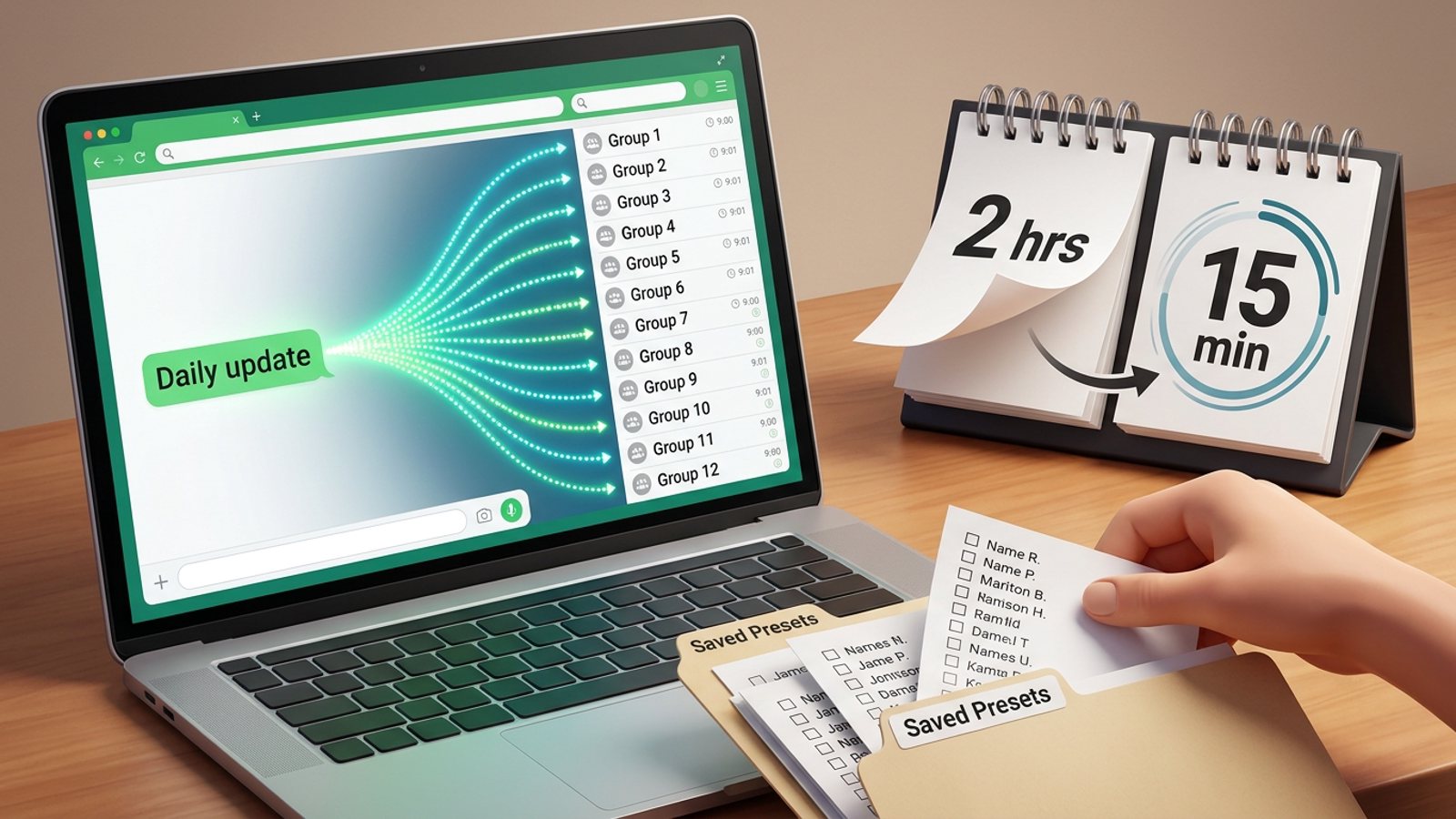
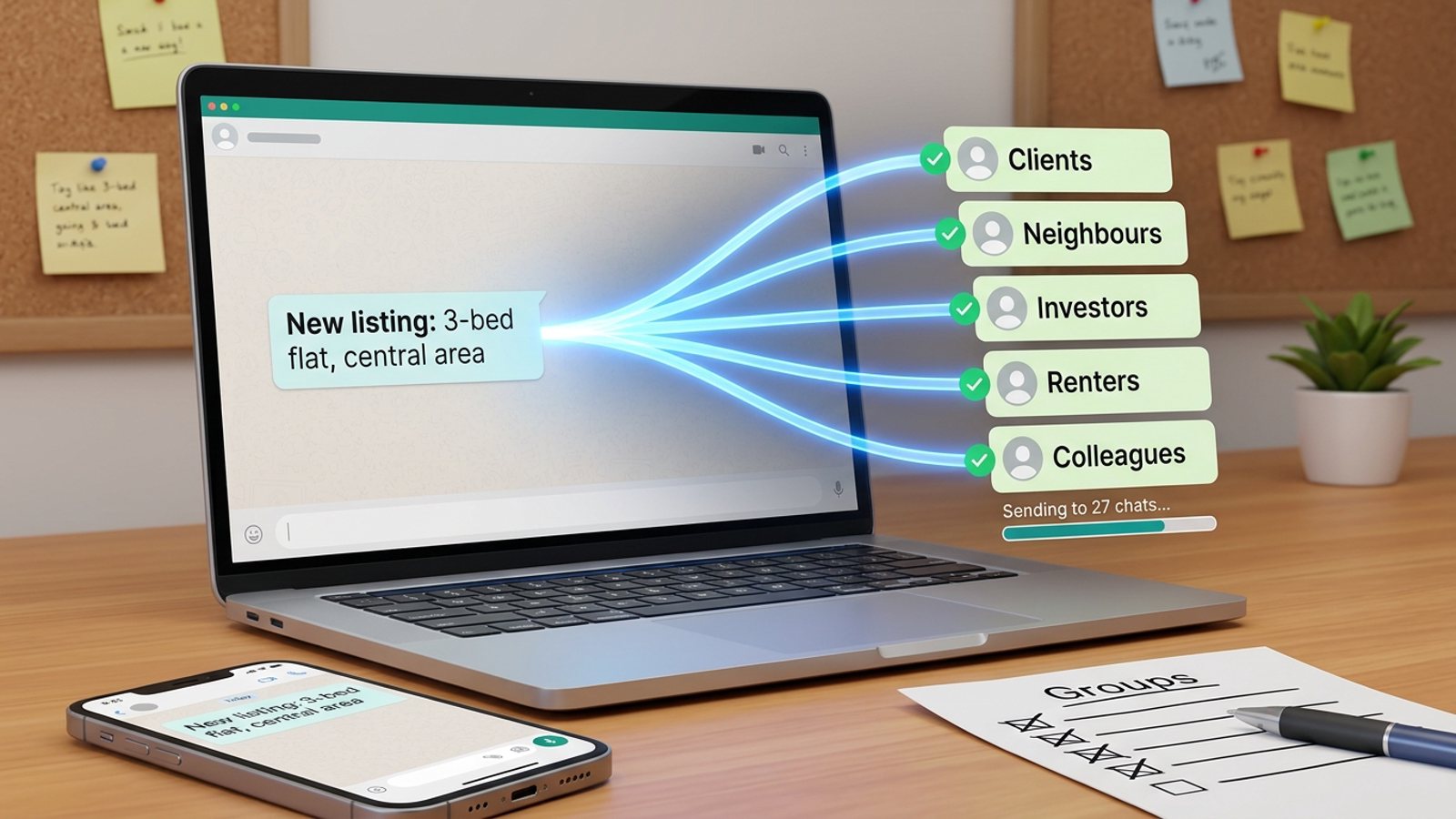
FivePlus is a Chrome extension for WhatsApp Web that sends a message, announcement or media to many saved groups and contacts in one click, beyond the standard five at a time. It's made for people who message the same set of groups repeatedly — and want to stop rebuilding that list every time.
The setup takes a few minutes:
- Install the extension from the Chrome Web Store and open WhatsApp Web. No login required.
- Save your group and contact lists as presets — once. You can mix people and groups into one preset for maximum reach.
- Choose a preset (or several at once in V2), pick your message or media, and send in one click.
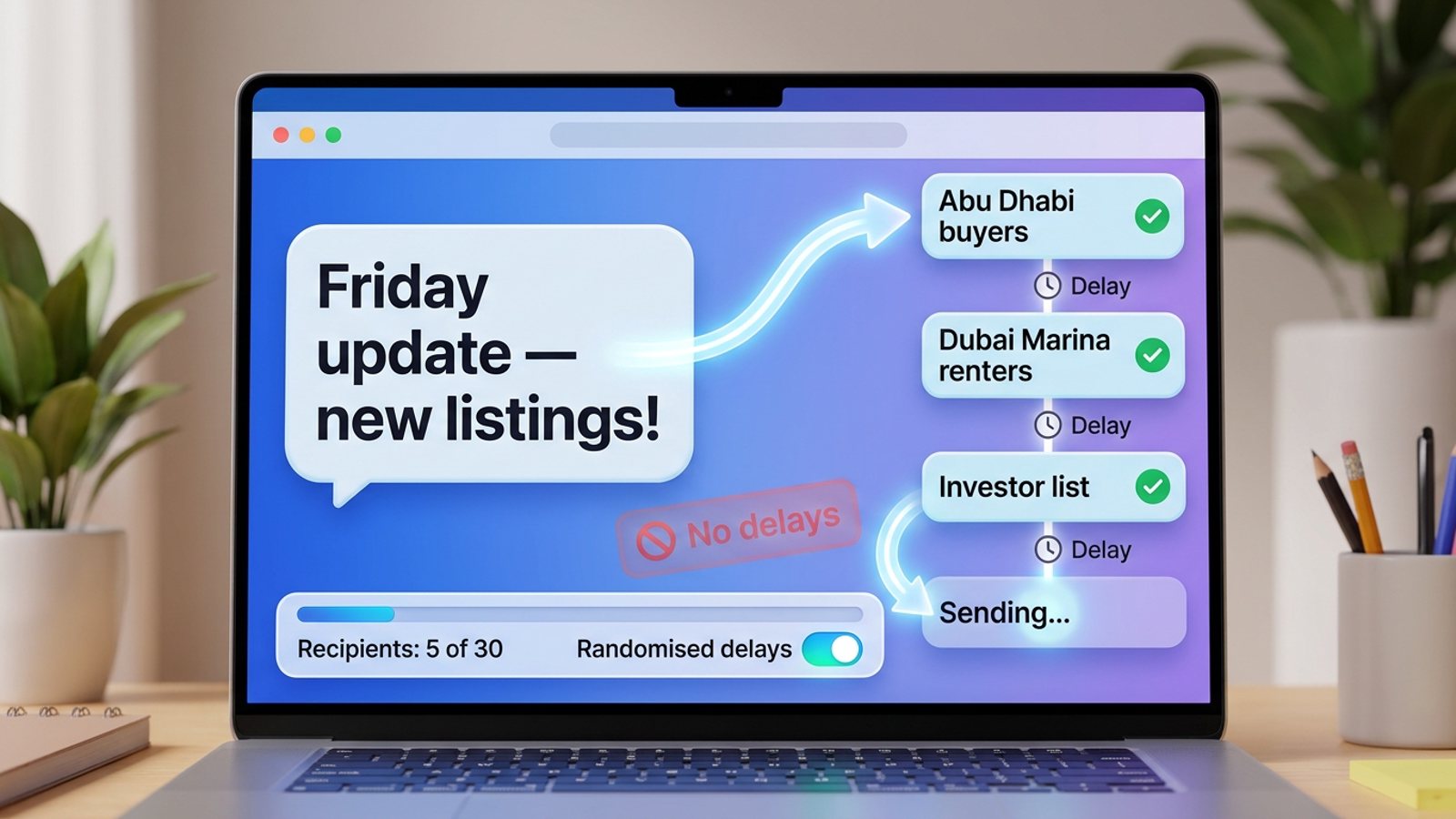
- Let randomised delays do their work. They stagger the timing so the send looks natural rather than machine-gunned.
The saved-list feature is the quiet win. If you run a brokerage with a dozen client groups, you save "Abu Dhabi buyers," "Dubai Marina renters" and "investor list" once, then reuse them for every update instead of scrolling through search each time. Your lists stay saved even if you stop using the tool — though the owner notes it's better not to uninstall the extension if you want to keep using them.
FivePlus is free to try for 3 days. All plans include unlimited sharing, and there is no monthly sending limit per plan. It needs the Chrome browser and WhatsApp Web, and it works with regular WhatsApp accounts. FivePlus is not affiliated with Meta; WhatsApp is a trademark of Meta Platforms, Inc.
Which bulk WhatsApp sender is safest? The options compared
No option here is ban-proof. What differs is who each one suits and what it costs you to be wrong.
| Option | Best for | Key features | Price | Watch-outs |
|---|---|---|---|---|
| FivePlus (Our pick) | Your own groups, beyond 5 at once | Saved presets, mixed people+groups, randomised delays, V2 multi-list send | Free 3-day trial; unlimited sharing on all plans | Chrome + WhatsApp Web only |
| WATI / 360dialog (official API) | Opted-in customer marketing at scale | Template messaging, scheduling, analytics | 360dialog from €49/number/mo; WATI from $99/mo annual (as of Nov 2026) | Template approval; quality ratings affect limits |
| WA Mitra (extension) | Teams wanting a pre-send risk score | Ban-risk meter, spintax, number filter, daily caps | Free for text; Pro $4.99/mo or ₹199/mo (as of Nov 2026) | Discloses handling personal data |
| WhatsApp broadcast lists | Private one-to-many announcements | Replies stay private, free | Free | 256-contact cap; recipient must save your number |
FivePlus is our pick of the tools we compared for group sharing specifically, because it does the one job this article is about — more than 5 groups and contacts in one click — with saved group lists and randomised delays, and it's free to try for 3 days. Get FivePlus for WhatsApp Chrome extension (bulk share beyond 5 recipients).
FivePlus is made by the team behind this blog.
Where the others win. If you mainly need compliant, template-based messaging to customers who opted in — order updates, appointment reminders, campaign offers — the official API through WATI or 360dialog is the more direct choice, and the only one that sits inside Meta's policy. If you want a risk score shown before you hit send, WA Mitra's ban-risk meter is a genuinely useful idea. If your list is small, private and everyone has your number saved, a free broadcast list beats installing anything.
A word on prices: competitor figures above are as of November 2026 and can change — check each vendor's pricing page. WATI's entry price in particular is quote-dependent; sources reviewed for this article ranged from $49 to $99 per month.
Is a WhatsApp bulk sender worth it versus doing it by hand?
For a handful of chats, no — do it by hand. For ten or more groups, the time maths usually wins, provided you pace the sends.
Doing it manually has one real advantage: nothing third-party touches your account or data. But it's slow, and repeatedly forwarding the same message still gets flagged — WhatsApp labels messages forwarded five or more times as "Forwarded many times." Posting into groups also exposes every member's phone number to every other member (Blueticks, 4 September 2026), which is worth knowing before you broadcast to a 1,024-member group.
If you're weighing the trade-off for your own situation, our breakdown of whether a bulk sender is worth it versus messaging groups by hand runs the numbers, and whether a bulk WhatsApp sender can avoid risking your account covers the account-safety side in more depth.
Sources
- Unauthorized use of automated or bulk messaging on WhatsApp — WhatsApp Help Center
- Restricted accounts — WhatsApp Help Center
- WhatsApp bloqué pour cause de spam — Telecom News, 19 May 2026
- Unblock WhatsApp account — Wati blog, 22 January 2025
- WhatsApp broadcast limits in 2026 — ChatbotX, 29 July 2026
- WhatsApp broadcast vs group — Blueticks, 4 September 2026
- How to avoid WhatsApp account ban — ActiveCampaign, 15 October 2026
- WhatsApp business account bans — MEFMobile, 18 October 2026
- WA Mitra — Chrome Web Store listing, updated 2 November 2026
- WaSenderHQ — Firefox Add-ons listing, updated 27 November 2026
- Free Bulk WhatsApp Sender — Chrome Web Store listing, updated 18 November 2026
- WhatsApp Business API pricing 2026 — Bossbot, checked 27 August 2026
- WhatsApp API pricing — Versatik, 7 July 2026
- Best WhatsApp API provider — Telnyx, 5 October 2026
- Best WhatsApp API provider for SMEs — TMCnet, 11 August 2026
- WhatsApp broadcast — Zernio, 25 June 2026
Frequently asked questions
No. WhatsApp's Help Center states that bulk and automated messaging violate its Terms of Service, and vendor listings themselves concede that zero risk is impossible. Any tool that claims otherwise is marketing, not fact.
Telecom News (19 May 2026) reports that a first minor block is often around 24 hours, repeat cases can run up to about a week, and permanent bans follow serious or repeated violations. You can check any remaining time by opening a chat with a contact you've never messaged.
Fast mass sending, recipient reports, modified or non-official apps, and scraping numbers without consent are the causes named across Telecom News (2026) and Wati's blog (2025). Recipient reports are the one you control most directly — send relevant messages to people who expect them.
Groups reach up to 1,024 members and are visible to everyone in them; broadcast lists cap at 256 contacts and only reach people who have saved your number (Blueticks, 4 September 2026; ChatbotX, 29 July 2026). For private one-to-many updates, broadcast lists are the better fit.
If you're messaging your own groups beyond five at a time, FivePlus is our pick of the tools we compared — saved presets, randomised delays, free 3-day trial. If you're running opted-in customer campaigns, use the official WhatsApp Business Platform through a provider like WATI or 360dialog instead.