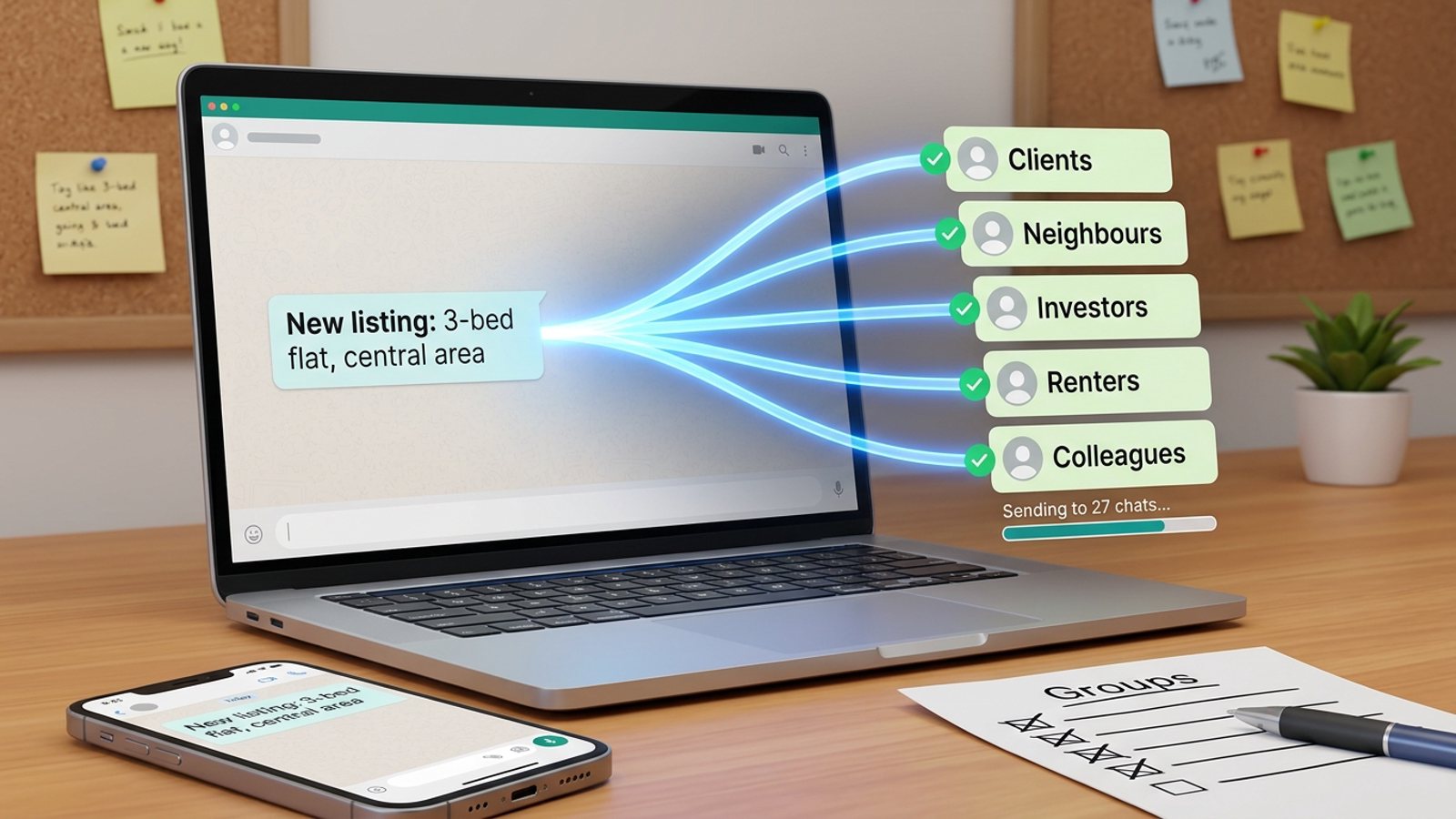
Is a bulk WhatsApp sender for groups worth paying for if I send daily updates?
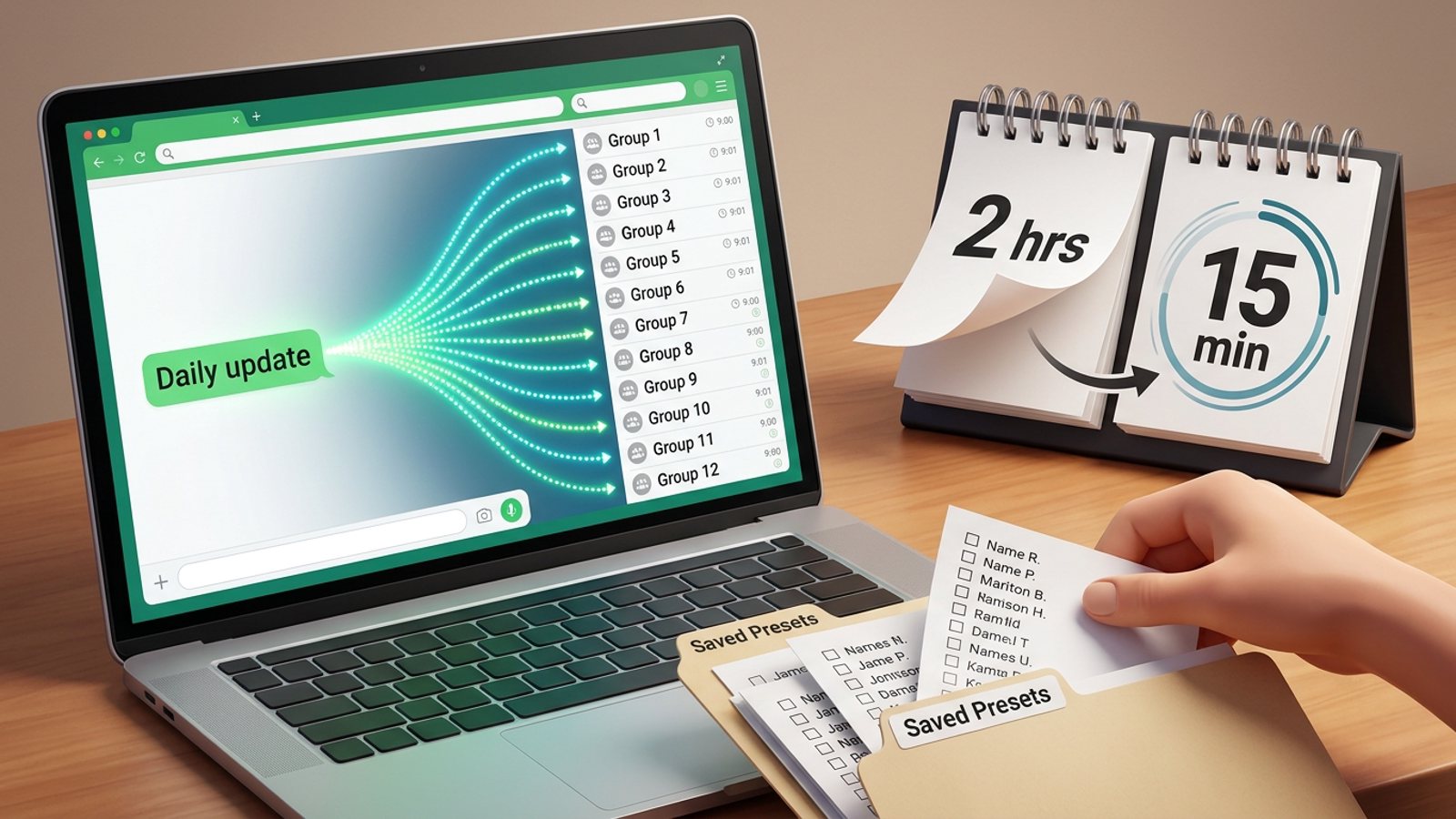
If you post the same update to several groups every day, a paid bulk WhatsApp sender for groups is usually worth it as a time tool: you send to more than 5 chats in one go and save your group lists once, so a daily chore becomes one short send. It saves time, not risk.
How do I work out if a bulk WhatsApp sender is worth paying for?
Count your real workload first, then compare it with what the tool costs you. A vendor formula from reeple (October 2026) makes this simple: groups × messages per day × minutes per message × 30 days = minutes per month. Five groups, four posts a day, two minutes each comes to roughly 20 hours a month — that is the number a paid tool is competing against.
Our recommendation: run that sum with your own numbers before you look at any tool. If it lands under an hour a month, keep doing it by hand. If it lands in the double digits of hours, a bulk WhatsApp sender groups worth considering becomes an easy call.
What does a daily update routine actually cost you?
More than the sending itself. Each manual post means opening the group, pasting, sending, then finding the next group — Wasurge (updated July 2026) notes there is no built-in way in WhatsApp to post one message to several groups at once. Add the typo you fix in one group but not the other, and the group you simply forgot on a busy day.
A vendor case study from Set to Growth describes a daily site-report workflow that took one and a half to two hours every evening and was sometimes skipped. After automation it dropped to about 15 minutes. That is a vendor's own account, not a guarantee for you — but it shows the shape of the saving.
Is a paid sender actually worth it for daily updates?
Yes, for most people sending the same message to many groups every day — as long as you understand what you are buying. You are buying back the repeated minutes and the consistency of never missing a group. You are not buying protection from WhatsApp's rules.
That distinction matters. WhatsApp's Help Center states plainly that bulk and automated messaging "have always been a violation of our Terms of Service." A vendor blog from Wati (September 2026) adds that WhatsApp's anti-spam systems watch sending speed, content repetition and report rates in real time, and that suspicious behaviour can lead to throttling or permanent bans even below the 256-contact cap. Treat those as risk signals, not a known threshold.
Paying for a bulk sender buys you time and consistency — it does not buy you safety from WhatsApp's rules.
When is it not worth paying?
Three cases where you should keep your money:
- You post to two or three groups, a few times a week. Manual copy-paste is fine and free.
- Your audience has not opted in. Unsolicited promotional messages are among the common costly mistakes that lead to spam reports and bans, according to Respond.io (September 2026).
- You need an official, sanctioned channel. That is the WhatsApp Business API route, not a desktop sender — more on that below.
How many hours a month would a bulk sender save me?
The saving is your manual time minus the time a bulk send takes. If your formula says 20 hours a month and a one-click send takes a couple of minutes a day, the difference is the hours you get back. That is the whole case for paying.
Source: reeplik, 13 Oct 2026
The bars use the reeple formula with two minutes per message, so you can see how quickly the hours stack up as you add groups. Ten groups and four posts a day is a part-time job on its own.
What should I check before I pay for a sender?
Look for the features that actually remove the daily friction:
- Saved group lists. If you re-select groups every day, you have not solved the problem. Save lists once and reuse them.
- Sending to more than 5 in one go. The whole point is skipping the repeat loop.
- Randomized delays. A constant, predictable interval is a known trigger for automated anti-abuse detection, per Wati (September 2026); randomized pacing is the common mitigation.
- A free trial. Test it on your real routine before committing.
FivePlus covers all four: saved group lists you set up once, one-click sharing to dozens of chats, and randomized delays that stagger timing. You can get FivePlus for WhatsApp Chrome extension (bulk share beyond 5 recipients) and try it free for 3 days.
Which bulk WhatsApp sender options are worth comparing?
Here is how the realistic options stack up for someone sending daily updates. FivePlus goes first because it is our product; the others are included because they genuinely suit some readers better.
| Option | Best for | Key features | Price / free option | Watch-outs |
|---|---|---|---|---|
| FivePlus (Our pick) | Daily updates to many groups | Saved lists, 5+ per send, randomized delays | Free 3-day trial | Chrome + WhatsApp Web only |
| WhatsApp Business broadcast lists | Small saved-contact lists | Free, official, 256 per list | Free | Recipients must have saved you |
| WhatsApp Business API (WATI, Telnyx) | Opt-in lists at scale | Templates, analytics, no 256 cap | Per-message fees | Costly at low volume |
| Manual copy-paste | A few groups, occasional posts | Zero setup | Free | Slow, typo-prone |
| Other Chrome senders (BizSend, WASender) | High-volume senders | Bulk send, some scheduling | Varies by listing | Unofficial route |
FivePlus is made by the team behind this blog.
FivePlus (Our pick). Of the tools we compared, it is the most direct fit for a daily-update routine: you save your group and contact lists as presets once, mix people and groups into one preset, and send in one click, with randomized delays spreading the messages out. It runs on WhatsApp Web in Chrome with no login required. The honest limits: it needs Chrome and WhatsApp Web, and free use is limited to a 24-hour trial, with a 3-day free trial to try it. All plans include unlimited sharing, and saved group lists stay saved — so it is better not to uninstall the extension.
WhatsApp Business broadcast lists. Free and official, with no template approval, and messages arrive as private one-to-one chats. The catch is reach: lists cap at 256 contacts, and delivery usually only happens if the recipient has saved your number, per SleekFlow (March 2026). Some markets are also testing monthly broadcast limits — DragApp (December 2024, with 2025 updates) cites roughly 30 messages a month as one example. If you mainly need a free, official channel to a small list of people who already know you, this is the more direct choice.
WhatsApp Business API via official providers. The sanctioned route at scale: no 256 cap, template approval and campaign analytics. It is priced per delivered message — IDT Express (July 2026) puts marketing messages at roughly $0.01–$0.16 depending on country, with provider markups commonly pushing all-in cost to 2x–5x the raw Meta rate. Since 1 October 2026, Meta also charges for service messages beyond 1,000 free ones per business number per month, per Respond.io (November 2026). If you run an opt-in customer list and need CRM automation, this is the right tool — but for a few groups a day it is overkill.
Manual copy-paste. Free, zero setup, no third-party risk. It just does not scale: the time grows linearly with every group you add.
Other Chrome extension senders. Tools like BizSend (listed at $29.99/month or $49.99 one-time) and WASender follow a similar pattern of bulk sending from the browser. They sit on top of consumer WhatsApp, so the same Terms of Service risk applies, and store listings often carry claims that should be read as marketing rather than proof.
If you are weighing the DIY route in more detail, our comparison of a bulk sender vs messaging groups by hand walks through the trade-offs.
How do I set up a daily bulk send without losing my account?
You cannot make bulk sending risk-free, but you can keep the habits that make reports less likely. Start with clean opt-in: only message groups and contacts who expect to hear from you. Then pace your sends with random gaps inside a window rather than on a fixed timer — CallMePing's help docs (November 2026) describe one scheduler spreading posts at random times within a window, sending at least 20 seconds apart.
With FivePlus the routine looks like this:
- Install the extension from the Chrome Web Store and open WhatsApp Web.
- Save your group and contact lists as presets once — you never search for them again.
- Choose a preset (or several), pick your message or media, and send in one click.
- Let randomized delays spread the messages out to look natural.
Then keep the content varied enough that it reads like a person updating their groups, not a campaign. Respond.io (September 2026) lists sending too many messages in a short time and unsolicited promotional messages among the common mistakes that lead to bans.
What if I only send to a handful of groups?
Then paying is probably not worth it yet. If your formula comes out at a couple of hours a month, manual sending or free broadcast lists cover you, and the money is better kept. The break-even point is personal, but it arrives when the daily routine starts eating evenings or when you notice groups being skipped.
Our recommendation: revisit the decision when you add groups, not when a tool advertises at you. If you are a broker juggling client groups, our post on whether a bulk sender is worth it for a broker with 10 client groups works through that exact case.
Ready to test it on your own routine? Get FivePlus for WhatsApp Chrome extension (bulk share beyond 5 recipients) and run one daily update through it during the free trial.
Sources
- Unauthorized use of automated or bulk messaging on WhatsApp (WhatsApp Help Center)
- 2026 WhatsApp broadcast rules: 256 cap & throttling (Wati, 22 Sep 2026)
- WhatsApp Business broadcast list guide (SleekFlow, 30 Mar 2026)
- WhatsApp Business App vs API (SleekFlow, 15 Sep 2026)
- Broadcast list: how to use (DragApp, 8 Dec 2024, 2025 update)
- How much does WhatsApp Business API cost in 2026 (IDT Express, 14 Jul 2026)
- WhatsApp Business API pricing calculator (Respond.io, 19 Nov 2026)
- WhatsApp Business banned account (Respond.io, 28 Sep 2026)
- WhatsApp group message sender (Wasurge, updated 29 Jul 2026)
- Tiempo reenviando mensajes (reeplik, 13 Oct 2026)
- Daily site report case study (Set to Growth)
- Schedule a message to many groups (CallMePing, 3 Nov 2026)
- This account can no longer use WhatsApp (Appuals, 19 Dec 2025)
- BizSend Chrome extension (Chrome Web Store)
Frequently asked questions
No. WhatsApp's Help Center says its products are not intended for bulk or automated messaging and that this has always been a violation of its Terms of Service. Many tools sell the capability anyway, so treat any sender as a time-saving tool used at your own risk, not a sanctioned feature.
No tool can promise that. Paid "unban" services are not the way back either — the legitimate route is the in-app "Request a review," per Appuals (December 2025).
Because delivery usually depends on the recipient having saved your number, according to SleekFlow (March 2026). A list's size is not the same as its reach, which is why some senders switch to group-based sending instead.
It avoids a constant, predictable sending interval, which Wati (September 2026) describes as a known trigger for automated anti-abuse detection. It reduces risk; it does not remove it.
For most people sending the same update to many groups every day, FivePlus is the most direct fit of the tools we compared: saved lists, sending beyond 5 chats in one go, and randomized delays, free to try for 3 days. If you need an official channel at scale with opt-in customers, the WhatsApp Business API is the better answer.