What's the best bulk WhatsApp sender for groups for a marketing team?

If your team already sits in the groups it needs to reach, the best bulk WhatsApp sender for groups is a browser extension that saves those groups as a list and posts to all of them in one click with randomised delays. FivePlus is our pick of the tools we compared. WhatsApp says bulk and automated messaging breach its Terms of Service, so no tool can promise safety.
Want to skip the searching and just send? Get FivePlus for WhatsApp Chrome extension (bulk share beyond 5 recipients) and save your group list once.
How do you send one message to many WhatsApp groups as a marketing team?
You pick the surface first, then the tool. WhatsApp runs three different surfaces with three different rule sets: groups, broadcast lists and the Business API. A message that fits one often cannot be sent on another.
- Groups are many-to-many and capped at 1,024 members, per a ChatbotX comparison published in July 2026.
- Broadcast lists are private 1:1 sends, capped at 256 contacts per list, and cannot reach a group at all (Wati blog, September 2026; Fast2SMS, November 2026).
- The Business API is 1:1 only, needs opt-in from every recipient and approved templates for business-initiated messages (ChatbotX, July 2026).
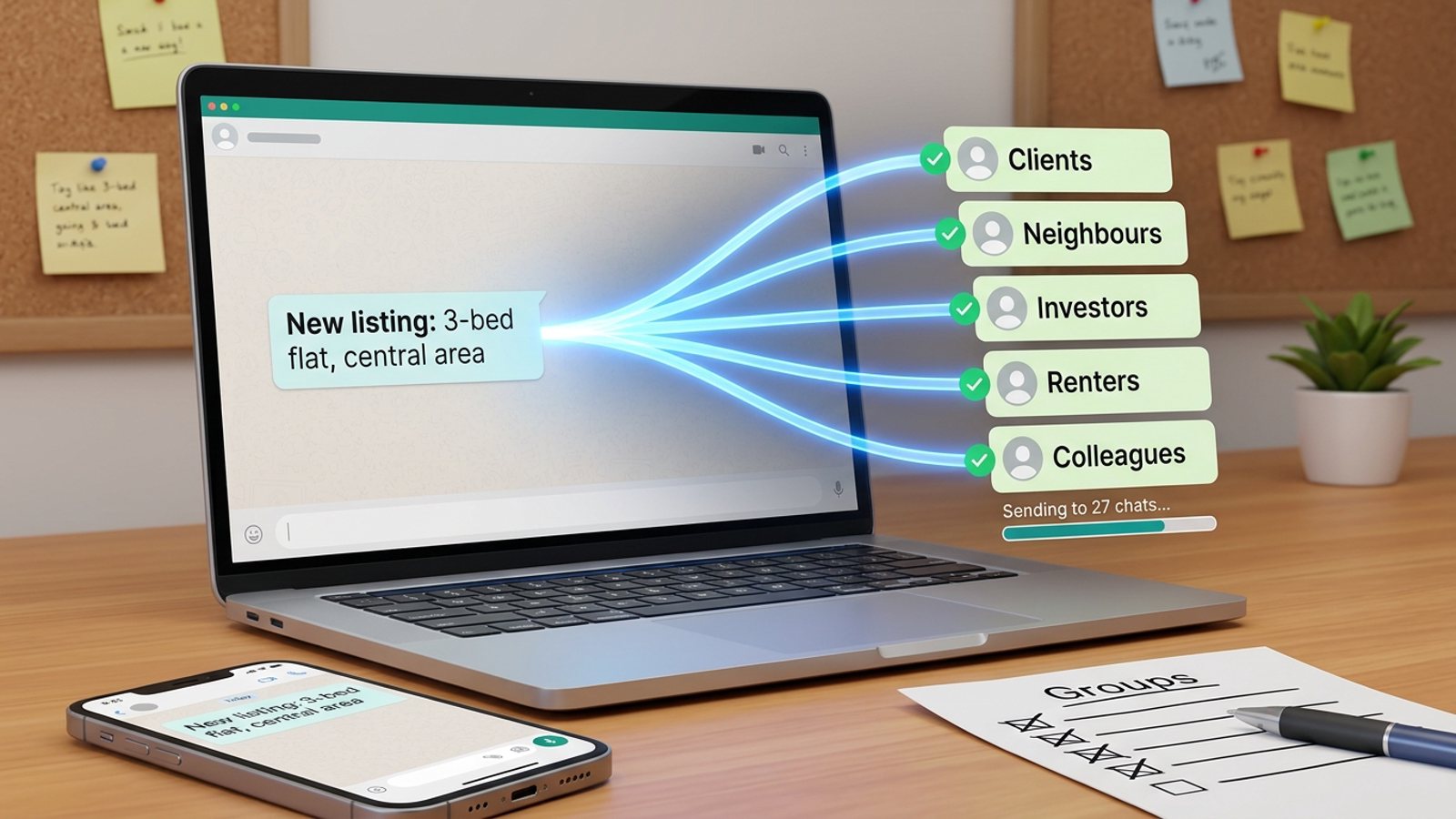
So if your job is "post this launch announcement into the 30 client groups we're already in", you are on the groups surface, and the API cannot help you there.
What can WhatsApp itself do — and where does it stop?
WhatsApp's own tools stop well short of a marketing team's group list. Forwards go to five chats at a time, and a message already forwarded can go to only one group (WhatsApp Help Center). A chain of five or more chats also gets the "Forwarded many times" label, and WavesFlo reported in October 2026 that such a message goes to one chat only.
That is the gap. Say your team manages 40 client groups for a product launch. Doing it by hand means eight rounds of forwarding, a label on every message, and a good chance of missing a group.
There are two native workarounds, and both have hard edges:
- Community announcements. A Community gathers related groups under one umbrella with a central Announcements group where only admins can post (WhatsApp Help Center). You are always added to Announcements as part of a Community, and only community admins can send announcements to all members. A Community can hold up to 100 groups and reach up to 2,000 members, and reactions switch off above 1,025 members.
- Broadcast lists. Free, private, and replies come back to you alone (Chatarmin, December 2024). But they never reach a group, they cap at 256 contacts, and recipients must have saved your number or the message silently fails (Wati blog, September 2026). Sinch noted in September 2025 that they offer no personalisation, automation or analytics.
What should a marketing team look for in a bulk WhatsApp sender for groups?
Look for four things: a saved group list, pacing controls, a browser-based setup that matches how your team already works, and honest wording about risk. Anything that promises zero bans is selling you a story.
- Saved group lists. You should search for a group once, not every campaign.
- Randomised delays. Messages that leave at machine speed look like machine speed.
- Mixed presets. Real campaigns go to people and groups in the same push.
- Plain risk language. WhatsApp's responsible-use page (updated 18 November 2026) lists automated or bulk messages among practices that "may cause your account to be banned", and says it uses machine learning plus user reports to spot them.
- No API requirement. If the tool needs a Business API number, it will not post into your existing groups.
How does FivePlus handle a marketing team's group list?
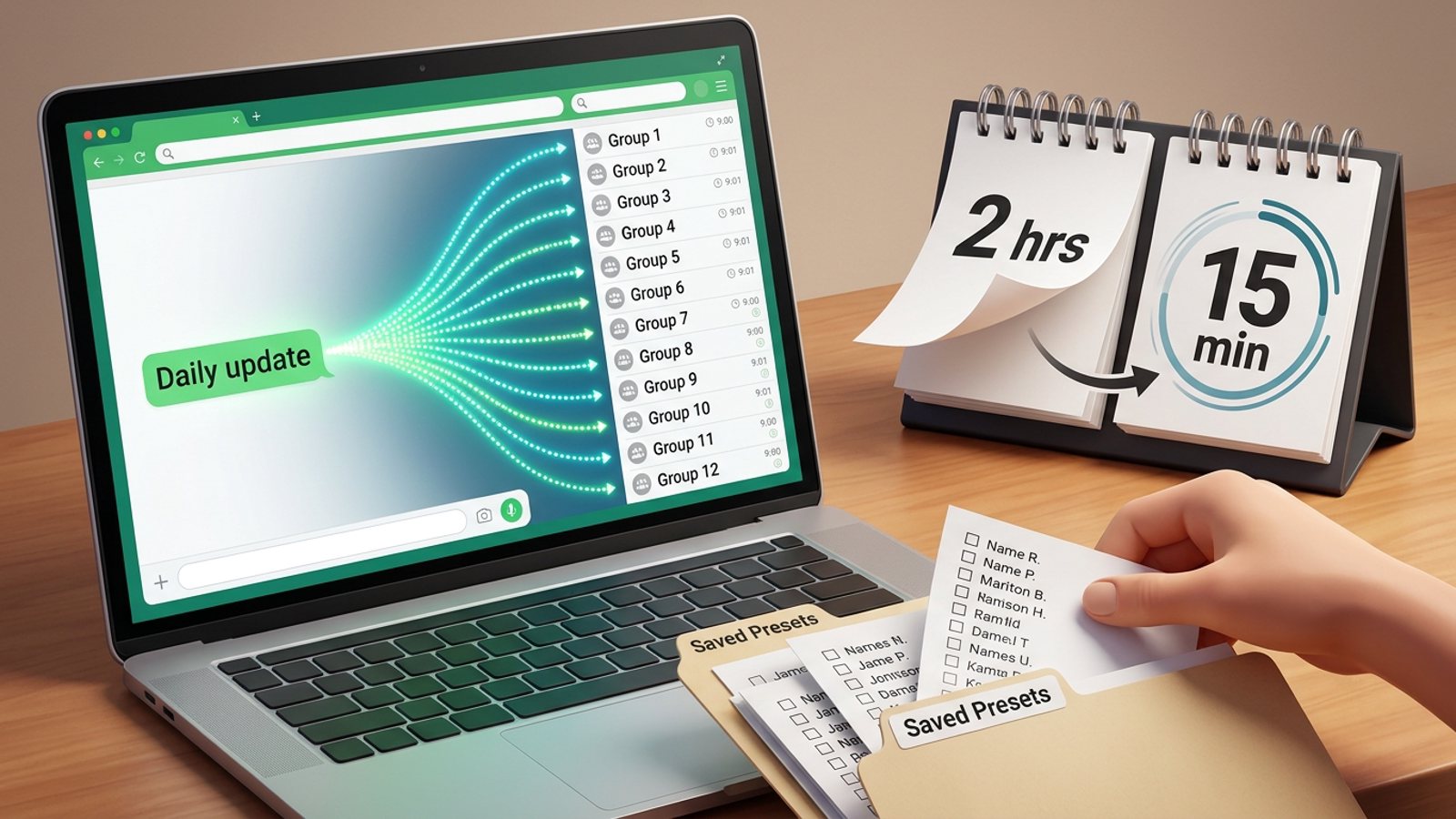
FivePlus is a Chrome extension for WhatsApp Web that sends to more groups and contacts than the standard five at a time. You install it, open WhatsApp Web, save your group and contact lists as presets once, then pick a preset, choose a message or media, and send in one click.
- Beyond five recipients. You can send to dozens of chats at once, past the standard 5-recipient limit.
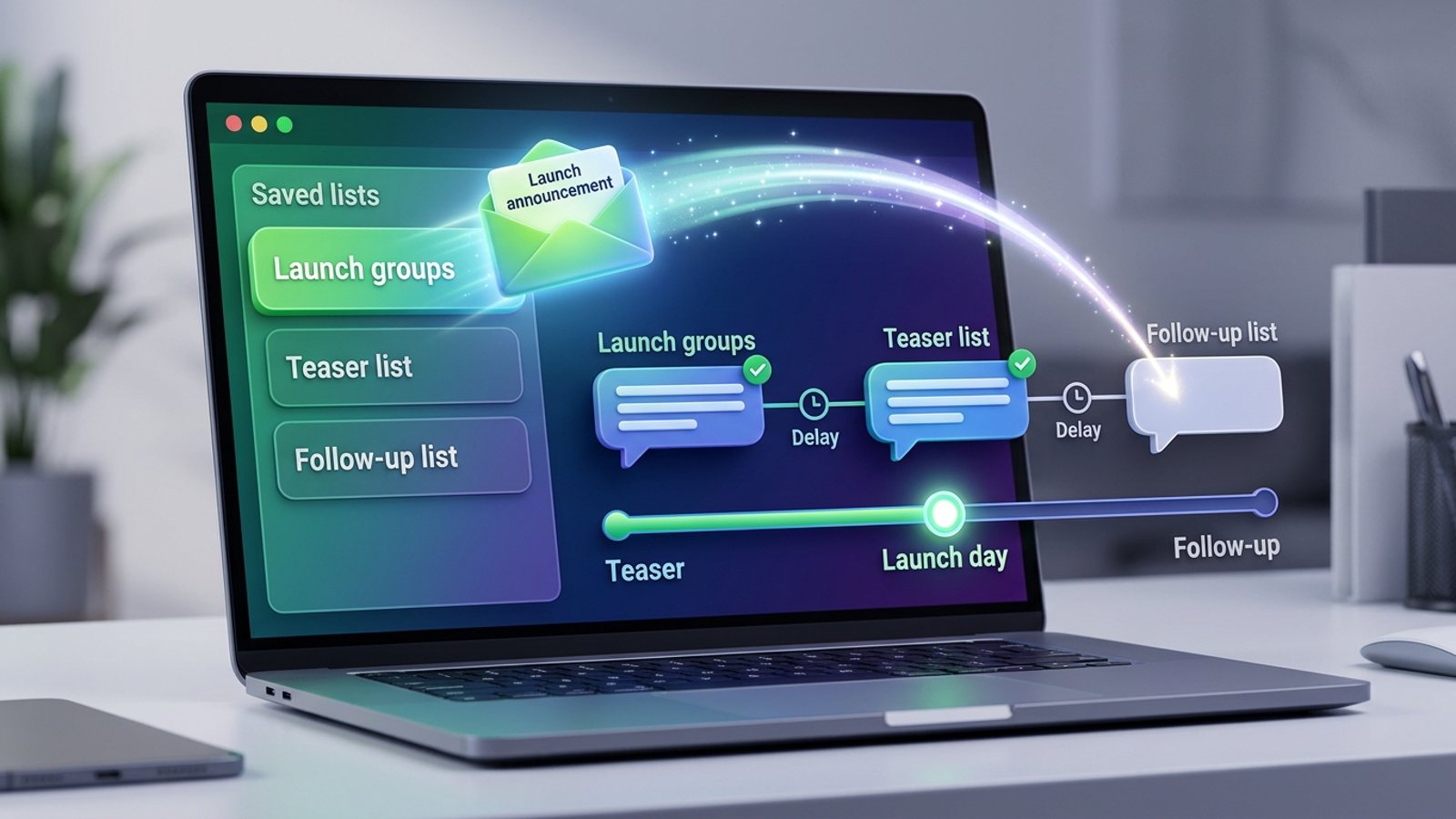
- Saved presets. Save your group lists once and reuse them. V2 lets you send to multiple saved lists at once.
- Mixed presets. You can mix people and groups into one preset for maximum reach.
- Randomised delays. Anti-ban technology mimics natural human behaviour and staggers message timing. It is a risk reducer, not a guarantee.
- No login required. It runs on WhatsApp Web in Chrome.
It is free to try for 3 days, as of November 2026, and prices can change. All plans include unlimited sharing, and there is no monthly sending limit per plan, per the owner. Saved group lists are kept forever, so it is better not to uninstall the extension if you cancel. FivePlus is made by the team behind this blog.
Which bulk WhatsApp sender is best for groups? The options compared
FivePlus is our pick of the tools we compared for posting into groups you already belong to, because it saves the group list once and paces the sends. The others are stronger for different jobs — and one of them is the only free native route.
| Option | Best for | Key features | Price / free option | Watch-outs |
|---|---|---|---|---|
| FivePlus (Our pick) | Posting into many existing groups | Saved presets, mixed people + groups, randomised delays, V2 multi-list sends | Free 3-day trial; unlimited sharing on all plans | Chrome + WhatsApp Web only; 24-hour free use |
| WhatsApp Community announcements | Groups you admin | One admin post to all members, up to 100 groups | Free | 2,000-member cap; admin only; reactions off above 1,025 |
| WhatsApp broadcast lists | Warm 1:1 contacts | Private delivery, replies to you alone | Free | Cannot reach groups; 256-contact cap; no analytics |
| WATI | Official API broadcasts + chatbot | Team inbox, chatbot builder, API number | From $49/month annual (official page); messages extra | API only; opted-in contacts; templates required |
| Respond.io | Mid-market B2C teams | Multi-agent inbox, AI agents, CRM sync, no Meta markup | Growth listed at US$199/month | No free plan; 1:1 opt-in only, not groups |
WATI's official pricing page showed Growth at $49, Pro at $99 and Business at $299 per month on annual billing as of November 2026, with regional pricing and message fees on top via WATI's rate card — prices can change. WATI's own ad landing page displays lower promotional figures ($39/$79/$229), and a third-party tracker reported $59/$119/$279 annual, so treat the official page as the reference. WATI's free plan caps at one simultaneous chat and omits broadcast and the team inbox (WATI Help Center).
Respond.io charges no markup on Meta fees and lists no permanent free plan among its limitations. The US$199/month Growth figure comes from Respond.io's own blog comparison (27 November 2026) and is indicative rather than a checked official price.
If you mainly need an official, template-based 1:1 channel with a shared inbox, WATI or Respond.io is the more direct choice. Neither posts into existing WhatsApp groups.
Ready to stop forwarding five at a time? Get FivePlus for WhatsApp Chrome extension (bulk share beyond 5 recipients).
What does an official-API route actually cost a marketing team?
Budget per delivered message, not per month. WhatsApp Business API pricing is set by category (Marketing, Utility, Authentication, Service) and the recipient's country. From 1 October 2026, Service messages and Utility messages inside the 24-hour service window also became chargeable, with 1,000 free Service messages per number per month (LINK Mobility, September 2026; Respond.io pricing calculator, November 2026).
IDT Express reported in July 2026 that marketing messages run roughly $0.01–$0.16 per delivered message depending on country, with provider markups commonly pushing all-in cost to 2x–5x the raw Meta rate.
Source: WATI Pricing
There is also a volume ceiling at the start. Zernio reported in June 2026 that a new business portfolio typically begins at 250 unique recipients per rolling 24 hours, rising as the account verifies and keeps a good quality rating. And API messages only go to recipients who opted in — moving to the API does not remove that obligation (Wati blog, November 2026).
How do you set up group sending without wrecking your number?
Start small, save the list once, and pace the first send. Then watch what happens before you scale.
- Decide the surface. Groups you belong to, a Community you admin, or 1:1 opted-in contacts.
- Check the rules first. Bulk and automated messaging breach WhatsApp's Terms of Service, and group creation by automation is banned (WhatsApp Help Center; responsible-use page, 18 November 2026).
- Save your group list once as a preset, so nobody rebuilds it per campaign.
- Write one message per audience, not one message for everyone.
- Send in a small batch first, with randomised delays on, and see how it lands.
- Scale only after a clean batch. Our recommendation: never let a single send cover every group in one burst.
If you want the fuller walkthrough of picking a sender, the FivePlus blog has more, and our guide to the safest bulk WhatsApp sender for groups with anti-ban delays goes deeper on pacing.
Is posting an offer into a customer group a privacy problem?
Yes, and it is worth saying out loud to your team. A WhatsApp group is functionally a directory of everyone's phone number handed to everyone in it, as Blueticks put it in September 2026. Every member of that client group can see every other member's number.
That matters for marketing sends. If you are posting a promotion into a group of customers who never chose to be in a room together, you are exposing their numbers to each other. A broadcast list avoids this — each recipient sees an ordinary 1:1 chat (Chatarmin, December 2024) — but a broadcast cannot reach a group.
Our recommendation: use groups for people who already know they are in a group together, and use 1:1 sends for anything sensitive. Data-protection rules vary by country, so check what applies where you operate. This is not legal advice.
Sources
- Unauthorized use of automated or bulk messaging on WhatsApp (WhatsApp Help Center)
- WhatsApp Messaging Guidelines (WhatsApp.com, updated 2026-09-23)
- How to use WhatsApp responsibly (WhatsApp Help Center, updated 2026-11-18)
- About forwarding limits (WhatsApp Help Center)
- WhatsApp forward limit: how many chats at once (WavesFlo, 4 Oct 2026)
- How to decide whether to create a WhatsApp group or community (WhatsApp Help Center)
- About building private, safe, and secure communities on WhatsApp (WhatsApp Help Center)
- Comment créer une communauté (WhatsApp Help Center, French)
- WhatsApp Broadcast: What It Is and How to Create a List (Chatarmin, 12 Dec 2024)
- How to send bulk messages on WhatsApp (Sinch, 4 Sep 2025)
- WhatsApp Broadcast Limits in 2026 (ChatbotX, 29 Jul 2026)
- WhatsApp Group vs Broadcast vs API Campaigns (Fast2SMS, 17 Nov 2026)
- WhatsApp Broadcast vs Group (Blueticks blog, 4 Sep 2026)
- WhatsApp Business API Pricing 2026 Guide (LINK Mobility, Sep 2026)
- How Much Does the WhatsApp Business API Cost in 2026? (IDT Express, 14 Jul 2026)
- Batas Broadcast WhatsApp Business (Wati blog, 11 Nov 2026)
- WhatsApp Broadcast Messages Explained (Zernio, 25 Jun 2026)
- Best Practices (Periskope Docs, 15 Jul 2026)
- WATI Pricing (WATI)
- Wati for advertising (Wati, 22 Aug 2026)
- WATI Pricing Explained (Chatmizer, 8 Oct 2026)
- Intercom vs Wati (The AI Agent Index, verified 10 Nov 2026)
- WATI Pricing & Free Plan (WATI Help Center)
- 2026 年最佳 WhatsApp 群发营销软件 (Respond.io blog, 27 Nov 2026)
- Meilleur logiciel de marketing WhatsApp (Respond.io blog, 2026)
- WhatsApp Business Messaging API Pricing Calculator (Respond.io, 19 Nov 2026)
Frequently asked questions
No tool can promise safety. WhatsApp states that bulk and automated messaging breach its Terms of Service, and its responsible-use page says automated or bulk messages may cause your account to be banned. A tool can reduce risk with pacing and natural behaviour, but not remove it.
Five chats at a time, and a message already forwarded can go to only one group (WhatsApp Help Center). A "Forwarded many times" message goes to one chat only, per WavesFlo (October 2026).
If your job is posting into groups you already belong to, pick a Chrome extension with saved group lists and randomised delays — FivePlus is our pick of the tools we compared. If you need official 1:1 broadcasts with a team inbox, WATI or Respond.io is the more direct choice. If you admin the groups yourself, a free Community announcement may be enough.
A new business portfolio typically starts at 250 unique recipients per rolling 24 hours, rising with verification and a good quality rating (Zernio, June 2026).
No. Only Community admins can post to Announcements, and you are always added to Announcements as part of a Community (WhatsApp Help Center). Groups you were merely invited into are posted to one at a time.