Is there a bulk WhatsApp sender for groups that won't get me banned?
No tool can promise a zero-ban way to message many WhatsApp groups at once. WhatsApp says bulk and automated messaging violates its Terms of Service, and it bans accounts using machine learning plus user reports. So there is no there bulk whatsapp sender groups solution that guarantees safety — you pick the least-risky route and pace it like a human.
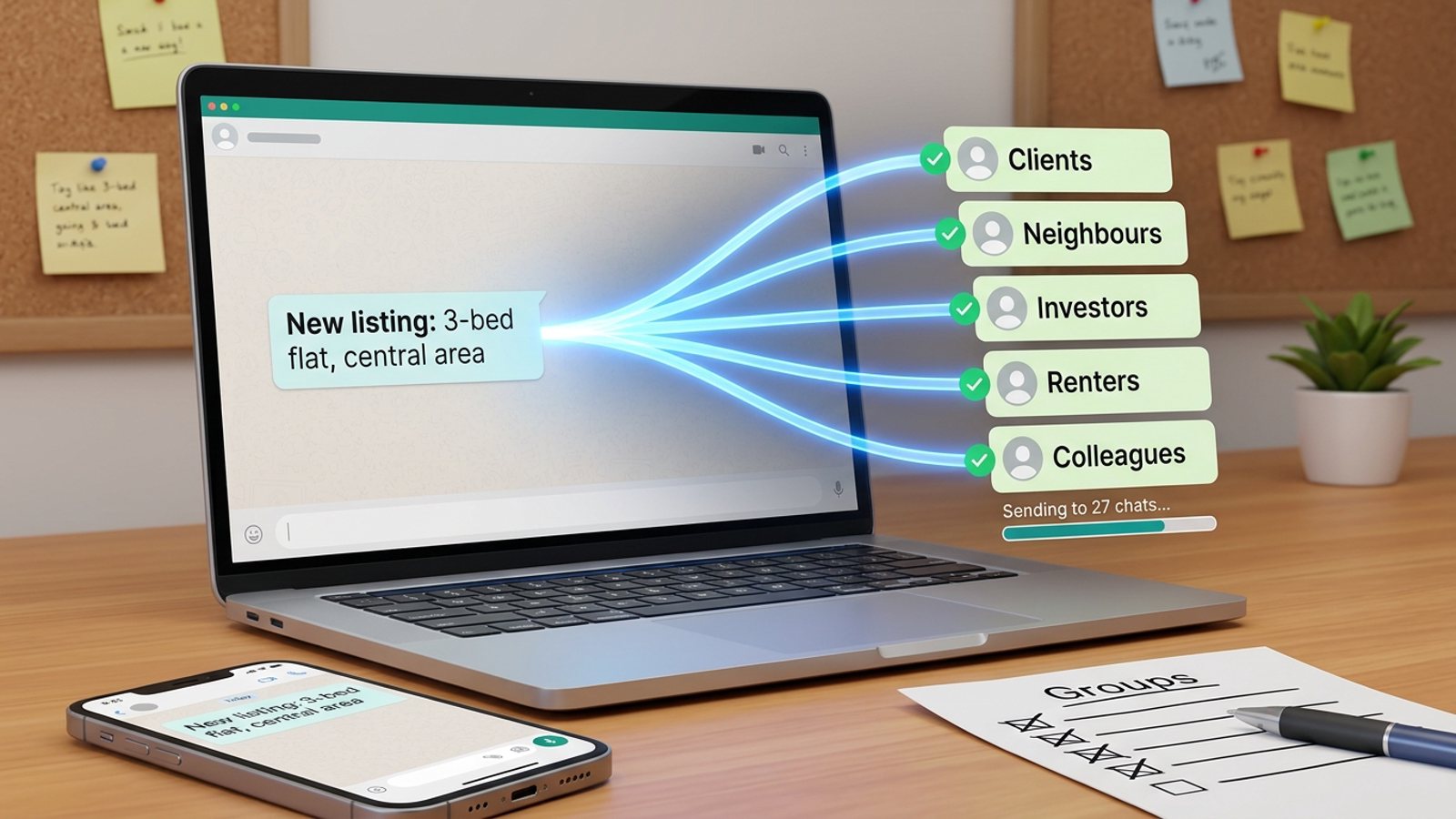
If you run a business or community on WhatsApp, you know the pain: the same announcement has to go into a dozen groups, and WhatsApp only lets you forward to five chats at a time. Every listing promises to be safe. Here's the honest picture — and the route that keeps your number alive. Get FivePlus for WhatsApp Chrome extension (bulk share beyond 5 recipients) if you want the one-click route with paced sending built in.
What does WhatsApp itself say about bulk messaging?
WhatsApp says plainly that bulk and automated messaging breaks its rules. Its help centre states that its products "are not intended for bulk or automated messaging, both of which have always been a violation of our Terms of Service." Its "How to use WhatsApp responsibly" page lists automated or bulk messages under practices to avoid and says using WhatsApp that way "may cause your account to be banned."
Detection isn't a rumour. WhatsApp says it uses on-platform information and machine learning to find and stop millions of abusive accounts, and that since 7 December 2019 it has taken legal action — including on off-platform evidence — against people connected to abuse such as automated or bulk messaging. It also relies on user reports: the same page warns that accounts reported repeatedly get banned.
Can I send one WhatsApp message to more than 5 groups at once?
Not with WhatsApp's own features. WhatsApp's forwarding limit lets you send to at most five people or groups at once, and a message that was already forwarded to you can only go on to one more group. Messages forwarded through five or more chats get a "Forwarded many times" label.
So forwarding to 40 groups means eight rounds of five, and every one of those messages carries the label. A third-party compilation of WhatsApp's limits, checked against the Help Center on 9 October 2026, confirms the same caps: five chats or groups per forward, one more group if the message was already forwarded, and a group that holds up to 1,024 members.
That's the gap every bulk sender fills. The question is which way of filling it costs you least.
Do broadcast lists work for sending to groups?
No. A broadcast list holds up to 256 individual contacts and cannot include groups, per the third-party limit compilation checked on 9 October 2026. Wati, a WhatsApp Business API provider, adds in an October 2026 blog that in the WhatsApp Business app a broadcast list only reaches contacts who have your number saved.
Broadcast lists are private one-to-many sends — each recipient sees a normal one-to-one chat — which makes them the gentlest official option for a customer list. They just don't solve group posting.
WhatsApp's own help page also warns that heavy use of broadcast lists can get you reported, and that repeated reports lead to bans. Even the official feature has a ceiling on how hard you can lean on it.
What actually triggers a WhatsApp ban?
The most common triggers are other people's reports and obvious spam behaviour. Wati's October 2026 blog lists the usual suspects: unsolicited promotions, sending through unofficial tools or modified apps, too many blocks and reports, and blasting identical messages. An open-source legal reference published in January 2026 makes the same point — recipient "report spam" taps are a common ban trigger, and so is bulk messaging without consent, even with careful pacing.
A second open-source reference, from June 2026, says anti-ban measures — caps, warm-up, human-like timing — reduce but do not eliminate ban risk, and that recipient reports are the most common trigger.
The scale is real. MyOperator, in a vendor blog updated 21 November 2026, reports that WhatsApp banned 8,458,000 accounts in India in 2024 alone.
The safest bulk sender is the one whose messages people actually wanted to receive.
How do I send to many groups with the least risk?
Start by choosing your route honestly, then trim the list, vary the message and pace the sends. Here's the sequence that works, whichever tool you land on:
- Decide your route. Five-chat forwarding or broadcast lists (free, in-app, slow), the official Business API (paid, consent and templates, no group posting), manual copy-paste, or a Chrome extension for one-go multi-group sends.
- Trim the list. Message only groups and contacts who expect to hear from you. WhatsApp advises getting a contact's permission before adding them to a group.
- Vary the message. Avoid identical copy to every recipient, and personalise where you can — Hypersender's November 2026 docs name identical blasts as a flagged behaviour.
- Pace the sends. No source gives a universal safe daily number; Hypersender says outright there isn't one. What the docs do say is that sudden large volumes to unfamiliar people look like spam.
- Check any extension before you install it. Who publishes it, what permissions it asks for, what data it sends, and whether its own listing admits risk.
How does FivePlus handle sending to more than 5 groups?
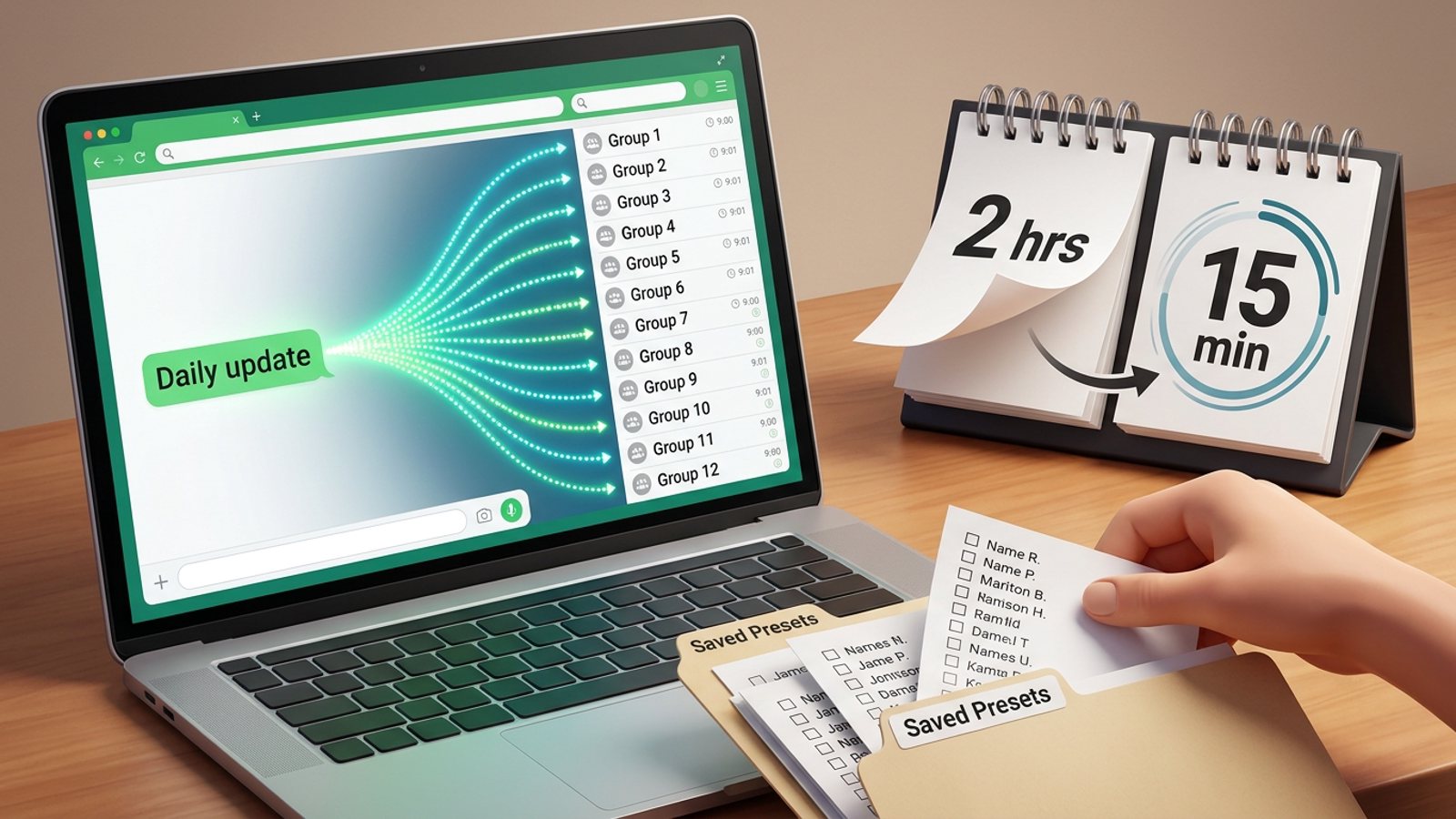
FivePlus is a Chrome extension for WhatsApp Web that sends a message, announcement or media to many saved groups and contacts in one click, instead of the standard five at a time. You install it from the Chrome Web Store, open WhatsApp Web, and save your group and contact lists as presets once.
From there, you choose a preset — or several at once in V2 — pick a message or media, and send. You can mix people and groups into one preset for maximum reach. Saved group lists stay saved, so you never search for the same group twice.
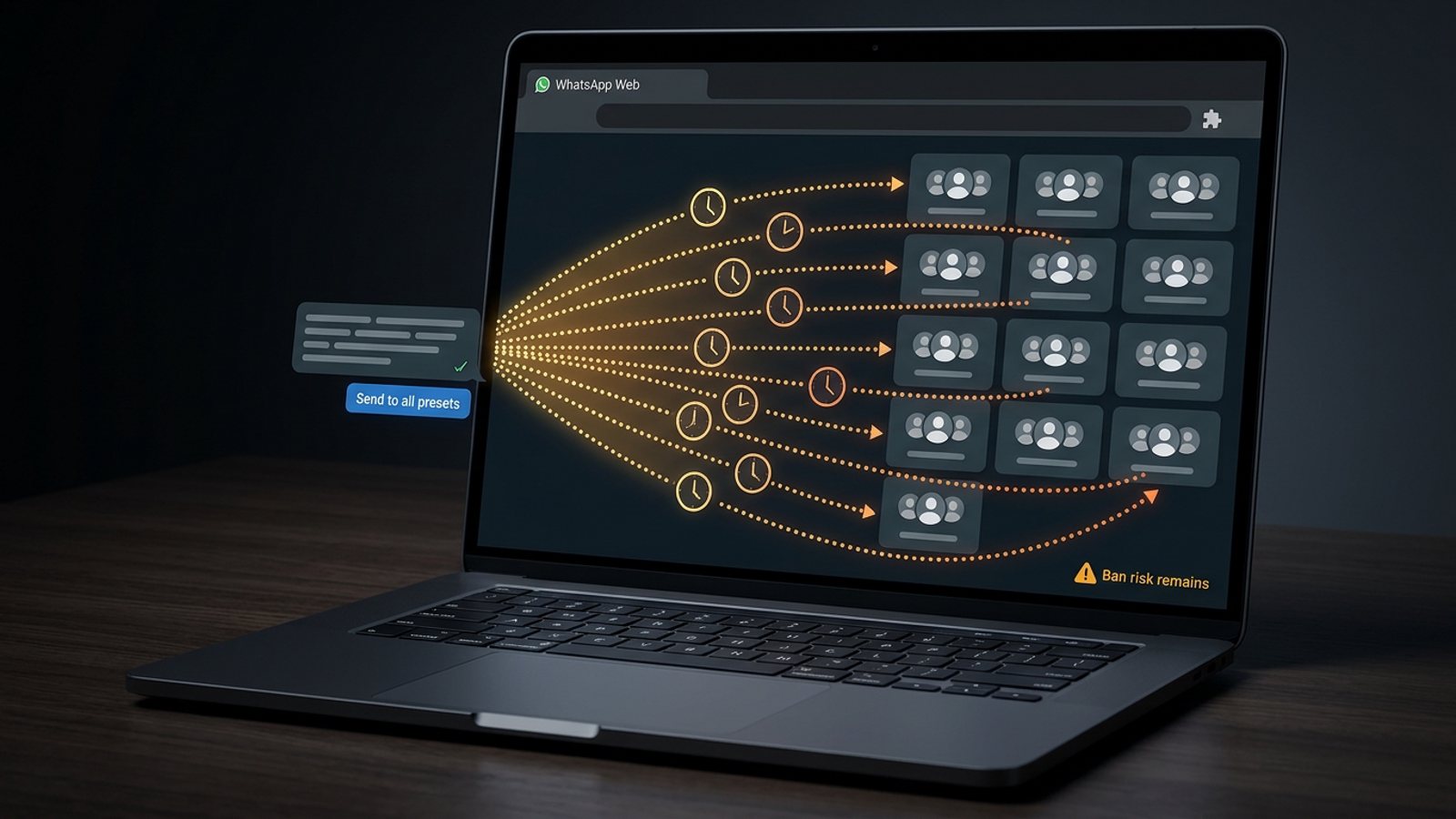
On the safety side, FivePlus uses anti-ban technology that mimics natural human behavior, and randomized delays stagger message timing to avoid spam flags. That's gentler pacing, not a guarantee — no tool can offer one, and FivePlus doesn't claim to.
FivePlus is free to try for 3 days (as of November 2026; prices can change). It requires the Chrome browser and WhatsApp Web, and the free trial is limited to 24 hours of use. All plans include unlimited sharing, with no monthly sending limit per plan.
Which bulk WhatsApp sender for groups should I use?
It depends on whether you need group posting or a customer list. Here's how the main routes compare, with FivePlus first because it's the tool this blog is about.
| Option | Best for | Key features | Price / free option | Watch-outs |
|---|---|---|---|---|
| FivePlus (Our pick) | One-click posts to many groups | Saved presets, mixed people + groups, randomized delays | Free 3-day trial | Chrome + WhatsApp Web only |
| WhatsApp forwarding + broadcast lists | Staying fully in-app | 5 chats per forward, 256-contact lists | Free | No group posting, slow, labels |
| WhatsApp Business API (WATI, 360dialog, Telnyx) | Opted-in customer lists at scale | Templates, scheduling, analytics | Per-message fees from $0.004 (Telnyx, Jun 2026) | Consent + approval needed, no group posting |
| Chrome Web Store bulk senders | Group blasts on a budget | CSV import, personalisation, scheduling | Free tiers; Pro from $4.99/month | All break WhatsApp's terms |
Our pick for group posting is FivePlus, of the tools we compared, because it combines saved group lists with randomized delays in one extension — get FivePlus for WhatsApp Chrome extension (bulk share beyond 5 recipients). FivePlus is made by the team behind this blog.
The other routes deserve a fair hearing. If you mainly need to reach opted-in customers at scale with approved templates, the WhatsApp Business API is the more direct choice — it's the only ToS-compliant automation path, per Wati's October 2026 blog and the January 2026 open-source legal reference, but it needs opt-in consent, Meta-approved templates and per-message fees. Meta charges by message category and the recipient's country, and since 1 October 2026 it also charges for service messages and utility templates inside the 24-hour window, with 1,000 free service messages per number per month, per respond.io (19 November 2026) and LINK Mobility (3 September 2026). Frequent blocks and reports lower your quality rating and can pause your templates.
If you mainly need zero third-party code, WhatsApp's own forwarding and broadcast lists are the safer-feeling choice — free, official, and clear of the "unofficial tool" trigger Wati and WhatsApp both name. The cost is time: one paste or forward round after another, and broadcast lists can't touch groups.
If budget is the whole story, manual copy-paste costs nothing and gives you full control over pace. But it's still identical copy to everyone if you don't vary it, and it's still bulk-style sending if the volume is high, per Hypersender's November 2026 docs.
Chrome Web Store bulk senders as a category are worth a caveat. One listing reviewed in November 2026 states plainly: "There is no way to send bulk messages with zero risk — WhatsApp can restrict any account, from any tool." Another listing from December 2023 tells users they "shouldn't and can't send a lot of spam, in which case WA will ban your account soon." And quality varies wildly: Socket's threat researchers found 131 spamware extensions hijacking WhatsApp Web in a coordinated campaign, as reported by Malwarebytes in October 2025. A security review from November 2026 rated one group-blast extension (WAWebSender, v1.3.2) as medium risk, 44 out of 100.
Is the WhatsApp Business API safer than an extension?
Yes for compliance, no for group posting. The API is the only sanctioned automation route, but it's built for customer lists with opt-in consent and approved templates — not for posting into the groups you're already a member of. If your job is "announce this to my 30 community groups," the API doesn't do it.
If your job is "tell 2,000 opted-in customers about a launch," the API is the right tool and an extension isn't. Match the tool to the job.
How many messages can I safely send per day?
No source gives a universal safe number, and Hypersender's November 2026 docs say there isn't one. What the docs do flag is sending large volumes to people you've never contacted, and identical copy to every recipient. Our recommendation: keep volume proportionate to how well your recipients know you, and grow it slowly rather than in one blast.
What happens if my account gets restricted?
On the WhatsApp Business app, a restricted account can still reply to existing chats but cannot start new ones until the restriction lifts, per Wati's October 2026 blog. That's the practical cost of a flag: your outbound stops, your inbound keeps working.
The point of pacing isn't to beat detection — it's to stay under the threshold where anyone wants to report you.
Ready to stop forwarding five at a time? Get FivePlus for WhatsApp Chrome extension (bulk share beyond 5 recipients) and save your group lists once. For more on choosing between tools, see our guide to the best bulk WhatsApp sender for groups in 2026 and our honest look at whether a WhatsApp bulk sender risks your account.
Sources
- Unauthorized use of automated or bulk messaging on WhatsApp — WhatsApp Help Center, undated
- How to use WhatsApp responsibly — WhatsApp Help Center, undated
- Forwarding limits — WhatsApp Help Center, undated
- How to Send Bulk Messages on WhatsApp Without Getting Blocked — Wati blog, 30 Oct 2026 (vendor blog)
- How to send the same message to multiple WhatsApp groups — 9bot, 8 Oct 2026
- How to Send Bulk WhatsApp Messages Without Getting Banned? — MyOperator, updated 21 Nov 2026 (vendor blog)
- WhatsApp Terms of Service & Legal Considerations — GitHub, 27 Jan 2026
- wapi legal reference — GitHub, 5 Jun 2026
- How to Avoid Getting Blocked on WhatsApp — Hypersender docs, 20 Nov 2026
- WhatsApp Business API Pricing 2026 Guide — LINK Mobility, 3 Sep 2026
- WhatsApp Business Messaging API Pricing Calculator — respond.io, 19 Nov 2026
- WhatsApp Business API Guide: Pricing, Setup, Limits (2026) — Telnyx, 22 Jun 2026
- WA Bulk Message Sender listing — Chrome Web Store, updated 20 Nov 2026
- Free WhatsApp Bulk Sender listing — Chrome Web Store, updated 13 Sep 2026
- WA Message Sender – WA Web Sender listing — Chrome Web Store, 19 Dec 2023
- Over 100 Chrome extensions break WhatsApp's anti-spam rules — Malwarebytes, 21 Oct 2025
- WAWebSender security review — Risky Plugins, 10 Nov 2026
Frequently asked questions
No. WhatsApp states that bulk and automated messaging violates its Terms of Service and that it bans accounts using machine learning plus user reports. Any tool claiming immunity is overpromising; the honest claim is lower friction and gentler pacing.
For group posting, FivePlus is our pick of the tools we compared — it saves your group lists as presets and spreads sends with randomized delays. If you need compliant, template-based messaging to opted-in customers instead, use the WhatsApp Business API through a provider.
Not in one go. WhatsApp's forwarding limit is five chats or groups at a time, and a message already forwarded to you can only go to one more group. Broadcast lists reach up to 256 contacts but can't include groups.
Recipient reports. Wati and two open-source legal references all name too many blocks and reports as a top trigger, alongside identical blasts, unsolicited promotions and unofficial tools.
The owner's guidance is that it's built for regular WhatsApp rather than WhatsApp Business accounts. Test it on your own setup before relying on it for a client-facing send.