Is there a WhatsApp bulk sender that doesn't risk my account?
No bulk sender can promise your WhatsApp account stays safe. WhatsApp's own Help Center says its products aren't intended for bulk or automated messaging and that this has always violated its Terms of Service. What you can do is lower the risk: use a tool with randomized delays and human-like pacing, message only people who expect to hear from you, and send in small batches.
If you've read the horror stories — a number restricted overnight, a business page locked — you're right to be careful. Let's look at what actually drives the risk, and which tool choices reduce it.
Get FivePlus for WhatsApp Chrome extension (bulk share beyond 5 recipients)
What does WhatsApp actually say about bulk messaging?
WhatsApp's Help Center states plainly that its products are not intended for bulk or automated messaging, and that both have always been a violation of its Terms of Service. That's the sentence that matters most here, because it means there is no "approved" way to blast a personal WhatsApp number.
WhatsApp also says it has used on-platform data to find and stop millions of abusive accounts, and that since 7 December 2019 it will take legal action against people or businesses it judges to be committing or assisting abuse — including bulk or automated messaging — even based only on off-platform information.
So the honest framing is this: bulk sending on a personal number is a risk-management exercise, not a risk-free one. Anyone selling you certainty is selling you something that doesn't exist.
What actually triggers a WhatsApp ban?
Meta's anti-spam systems look at machine-learning signals and user reports to detect unauthorised bulk or automated messaging, and can restrict features, block delivery or limit and ban accounts, according to a 2026 Wati vendor blog. That same article notes that Meta has not published a fixed threshold where volume plus similar content automatically triggers throttling.
That last point is important. There's no published number you can stay under. Wati's advice (September 2026) is to treat speed, repetition and report rate as risk signals rather than a known formula.
In practice, the riskiest behaviours look like this:
- Sending the same text to dozens of chats within a couple of minutes.
- Messaging people who never saved your number and don't know you.
- Getting blocked or reported by a chunk of recipients.
- Repeating the same blast several times a week.
One vendor's 2026 safety guide (WaSurge, July 2026) argues bans are driven mainly by recipient behaviour — blocks and reports — and that sending speed matters less than message relevance. Small batches with delays keep risk low, in their view.
How do randomized delays lower the risk?
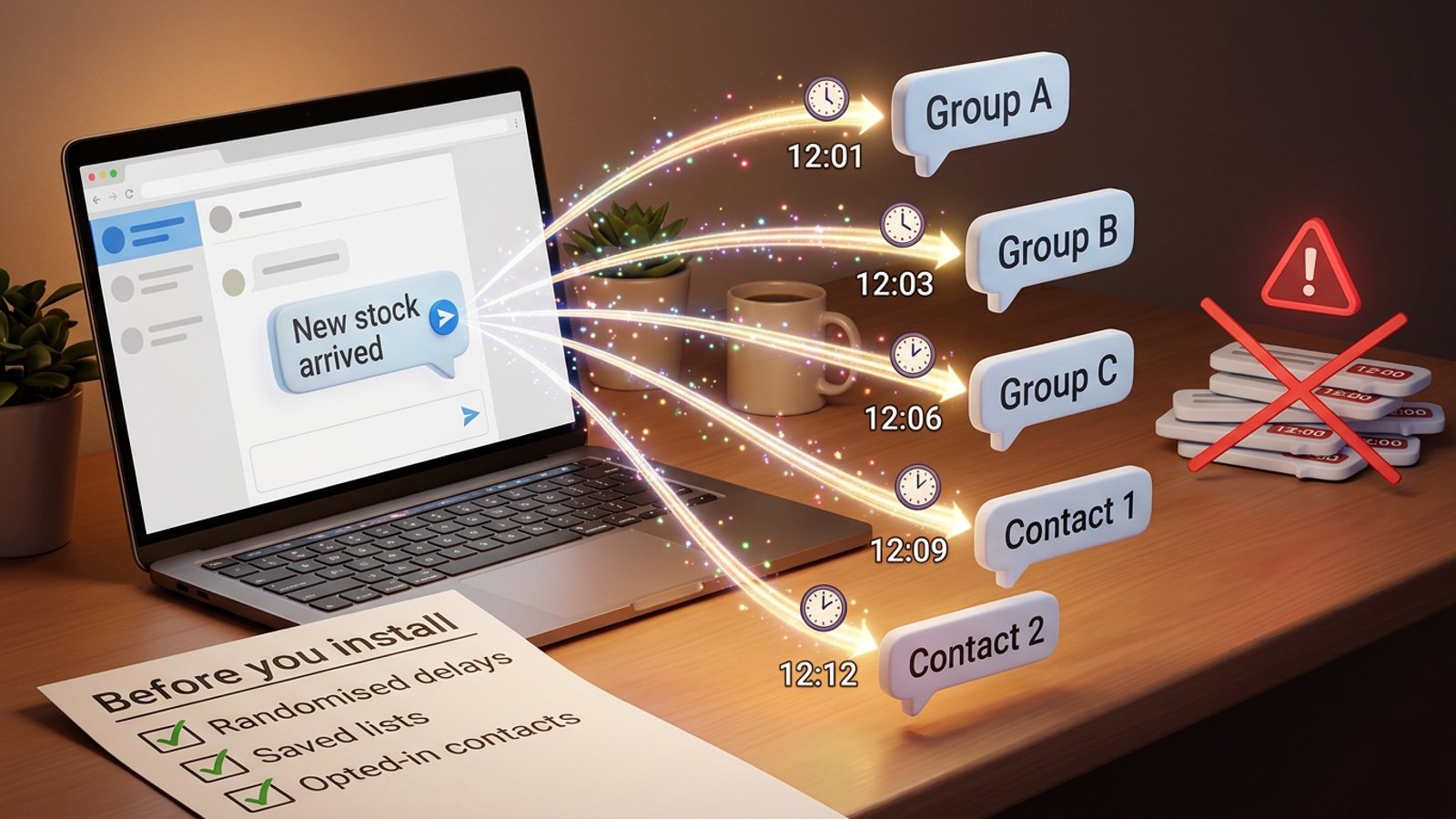
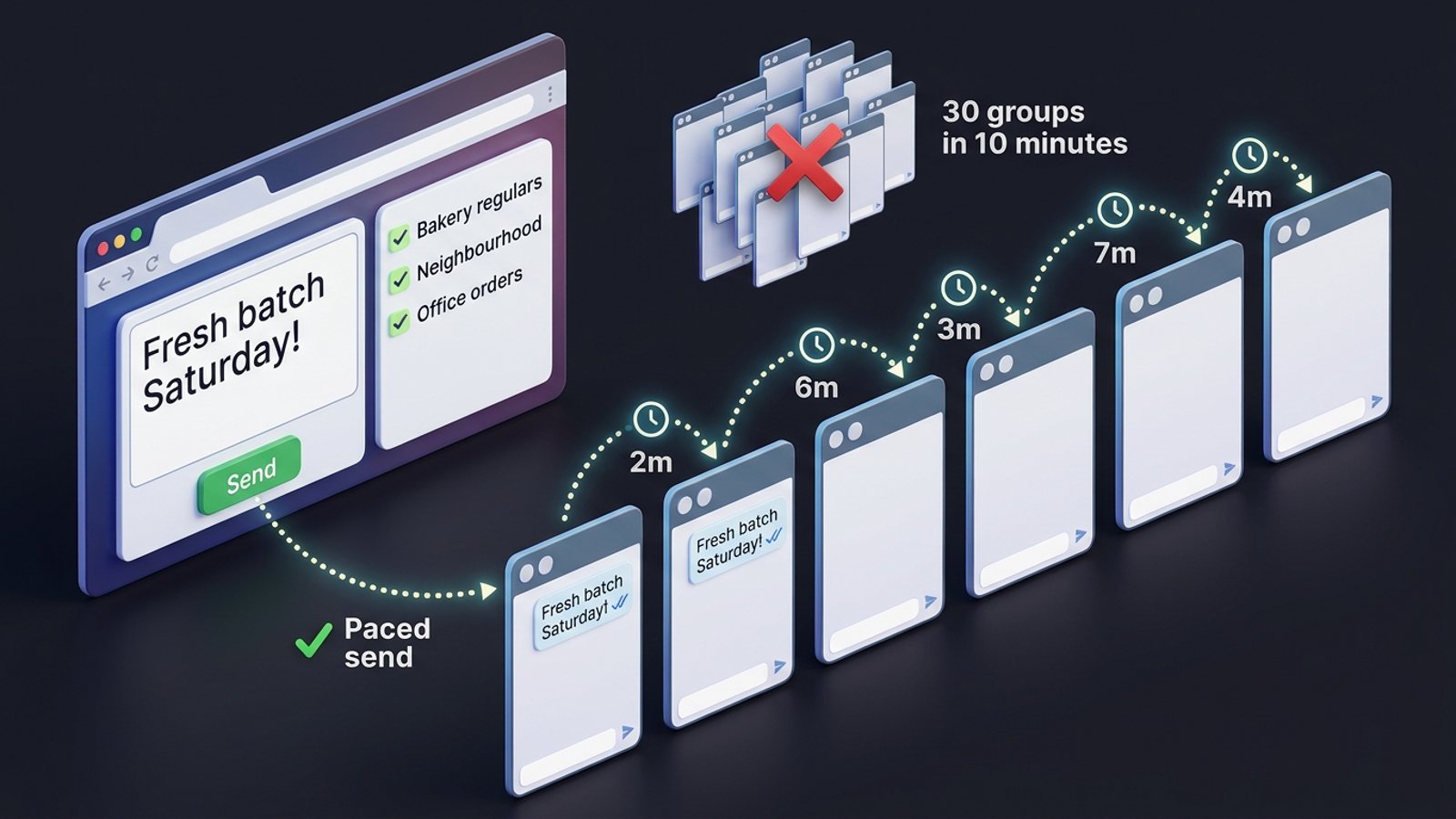
Randomized delays spread your messages out over time so the sending pattern looks less like a machine and more like a person working through a list. Instead of 40 messages landing in 90 seconds, they land over 20 minutes, with gaps that vary.
A Chrome extension listing on the Web Store describes exactly this: "mimic human behavior with customizable random delays (e.g., 6-10 seconds)" plus stop, pause and resume controls. A developer tutorial for a Puppeteer-based bulk sender on NPM (February 2026) ships a --rate delay option and a --randomize-delay jitter flag — and carries its own disclaimer that automated bulk messaging can lead to an account ban.
Notice the honesty there. Even the people building these tools say "use at your own risk."
Why variation matters as much as timing
Identical text sent at identical intervals is a pattern. Variation breaks it: different gaps, slightly different wording, different order. That's why the best tools let you set a minimum and maximum delay and randomize between contacts rather than firing at a fixed rate.
Delays don't make bulk sending allowed — they make the traffic look less mechanical, which is the only lever a third-party tool honestly has.
How do I keep my WhatsApp account safe when sending to many groups?
Message people who expect to hear from you, keep batches small, and let delays do their work. That's the short version. Here's the fuller checklist, drawn from the vendor guidance in the research:
- Decide your route first. Built-in broadcast list (free, capped), the official API (opt-in, templates, per-message cost), or a Chrome bulk sender that drives WhatsApp Web.
- Only message people who opted in or reasonably expect to hear from you. Honour opt-outs immediately.
- Set a minimum and maximum delay and let the tool randomize between contacts.
- Add variation so messages aren't byte-identical to every recipient.
- Send in small batches with breaks rather than one big blast.
- Track results — sent, failed, skipped — and stop if failures or reports start piling up.
Our recommendation: if you're messaging more than a handful of groups, do a small test batch first and watch what happens before you scale up. It costs you ten minutes and tells you more than any blog post can.
Is bulk WhatsApp marketing even legal?
That depends on where you and your recipients are, and it isn't legal advice — rules vary by place. Wati's February 2026 piece on WhatsApp marketing legality covers the general picture: consent, opt-out and local privacy law all matter, separate from what WhatsApp's own Terms of Service allow.
Two separate questions get mixed up here. WhatsApp's Terms of Service govern whether you can use the platform that way. Local marketing and privacy law govern whether you can message that person at all. You can fail either one independently.
Which bulk sender is safest — and how do the options compare?
The safest-by-the-book option is the official WhatsApp Business API. The closest-to-personal option is a Chrome extension with randomized delays. Neither is risk-free, and the right pick depends on your list size and whether your contacts have opted in.
FivePlus is made by the team behind this blog. Here's how the options stack up, with our pick first.
| Option | Best for | Key features | Price / free option | Watch-outs |
|---|---|---|---|---|
| FivePlus (Our pick) | Many saved groups and contacts from WhatsApp Web | Unlimited forwarding beyond 5, saved lists, randomized delays | Free to try for 3 days (as of November 2026; prices can change) | Needs Chrome and WhatsApp Web; not affiliated with Meta |
| WhatsApp broadcast lists | Small, warm lists who know you | Free, private 1:1 delivery, no tool | Free | 256-contact cap, saved-number rule, manual lists |
| WhatsApp Business API (Wati and others) | Opted-in audiences at scale | Official route, template approval, opt-in enforcement, analytics | Per-message billing; Cloud API has no Meta monthly fee | Opt-in required, templates billable, review process |
| WaSenderHQ (Chrome extension) | Users who want a one-time purchase | Human-like typing, delay jitter, CSV import, pause/resume | Free tier plus one-time Pro (as of November 2026) | Vendor says no setting guarantees account safety |
| Manual copy-paste | Very small lists, maximum control | You set the pace exactly | Free | Slow and error-prone at scale |
A few notes on that table. Broadcast lists are capped at 256 contacts per list and usually only deliver to people who have saved your number, per Wati (September 2026) and SleekFlow (September 2026). Each message arrives as a private 1:1 chat, so recipients don't see each other — good for privacy, weak for scale.
The API removes the 256 cap in favour of a rolling 24-hour recipient tier that scales with quality, and bills per message by category and country, according to SleekFlow. Marketing messages run roughly $0.01–$0.16 each depending on country, with provider markup commonly pushing all-in cost to 2x–5x the raw rate, per IDT Express (July 2026). Accounts that repeatedly break policy still face escalating bans up to permanent removal, per Meta for Developers (updated May 2026).
If you mainly need an officially sanctioned, opt-in channel with template approval and analytics, a Business API provider is the more direct choice. If you mainly need to reach your existing groups from your own WhatsApp Web session without a per-message bill, a Chrome bulk sender fits better.
Get FivePlus for WhatsApp Chrome extension (bulk share beyond 5 recipients)
How does FivePlus approach WhatsApp bulk sender account safety?
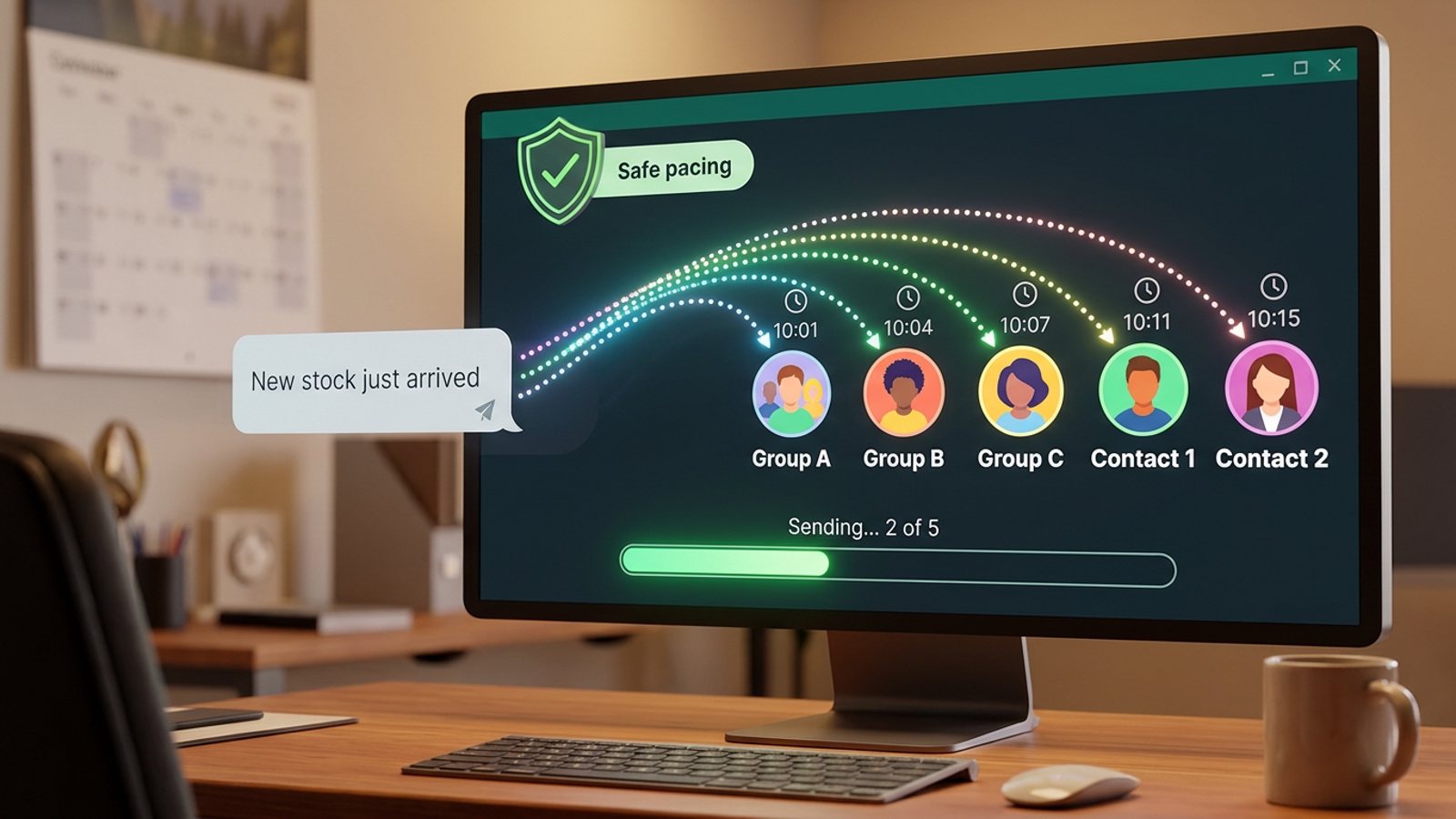
FivePlus uses anti-ban technology that mimics natural human behavior, plus randomized delays that stagger message timing to avoid spam flags. It's a Chrome extension for WhatsApp Web — install it, save your group and contact lists as presets once, then pick a preset, choose a message or media, and send in one click.
The practical benefit is that you're not retyping or re-searching for groups every time. Saved lists are kept forever, so it's better not to uninstall the extension. All plans include unlimited sharing, and there's no monthly sending limit per plan. It works on regular WhatsApp; the owner notes WhatsApp Business accounts likely aren't supported.
Honest limits: it requires the Chrome browser and WhatsApp Web, free use is limited to a 24-hour trial, and it is not affiliated with Meta — WhatsApp is a trademark of Meta Platforms, Inc.
What happens if I do get restricted?
Under WhatsApp Business Platform enforcement, accounts that repeatedly violate policies first get a warning; escalating steps include 1- or 3-day bans, 5-, 7- or 30-day bans, account lockdown and ultimately permanent removal, per Meta for Developers (updated May 2026).
That escalation path is published for the Business Platform, and it's the clearest official picture of how enforcement steps up. The takeaway for anyone sending bulk: a warning is a signal to change behaviour, not a hurdle to route around.
Sources
- Unauthorized use of automated or bulk messaging on WhatsApp (WhatsApp Help Center, undated)
- 在 WhatsApp 上未經授權使用自動或大量訊息傳送 (WhatsApp Help Center, undated)
- WhatsApp Business App vs API (SleekFlow, 2026-09-15)
- WhatsApp broadcast list guide (hensontsai.com, 2026-03-30)
- Batas Broadcast WhatsApp Business (Wati, 2026-11-11)
- WhatsApp Business Platform policy enforcement (Meta for Developers, updated 2026-05-21)
- How much does the WhatsApp Business API cost in 2026 (IDT Express, 2026-07-14)
- Will WhatsApp Ban My Number for Bulk Messaging? (WaSurge, 2026-07-28)
- WhatsApp bulk sender — WaSenderHQ Chrome listing (Chrome Web Store, updated 2026-11-19)
- emmanuel-saleem/whatsapp (Chrome Web Store, undated)
- wa-bulk-web (NPM, 2026-02-06)
- Is WhatsApp Marketing Legal? (Wati, 2026-02-02)
Frequently asked questions
It can. WhatsApp says bulk and automated messaging has always violated its Terms of Service, and Meta's systems can restrict features, block delivery or ban accounts. No tool removes that possibility — the goal is lowering your exposure, not eliminating it.
Vendors say yes, and the logic is sound: staggered, varied timing looks less mechanical than a rapid identical blast. But no official WhatsApp statement confirms a detection threshold or that delays measurably lower bans, so treat it as risk reduction, not protection.
If your contacts have opted in and you need scale, the official Business API is the sanctioned route. If you're messaging your own saved groups from WhatsApp Web, FivePlus is our pick of the tools we compared — it has saved lists, randomized delays and unlimited sharing, free to try for 3 days as of November 2026. Either way, keep batches small and message people who expect to hear from you.
WhatsApp broadcast lists are capped at 256 contacts per list, per Wati (September 2026), and usually only deliver to people who saved your number. The Business API replaces that cap with a rolling 24-hour recipient tier that starts around 250 unique recipients and scales with quality, per SleekFlow (September 2026).
It depends on your country and your recipients, and this isn't legal advice. Consent, opt-out handling and local privacy law all apply on top of WhatsApp's Terms of Service — and rules and enforcement can change, so check current guidance for your market.