How can I send the same message to all my WhatsApp groups without doing it myself?

WhatsApp has no built-in button that posts one message to all your groups at once. Native forwarding stops at five chats per action (one group if the message was already forwarded to you), and broadcast lists reach saved contacts only, never groups. To send same message all whatsapp groups in one go, use a WhatsApp Web extension with a saved group list and randomised delays — or a Community announcement if you admin every group.
Get FivePlus for WhatsApp Chrome extension (bulk share beyond 5 recipients) and you can send one message to a saved list of groups in a single click.
Why can't WhatsApp send one message to all my groups by itself?
Because WhatsApp deliberately built its limits as anti-spam measures. Its help centre says forwarding is capped at five people or groups per action, and a message forwarded to you can go to only one additional group chat. After a chain of five or more chats, the message is labelled "Forwarded many times" — and from then on each forward goes to a single destination chat, per Itechguides (2026).
WhatsApp frames those limits as a way to keep conversations "intimate and personal". So the missing button isn't an oversight. It's the design.
What are my options for sending the same message to all my groups?
Four realistic routes, and the right one depends on whether your audience sits in groups you're in, groups you admin, or saved contacts.
Option 1: Forward the message in batches of five
Free and built in. You forward to five chats, then repeat. It works for a handful of groups — wasurge.com (updated 2026) calls manual copy-paste fine up to about five groups: tedious but zero cost and zero risk. Past that, the tapping adds up, and the "Forwarded many times" label starts following your message.
Option 2: Build a broadcast list
Free in WhatsApp Messenger and the WhatsApp Business app. A broadcast list sends the same message to many contacts as separate private chats, so recipients don't see each other's replies (Wati, 2026). But a list can't contain groups (9bot, 2026), it caps at 256 contacts, and only recipients who saved your number actually get the message (Wati, 2026). Wati also reports monthly broadcast limits rolling out in some countries. You also can't create a list on WhatsApp Web — only on the phone (Zenvia, updated 2026).
Option 3: Post once in a Community announcement
Free, and the cleanest route if the groups are yours. WhatsApp's help centre suggests bringing groups you administer into a Community and posting once in the announcement group, which reaches every member (9bot, 2026). No forwarding cap. The catch: members have to join the community, and it does nothing for groups you don't own.
Option 4: Use a bulk sender on WhatsApp Web
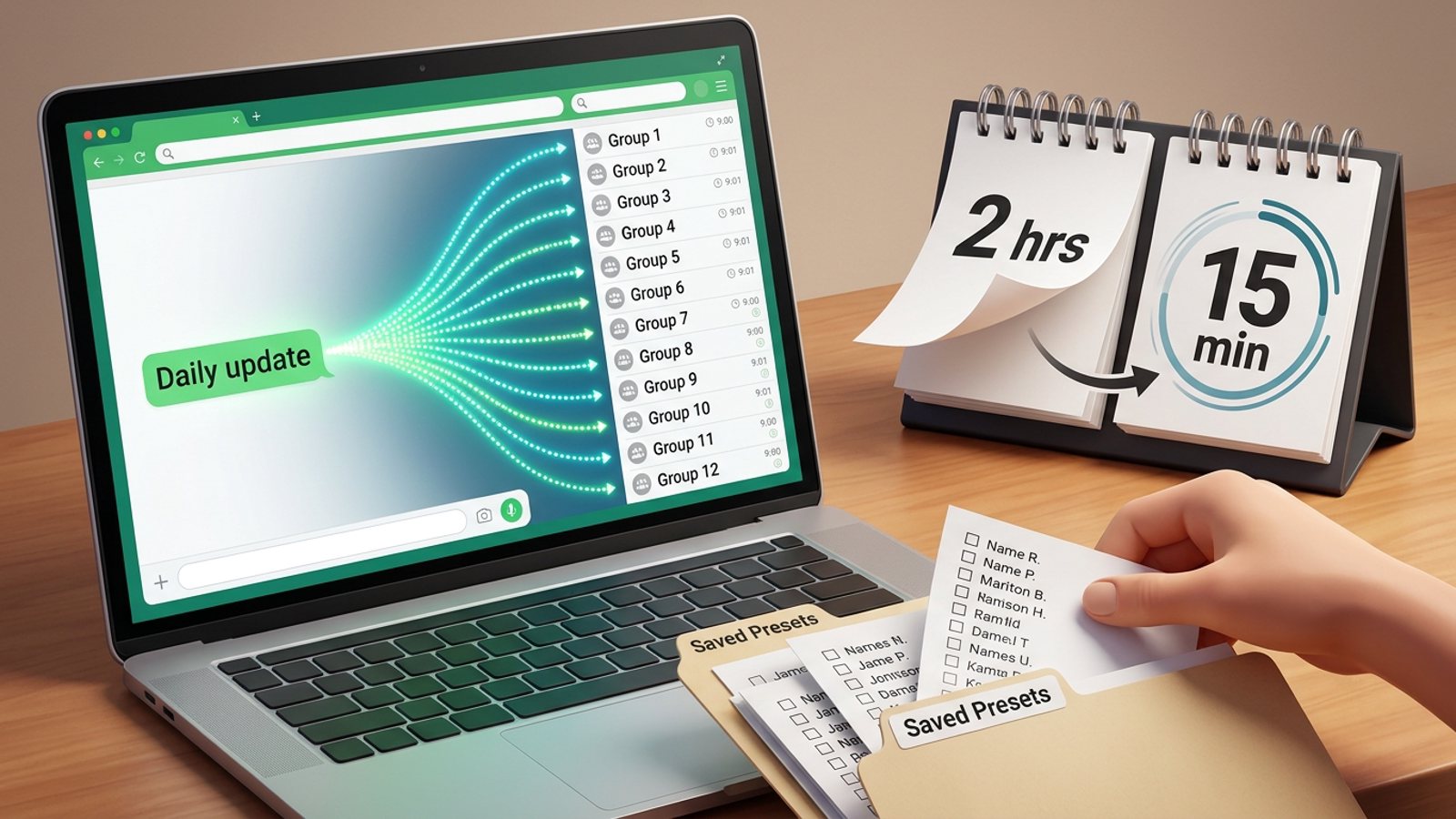
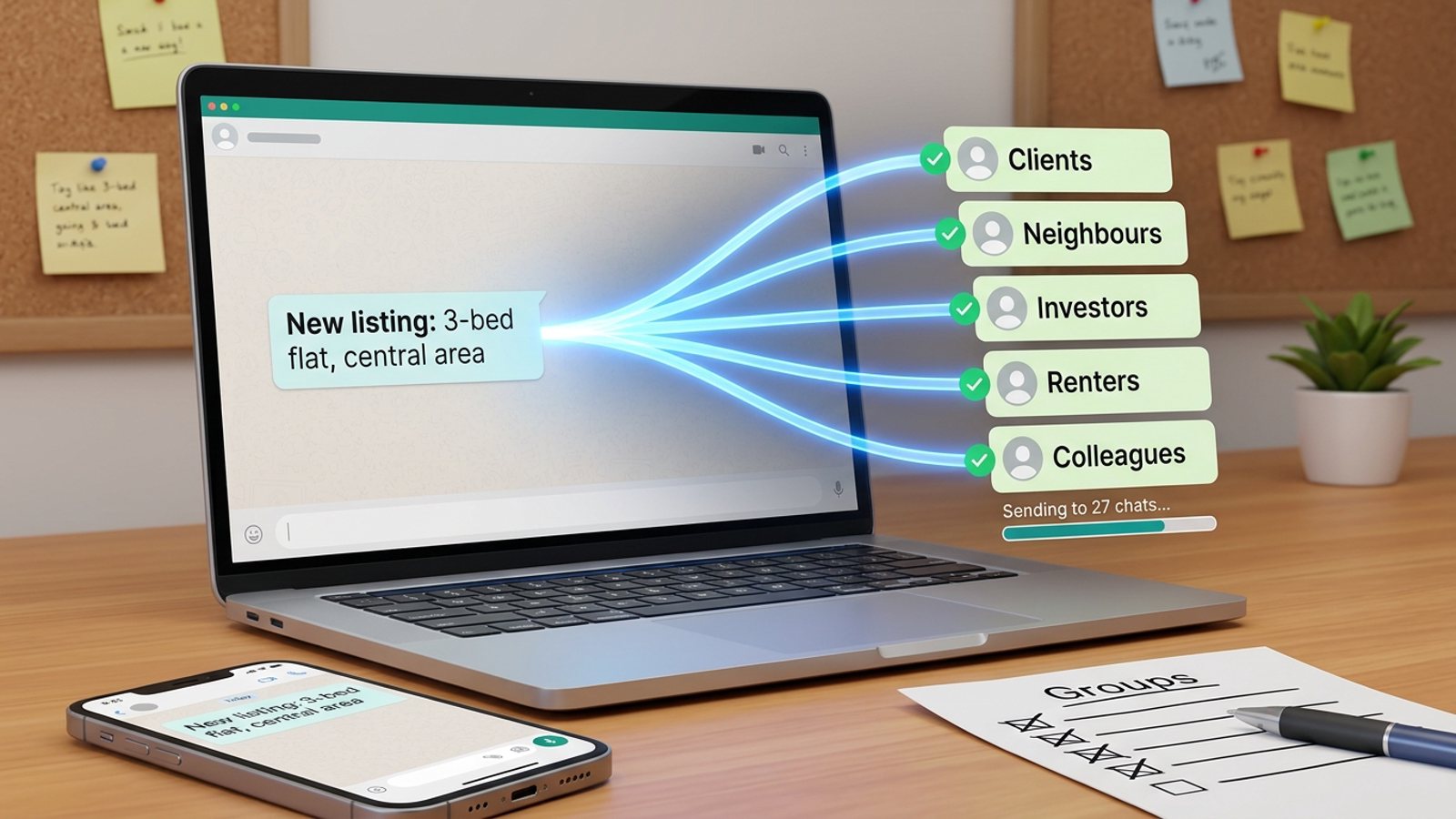
A Chrome extension that selects multiple groups and posts to them in sequence with a delay between each is described by wasurge.com (2026) as the practical method for more than a handful of groups. That's the route FivePlus takes: save your group and contact lists as presets once, then send a message or media to all of them in one click, with randomised delays staggering the timing.
How do I send the same message to all my WhatsApp groups in one go?
Set it up once, then every future send is a couple of clicks.
- Install the extension from the Chrome Web Store and open WhatsApp Web in Chrome.
- Save your lists as presets — one preset per audience, e.g. "clients", "partners", "event guests". You can mix people and groups into one preset.
- Pick the preset (or several at once), choose your message or media, and send in one click.
- Let the randomised delays run. They spread the messages out so the send looks natural rather than machine-gunned.
That's the whole workflow. The first setup is the only slow part — after that, the list is saved and reusable.
How do I keep my WhatsApp account safe while doing this?
By treating speed, repetition and block rate as risk signals, not targets to beat. WhatsApp hasn't published a fixed formula proving a given send speed triggers throttling (Wati, 2026), so nobody can promise you a safe number. What is documented: Meta's anti-spam detection combines automated systems, machine-learning tools and user reports and blocks (TechTudo, 2026), and Meta's named ban triggers include unwanted messages, automatic sending, third-party contact lists and broadcast-list abuse.
Practical habits that lower the risk:
- Send only to people who expect to hear from you. A group you were added to is not the same as an audience that wants your offer.
- Space the sends out. Randomised delays exist for this reason — don't disable them to "save time".
- Keep the message relevant and short. A generic blast to 40 groups invites blocks, and blocks feed the detection systems.
- Stop on request. If someone asks you to stop, remove them from the preset.
The safest bulk send is the one your recipients would have been glad to receive even if it arrived on its own.
Which tool should I use to send one message to many WhatsApp groups?
Of the tools we compared, FivePlus is our pick for sending the same message to a saved set of groups from your laptop — it's the one built around saved group lists and repeat sends.
FivePlus is made by the team behind this blog.
| Option | Best for | Key features | Price | Watch-outs |
|---|---|---|---|---|
| FivePlus (Our pick) | Repeat sends to saved group lists | Saved presets, one-click bulk send, randomised delays | Free to try for 3 days | Chrome + WhatsApp Web only |
| WhatsApp forwarding | A one-off to a few chats | Built in, no setup | Free | 5 chats per action; 1 group if forwarded |
| Broadcast lists | Messaging saved contacts | 256 per list, private replies | Free | No groups; recipients must save your number |
| Community announcement | Groups you admin | One post reaches all members | Free | Members must join; your groups only |
| SKEDit | Timed sends from Android | Scheduling, drip chains, CSV import | Free tier; Pro $4.99/mo | Phone must stay on and online |
| WaSenderHQ | Pasting number lists from a sheet | CSV import, variables, randomised delays | Free listing | Number lists, not saved group sets |
FivePlus's prices: the extension is free to try for 3 days as of November 2026, and prices can change. All plans include unlimited sharing, with no monthly sending limit per plan, and saved group lists stay saved — so it's better not to uninstall the extension.
A word on the others. If you mainly need timed sends from your phone, SKEDit is the more direct choice — it's an Android scheduler that fires through the phone's accessibility service, though it fails if the phone is off, offline or battery-optimised (SKEDit, 2026). If you mainly need to paste a CSV of numbers from a spreadsheet, WaSenderHQ is the more direct choice: it imports CSV or public Google Sheets, supports variables and previews valid, invalid and duplicate contacts (Chrome Web Store, updated 2026). Private sheets can't be imported, and it's built around number lists rather than saved group sets.
What about WhatsApp Business and the API?
The WhatsApp Business app is free, but it uses the same broadcast-list logic: contacts only, saved-number requirement, no group sends (SleekFlow, 2026). The Business API is a different animal — no 256-list cap, but it requires opt-in consent, Meta-approved templates outside a 24-hour service window, and per-message pricing, with service messages billed under per-message pricing from 1 October 2026 (Wati, 2026). It targets opted-in contacts with approved templates; it isn't a group-posting tool. FivePlus works on regular WhatsApp.
How do I set this up so repeat sends take seconds?
Save the list once and never search for groups again. That's the single biggest time saver: instead of scrolling through dozens of group names each week, you open the preset and hit send. If you want the fuller walkthrough on saving lists, see how to save your WhatsApp group lists once and message them in one click.
Our recommendation: build one preset per audience and name them plainly ("realtors – north", "parents – year 4"). You'll pick faster and send less to the wrong crowd.
Get FivePlus for WhatsApp Chrome extension (bulk share beyond 5 recipients) and turn your group list into a one-click send.
Sources
- Unauthorized use of automated or bulk messaging on WhatsApp (WhatsApp Help Center, undated)
- 在 WhatsApp 上未經授權使用自動或大量訊息傳送 (WhatsApp Help Center, undated)
- About forwarding limits (WhatsApp Help Center, undated)
- How to Forward WhatsApp Messages (Itechguides, 2026-08-08)
- WhatsApp 群發訊息規則:256人上限與節流機制解析 (Wati, 2026-09-22)
- WhatsApp Broadcast List: Scaling Customer Engagement in 2026 (Wati, published 2025-09-28 / dated Feb 16, 2026)
- WhatsApp Broadcast vs Group (Wati, 2025-10-12)
- WhatsApp Business App vs API (SleekFlow, 2026-09-15)
- Lista de transmissão WhatsApp (Zenvia, updated 2026-10-21)
- WhatsApp banido! Meta revela 6 ações… (TechTudo, 2026-08-09)
- How to Message Multiple WhatsApp Groups at Once (9bot, 2026-10-08)
- WhatsApp group message: send one to many groups (WavesFlo, 2026-09-16)
- How to Send Messages to Multiple WhatsApp Groups at Once (wasurge.com, updated 2026-07-29)
- SKEDit (SKEDit, 2026-10-14)
- SKEDit facts (SKEDit, last checked 2026-10-13)
- WhatsApp Bulk Sender Auto (Chrome Web Store, updated 2026-11-19)
- WhatsApp Terms of Service & Legal Considerations (GitHub, 2026-01-27)
Frequently asked questions
Only partly. Native forwarding caps at five chats per action — one group if the message was forwarded to you — and broadcast lists can't contain groups. Free routes exist for contacts (broadcast lists) and for groups you administer (Community announcements), but not for every group you're a member of.
Because recipients must have saved your number. If they haven't, the message doesn't arrive, even if you've chatted before. A list's number count isn't its real reach.
It can contribute. WhatsApp lists unwanted messages, automated sending and broadcast abuse among ban triggers, and detection uses automated systems, machine learning and user reports. There's no published formula for how many messages triggers a block — treat speed, repetition and block rate as risk signals.
Native forwarding and broadcast lists have no full campaign scheduling. Scheduler apps like SKEDit handle timed sends from an Android phone, and a WhatsApp Web extension handles the bulk send itself when you're at your laptop.
Of the tools we compared, FivePlus is our pick if you send to saved group lists repeatedly from a laptop — it sends beyond the five-recipient limit in one click, with randomised delays. If you need timed sends from a phone, SKEDit is the more direct choice. If you're importing number lists from a spreadsheet, WaSenderHQ fits better.