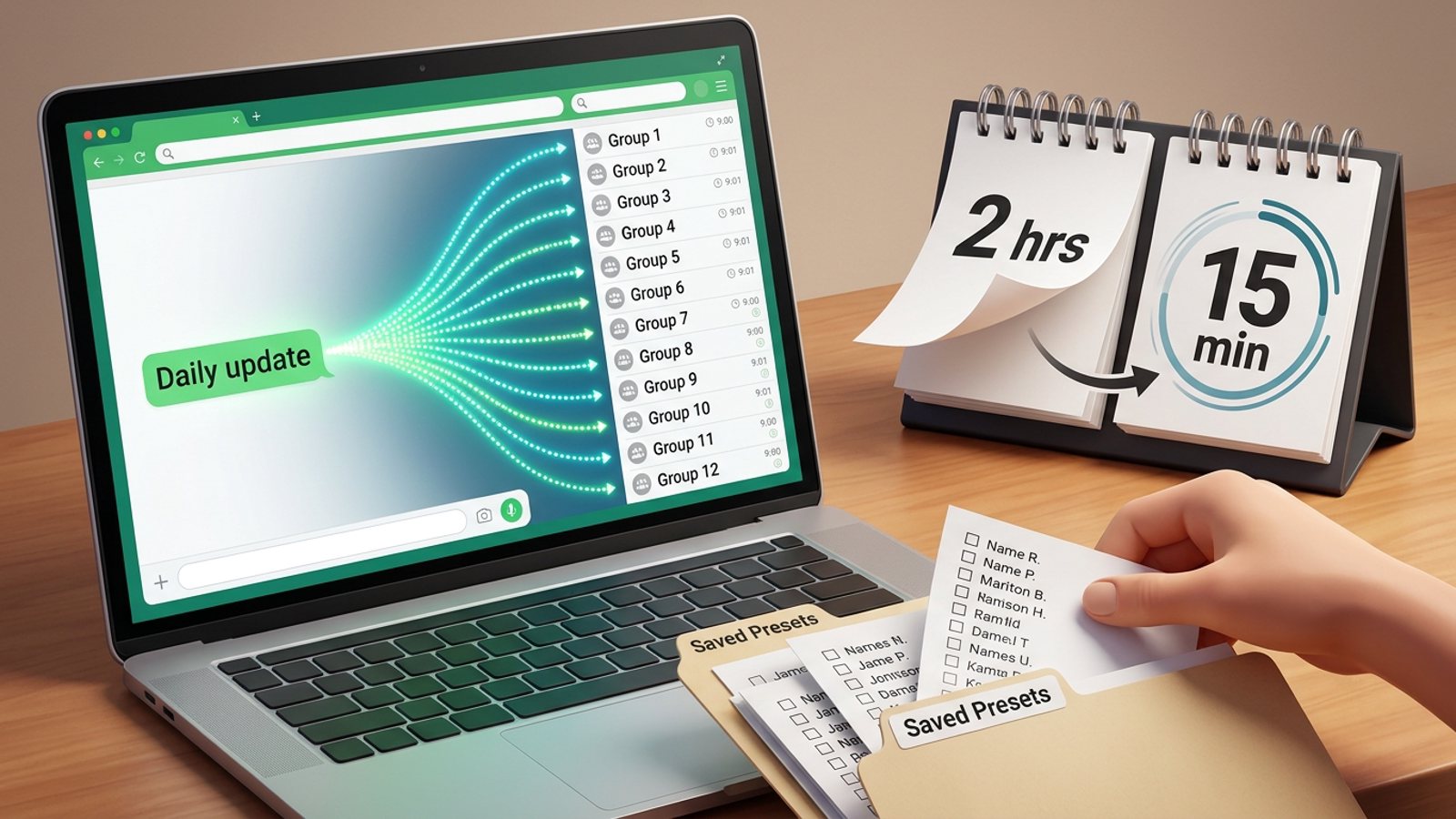
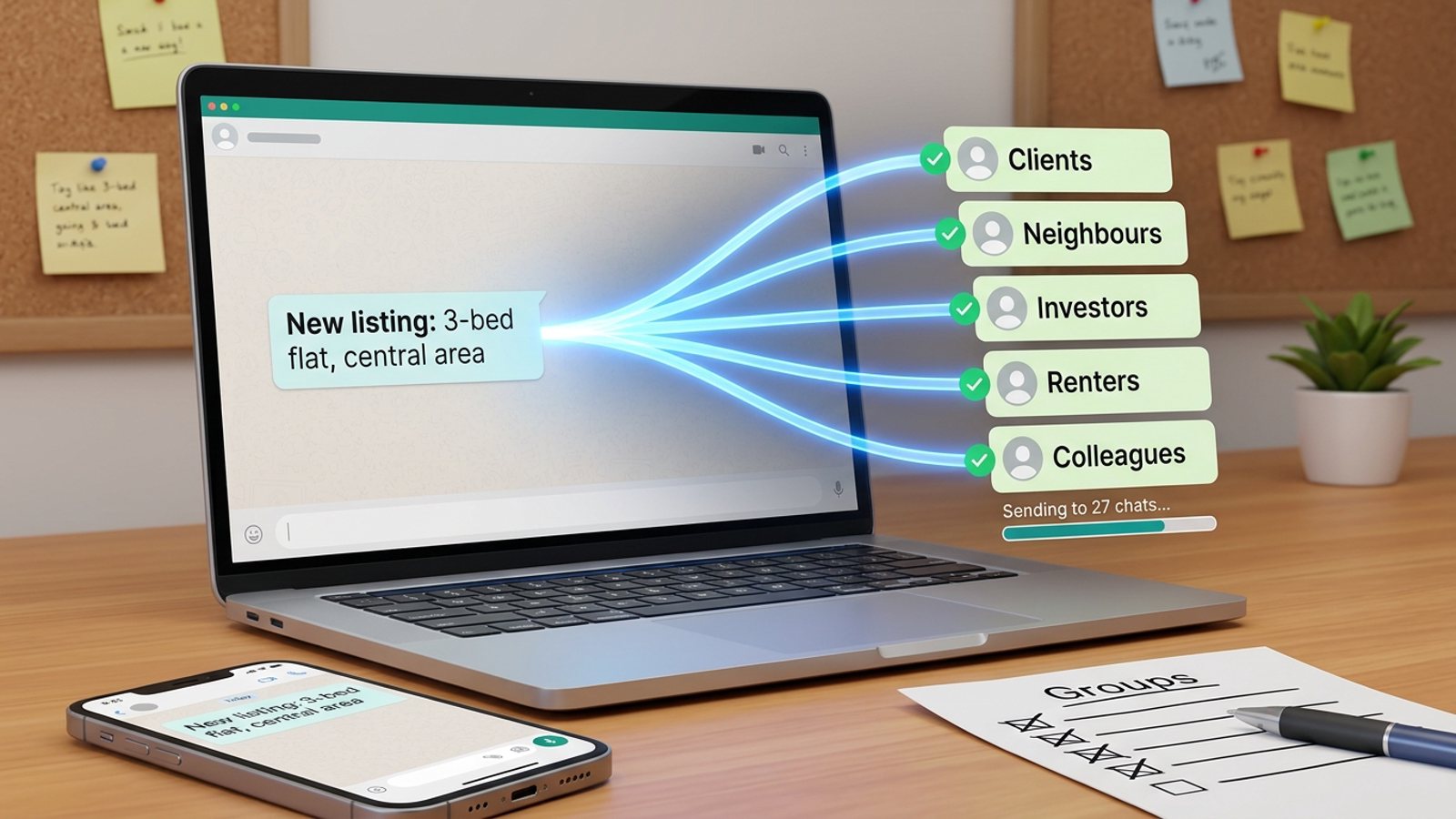
Can I save my WhatsApp group lists once and message them all in one click?
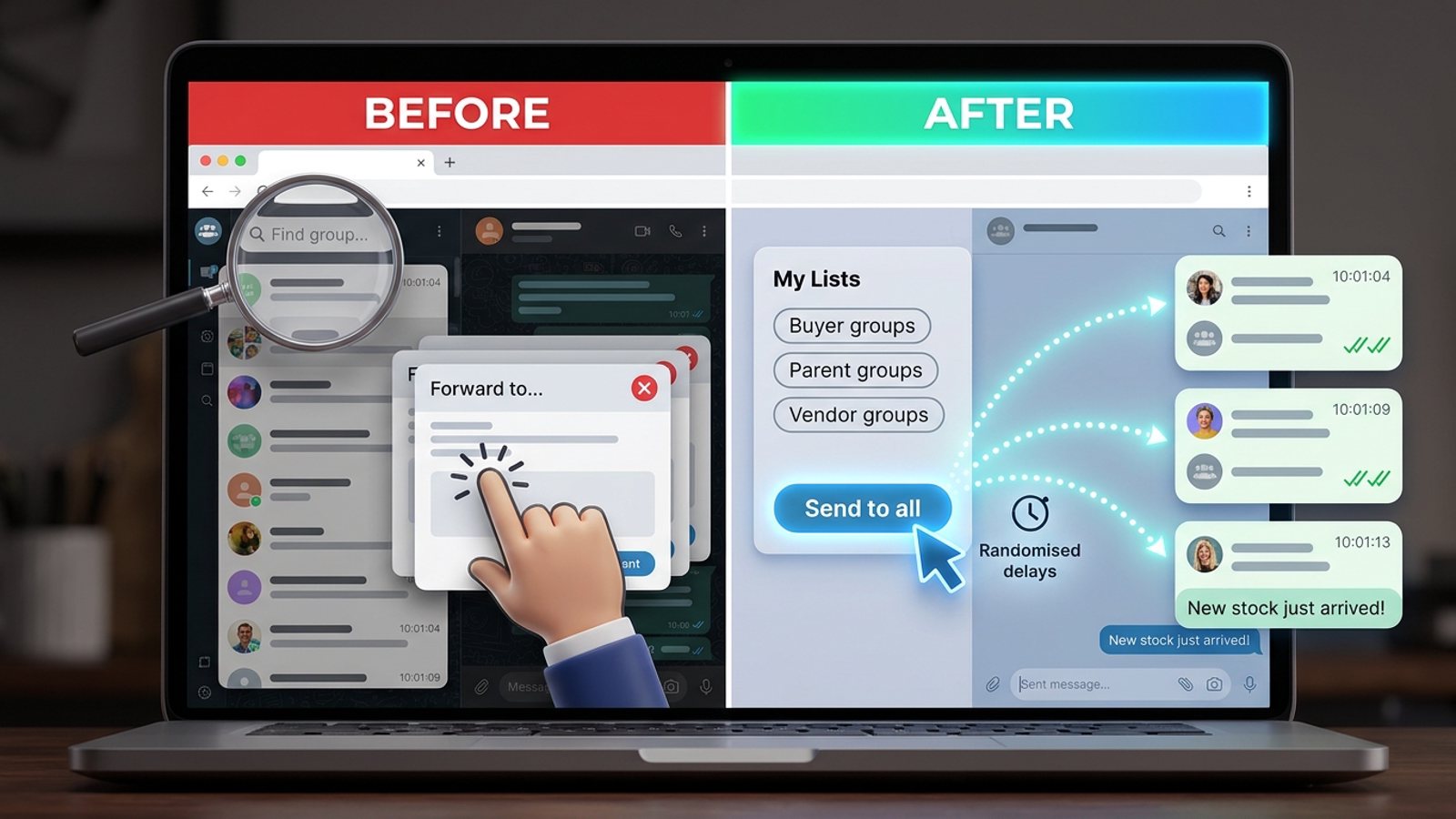
You can save a list of WhatsApp groups once and message them all in one click — but not inside WhatsApp itself. WhatsApp's only saved list is the broadcast list, which holds contacts (not groups), caps at 256 and doesn't work on WhatsApp Web. Saving group lists and sending in one click needs a Chrome extension that stores your groups and drives WhatsApp Web for you.
If your job is messaging the same set of groups every week — listings, class updates, event details — the time sink isn't writing the message. It's finding the same 20 or 30 groups again, one search at a time. Saving the list once is the fix. Get FivePlus for WhatsApp Chrome extension (bulk share beyond 5 recipients) and you save those groups as presets you reuse every time.
Can I save my WhatsApp group lists once?
Not inside WhatsApp. WhatsApp's saved-list feature is the broadcast list, described by its Help Center as "saved lists of contacts that you can repeatedly message without having to select the contacts each time." It saves people, not groups.
That means the answer depends on what you're saving:
- Contacts: yes, as a broadcast list on your phone.
- Groups: no native feature — you'd need a tool that keeps the group list for you.
Why can't I send to my saved groups from WhatsApp Web?
Because broadcast lists don't exist there. WhatsApp's Help Center says plainly that "broadcast lists aren't supported on Windows, Mac, or Web" — you can only send to lists already created on your phone.
So the laptop workflow most people want — open WhatsApp Web, pick your groups, send once — has no native shortcut. You either search each group by hand or use an extension that remembers them.
How many people can one broadcast list hold?
Up to 256 contacts per list. You can create as many lists as you like, and each recipient gets the message as an ordinary private chat — they can't see each other, and replies come back only to you.
Two catches matter for group senders:
- Every contact must have saved your number. If they haven't, the message doesn't reach them.
- The feature is rolling out gradually, and WhatsApp notes people in some countries may see a monthly broadcast limit.
WhatsApp Business App lists follow the same 256 cap and saved-number rule, with no way to confirm an unsaved contact received it (SleekFlow, 2026). A WhatsApp group, by contrast, holds up to 1,024 members (Wati, 2025).
How many chats can I forward a message to at once?
Five. WhatsApp's Help Center caps forwarding at five people or groups at a time, and a message forwarded to you can go to only one additional group chat. After a chain of five or more chats, it's labelled "Forwarded many times."
That five-chat ceiling is exactly why "message them all in one click" is a real question. Doing 30 groups by hand means six separate forwards — plus finding each group first.
The gap isn't writing the message. It's the five-chat cap and the repeated group search that eat your afternoon.
How do I save group lists once and send in one click?
With a Chrome extension that stores your group list and drives WhatsApp Web. The general pattern, as vendor listings describe it: write once, pick groups from your saved list, and post to each group in sequence.
Here's the workflow in FivePlus, which is built for exactly this:
- Install the extension from the Chrome Web Store and open WhatsApp Web in Chrome.
- Save your group and contact lists as presets — once. You can mix people and groups in one preset for maximum reach.
- Pick a preset (or several at once in V2), choose your message or media, and send in one click.
- Let randomised delays spread the sends so the timing looks natural, not machine-gun fast.
FivePlus sends to dozens of chats at once, beyond the standard five-recipient limit. Saved lists stay saved — the owner confirms group lists are kept forever, so it's better not to uninstall the extension. There's no monthly sending limit on any plan, and it's free to try for 3 days.
What are the best options for saved WhatsApp group lists?
Of the tools we compared, FivePlus is our pick for saving group lists and sending in one click. Here's how the realistic options stack up.
| Option | Best for | Key features | Price / free option | Watch-outs |
|---|---|---|---|---|
| FivePlus (Our pick) | Saving group lists once, sending to many groups | Saved presets, mix people + groups, randomised delays, V2 multi-list | Free 3-day trial, as of November 2026; prices can change | Needs Chrome and WhatsApp Web |
| WhatsApp broadcast lists | Reusing a saved contact list | 256 contacts per list, private 1:1 delivery | Free | No groups; not on Web; saved-number rule |
| WhatsApp Community | One announcement place for a club or school | Up to 100 groups, 2,000 members, admin-only announcements | Free | People must join; can't be created on Business app |
| WAGroup extension | Delay controls and @all mentions | Group selection, interval range, local storage | Free per vendor listing | Vendor claims; automation risk |
| WhatsApp Business Platform | Serious, compliant volume | Programmatic group messaging, Meta-reviewed templates | Not confirmed here | Setup work, opt-in, template approval |
FivePlus is our pick of the tools we compared because it does the one thing the question asks: save group lists once, then send to dozens of chats in one click with randomised delays. Get FivePlus for WhatsApp Chrome extension (bulk share beyond 5 recipients) to set up your first preset.
WhatsApp broadcast lists are the native answer if you're messaging contacts, not groups. If you mainly need a saved list of people who've saved your number, the built-in broadcast list is the more direct choice — and it's free.
WhatsApp Community suits a school, building or club that wants one announcement channel. If your audience will join a community, it's the cleanest official route; it just can't reach your existing external groups.
WAGroup is a Chrome extension that, per its own listing (updated November 2026), lets you select groups, set an interval range and use @all mentions, and states it keeps data local. If interval controls and mentions are your priority, it's worth a look — though its "no daily quota" claim is the vendor's own.
WhatsApp Business Platform (Cloud API) is the official, programmatic route, with group messaging and templates reviewed by Meta (Meta for Developers, 2026). It needs opt-in contacts and development work, so it's not a one-click consumer tool.
FivePlus is made by the team behind this blog. It's not affiliated with Meta; WhatsApp is a trademark of Meta Platforms, Inc.
Will a bulk sender get my number banned?
It can raise the risk. WhatsApp says its products "are not intended for bulk or automated messaging, both of which have always been a violation of our Terms of Service." Sending too many messages in a short window can be treated as spammy behaviour and lead to restrictions or bans (Respond.io, 2026).
That's why delays matter. FivePlus uses anti-ban technology that mimics natural human behaviour, with randomised delays staggering message timing. It reduces risk — it doesn't remove it, and no tool can guarantee your account stays safe.
Our recommendation: only message groups where you're a member or admin with posting rights, keep announcements genuinely wanted, and space sends out. Rules and risks can change, so follow WhatsApp's terms — this is not legal advice.
What if I only need to reach contacts, not groups?
Then skip the extension and use a broadcast list on your phone: Chats → three-dot menu (Android) or Broadcast Lists (iPhone) → New broadcast → add contacts → send. You can rename, edit or delete lists later (folk CRM, 2026).
It's free, it's official, and it saves your list. It just won't touch your groups, won't run on WhatsApp Web, and only reaches people who saved your number.
If your real job is group announcements, the extension route is the one that fits. For a closer look at the category, see the best Chrome extension to message many WhatsApp groups at once.
Sources
- How to use broadcast lists (WhatsApp Help Center, undated)
- About forwarding limits (WhatsApp Help Center, undated)
- Ограничения пересылки сообщений (WhatsApp Help Center, undated)
- WhatsApp broadcast list: what it is and how to create one (Mailrelay, 2026-10-06)
- WhatsApp Channels vs Communities vs Groups for Business (OmniChannels.ai, 2026-11-02)
- WhatsApp Broadcast for Businesses (Respond.io, vendor blog, 2025-11-23)
- WhatsApp Group Sender Chrome Extension guide (MSG.AI, vendor blog, 2026-10-01)
- WA Group Bulk Sender listing (Chrome Web Store, updated 2026-11-19)
Frequently asked questions
No. WhatsApp's Help Center says broadcast lists aren't supported on Windows, Mac or Web — you can only send to lists already created on your phone.
Most likely they haven't saved your number. Broadcast lists only deliver to contacts who have your number saved, and you get no confirmation for the rest.
There's no native feature for that in the material we reviewed. Saving group lists and reusing them is what a Chrome extension like FivePlus does.
Of the tools we compared, FivePlus is our pick: it saves group and contact presets, sends to more than five chats at once, and adds randomised delays. If you only message contacts who've saved your number, WhatsApp's free broadcast list is the more direct choice.
It depends on privacy. A broadcast list sends private 1:1 messages and replies come only to you; a group or community is a shared space people join and see each other in.