Is a bulk WhatsApp sender worth it vs messaging groups by hand?
For a coach or marketer posting to dozens of groups, yes: a bulk whatsapp sender worth it manual question comes down to time, not safety. WhatsApp caps forwarding at five recipients at once, so by hand means opening each group, pasting and sending, over and over. A sender with saved lists and randomized delays does that in one click — and no tool can promise an unbanned account.
Is a bulk WhatsApp sender worth it vs messaging groups by hand?
It depends on one number: how many groups and contacts you message in a single send. Under five, do it by hand — it's free, you control the wording, and the cap barely bites. At 20, 30 or 50 chats, the manual method stops being "a few minutes" and becomes the reason your announcement goes out late, or with a typo, or not at all.
Here's the honest split. A bulk WhatsApp sender is worth it as a time-and-consistency tool. It is not worth it if you're buying it hoping to be immune from bans — WhatsApp's own policy says its products "are not intended for bulk or automated messaging, both of which have always been a violation of our Terms of Service" (WhatsApp Help Center, no date). Read that sentence twice before you buy anything.
How long does it actually take to message 20 or 50 groups by hand?
Longer than you think, because the clock starts at the search bar. WhatsApp has no built-in way to post one message to several groups at once — you open each group individually, paste, send, then repeat (Wasurge, updated 29 Jul 2026).
Vendor estimates put manual copy-paste at 10–20 minutes for 10 groups and 30–60 minutes for 30 groups, with a high risk of typos and forgotten groups (WazAp, 23 Apr 2026 — a vendor estimate, not a measured study). Another vendor puts it at roughly ten minutes for five groups, and notes it's easy to post in the wrong group (Nexora AI, 20 Oct 2026).
Source: WazAp
Say you run a coaching business and send a Monday reminder to 30 client groups. That's somewhere between half an hour and an hour of your morning, every week. Over a month, that's two to four hours spent on the mechanical act of pasting — not on the coaching, not on the follow-ups.
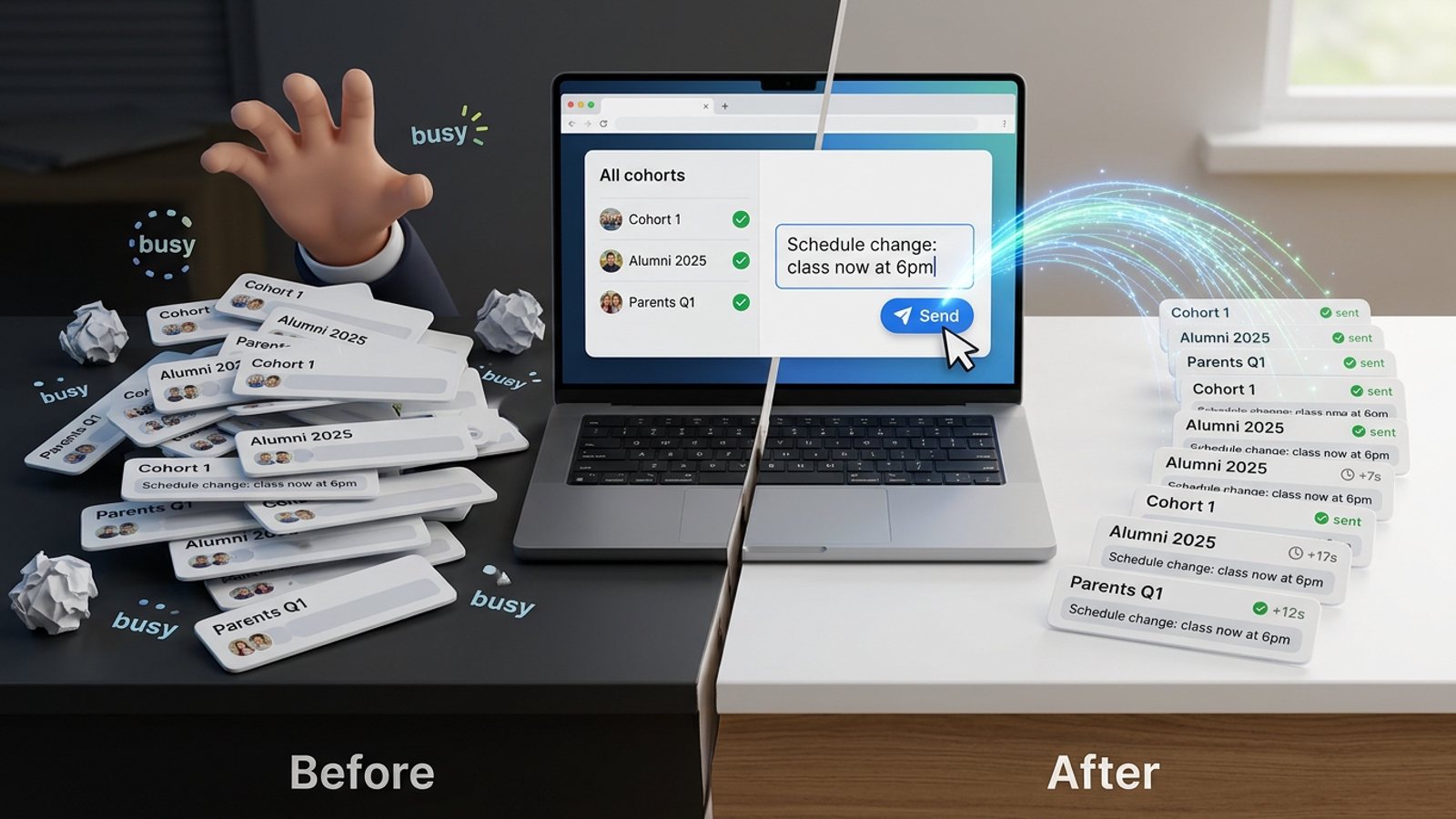
And there's a second cost that doesn't show up on a clock: consistency. When you're 22 groups deep, the message drifts. One group gets the old price. One gets skipped because you got a call halfway through. One gets yesterday's link.
The tool doesn't make bulk messaging safe — it makes it repeatable, and repeatable is what your clients actually notice.
Why can't I just forward to all my groups at once?
Because WhatsApp limits it. A message can be forwarded to up to 5 people or groups at once, and a message that was already forwarded to you can only go to one additional group; messages passed through a chain of 5+ chats carry the "Forwarded many times" label (WhatsApp Help Center, no date). Consumer press explains the same limits and labels (The Times of India, 6 Jun 2026), and GIGA notes that group admins can switch forwarding off inside a group entirely (GIGA, 24 Jun 2025).
So the five-chat cap isn't a bug you can work around inside WhatsApp — it's the design. Your options are: do it in batches by hand, or use a tool that drives your WhatsApp Web session to send to a saved list in one go.
Our recommendation: before you decide, count. Open WhatsApp, list the groups and contacts you'd message with one announcement, and write the number down. That number is the whole decision.
What should a bulk sender actually do to be worth paying for?
Two features matter more than everything else on the sales page: saved group lists and randomized delays. If a tool has neither, it's just a faster way to get flagged.
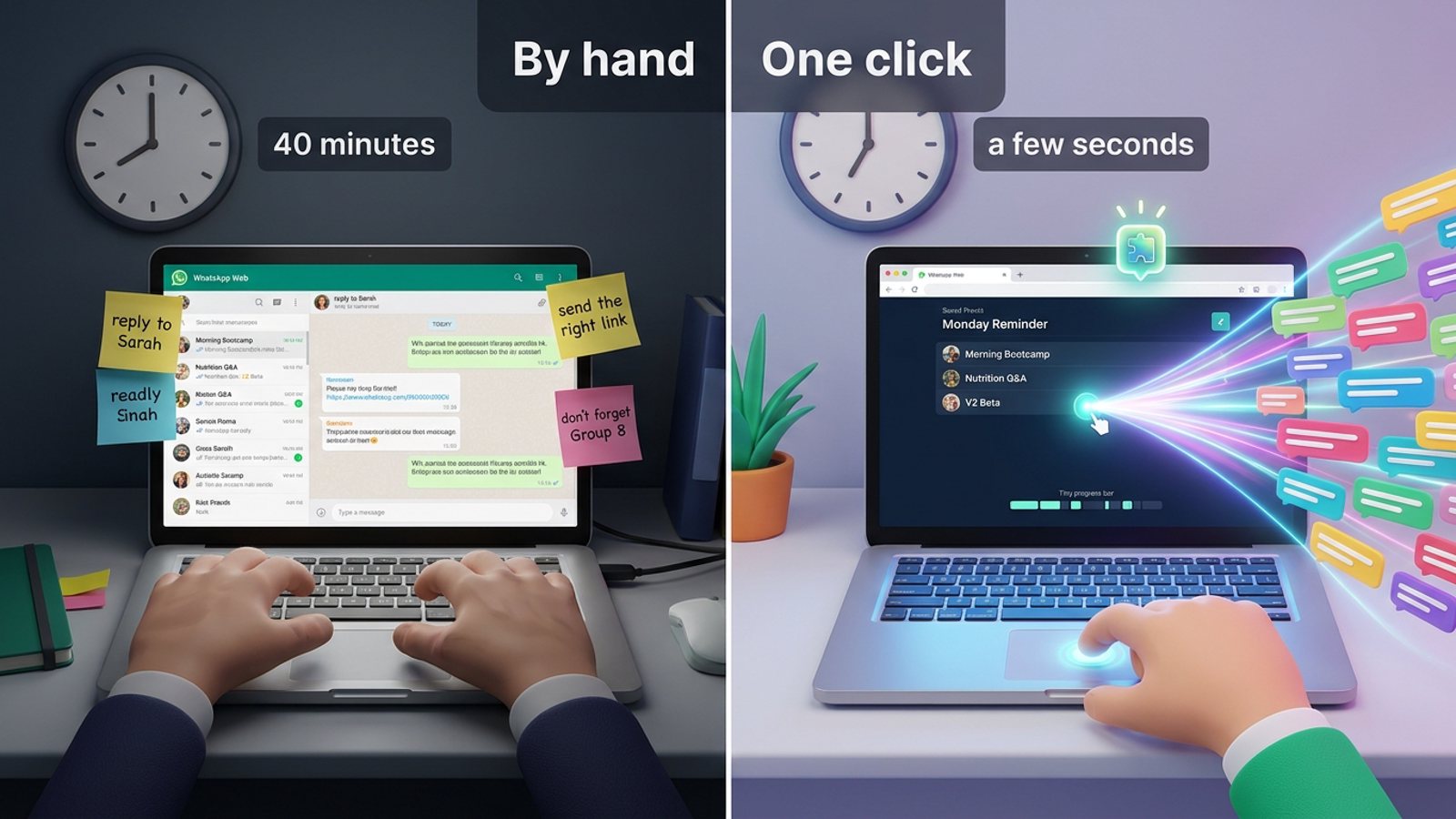
Saved presets. Searching for the same 30 groups every week is the hidden half of the manual job. A sender that stores your group and contact lists once — and lets you mix people and groups into one preset — removes the searching entirely. That's the feature that turns a 40-minute job into a few clicks.
Randomized pacing. Sending at a constant, predictable interval is a known trigger for automated anti-abuse detection; varying short delays plus longer pauses after a batch is a standard technique to make bulk sending look more human (Microsoft Edge Add-ons / LeadTrapper, 21 Sep 2026). WhatsApp's anti-spam systems watch sending speed, content repetition and report rates in real time, and suspicious behaviour can lead to throttling or permanent bans even under the 256-member group cap (Wati, 22 Sep 2026 — vendor blog).
Who's on the list. This is the part no tool can fix for you. Meta lists sending unwanted messages and abusing broadcast lists among the practices that can get an account blocked, and detection uses automated systems, machine learning and user reports (TechTudo, 9 Aug 2026). If your recipients didn't expect the message, the tool is irrelevant.
How FivePlus handles the same job
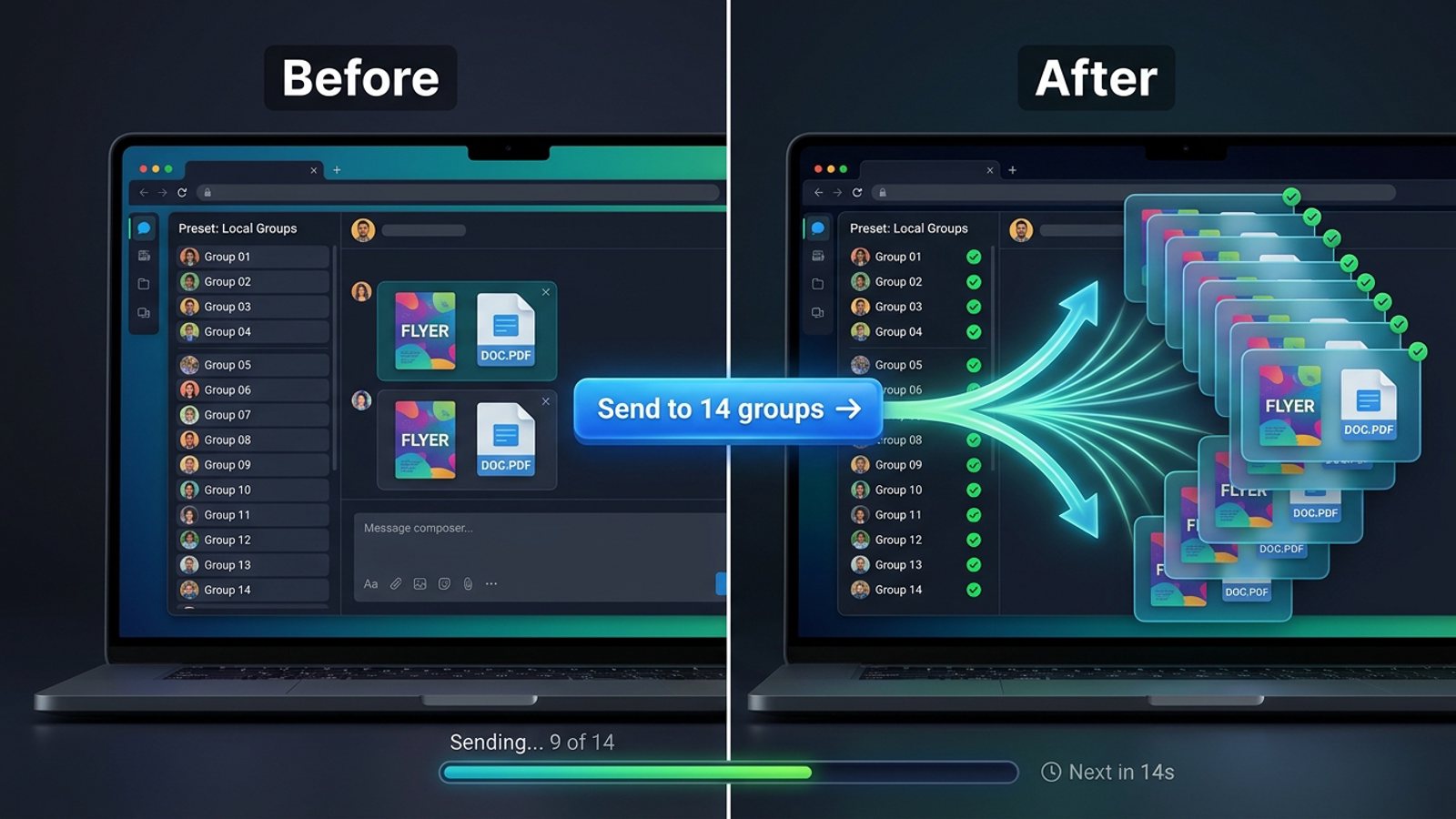
FivePlus is a Chrome extension for WhatsApp Web that sends a message, announcement or media to many saved groups and contacts in one click, instead of the standard five at a time. It's built for exactly the person in this article: the agent, coach or marketer with a long list and a short morning.
Here's how it maps to the two features above:
- Install the extension from the Chrome Web Store and open WhatsApp Web — no login required.
- Save your group and contact lists as presets, once. Mix people and groups into a single preset for maximum reach.
- Pick a preset (or several at once in V2), choose your message or media, and send in one click.
- Randomized delays stagger the timing so the send looks natural rather than machine-gunned.
Saved lists stay saved — the owner confirms saved group lists are kept forever, so it's better not to uninstall the extension. All plans include unlimited sharing, and there's no monthly sending limit per plan.
Get FivePlus for WhatsApp Chrome extension (bulk share beyond 5 recipients) and run your real list through it during the trial.
How does FivePlus compare with the alternatives?
Four realistic options, compared on what they're actually good at. Prices for other tools are as of November 2026 and can change.
| Option | Best for | Key features | Price / free option | Watch-outs |
|---|---|---|---|---|
| FivePlus (Our pick) | One-click sends to saved group + contact lists | Saved presets, multiple lists in V2, randomized delays, unlimited sharing | Free to try for 3 days | Chrome + WhatsApp Web only; no ban guarantee |
| Doing it by hand | Under 5 groups per send | Free, total control of pacing | Free | 5-recipient forward cap; 10–60 min per send |
| WhatsApp Business API (e.g. Wati) | High volume with templates and opt-ins | Approved templates, cloud delivery, tiers | Per delivered message; Wati from $49/mo | Setup work; per-message cost adds up |
| Extension senders (e.g. WASender, Wassender) | Cheap flat-fee bulk sends | Excel upload, delay settings, personalization | WASender free tier; Wassender from $9.99/mo | Browser-session dependent; some claims unverifiable |
FivePlus is our pick of the tools we compared for this specific job — one message, a long saved list, sent from your own number. It's the only one here built around reusable presets plus randomized pacing as the core flow, and unlimited sharing is included on every plan. Its limits are real: it needs Chrome and WhatsApp Web, and it cannot promise your account stays safe.
Doing it by hand remains the right answer under five recipients per send. No third-party tool, no dependency, and you control every pause. Above that, you're paying yourself in hours.
The official WhatsApp Business API is the compliant-scale route. Meta charges no monthly fee but bills per delivered message, with 1,000 free service messages per number per month (Square Cloud, 21 Oct 2026); from 1 Oct 2026 service messages and utility templates sent inside an open window are charged too (Respond.io, 12 Nov 2026). Ballpark 2026 marketing rates run roughly US$0.01–$0.16 per delivered message depending on country, and provider markup commonly pushes all-in cost to 2x–5x the raw rate (IDT Express, 14 Jul 2026). Wati's own example pricing: Growth $49/mo ($39 annual), Pro $99/mo ($79), Business $299/mo ($229) (Wati, 22 Aug 2026); an independent site lists Wati starting at $59/mo billed annually (The AI Agent Index, updated 10 Nov 2026). If you mainly need scale, templates and opt-in management, the API route is the more direct choice — but you'll pay per message and do more setup.
Other Chrome extensions like WASender and Wassender are the closest like-for-like. WA Sender's PRO licence is $9.99/month or $69.99/year (WhatsApp Sender Tool, no date); Wassender runs $9.99 per 30 days, $79 yearly or $99 lifetime (WA Smart Sender, 8 Nov 2026 — a review by a competing vendor). WASender's free plan includes bulk sending and Excel upload, with Pro adding personalization, attachments, filtering and batch controls (Chrome Web Store, 8–9 Sep 2025). They're a reasonable choice if you work from spreadsheets and want per-contact personalization. Note that listings carry marketing claims like "100% Delivery Rate" that aren't independently verified, and a Business-API vendor argues extensions depend on your phone connection and can stall at high volume (Spoki, updated 2 Sep 2026 — a competitor's standpoint).
FivePlus is made by the team behind this blog.
If your list is a spreadsheet of numbers rather than saved groups, a different setup may suit you better — see our comparison of a spreadsheet sender vs saved-preset extension.
Does pacing actually keep my WhatsApp account safe?
No — it lowers one signal, not the whole risk. Randomized delays help because constant intervals look automated (Microsoft Edge Add-ons / LeadTrapper, 21 Sep 2026), but WhatsApp's systems also weigh content repetition and how often people report you (Wati, 22 Sep 2026). And WhatsApp has said it can take legal action against those it finds assisting abuse such as automated or bulk messaging, including based on evidence from outside the platform (WhatsApp Help Center, no date; announced 7 Dec 2019).
If you do get restricted, you'll see an in-app message; the pause lifts automatically after the stated period or you can request a review (Airdroid, 17 Mar 2026). Repeat violations escalate: warning, then 1-, 3-, 5-, 7- or 30-day bans, lockdown, and eventually permanent removal (Meta for Developers, updated 21 May 2026).
So: pace your sends, keep volumes modest, and send to people who expect to hear from you. Our recommendation is to treat any sender as a convenience, never as a shield. If account safety is your top worry, read our piece on whether there's a WhatsApp bulk sender that doesn't risk my account before you commit.
How many groups before a bulk sender pays for itself?
There's no measured break-even point, but the pattern is clear. A practitioner's rule of thumb is that automation starts to feel worth it when the task is frequent and monthly volume grows large — tens-plus messages (LinkedIn, Fabian Warislohner, 4 Aug 2025 — an opinion, not a study).
Run it against your own week. If you send one announcement to 30 groups weekly, vendor estimates suggest you're spending 2–4 hours a month on pasting alone. A tool that turns that into a few clicks earns its keep quickly — even before you count the announcement that went out on time instead of at 9pm.
If you're not sure where you land, our breakdown of bulk WhatsApp sender vs sending to 5 chats at a time by hand walks through the smaller-volume case.
What's the verdict?
Buy it for the hours, not for the safety. If you message more than a handful of groups regularly, a sender with saved presets and randomized delays is worth it — it removes the searching, the typos and the forgotten group. Just go in knowing WhatsApp treats bulk and automated messaging as a Terms of Service violation, and no tool changes that.
Start with the free trial, send to your smallest preset first, and keep your volumes modest. If it saves you a morning a month, you'll know.
Get FivePlus for WhatsApp Chrome extension (bulk share beyond 5 recipients) and test it on your own group list for 3 days, free.
Sources
- Unauthorised use of automated or bulk messaging on WhatsApp — WhatsApp Help Center, no date
- About forwarding limits — WhatsApp Help Center, no date
- WhatsApp forward messages explained — The Times of India, 6 Jun 2026
- In WhatsApp weiterleiten und das Limit umgehen — GIGA, 24 Jun 2025
- WhatsApp group message sender — Wasurge, updated 29 Jul 2026
- WhatsApp send message to all groups — WazAp, 23 Apr 2026
- Send WhatsApp message to multiple groups — Nexora AI, 20 Oct 2026
- WhatsApp 群發訊息規則與 256 人上限節流機制 2026 合規指南 — Wati, 22 Sep 2026
- WhatsApp Delay Calculator — Microsoft Edge Add-ons / LeadTrapper, 21 Sep 2026
- WhatsApp policy enforcement — Meta for Developers, updated 21 May 2026
- WhatsApp banido! Meta revela 6 ações que podem bloquear sua conta em 2026 — TechTudo, 9 Aug 2026
- Official WhatsApp API: what it is and its cost — Square Cloud, 21 Oct 2026
- How much does the WhatsApp Business API cost in 2026? — IDT Express, 14 Jul 2026
- WhatsApp Business Messaging API pricing calculator — Respond.io, 12 Nov 2026
- Wati pricing — Wati, 22 Aug 2026
- Wati review — The AI Agent Index, updated 10 Nov 2026
- WA Sender — WhatsApp Sender Tool, no date
- Wassender review — WA Smart Sender, 8 Nov 2026
- WASender Free Bulk Messaging — Chrome Web Store, 8–9 Sep 2025
- Spoki vs basic senders — Spoki, updated 2 Sep 2026
- This account can no longer use WhatsApp — Airdroid, 17 Mar 2026
- LinkedIn post on when to automate — Fabian Warislohner, 4 Aug 2025
Frequently asked questions
Yes, once you're regularly messaging more than about five groups per send — mainly as a time-and-consistency tool. Under that, by hand is free and fine. It is not ban insurance: WhatsApp says its products aren't intended for bulk or automated messaging.
For one message to a long saved list of groups and contacts, FivePlus is our pick of the tools we compared, because presets and randomized delays are the core flow and unlimited sharing is on every plan. If you mainly need scale with approved templates and opt-in management, the official WhatsApp Business API via a provider like Wati is the more direct choice.
They reduce one signal — a constant, machine-like interval — but they don't stop bans. WhatsApp's anti-spam systems also weigh content repetition and user reports, and repeat violations escalate from warnings to permanent removal.
Broadcast lists reach individual contacts who have saved your number, and they aren't the same as posting to groups. Meta also lists abusing broadcast lists among the practices that can get an account blocked.
You'll see an in-app message; the restriction lifts automatically after the stated period, or you can request a review. Repeat violations follow an escalating ladder of 1-, 3-, 5-, 7- and 30-day bans before permanent removal.