How do I bulk-share a message to more than 5 WhatsApp groups at once?
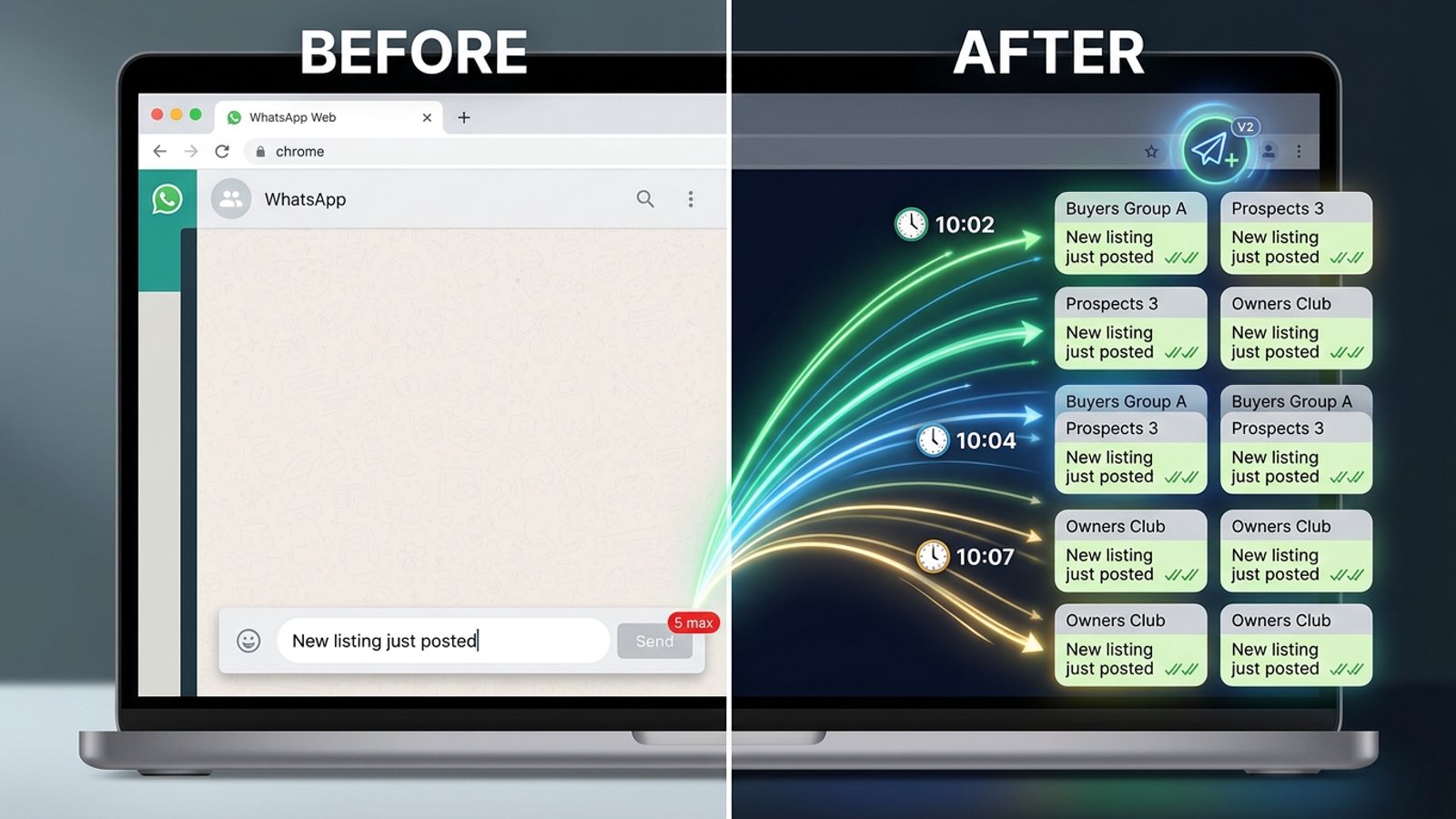
WhatsApp's app stops a forward at five chats, so to message more than WhatsApp groups at once you have three real routes: a Community announcement group, a bulk-sender Chrome extension that drives WhatsApp Web with saved group lists and randomised delays, or Meta's official WhatsApp Business Platform with approved templates and opt-in. Broadcast lists won't help, because they only reach contacts.
Why can I only forward a message to five WhatsApp chats?
Because that's the forwarding limit WhatsApp sets in its own app. According to the WhatsApp Help Center (undated, read November 2026), you can forward a message to at most five people or groups at a time. A message that was already forwarded to you can only go to one additional group chat. And once a chain reaches five or more chats, WhatsApp adds the "Forwarded many times" label and icon.
That label matters for your business. When a client or prospect sees "Forwarded many times" on your listing or announcement, it reads as a mass blast, not a personal message. So the manual workaround — forward five, repeat, forward five again — costs you time and quietly costs you credibility.
WhatsApp's own suggestion for sharing with many people is to create a group chat or share links instead of forwarding. That points to the first real route.
What are my options to message more than 5 WhatsApp groups at once?
Three routes work in practice, and each suits a different situation.
- One Community announcement group. You post once and every member sees it. The catch: people have to join your Community first.
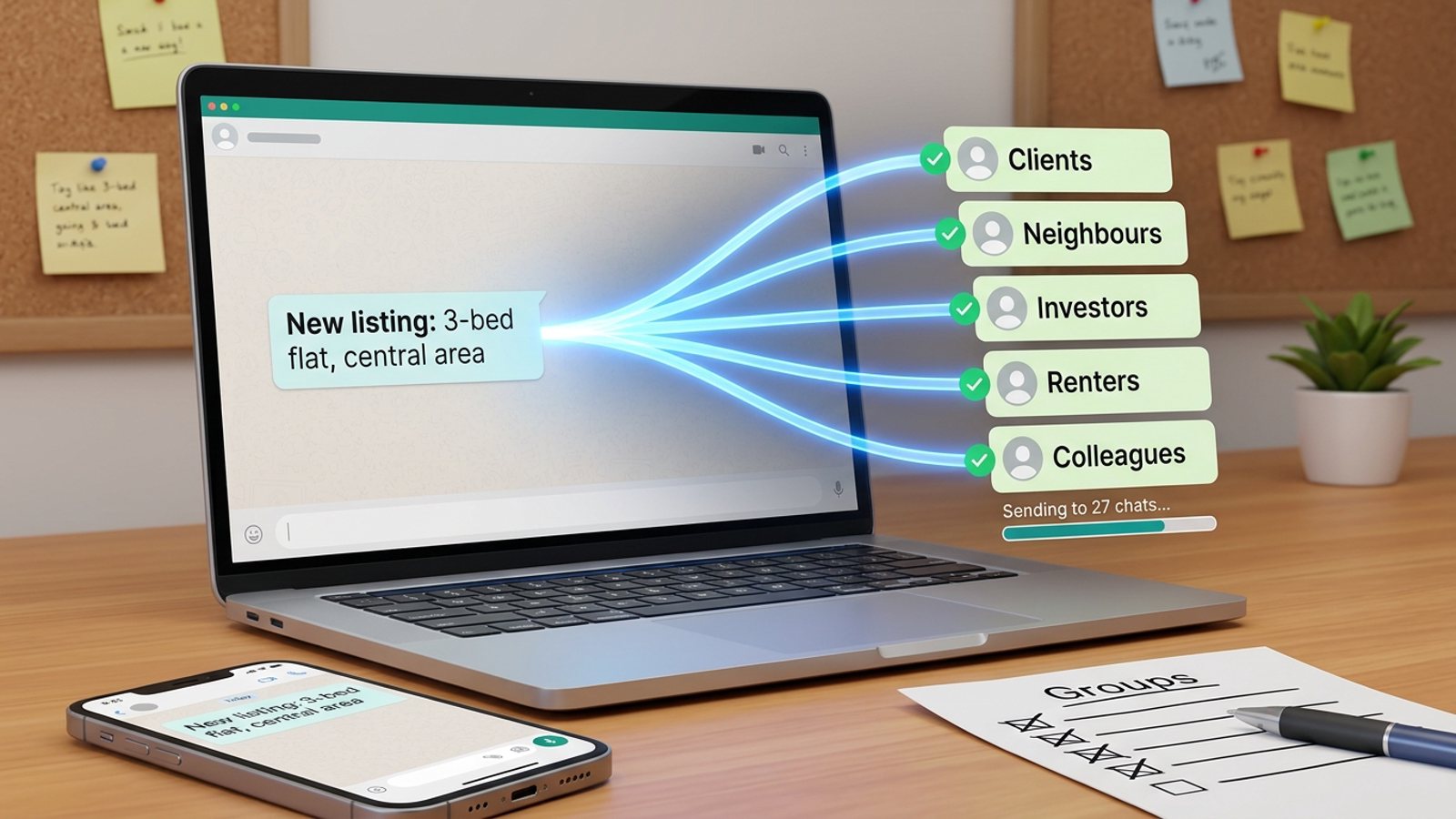
- A bulk-sender Chrome extension on WhatsApp Web. You save your group lists once, then send to all of them in one click with staggered timing.
- The official WhatsApp Business Platform (Cloud API). The supported bulk channel — but with verification, templates and opt-in attached.
Broadcast lists are not on that list. They only message contacts, not groups, so they can't solve this job.
Ready to skip the five-at-a-time routine? Get FivePlus for WhatsApp Chrome extension (bulk share beyond 5 recipients) and send to your saved groups in one go.
How does a Community announcement group reach everyone at once?
A Community lets you post one announcement that every member can read, so you don't forward anything. WhatsApp itself recommends group chats for sharing with many people (WhatsApp Help Center, undated, read November 2026), and a Community is essentially an organised set of groups with an announcements channel on top.
The numbers help here. A WhatsApp group holds up to 1,024 participants (Henson Tsai, vendor blog, September 2026), so a single large group or Community can carry one message to a lot of people.
The honest catch: you can only reach people who joined. If your clients and prospects already sit in dozens of separate groups you didn't create, a Community doesn't touch them. That's exactly the situation most agents, brokers and coaches are in.
How do bulk-sender Chrome extensions send to many groups at once?
They drive WhatsApp Web in your browser: you pick a list of groups, write the message, and the extension clicks through them for you. Listings in the Chrome Web Store and extension directories describe this pattern. TurboText WA, for example, sends the same WhatsApp Web message to multiple phone numbers, exact WhatsApp group names and saved contact names, requires you to be logged in to WhatsApp Web, and doesn't send without user interaction (socket.dev listing, February 2026).
MultiFlow advertises broadcasting messages, photos and videos to multiple groups with @everyone mentions, scheduling and what it calls "humanized anti-ban" (ExtPose listing, October 2026 — the vendor's own claims).
The technique that makes this work, whichever tool you use:
- Log in to WhatsApp Web in Chrome and keep that tab open.
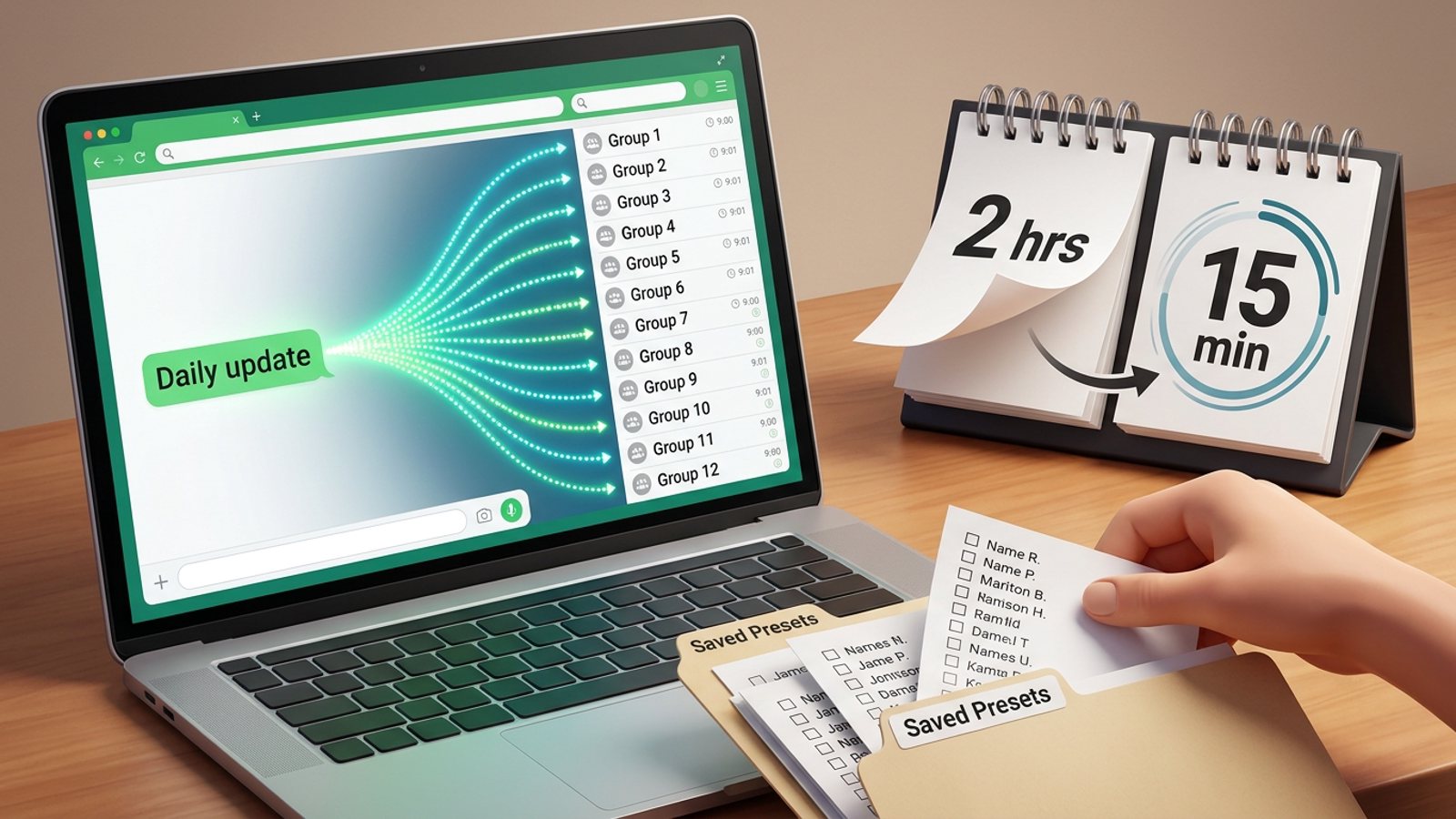
- Save your group lists as presets — the same dozen client groups, the same five prospect groups — so you never search for them again.
- Write one message (or attach media) that you'd be happy for any of those groups to read.
- Set a randomised delay between sends so the messages don't land in the same second.
- Send, then stay reachable — replies will come back to you, and answering them is what keeps the account healthy.
This is where FivePlus fits. It's a Chrome extension for WhatsApp Web that lets you send a message, announcement or media to many saved groups and contacts in one click instead of five at a time. You save group lists once and reuse them, mix people and groups into one preset, and V2 lets you send to multiple saved lists at once. Randomised delays stagger the timing, and the extension has anti-ban technology that mimics natural human behaviour. It works on WhatsApp Web in Chrome with no login required, and it's free to try for 3 days (as of November 2026; prices can change).
Two honest limits: it needs Chrome and WhatsApp Web, and free use is limited to a 24-hour trial. FivePlus is not affiliated with Meta, and WhatsApp is a trademark of Meta Platforms, Inc.
How does the official WhatsApp Business Platform handle bulk messages?
The Business Platform — Meta now calls the WhatsApp Business API by that name — is the supported way to message at volume, and it comes only as the Cloud API hosted by Meta; the old On-Premises version stopped working on 23 October 2025 (Mailrelay, October 2026).
It isn't a groups tool, though. You message opted-in contacts using approved templates for the first contact or for re-engagement after the 24-hour window closes (Spoki, vendor blog, 2026). Setup means choosing a provider, completing business verification and getting templates approved, which can take a few days — so start early (Spoki, 2026).
Pricing is per delivered template message, by category and the recipient's country code. Non-template messages inside an open 24-hour customer-service window are free, and so are utility templates sent inside that window (Meta for Developers, pricing page reflecting updates effective 1 October 2026). Meta may change rates only on the first of each quarter, with at least a month's notice (Meta for Developers, undated, read November 2026). Prices can change.
Enforcement on the platform escalates from a warning to time-limited restrictions and finally account lock for repeated spam or policy breaches (Meta for Developers, updated 21 May 2026).
Which tool should I use to message more than 5 WhatsApp groups?
For reaching groups you already belong to, a bulk-sender extension is the most direct fit — and of the tools we compared, FivePlus is our pick. Here's how the options line up.
| Option | Best for | Key features | Price / free option | Watch-outs |
|---|---|---|---|---|
| FivePlus — Our pick | Dozens of saved groups from WhatsApp Web | Saved lists, mixed presets, randomised delays | Free to try for 3 days (as of Nov 2026; prices can change) | Needs Chrome + WhatsApp Web; 24-hour trial |
| WhatsApp Community | Your own opted-in audience | One announcement reaches all members | Free | People must join first |
| Broadcast lists | Personal contact audiences | Up to 256 contacts, private 1:1 delivery | Free | Contacts only — not groups |
| WhatsApp Business Platform | Volume, teams, CRM, automation | Official, scalable, rolling recipient tiers | Per delivered template (as of Nov 2026) | Verification, templates, opt-in; setup takes days |
| Forwarding five at a time | A handful of groups, no tools | Built into WhatsApp | Free | Slow; "Forwarded many times" label |
FivePlus is made by the team behind this blog.
The table rewards a closer look. If you mainly need to message people who have opted in to your brand, with CRM integration and multiple agents on one number, the WhatsApp Business Platform is the more direct choice — it's official and built for exactly that. If your audience is a list of individual contacts rather than groups, a free broadcast list may be all you need. And if you only have three or four groups, forwarding by hand is genuinely fine.
Where FivePlus earns the pick is the everyday job this article is about: the same announcement going to a dozen or more existing groups, again next week, from a laptop. Saving the lists once is the part that pays you back. Here's how to save your WhatsApp group lists once and reuse them every time.
If you're weighing extensions against each other, our comparison of the best Chrome extension to message many WhatsApp groups at once goes deeper.
How do I avoid getting banned when messaging many groups?
Send less, send better, and stagger what you do send. WhatsApp says receiving a lot of messages at once doesn't by itself get an account banned, but promoting content may bring more incoming messages (WhatsApp Help Center, read November 2026). The risk sits in how you send, not in how many replies arrive.
Practical habits that reduce risk, from the sources we read:
- Keep volume and frequency sensible, offer an opt-out and avoid repeating generic blasts (Spoki, 2026; ActiveCampaign, October 2026).
- Watch quality signals. WhatsApp keeps an internal quality assessment per number, and a few spam reports in a short window can trigger enforcement (Periskope docs, July 2026 — written for the Business Platform).
- Stagger timing. Randomised delays spread messages out so they don't look like a machine firing in sequence — this is what FivePlus's randomised delays are for.
- Make the message worth reading. A specific, useful announcement gets replies; a generic flyer gets reports.
The limit isn't really five chats — it's five chats before your message starts looking like spam to the people receiving it.
What about broadcast lists — can they reach groups?
No. Broadcast lists send to contacts, not groups, and only reach people who have your number saved (Mailrelay, October 2026; Sinch, September 2026). Each list caps at 256 contacts, and recipients see a private one-to-one chat rather than each other. For recurring group announcements, a bulk tool is the route the sources point to (9bot, October 2026).
So if your job is "tell all my client groups about the new listing", a broadcast list simply can't do it. That's the single most common wrong turn on this topic.
Send your next announcement to every saved group in one click — Get FivePlus for WhatsApp Chrome extension (bulk share beyond 5 recipients), free to try for 3 days.
Sources
- About forwarding limits — WhatsApp Help Center (undated, read 2026-11-29)
- Información acerca de los límites de reenvío — WhatsApp Help Center (undated)
- Unauthorized use of automated or bulk messaging on WhatsApp — WhatsApp Help Center (undated)
- 在未經授權情況下自動或大量傳送訊息 — WhatsApp Help Center (undated)
- Pricing (deprecated) — Meta for Developers (undated, read 2026-11-29)
- WhatsApp Business Platform policy enforcement — Meta for Developers (updated 21 May 2026)
- How to Send Bulk Messages on WhatsApp Without Getting Banned — Spoki (vendor blog, updated 2 Sep 2026)
- WhatsApp Business API Pricing — Dexatel (14 Jun 2026)
- Batas Broadcast WhatsApp Business — Wati (vendor blog, 12 Nov 2026)
- WhatsApp broadcast list: what it is and how to create one — Mailrelay (6 Oct 2026)
- WhatsApp Business API: what it is, pricing and how to use it — Mailrelay (6 Oct 2026)
- WhatsApp Business App vs API — SleekFlow (15 Sep 2026)
- How to send bulk messages on WhatsApp — Sinch (vendor blog, 7 Sep 2026)
- How to Message Multiple WhatsApp Groups at Once — 9bot (8 Oct 2026)
- WhatsApp Broadcast vs Group — Henson Tsai (29 Sep 2026)
- WhatsApp Broadcast List guide — DragApp (8 Dec 2024)
- TurboText WA listing — socket.dev (12 Feb 2026)
- MultiFlow listing — ExtPose (13 Oct 2026)
- Free Bulk WhatsApp Sender listing — Chrome Web Store (undated)
- Periskope Best Practices docs (15 Jul 2026)
- How to Prevent a WhatsApp Account Ban — ActiveCampaign (15 Oct 2026)
Frequently asked questions
Not inside the WhatsApp app. The forward limit is five chats at a time, and already-forwarded messages can only go to one extra group per pass (WhatsApp Help Center, read November 2026). To go beyond that you need a Community, a bulk-sender extension on WhatsApp Web, or the official Business Platform.
No. Broadcast lists only message contacts who have saved your number, up to 256 per list, and deliver as private one-to-one chats (Mailrelay, October 2026). They don't post into groups at all.
Of the tools we compared, FivePlus is our pick for sending to groups you already belong to: it saves your group lists once and sends to them in one click from WhatsApp Web, with randomised delays. If you need an official, opt-in channel with CRM integration, the WhatsApp Business Platform is the better fit.
WhatsApp says bulk and automated messaging violate its Terms of Service, and the supported path for businesses is the official Business Platform with opt-in and approved templates (WhatsApp Help Center, undated; Spoki, 2026). Rules and enforcement change, so check WhatsApp's current terms for your situation — this is not legal advice.
Up to 1,024 participants (Henson Tsai, vendor blog, September 2026), which is why a single large group or Community can carry an announcement to a big audience in one post.