Is it possible to automate WhatsApp group sending with AI?
Partly. AI can draft your message and help you choose who gets it, but it can't pace or stagger the actual sends — and pacing is what decides whether your number looks human. WhatsApp's help centre says bulk and automated messaging have always violated its Terms of Service, so the safe route is paced, human-looking sending, not a hands-off robot.
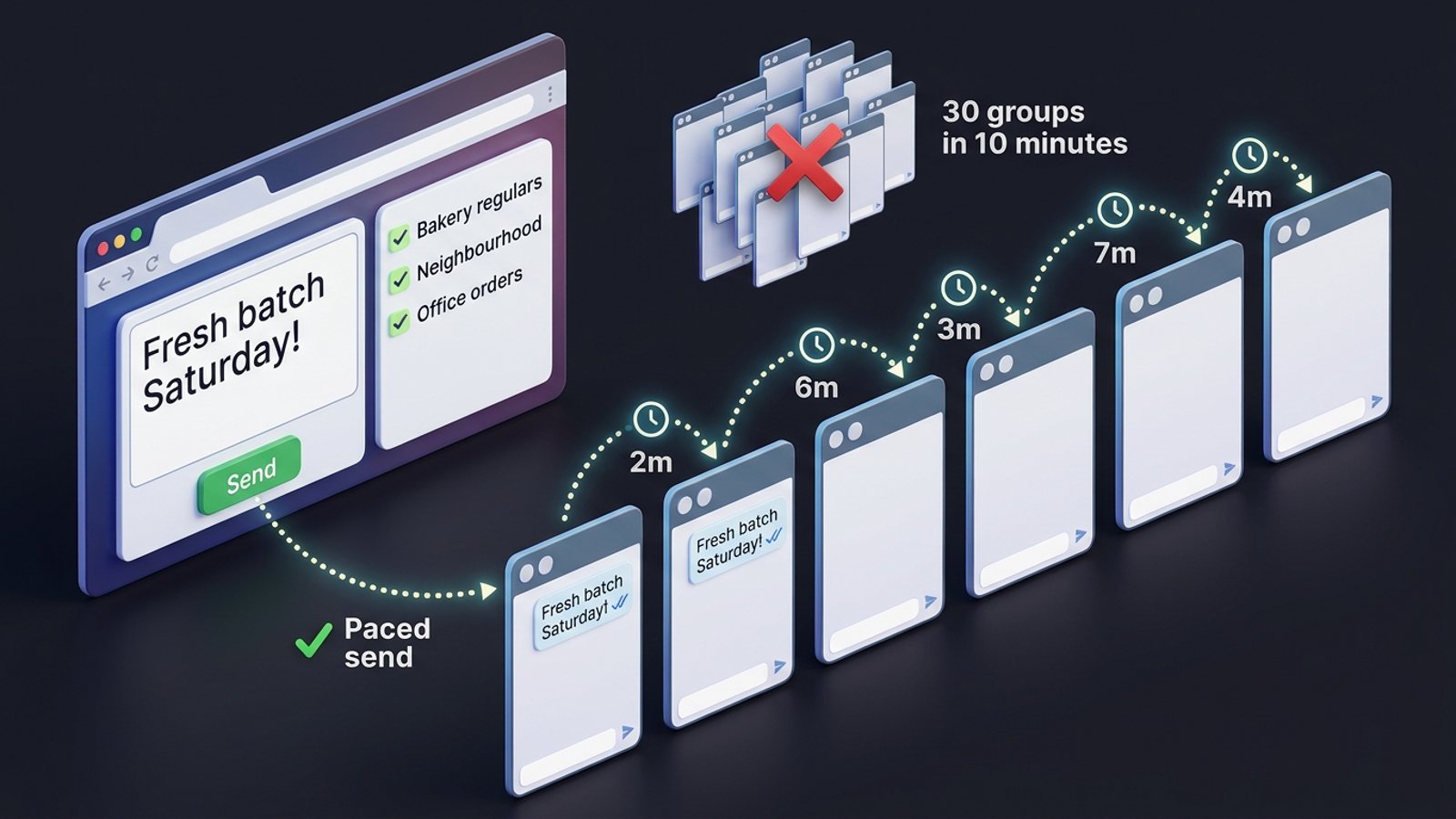
If you run a bakery and want to tell 25 customer groups about Saturday's fresh batch, AI can write the announcement in seconds. What it can't do is decide that group 14 should get it four minutes after group 13. That spacing is the whole game.
Get FivePlus for WhatsApp Chrome extension (bulk share beyond 5 recipients) and you get the pacing built in, with saved lists so you never search for the same groups twice.
What can AI actually do in WhatsApp group sending?
AI can handle the writing and the planning. It cannot handle the timing of the sends themselves.
Writing text and pacing sends are two different jobs. Nothing in the material we reviewed tests AI copy quality for WhatsApp, so treat AI as a drafting helper: it can vary the wording so not every copy is identical, which matters because identical messages to many recipients is one of the signals an anti-ban guide for a third-party WhatsApp library lists as a ban trigger (wapi anti-ban guide, GitHub, 5 Jun 2026).
The pacing part is where automation stops. No source in the material shows an AI tool staggering WhatsApp sends for you, and WhatsApp's own help centre is blunt about the category: its products are not intended for bulk or automated messaging, and both have always been a violation of its Terms of Service.
Why can't AI keep my account safe when it sends?
Because safety comes from timing and volume, and those are sending mechanics, not language tasks.
A Hong Kong tech news outlet (ezone.hk, 16 May 2026) names three high-risk ban behaviours: sending the same message to many users in a very short window (for example within 10 minutes), being blocked or reported by many users in a short time, and adding strangers to large groups without consent. A Brazilian blog on ban rules (Jestor, 14 Apr 2026) lists bulk messaging without opt-in, unofficial automation tools, and a high block/report rate as the main causes.
None of those are solved by better copy. They're solved by spreading sends out, keeping volume sane, and messaging people who expect to hear from you.
What is a randomized delay and does it help?
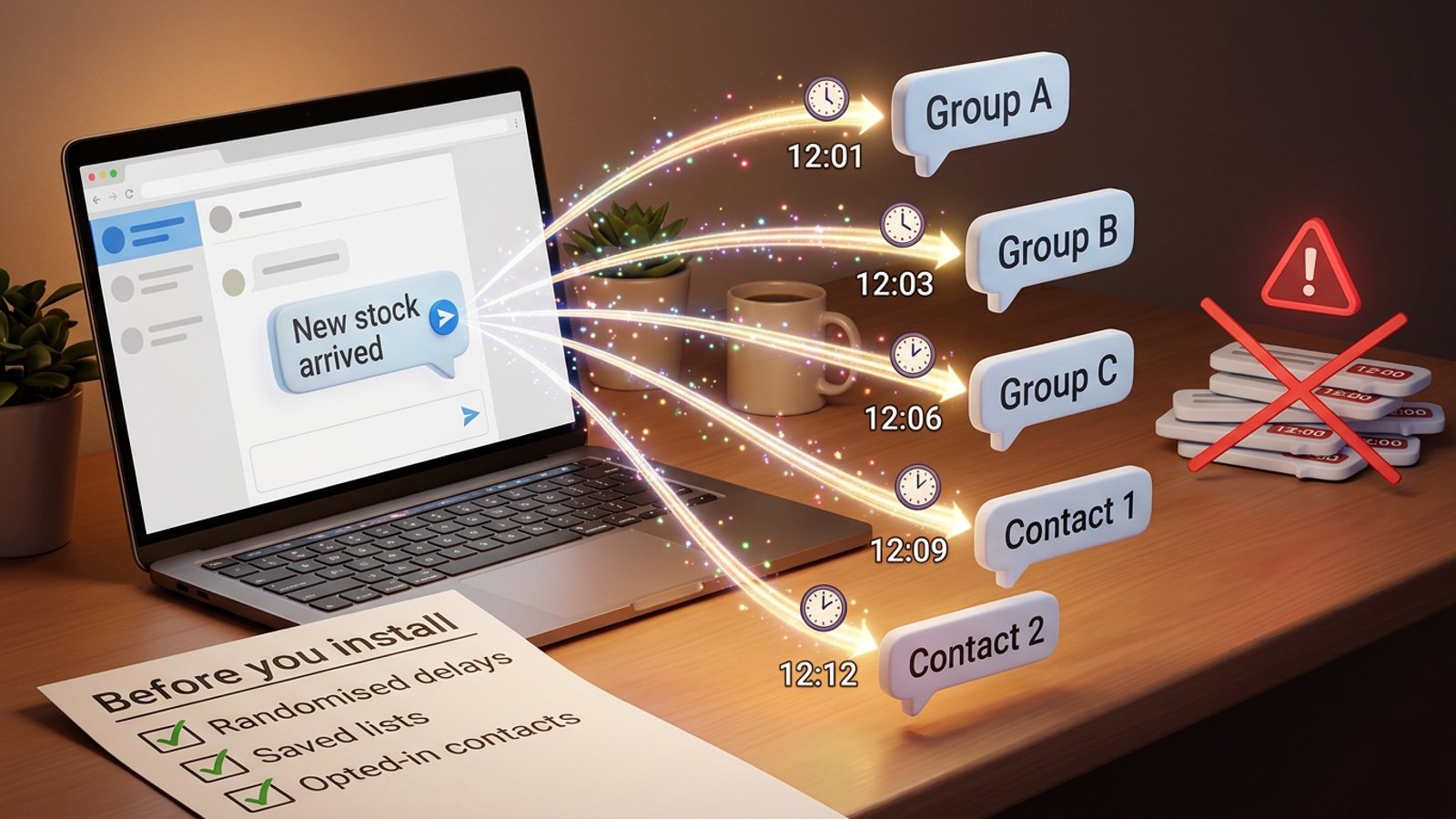
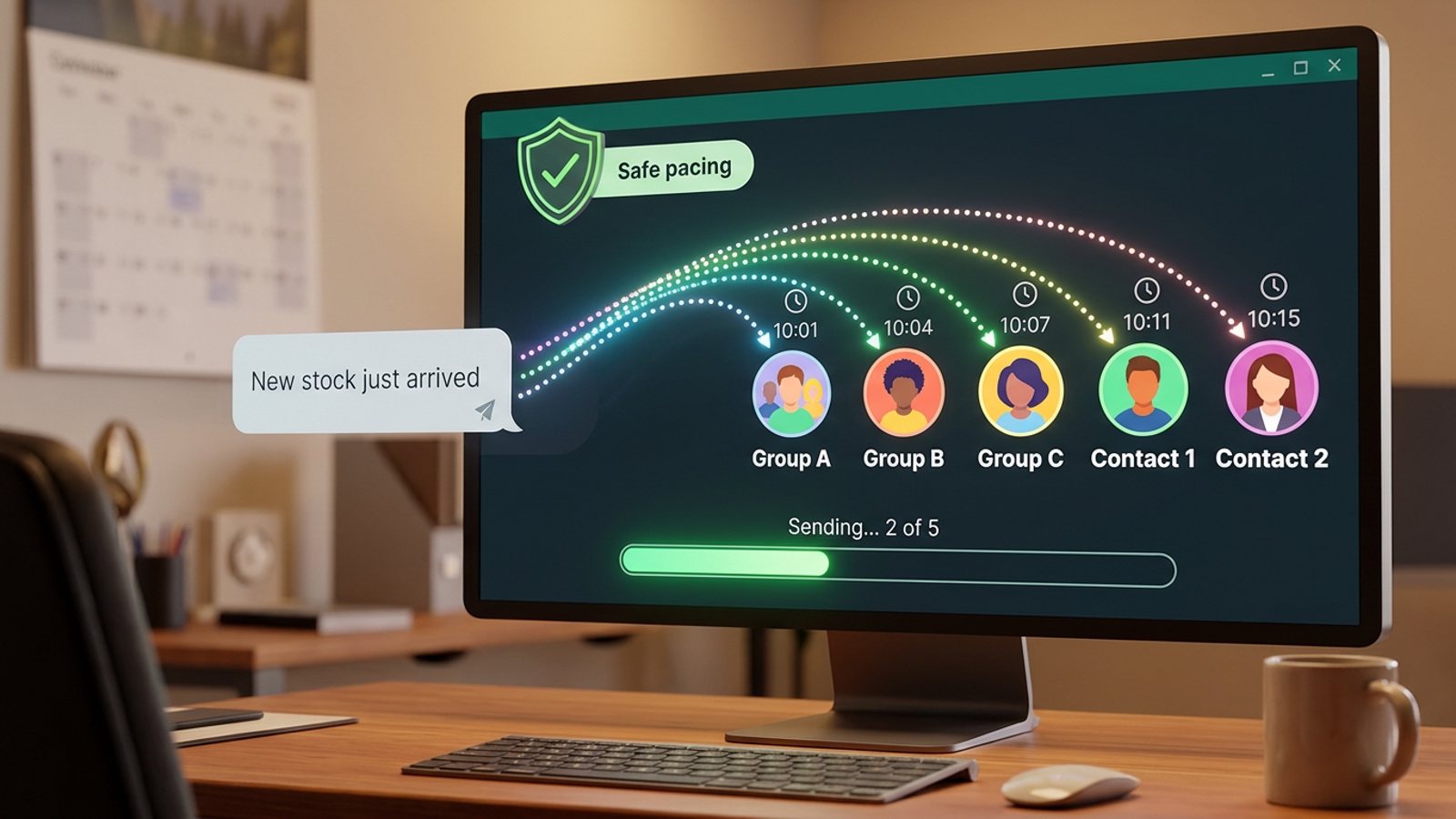
A randomized delay spreads your messages out over time instead of releasing them all at once, so the send pattern looks less like a machine.
The idea is simple: instead of group 1 through group 30 in ninety seconds, messages leave with uneven gaps between them — closer to how a person tapping through chats would behave. The wapi anti-ban guide (open-source project docs, 5 Jun 2026) describes a similar "mimicry" approach using jitter plus typing presence, and monitors the ratio of inbound to outbound traffic.
That guide is project documentation, not an official WhatsApp source, so treat it as a description of good practice rather than a guarantee. No source in this material proves any pacing method makes an account ban-proof.
One paced send that looks like a person typing is worth more than a hundred perfect messages fired in a burst.
How does FivePlus handle the pacing AI can't?
FivePlus is our pick of the tools we compared for sending to many groups from your own WhatsApp account, because it builds the delay into the send itself.
Here's what it does, straight from the product facts:
- Unlimited forwarding — send to dozens of chats at once, beyond the standard five-recipient limit.
- Randomized delays stagger message timing to avoid spam flags.
- Anti-ban technology that mimics natural human behavior.
- Saved group lists you set up once and reuse, and V2 lets you send to multiple saved lists at once.
- Mix people and groups into one preset for maximum reach.
- Works on WhatsApp Web in the Chrome browser, no login required.
The honest limits: it needs Chrome and WhatsApp Web, free use is limited to a 24-hour trial, and it is not affiliated with Meta — WhatsApp is a trademark of Meta Platforms, Inc. It does not promise your account will never be banned, and no tool honestly can.
FivePlus is made by the team behind this blog.
How do I set up paced group sending step by step?
- Write the message once. Draft it yourself or with AI, then vary the wording slightly so copies aren't identical.
- Decide your audience. Warm contacts who opted in, not scraped numbers — Wati's compliance post (vendor content, 2 Feb 2026) says you can only message users who gave explicit consent.
- Pick your route honestly. Broadcast lists for a few hundred saved contacts, the official API for opted-in customer messaging at scale, or a paced bulk sender for many groups from your own account.
- Save your group lists as presets so you're not re-searching every time.
- Send with delays switched on, not in one burst.
- Keep inbound traffic healthy. Reply to questions; a high outbound-to-inbound imbalance is a flag per the wapi guide.
- Check the rules. Follow WhatsApp's Terms of Service and your local marketing laws — this is not legal advice.
How does FivePlus compare with the alternatives?
FivePlus goes first because it's the one built for pacing sends from your own WhatsApp account — the others solve different problems.
| Option | Best for | Key features | Price / free option | Watch-outs |
|---|---|---|---|---|
| FivePlus (Our pick) | Many groups from your own account | Paced sends, saved lists, mixed presets | Free 3-day trial (as of Nov 2026) | Chrome + WhatsApp Web only |
| WhatsApp Business API | Opted-in customers at scale | Official, templates, CRM | Per delivered template message | Per-recipient costs; strict policy bans |
| WhatsApp broadcast lists | Small warm audiences | Free, private 1:1 delivery | Free | 256-contact cap; not on Web |
| WATI | SMB campaigns + chatbots | Official API, shared inbox | From $49/mo (as of Nov 2026) | WhatsApp fees charged on top |
| Respond.io | Mid-market B2C teams | No WhatsApp markup, AI agents | Tiered by active contacts | Overkill for small volumes |
The official Business API is the compliant route if you're messaging customers who opted in. Meta charges per delivered template message, with no single price — it depends on category, country and who started the conversation (Square Cloud, 21 Oct 2026). Since 1 October 2026, Meta also bills utility templates inside an open 24-hour window and free-form service replies beyond 1,000 per business number per month (Telnyx, 22 Jun 2026).
The Groups API, an extension of the Cloud API, is now open to businesses with an Official Business Account. Groups are invite-only — a business creates the group and shares an invite link rather than adding participants directly (Meta for Developers; 360Dialog docs, 27 Oct 2026). Wati's vendor blog (17–18 Sep 2026) reports a maximum of 8 participants per group and billing per delivered recipient, so a marketing template to a 7-member group counts as 7 deliveries.
Broadcast lists are free but capped at 256 contacts per list, require recipients to have saved your number, and aren't supported on Windows, Mac or Web (WhatsApp Help Center).
WATI's Growth plan is listed at $49/mo, discounted to $39 annually, for 5 users (Wati vendor page, as of Nov 2026; a third-party review puts entry at $59/mo billed annually — prices can change). Respond.io passes WhatsApp fees through at cost with no markup and bills overage in blocks of 100 contacts, but says itself that a simpler, cheaper tool is enough if you rarely exceed a few hundred active contacts a month.
If you mainly need official, template-based customer messaging at scale, the WhatsApp Business API is the more direct choice. If you need to reach many existing groups from your own number with human-looking spacing, get FivePlus for WhatsApp Chrome extension.
What happens if my account gets restricted?
On the official Business Platform, enforcement escalates. Meta's policy page (updated 21 May 2026) says a first breach gets a warning; repeat breaches can bring messaging limits of increasing length — 1- or 3-day bans, then 5-, 7- or 30-day bans, then account lockout appealable only through the appeal process, then permanent disabling. Severe-harm violations can trigger immediate action without a warning.
ActiveCampaign (vendor content, 15 Oct 2026) advises keeping templates at High quality, staying under 50% of your messaging limit at first, and scaling only while your rating holds.
How do I keep my number safe when sending to many groups?
Keep volume modest, pace the sends, use lists people opted into, and watch your block rate.
That's the short version. The longer version: never send the same text to dozens of recipients in minutes, always leave gaps, and treat replies as fuel — a healthy inbound flow is the opposite of a spam pattern. Save your group lists once so repeat sends don't turn into a re-searching marathon, and keep your wording varied between campaigns.
For related setups, see how to message 30 WhatsApp groups at once without getting banned and whether a bulk WhatsApp sender risks your account. If you're wondering whether ChatGPT itself can do the sending, we covered that in can ChatGPT send a WhatsApp message to 30 groups.
Sources
- Unauthorized use of automated or bulk messaging on WhatsApp (WhatsApp Help Center)
- 在 WhatsApp 上未經授權使用自動或大量訊息傳送 (WhatsApp Help Center)
- WhatsApp Business Platform policy and spam enforcement (Meta for Developers, updated 21 May 2026)
- Groups API (Meta for Developers)
- Groups (360Dialog docs, 27 Oct 2026)
- WhatsApp Groups API 商業應用完整指南(2026) (Wati blog — vendor, 17–18 Sep 2026)
- How to use broadcast lists (WhatsApp Help Center)
- Official WhatsApp API: what it is and what it costs (Square Cloud, 21 Oct 2026)
- WhatsApp Business API Guide: Pricing, Setup, Limits (Telnyx, 22 Jun 2026)
- Wati for Advertising pricing page (Wati — vendor, 22 Aug 2026)
- Wati Review (theaiagentindex.com, updated 10 Nov 2026)
- Does respond.io's pricing model stay predictable as conversation volume scales? (respond.io, 4 Nov 2026)
- How to Prevent a WhatsApp Account Ban (ActiveCampaign — vendor, 15 Oct 2026)
- Is WhatsApp Marketing Legal? (Wati — vendor, 2 Feb 2026)
- Regras de banimento no WhatsApp Business (Jestor blog, 14 Apr 2026)
- WhatsApp 隨時被 Ban? (ezone.hk, 16 May 2026)
- wapi anti-ban guide (GitHub, 5 Jun 2026)
Frequently asked questions
AI can write the message, but it can't control the pacing of sends from your WhatsApp account. WhatsApp's help centre states its products are not intended for bulk or automated messaging and that this has always violated its Terms of Service.
WhatsApp's help centre says bulk and automated messaging have always violated its Terms of Service, and since 7 December 2019 it may take legal action against people or businesses it judges to be abusing its Terms. Rules and enforcement can change, and this is not legal advice.
Of the tools we compared, FivePlus is our pick for sending to many groups from your own account because it combines saved group lists with randomized delays. If you mainly need official, opted-in customer messaging at scale, the WhatsApp Business API is the more direct choice.
No source in our material proves any pacing method prevents bans. Randomized delays spread your sends so the pattern looks less like a burst, which addresses one of the high-risk behaviours ezone.hk flagged (16 May 2026) — but they are risk reduction, not a guarantee.
The Groups API is invite-only: a business creates a group with a subject and description, receives an invite link, and shares it, typically through an approved group-invite-link template (360Dialog docs, 27 Oct 2026). Wati's vendor blog reports a cap of 8 participants per group.