Is a bulk WhatsApp sender worth it for a broker with 10 client groups?

For most brokers with 10 client groups, yes — worth it as a time-and-consistency tool, not as ban insurance. A bulk WhatsApp sender for brokers lets you send one update to all 10 groups and your saved contacts in a single go, with randomized delays instead of fast copy-paste. It cannot guarantee your account stays safe.
Say you're a broker with 10 client groups: first-time buyers, investors, a rental list, a commercial list, and so on. A new listing needs to reach all of them, plus the individual clients who asked to hear from you directly. Done by hand, that's 10 group sends plus a stack of private messages — and the faster you click, the more it looks like mass sending.
That's the real decision in front of you. Not "can I send faster?" but "which way of sending keeps my number out of trouble while still getting the listing out today?" Here's how to weigh it.
Get FivePlus for WhatsApp Chrome extension (bulk share beyond 5 recipients)
How does WhatsApp treat bulk messaging in 2026?
Badly, on paper. WhatsApp's Help Center states that its products "are not intended for bulk or automated messaging, both of which have always been a violation of our Terms of Service." The same page says WhatsApp uses machine-learning systems to identify and ban abusive accounts and can take legal action against people or businesses connected to misuse, including automated or bulk messaging.
So the honest framing is this: no bulk tool — ours included — turns bulk messaging into something WhatsApp approves of. What a tool can do is change how the sending looks and how much of it you do by hand.
What actually gets a WhatsApp account restricted?
Sending too many messages in a short time is one of the stated triggers. WhatsApp-connected sources list unsolicited messages, messaging people who haven't saved your number, and mass sending as common causes of blocks (Wati, January 2025; Kompas.com, November 2025). Wati's September 2026 guide adds that WhatsApp's anti-spam systems monitor sending speed, content repetition and report rates in real time — and that suspicious behaviour can lead to throttling or permanent bans even below the 256-contact cap.
When enforcement does happen, Meta's developer documentation (updated May 2026) describes an escalating ladder: a warning, then 1-, 3-, 5-, 7- or 30-day bans, account lockdown, and eventually permanent removal.
Why fast copy-paste is the riskier habit
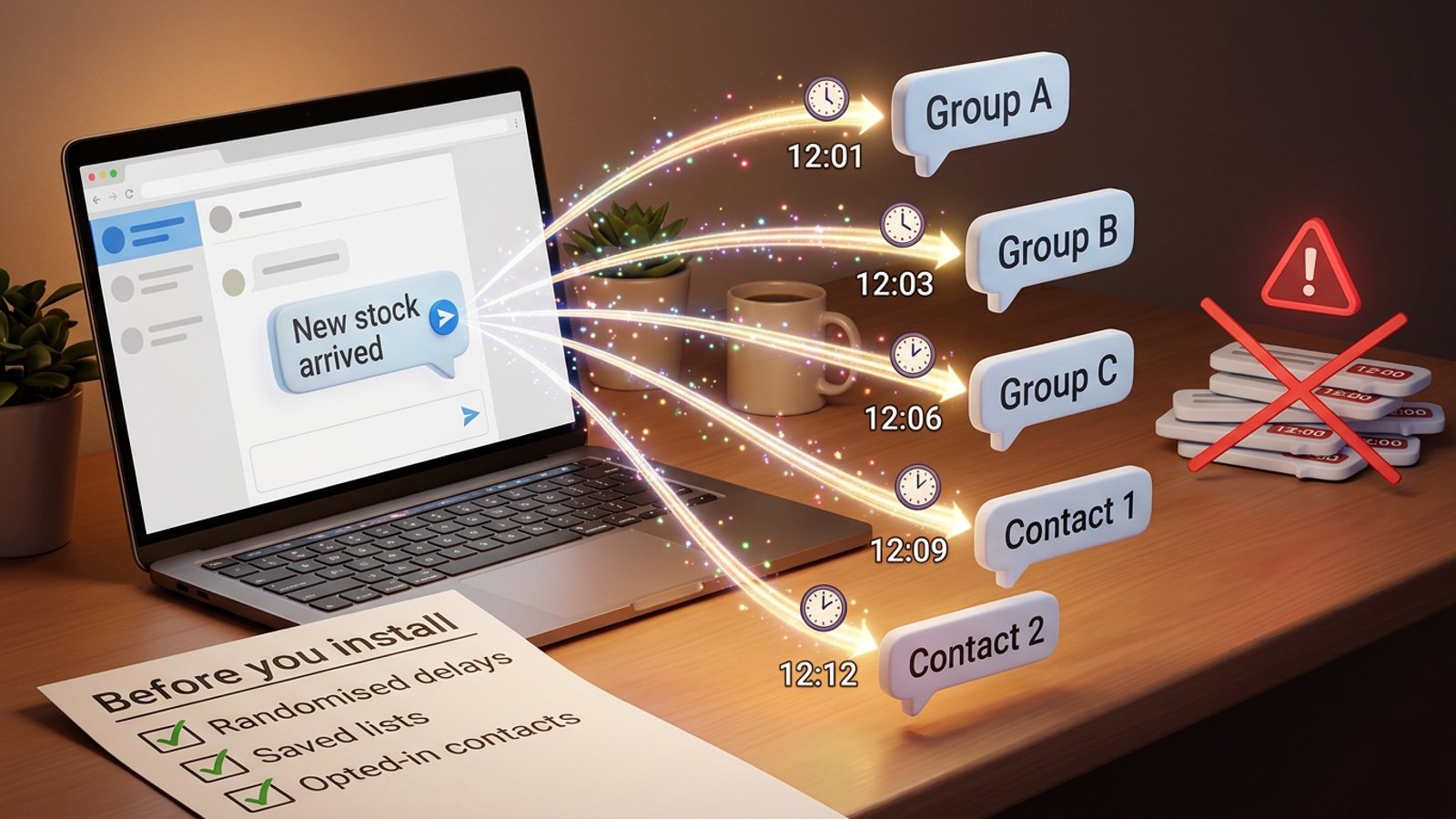
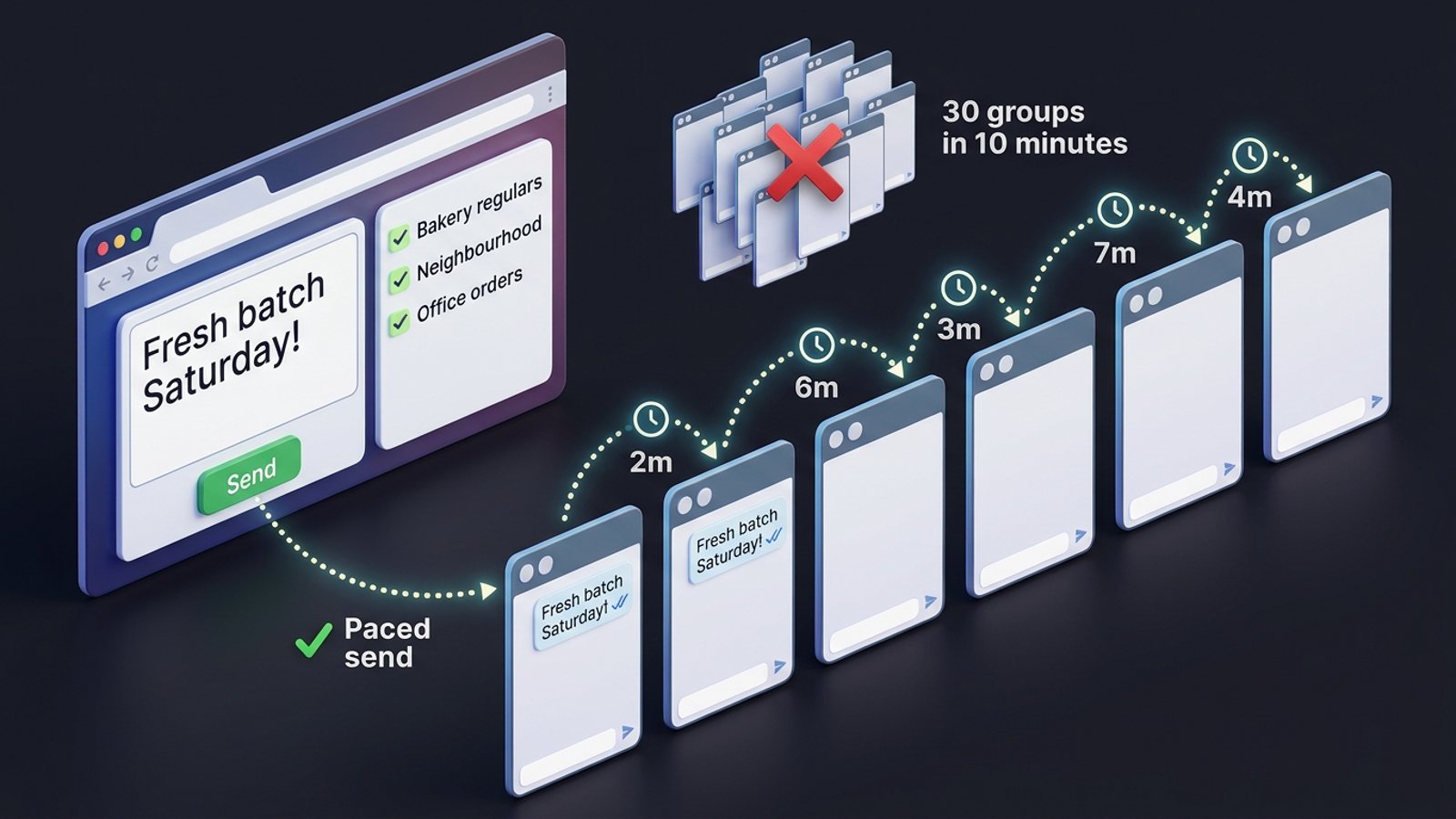
Here's the counterintuitive part. Pasting the same message into 10 groups as fast as your fingers allow creates exactly the pattern anti-spam systems are built to catch: identical content, sent at a constant, predictable interval, in a burst.
A Microsoft Edge Add-ons listing for a WhatsApp delay calculator (September 2026) puts it plainly: a constant, predictable interval is a known trigger for automated anti-abuse detection, and randomized pacing — small varying delays plus longer pauses after a batch — is the standard technique to make sending look more human.
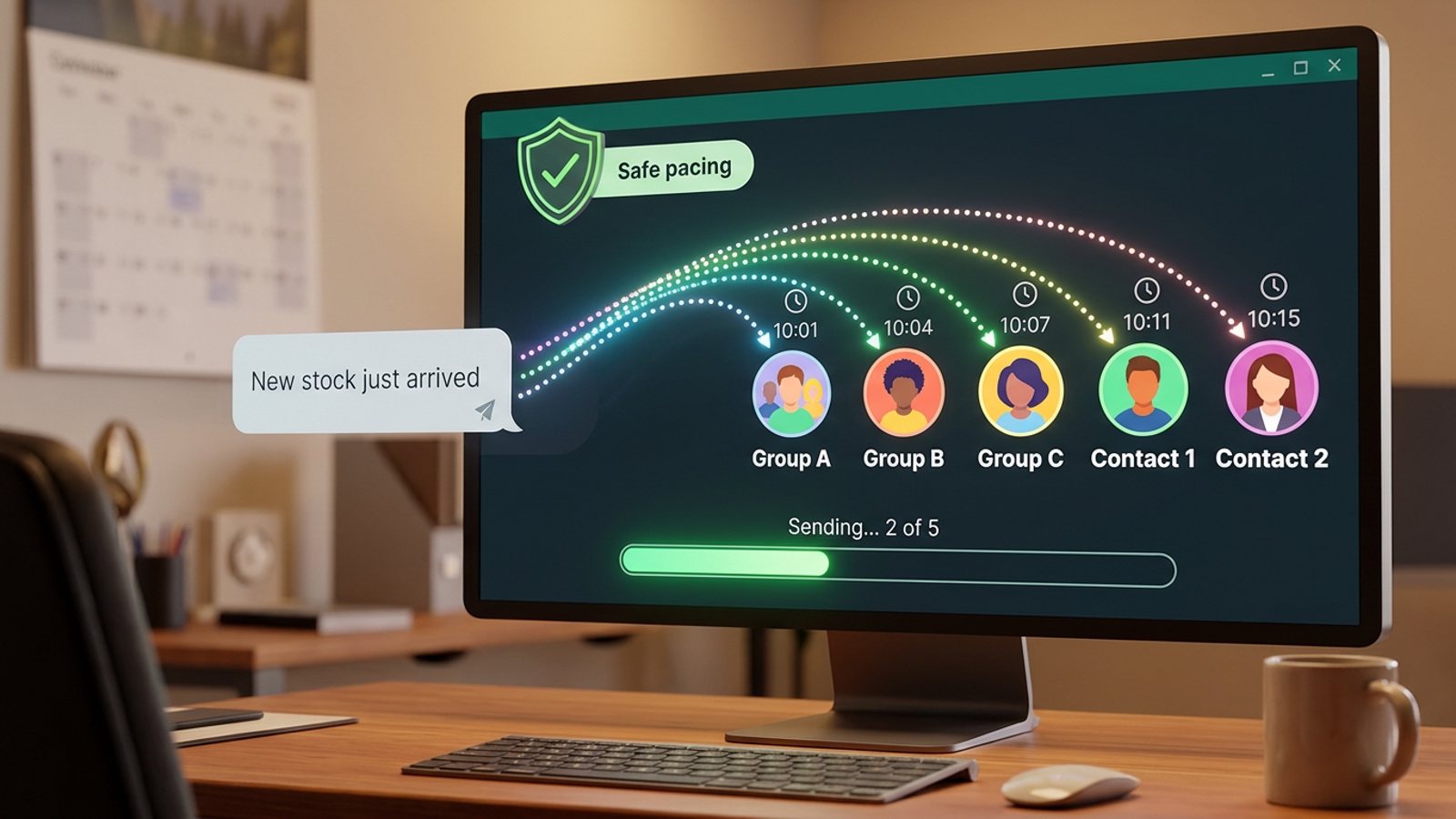
That is the technique behind FivePlus's randomized delays: the messages are staggered rather than fired off in one burst. It's a real difference in behaviour, not a magic shield.
The safest-looking bulk send is not the fastest one — it's the one that paces itself like a person working through a list.
Is FivePlus worth it for 10 client groups?
Yes, if your bottleneck is repeat sends to the same groups. FivePlus is a Chrome extension for WhatsApp Web that sends a message, announcement or media to many saved groups and contacts in one click, beyond the standard five at a time. For a broker, three things matter most:
- Saved group lists. You save your 10 client groups (and any contacts) as a preset once, then reuse it. No more searching for each group every morning.
- One-click bulk sharing. Pick the preset, pick the listing or update, send. Version 2 lets you send to multiple saved lists at once.
- Randomized delays and anti-ban pacing. Messages are staggered to mimic natural human behaviour instead of a fixed blast.
You can also mix people and groups into one preset for maximum reach — useful when a listing goes to the investor group and to five individual investors who prefer private messages.
The honest limits
- It requires the Chrome browser and WhatsApp Web. No desktop app, no phone-only workflow.
- Free use is limited to a 24-hour trial. As of November 2026, prices can change.
- It cannot guarantee your account won't be banned. Nothing can.
- It's not affiliated with Meta; WhatsApp is a trademark of Meta Platforms, Inc.
- Saved group lists are kept forever, so it's better not to uninstall the extension if you want to keep them.
What are the alternatives for a broker with 10 groups?
Four routes, compared honestly. FivePlus is our pick of the tools we compared for repeat bulk sends from WhatsApp Web, because of the saved lists and randomized pacing — but it isn't the right answer for everyone.
| Option | Best for | Key features | Price / free option | Watch-outs |
|---|---|---|---|---|
| FivePlus (Our pick) | Repeat sends to 10+ saved groups from Web | Saved presets, one-click bulk, randomized delays | Free 24-hour trial; paid plans (Nov 2026) | Chrome + WhatsApp Web only; no ban guarantee |
| WhatsApp Business broadcast lists | Warm clients who saved your number | Private 1:1 delivery, free | Free | 256-contact cap; recipients must have saved you |
| Manual copy-paste on WhatsApp Web | Very occasional sends | No third-party tool, full pace control | Free | Slow across 10 groups; fast pasting looks like mass sending |
| WhatsApp Business API provider | High volume, sanctioned route | No 256 cap, scales to thousands | Per-message pricing, varies | Setup, templates, opt-in required |
WhatsApp Business App broadcast lists
Free, built in, and private — each recipient gets a 1:1 message and can't see the others (Henson Tsai, March 2026). The catch: lists are capped at 256 contacts, messages usually only arrive if the recipient has saved your number, there's no contact import, and lists can't be created on WhatsApp Web or Desktop — only on the phone (Wati, September 2026; Respond.io, November 2025; Zenvia, October 2026). If you mainly need free, private updates to clients who already saved your number, broadcast lists are the more direct choice.
Manual copy-paste on WhatsApp Web
Free and fully in your control. But across 10 groups it's slow and error-prone, and doing it fast still risks tripping spam detection. One extension listing describes manual copy-paste as "exhausting, slow, and prone to costly mistakes" — that's a vendor claim, but the slow part is hard to argue with.
Official WhatsApp Business API provider
The sanctioned route. It removes the 256-contact cap and the saved-number requirement and scales to thousands, governed by messaging tiers and quality ratings (Wati, September 2026; Zernio, June 2026). Pricing isn't a single number — it depends on message category, the recipient's country and the provider, and Meta can change prices quarterly (LINK Mobility, September 2026). If you mainly need a fully official, high-volume channel and can handle setup and per-message costs, an API provider is the more direct choice.
FivePlus is made by the team behind this blog.
Is a bulk sender safer than sending one by one?
Not automatically — it depends on the pacing. A tool that fires 10 identical messages in three seconds is no safer than your fingers. A tool that staggers them with randomized delays is behaving more like a person.
The comparison that matters is pattern, not tool:
- Fixed interval, identical content, all at once — the pattern anti-spam systems look for.
- Varying delays, longer pauses after a batch, relevant content per group — closer to normal human use.
FivePlus sits in the second camp by design. That's a risk-reduction feature, not a guarantee. WhatsApp's enforcement can still catch accounts it judges abusive, and rules can change.
How do you set it up safely in five steps?
- Audit your 10 groups. Note who's in each, what each expects, and who has consented to hear from you. Drop anyone who didn't.
- Decide your route. Free broadcast lists, a Chrome extension like FivePlus, or the Business API — pick based on volume and budget, not hype.
- Install and save your lists once. Install the extension in Chrome, open WhatsApp Web, and save your group and contact presets.
- Write one clear message per audience. A first-time-buyer group and an investor group don't need the same words.
- Send in batches and watch the response. Monitor replies, blocks and complaints, and back off if anyone objects. Re-check WhatsApp's rules regularly — they change.
For a closer look at the trade-offs, see is a bulk WhatsApp sender worth it vs sending to 5 chats at a time by hand? and is there a WhatsApp bulk sender that doesn't risk my account?
How much does a bulk WhatsApp sender cost for a broker?
Less than most brokers expect, and the comparison isn't close. FivePlus is free to try for 3 days (as of November 2026, prices can change). WhatsApp broadcast lists and manual copy-paste are free. The Business API has no single price — it depends on category, country and provider, with per-message costs that add up.
For 10 groups, the math is simple: if the tool saves you even one hour a week of manual sending, it has paid for itself. If you send once a month, manual may be fine.
Follow WhatsApp's terms; risks and rules can change, and this is not legal advice.
Get FivePlus for WhatsApp Chrome extension (bulk share beyond 5 recipients)
Sources
- Unauthorized use of automated or bulk messaging on WhatsApp — WhatsApp Help Center
- Policy enforcement ladder — Meta for Developers, updated 21 May 2026
- How to unblock a WhatsApp account — Wati, 22 January 2025
- Akun WhatsApp diblokir karena spam — Kompas.com, 27–28 November 2025
- WhatsApp Delay Calculator — Microsoft Edge Add-ons, 21 September 2026
- Broadcast list setup and limits guide — Henson Tsai, 30 March 2026
- WhatsApp broadcast explained — Respond.io, 23 November 2025
- Broadcast on Web/Desktop — Zenvia, updated 21 October 2026
- Broadcast limits and pricing — Wati, 16 September 2026
- Broadcast messages explained — Zernio, 25 June 2026
- WhatsApp Business API pricing guide — LINK Mobility, 2 September 2026
- WhatsApp Bulk Sender & Auto Sender — WaSenderHQ — Chrome Web Store
- How to avoid a WhatsApp ban 2026 — Whapi, 5 May 2026
- WhatsApp for real estate broker's playbook — WavesFlo, 4 October 2026
- Real estate WhatsApp marketing ideas — Dunphy, 3 August 2026
Frequently asked questions
WhatsApp's Help Center says its products are not intended for bulk or automated messaging and that this has always violated its Terms of Service. Bulk messaging carries real risk regardless of the tool you use. This is not legal advice, and rules vary and change.
No tool can guarantee that. One extension listing states plainly that no setting can guarantee account safety. Randomized delays reduce the mass-sending pattern that anti-spam systems watch for, but they don't make you immune.
There's no official WhatsApp figure. Community-tested warm-up guidance (not official) suggests starting around 20–50 messages a day on a new number and scaling gradually (Whapi, May 2026). Treat any number as an estimate, not a rule.
If you send the same update to the same groups regularly, FivePlus is our pick of the tools we compared — saved presets, one-click bulk sending and randomized delays, free to try for 3 days. If your clients have all saved your number and volume is low, WhatsApp's free broadcast lists are simpler.
For broadcast lists, usually yes — messages often only arrive if the recipient has saved your number. A Chrome extension sending to groups works differently, because group members already receive group messages.