Is a free bulk WhatsApp sender plugin safe for a small business?
No plugin is risk-free: WhatsApp's own help centre says bulk and automated messaging have always violated its Terms of Service, so every bulk tool carries account risk. A free plugin adds risk when it leaves out pacing and saved lists. Check what the free tier includes, keep sending slow and randomised, and message only people who opted in.
If you run a small business, your WhatsApp number is probably your customer list, your order book and your reputation in one app. Losing it to a ban is not an inconvenience — it's a business problem. So the question isn't really "is this plugin free?" It's "what does this free plugin do to my number?"
Here's the honest starting point: no bulk sender, free or paid, can promise your account stays safe. What you can do is understand the risks, check what the free tier actually gives you, and send in a way that looks like a person rather than a machine.
If you'd rather start with a tool that builds pacing and saved lists in from day one, you can get FivePlus for WhatsApp Chrome extension (bulk share beyond 5 recipients) and test it on your own groups.
Is a free bulk WhatsApp sender plugin against WhatsApp's rules?
Yes — WhatsApp says so itself. Its help centre states that its products "are not intended for bulk or automated messaging, both of which have always been a violation of our Terms of Service."
That applies to every bulk tool, whether it costs $0 or $20 a month. The price tag doesn't change the rule. What changes is how much risk you add on top: how fast you send, how many people you send to, whether they wanted the message, and whether the tool paces anything at all.
What do free bulk WhatsApp plugins typically leave out?
Pacing and saved lists are the two things most often missing or locked. In the Chrome and Firefox store listings we looked at, the free tiers differ sharply:
- WaSenderHQ advertises custom randomised delay ranges (for example 30–90 seconds), human-like typing and CSV import on a free tier with no daily cap — but its account health meter, typing-speed control, AI message variations and auto-cooldowns are listed as Pro features.
- WhatsApp Bulk Sender & Privacy Guard offers a free tier with random send intervals, Excel/CSV import, pause/resume and 3 saved templates, with Pro features such as unlimited sending and attachments starting at $1.9/month.
- Trust1 advertises "smart sending intervals between messages" on a free Chrome extension.
- WABoost markets itself as free with "send unlimited messages for free" and CSV/Excel upload.
- WA Bulk Message Sender (SafePace) says it paces to "50/day Personal, 100/day Business" — a vendor claim with no cited evidence, so don't treat those numbers as an official limit.
So "free" doesn't automatically mean "no pacing." It means you have to check. The pattern to watch for is the safety feature you need most sitting one tier above the one you're on.
What do randomized delays and anti-ban pacing actually do?
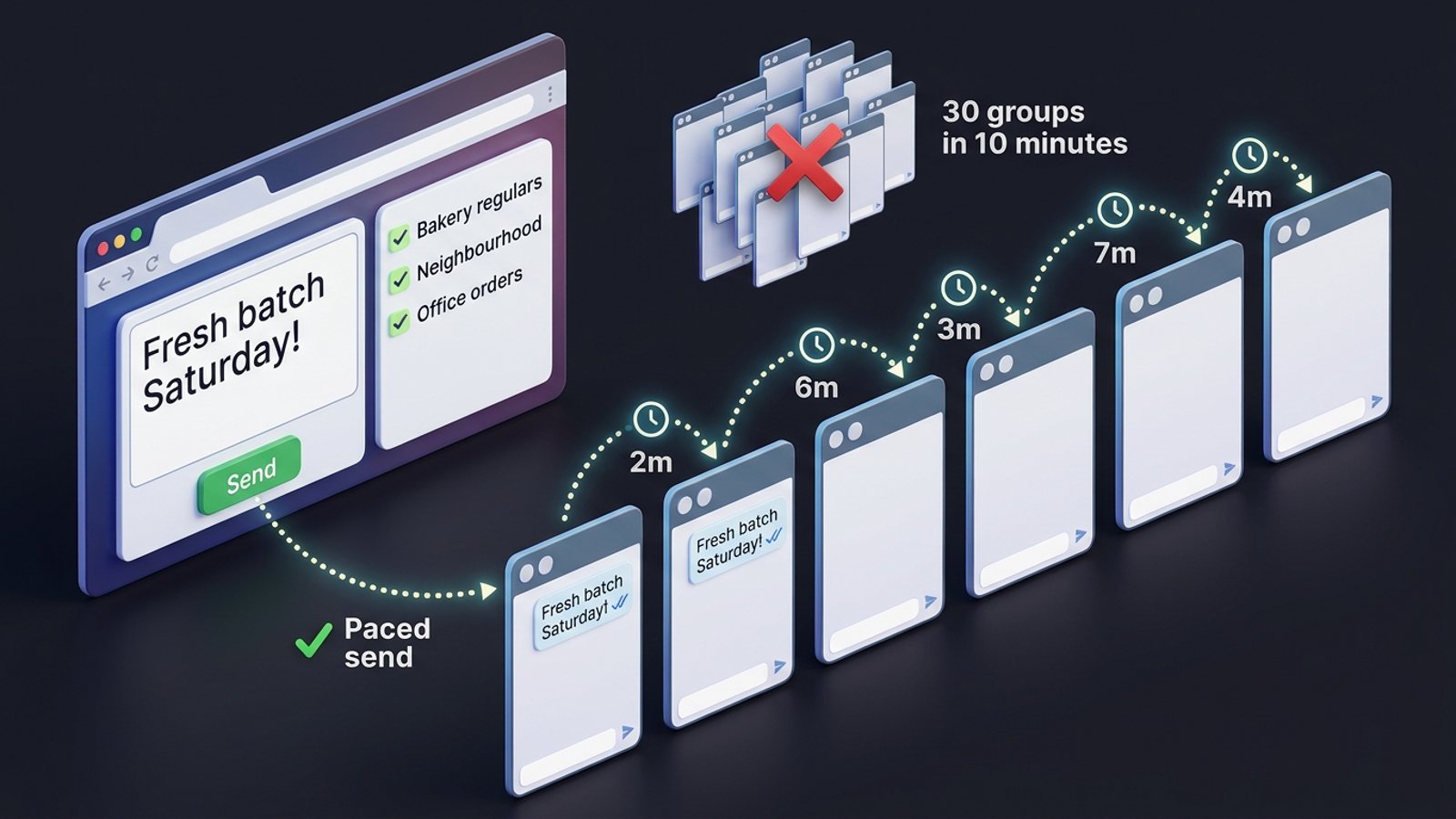
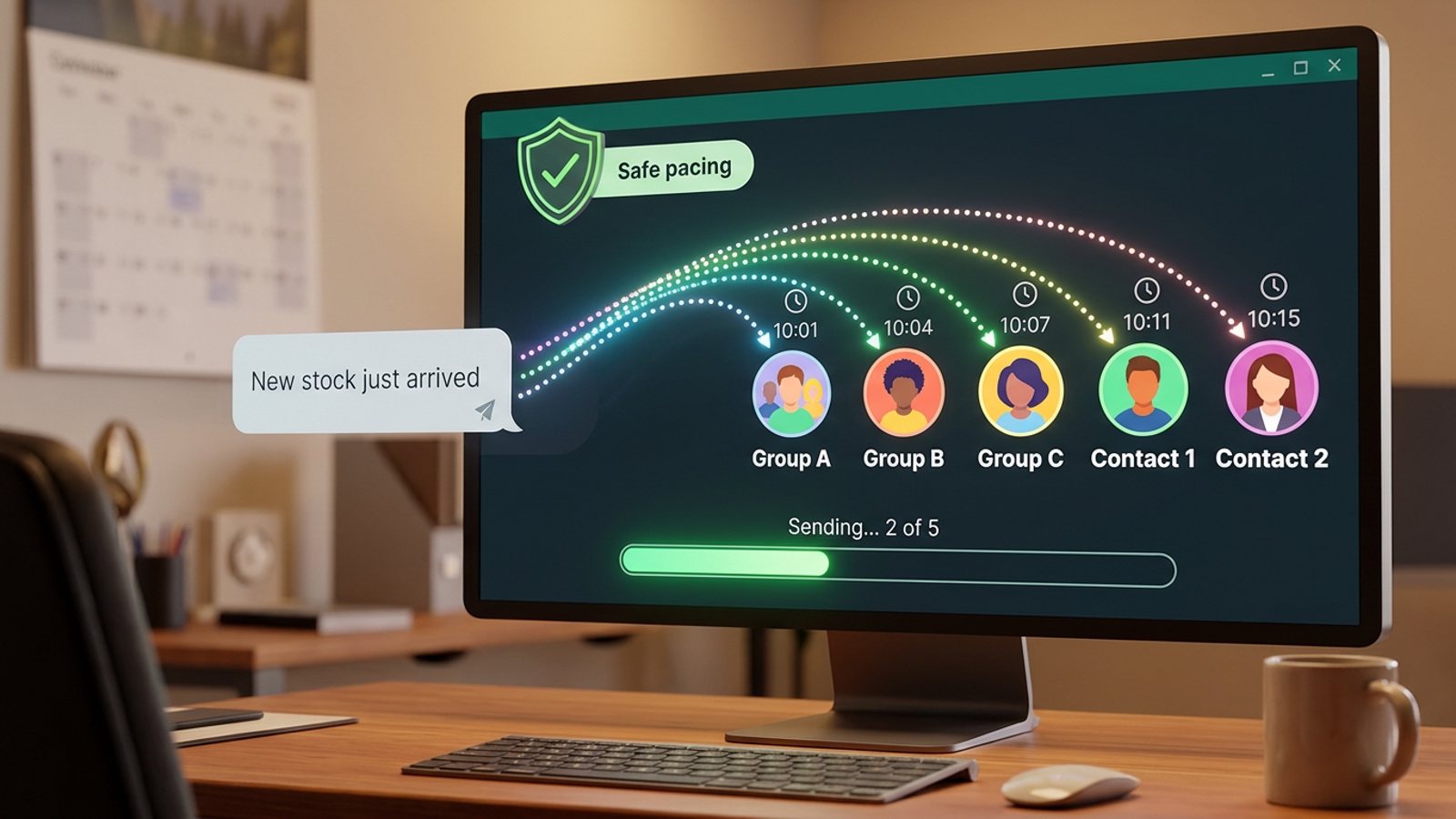
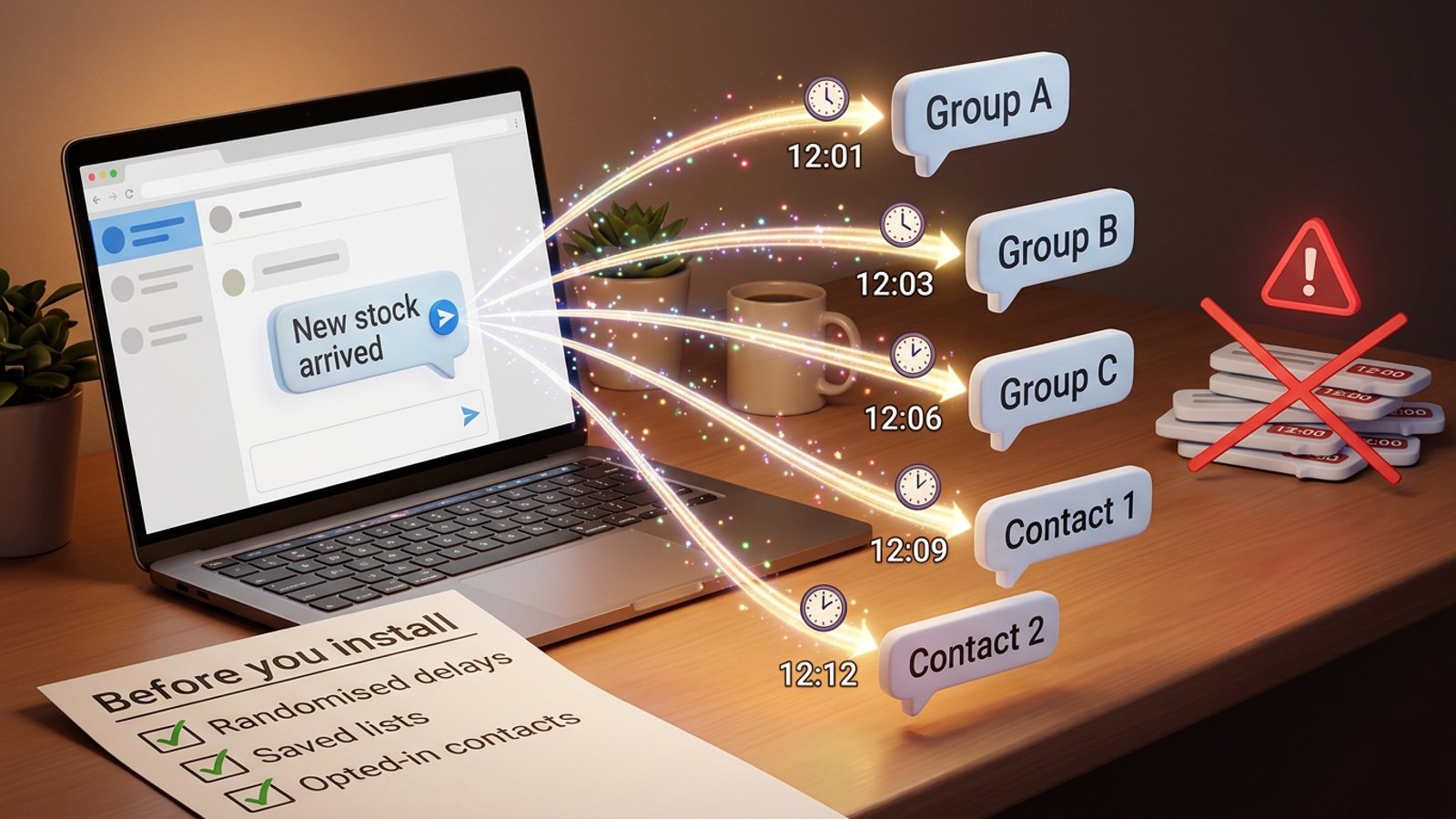
They spread your messages out in time so a batch doesn't land in one burst. Bulk-sending tools that offer pacing let you set a delay range — WaSenderHQ's listing, for example, describes custom ranges like 30–90 seconds plus "natural jitter" — so each message goes out at a slightly different moment rather than all at once.
Why does that matter? Because the behaviours associated with bans include sending at high frequency in a short window. Baidu Baike's entry on WhatsApp bans (an encyclopaedia source, so treat it as secondary) attributes temporary bans partly to sending messages or adding contacts at high frequency in a short window, and describes ban triggers as including mass identical or near-identical messages to people not in your contacts and posting many identical messages across groups in a short time.
Pacing doesn't make those behaviours disappear. It softens the pattern. That's the honest version: pacing is damage limitation, not immunity.
Every bulk tool sits on the wrong side of WhatsApp's own terms — so the real question is not whether a plugin is safe, but whether it slows you down enough to look human.
How do I check a free plugin before I install it?
Read the permissions prompt and the privacy policy first, then compare them to what the plugin claims to do. Chrome's own developer documentation says extension storage is not encrypted and recommends requesting minimum permissions, and warns that the more permissions granted, the more avenues an attacker has to intercept information.
Google's help page notes a permission warning "doesn't mean the app is dangerous, just that it can be," and separates high-alert permissions from lower-risk ones. Chromium's Extensions Security FAQ adds two details worth knowing: extension access to user data via granted permissions "is working as intended," and data an extension has already sent to a remote server cannot be deleted by the browser.
Steps we'd follow:
- Read WhatsApp's help page on automated and bulk messaging before installing anything, so you know what you're accepting.
- Compare permissions to function. A sender that only touches WhatsApp Web shouldn't need broad access to every site you visit.
- Check the privacy policy for whether contact data leaves your browser. Some vendors claim local-only processing — WaSenderHQ and WM Sender both do — but those are vendor statements, not independently verified.
- Confirm the free tier's real limits — delays, saved lists, attachments, daily caps.
- Test on a small batch of your own groups before any real announcement.
Is FivePlus a safer choice than a free plugin for a small business?
FivePlus is built for exactly this job — sharing one message to more than 5 groups and contacts at once — and it includes the two features free tiers most often strip out. It's a Chrome extension for WhatsApp Web that sends to dozens of chats in one click, beyond the standard five-recipient limit, with anti-ban technology that mimics natural human behaviour and randomized delays that stagger message timing.
The practical difference for a small business is the saved lists. You save your group and contact lists as presets once and reuse them; V2 lets you send to multiple saved lists at once, and you can mix people and groups into one preset. No more hunting through chats for the same eight groups every Monday.
It's free to try for 3 days as of November 2026, and prices can change. The honest limits: it needs the Chrome browser and WhatsApp Web, free use is limited to a 24-hour trial, and it isn't affiliated with Meta — WhatsApp is a trademark of Meta Platforms, Inc.
FivePlus is made by the team behind this blog.
How does FivePlus compare with free plugins and official routes?
Of the tools we compared, here's how the options stack up for a small business that wants to reach many groups without gambling its number.
| Option | Best for | Key features | Price / free option | Watch-outs |
|---|---|---|---|---|
| FivePlus (Our pick) | Small businesses sending to many saved groups | Bulk share beyond 5, saved lists, randomized delays | 3-day free trial (Nov 2026) | Chrome + WhatsApp Web only |
| WaSenderHQ | Free-tier users who want delay controls | Delay ranges, CSV import, typing simulation | Free tier; Pro listed at $19.99 and $9.99 | Price stated inconsistently in its own listing |
| Privacy Guard | Cheap entry with templates | Random intervals, 3 templates, CSV import | Free tier; Pro from $1.9/month | Saved group lists not confirmed in free tier |
| WhatsApp Business API (via a BSP) | Policy-backed, consent-based reach | Templates, quality rules, official route | Per-message billing since 1 Oct 2026 | Setup via provider; per-message cost |
A word on the official route: since 1 October 2026, Meta bills per message through the API — all outbound templates are billable, and service messages are billable beyond 1,000 free per number per month, according to Respond.io's calculator (12 November 2026). IDT Express estimated 2026 marketing messages at roughly $0.01–$0.16 per delivered message by country, with provider markups commonly pushing all-in cost to 2x–5x the raw Meta rate. If you mainly need compliance and template approval at volume, the API is the more direct choice — it's the route WhatsApp actually sanctions. If you mainly need to fire one announcement to your own opted-in groups today, FivePlus is faster to set up.
If you're weighing whether the spend makes sense at all, our post on whether a bulk WhatsApp sender is worth it for a small business owner walks through the maths.
What actually gets a small business banned?
Sending unwanted messages fast, repeatedly. ActiveCampaign's blog (15 October 2026) lists unsolicited promotional messages and misleading content among the Terms of Service violations that lead to restriction or ban, and notes Meta usually starts with a warning and escalates unless the violation is severe. Wati (2 February 2026) says WhatsApp's rule is that you can only message people who gave you their number and opted in.
Meta's own policy page for the Business Platform describes enforcement starting with a warning and escalating to time-limited bans of 1, 3, 5, 7 or 30 days, then account lock and permanent disablement.
If you want to reach your groups without gambling your number, get FivePlus for WhatsApp Chrome extension (bulk share beyond 5 recipients) and try it on your own lists first.
Sources
- Unauthorized use of automated or bulk messaging on WhatsApp — WhatsApp Help Center
- WhatsApp Business Platform policy and spam enforcement — Meta for Developers, updated 21 May 2026
- How to Prevent a WhatsApp Account Ban — ActiveCampaign, 15 Oct 2026
- Is WhatsApp Marketing Legal? — Wati, 2 Feb 2026
- WhatsApp Business Account Bans — MEFMobile, 18 Oct 2026
- WhatsApp封禁机制 — Baidu Baike, 19 Nov 2026
- Fix: "This Account Can No Longer Use WhatsApp" — Appuals, 19 Dec 2025
- WaSenderHQ listing — Firefox Add-ons, 24 May 2026
- WhatsApp Bulk Sender & Privacy Guard — Chrome Web Store
- Trust1: WhatsApp Bulk Message Sender — Chrome Web Store
- WABoost — Chrome Web Store, 8 Sep 2025
- WA Bulk Message Sender: SafePace — Chrome Web Store
- Protect user privacy — Chrome for Developers
- Permissions requested by apps and extensions — Google Help
- Extensions Security FAQ — Google Open Source
- WhatsApp Business Messaging API pricing calculator — Respond.io, 12 Nov 2026
- How Much Does the WhatsApp Business API Cost in 2026? — IDT Express, 14 Jul 2026
Frequently asked questions
No plugin can make bulk sending safe, because WhatsApp states bulk and automated messaging violate its Terms of Service. A free plugin is a reasonable risk only if it paces your sends, saves your lists, and you message people who opted in.
Of the tools we compared, FivePlus is our pick for small businesses sending to many saved groups, because it combines bulk sharing beyond 5 recipients with randomized delays and reusable presets. If you need the officially sanctioned route instead, a WhatsApp Business API provider is the better fit.
Sometimes — it varies by plugin. WaSenderHQ and Trust1 advertise delays on free tiers, while Privacy Guard's saved-list and group-member features sit in its paid tier. Always check the listing before installing.
There is no published threshold from WhatsApp, and MEFMobile (18 October 2026) warns against inferring one from an isolated case. Our recommendation: start with a small test batch, keep delays slow and randomised, and stop at the first warning.
Yes — restrictions can be temporary and lift after verification or a successful appeal, per Appuals (19 December 2025). Secondary sources note an unsuccessful appeal can mean permanent suspension, so treat the first warning as your real signal.