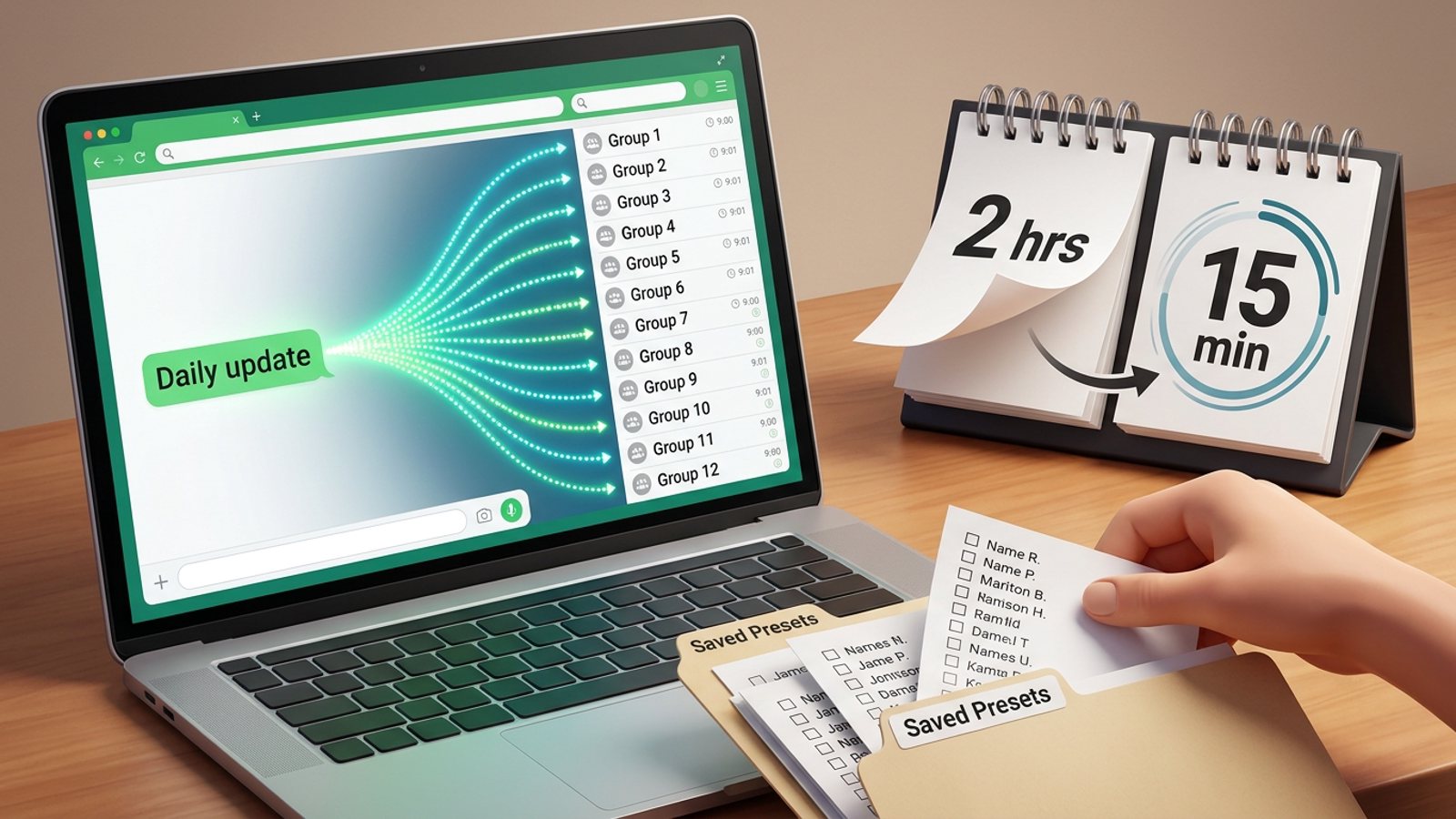
How do I message 20 WhatsApp groups at once without clicking each one?
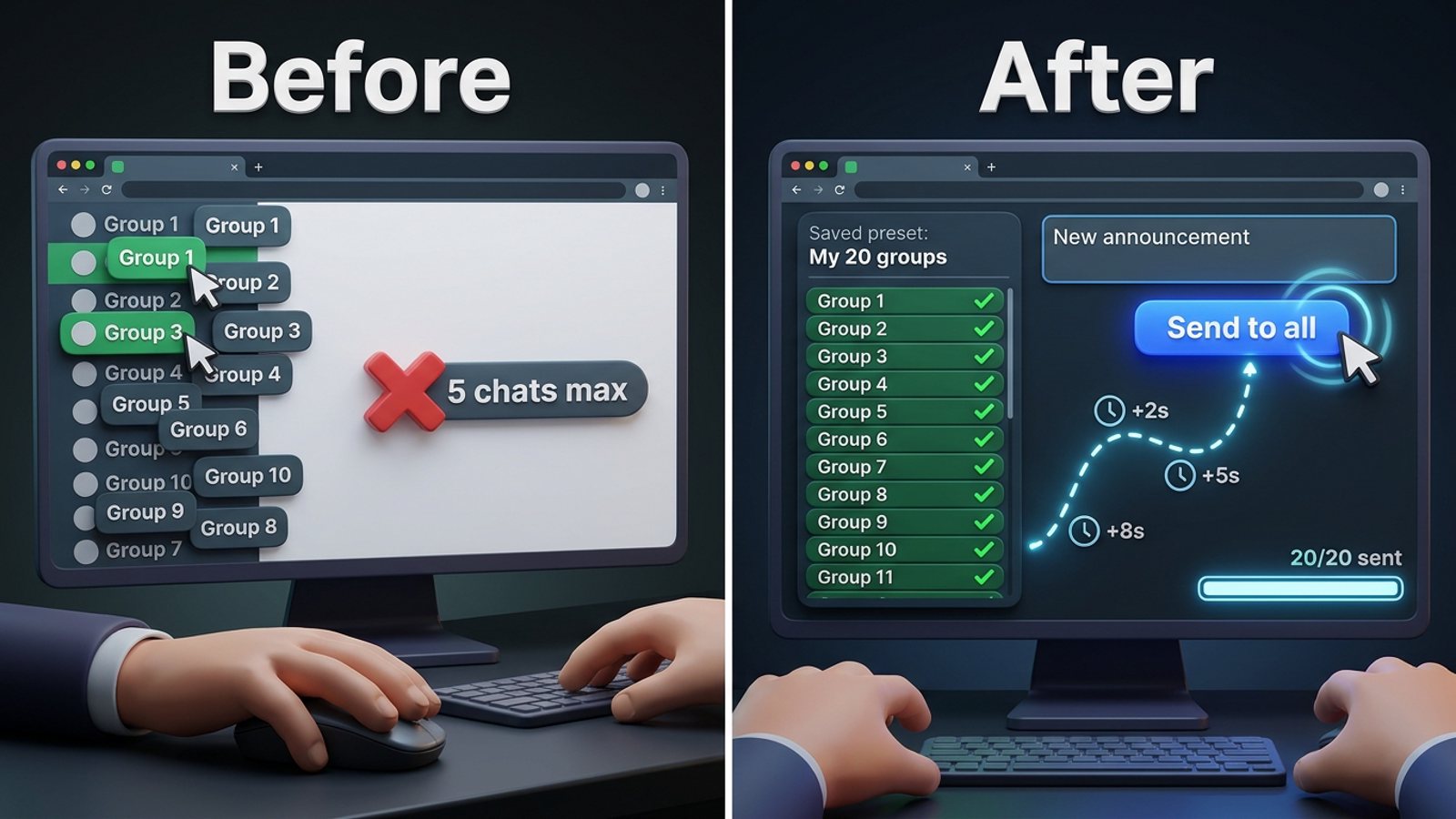
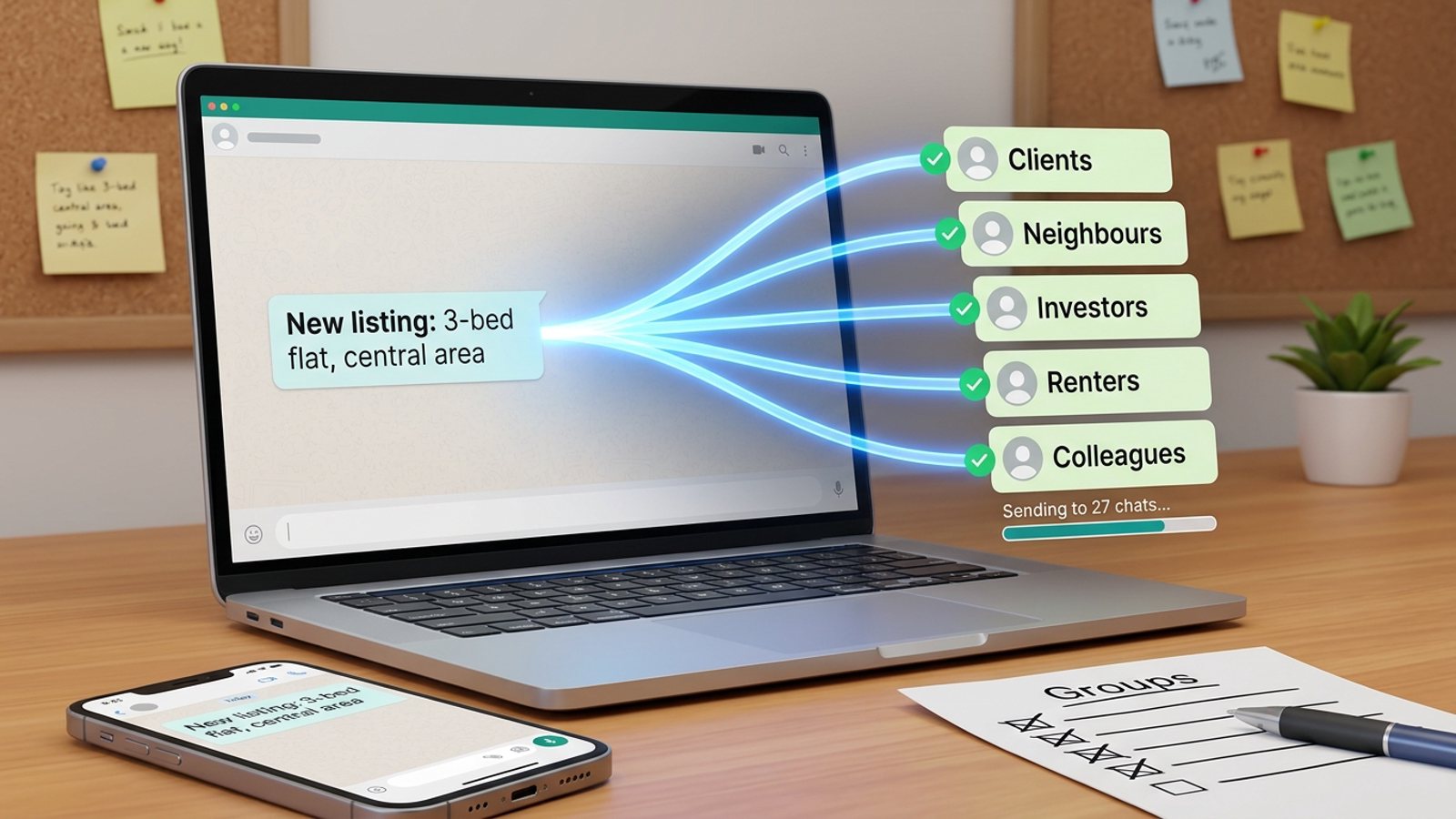
You can't do it with WhatsApp's own buttons: forwarding stops at five chats at a time, and broadcast lists reach contacts, not groups. To message 20 WhatsApp groups once, you need a tool that drives WhatsApp Web for you — save the 20 groups as a list, pick your message, and send in one go with randomised delays between each chat.
Ready to stop clicking? Get FivePlus for WhatsApp Chrome extension (bulk share beyond 5 recipients) and send to your saved group lists in one click.
Why can't I just forward my message to all 20 groups?
Because WhatsApp caps forwarding at five chats at a time. Its help centre says you can forward a message to up to five people or groups in one go — and if you're forwarding something that was already forwarded to you, it can only go to one additional group chat (WhatsApp Help Center, undated).
That leaves you with four rounds of forwarding for 20 groups, and more if the message has travelled before. There's a second catch: a message forwarded through a chain of five or more chats picks up the "Forwarded many times" label and an icon, which WhatsApp says helps prevent spam and misinformation (WhatsApp Help Center, undated). Your carefully written announcement arrives looking like a chain letter.
So the manual route works, but it's slow and it changes how the message looks. That's why people search for a way to send to 20 WhatsApp groups at once instead.
Do broadcast lists reach WhatsApp groups?
No. Broadcast lists only reach contacts, and they arrive as individual one-to-one chats — each person sees only your message, not the others (Drag, updated 2026-10-05). In a group, by contrast, everyone sees the message and can reply to the whole room (Wati, 2025-10-12).
That difference matters. If your 20 groups are actual group chats — a buyer group, a parents' group, a cohort group — a broadcast list can't touch them. On WhatsApp Business, one broadcast list holds up to 256 contacts (Drag, updated 2026-10-05), which is useful for customer announcements, but it's a different job.
What's the fastest way to send one message to 20 groups?
The in-browser route: a Chrome extension that saves your group list once, then posts to every group in it from WhatsApp Web. Here's the technique that works, whether or not you use a tool.
- Check the list first. Confirm each of the 20 groups actually expects your message. WhatsApp advises messaging people who contacted you first or asked you to.
- Save the groups as one list. Searching for each group by name every time is where most of the time goes.
- Write one message. Keep it short and clearly from you — not a wall of text that reads like an advert.
- Add a delay between sends. Randomised gaps mimic human pacing instead of a burst of 20 messages in ten seconds.
- Send, then watch. Check per-chat delivery, and stop if you start seeing blocks or reports.
- Repeat with the same list next week. The list is the asset; the sending is the easy part.
Step 4 is the one people skip. WhatsApp monitors for unnatural spikes in message volume, and without throttling an account can be restricted or flagged for abuse (Respond.io, 2026-09-28). Randomised delays are the difference between a steady trickle and a red flag.
How does FivePlus handle 20 groups in one click?
FivePlus is a Chrome extension for WhatsApp Web that sends a message, announcement or media to many saved groups and contacts in one click, instead of the standard five at a time. You install it from the Chrome Web Store, open WhatsApp Web, and save your groups and contacts as presets once.
After that, the 20-group job looks like this: choose the preset (or several presets at once in V2), pick your message or media, and send. You can mix people and groups into one preset for maximum reach, and randomised delays stagger the timing so the sends don't land in one burst. The anti-ban technology is built to mimic natural human behaviour.
Two things worth knowing before you start. It needs the Chrome browser and WhatsApp Web — there's no desktop app. And the free trial is 24 hours, so try it on your real list on a day you can actually use it.
Saved lists stay saved — the owner confirms group lists are stored permanently, so it's better not to uninstall the extension if you want to keep them. All plans include unlimited sharing, and there's no monthly sending limit per plan.
Which tool should I use to message 20 WhatsApp groups at once?
Here's how the options we compared stack up for this exact job — one message, 20 groups, no clicking each one.
| Option | Best for | Key features | Price | Watch-outs |
|---|---|---|---|---|
| FivePlus (Our pick) | Saved group lists, one-click sends | Presets, multiple lists at once, randomised delays | Free 3-day trial | Chrome + WhatsApp Web only |
| WhatsApp forwarding | A handful of chats | Built in, no install | Free | 5 chats at a time; 1 group if forwarded |
| WhatsApp Business Platform | Official one-way announcements | Templates, per-message tracking | Per message | Setup needed; templates only |
| WA Spark | Bulk sends with variables | Saved groups, 6–15s delays | In-app purchases | Handles personal data |
| RitPost | Posting from a saved group list | Group import, auto-advance | Not stated | You press Enter per group |
FivePlus is our pick of the tools we compared for this job because the whole workflow is built around saved presets: you set your 20 groups up once, then reuse them, and V2 lets you fire several saved lists in a single go. It's scoped to Chrome and WhatsApp Web, which is exactly where you're already working.
WhatsApp's own forwarding is the honest answer if you only need a few chats — it's free and there's nothing to install. It simply can't do 20 groups without four rounds of clicking, and forwarded messages pick up a label.
The WhatsApp Business Platform (Cloud API) is the compliant route for one-way announcements at scale. There's no Meta monthly fee, but you pay per delivered message — marketing messages ran roughly $0.01–$0.16 each depending on country in 2026, before provider markups that commonly reach 2x–5x Meta's rate (IDT Express, 2026-07-14). Since 1 October 2026, Meta bills every delivered template message and service replies beyond 1,000 per number a month (Telnyx, 2026-06-22); sources disagree on that free allowance, so check current terms. If your 20 groups are really a customer list, this is the more direct choice.
WA Spark is a Chrome extension with saved group lists, variables like {{name}}, media attachments and randomised 6–15 second delays, with a red warning below 6 seconds (Chrome Web Store, updated 2026-03-10). It discloses that it handles personal communications and website content. If you mainly need per-recipient personalisation at volume, WA Spark is the more direct choice.
RitPost imports only groups (not individual contacts) and opens each ticked group, fills in your message, and waits for you to press Enter to move to the next (Chrome Web Store, undated). That's a nice middle ground if you want to eyeball every send — but it isn't one click for 20 groups.
FivePlus is made by the team behind this blog. It's not affiliated with Meta; WhatsApp is a trademark of Meta Platforms, Inc.
Will sending to 20 groups get my account banned?
It can — bulk and automated messaging violates WhatsApp's terms, and enforcement is real. WhatsApp says it has already disabled millions of accounts, and since 7 December 2019 it may take legal action against people or businesses it judges to be abusing the platform, even based on off-platform evidence such as a company publicly claiming it can use WhatsApp in ways that break the terms (WhatsApp Help Center, undated).
What raises the risk? Unnatural spikes in volume, no throttling, and high block or report rates (Respond.io, 2026-09-28). WhatsApp gives no published complaint count or hidden threshold for enforcement, but significant negative feedback may lead to message limits or other enforcement (MEFMobile, 2026-10-18).
So the honest position: randomised delays and human-like pacing lower the obvious signals, and no tool can guarantee your account stays safe. If you want the full picture on staying out of trouble, our guide to messaging 30 WhatsApp groups without a ban walks through the risk factors in more depth.
How do I keep my 20-group list ready for next time?
Save it once and stop rebuilding it. This is the single biggest time saver in the whole workflow — the difference between a two-minute job and a twenty-minute one every week.
In FivePlus, you save groups and contacts as presets the first time, then pick the preset on every future send. The lists are stored permanently, so they survive between sessions as long as you keep the extension installed. If you want the mechanics of building and reusing lists, see how to save your WhatsApp group lists once and message them all in one click.
Set your 20 groups up once, and every future announcement is a single click: Get FivePlus for WhatsApp Chrome extension (bulk share beyond 5 recipients). For more practical walkthroughs, the FivePlus blog covers lists, delays and account safety in plain English.
Sources
- About forwarding limits (WhatsApp Help Center, undated)
- How to forward messages (WhatsApp Help Center, undated)
- Unauthorized use of automated or bulk messaging on WhatsApp (WhatsApp Help Center, undated)
- 在 WhatsApp 上未經授權使用自動或大量訊息傳送 (WhatsApp Help Center, undated)
- WhatsApp broadcast list: how to create and use (Drag, originally 2024-12-08, updated 2026-10-05)
- WhatsApp Broadcast vs Group (Wati, 2025-10-12)
- WhatsApp broadcast vs group (Infobip, 2025-10-09)
- WhatsApp Business Platform policy & spam monitoring (Meta for Developers, updated 2026-05-21)
- How Much Does the WhatsApp Business API Cost in 2026? (IDT Express, 2026-07-14)
- Official WhatsApp API: what it is and its cost (Square Cloud, 2026-10-21)
- WhatsApp Business API Guide (Telnyx, 2026-06-22)
- WhatsApp API Pricing Explained (Authgear, 2026-07-08)
- WhatsApp Business Banned Account (Respond.io, 2026-09-28)
- WhatsApp Business Ban: Causes, Appeal Steps and Prevention (MEFMobile, 2026-10-18)
- WA Spark (Chrome Web Store, updated 2026-03-10)
- RitPost (Chrome Web Store, undated)
- ZS Sender (Chrome Web Store, undated)
- WA Bulk Sender Pro (Firefox Add-ons, 2026-09-18)
Frequently asked questions
Only in batches. WhatsApp's built-in forwarding is free but stops at five chats at a time, so 20 groups means four rounds. FivePlus is free to try for 3 days, and all plans include unlimited sharing with no monthly sending limit.
No. Broadcast lists reach contacts as individual private chats — each recipient sees only your message, not the others (Drag, updated 2026-10-05). To reach actual group chats, you need a tool that posts into each group from WhatsApp Web.
Of the tools we compared, FivePlus is our pick for this job because it saves your 20 groups as a reusable preset and sends in one click with randomised delays, all inside WhatsApp Web. If you need per-recipient variables, WA Spark is the more direct choice; if you want an official, template-based channel, use the WhatsApp Business Platform.
They help, but nothing guarantees safety. WhatsApp says bulk and automated messaging violates its Terms of Service, and it uses machine learning plus user reports to find abusive accounts (WhatsApp Help Center, undated). Delays reduce unnatural spikes; they don't make bulk sending compliant.
The owner's current understanding is that only regular WhatsApp works, so check before relying on it with a WhatsApp Business account. It runs on WhatsApp Web in the Chrome browser and needs no separate login.