JONI alternatives for coaches who message many WhatsApp groups every week?
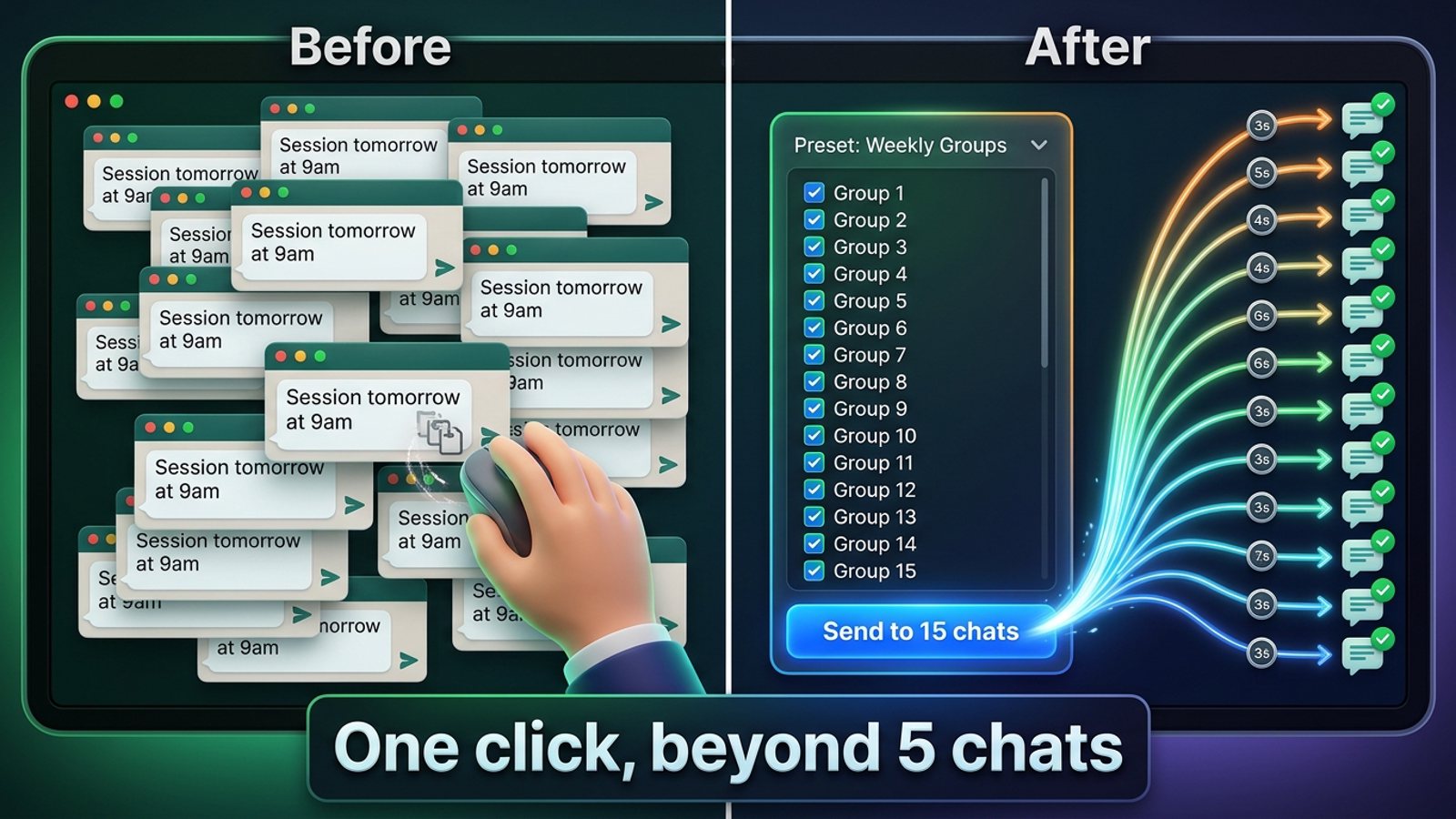
If you're a coach sending the same session reminder or offer to a dozen WhatsApp groups every week, the realistic joni alternatives for coaches are: WhatsApp's own groups and broadcast lists (free, capped at 256 contacts, manual), the WhatsApp Business App (free, same cap), an official-API platform like WATI or Respond.io (sanctioned but paid), manual copy-paste, or a Chrome extension like FivePlus that sends to more than 5 chats in one click. None can promise your number stays safe.
For a coach, the weekly routine is always the same shape: one reminder, one offer, ten or fifteen groups, every single week. That repetition is exactly why a tool is tempting — and exactly why pacing matters.
Is JONI free, and what does it actually do?
JONI is listed as a free browser extension for WhatsApp Web. Its Chrome Web Store listing (updated 18 August 2026) describes a bulk sender to lists of contacts or groups with data fields for personalisation, scheduled messages with repeat options, reminders, webhooks and integrations with monday.com, Pipedrive and Salesforce. Crx4Chrome lists it as freeware, version 14.8.46, updated 19 August 2026.
That's a lot of machinery for a coach who mainly needs one thing: the same message to many groups, once a week. If your workflow is scheduling and CRM sync, JONI's feature set is genuinely deep. If it's "send my Tuesday reminder to 14 groups", most of it sits unused.
One thing to be clear about: JONI is a third-party add-on working on top of WhatsApp Web, so it sits in the same "unapproved automation" category WhatsApp describes in its bulk-messaging policy.
Can you get banned for messaging many WhatsApp groups?
Yes, it's possible. WhatsApp's Help Center states its products "are not intended for bulk or automated messaging, both of which have always been a violation of our Terms of Service", and its restricted-accounts page lists spam, automated sending and bulk sending as reasons an account can be blocked.
The enforcement ladder is documented. Meta's developer policy guide (updated 21 May 2026) describes a warning first, then 1-, 3-, 5-, 7- or 30-day bans, account lockdown and ultimately permanent removal for repeat violations. WhatsApp's own help pages say a temporary restriction lifts automatically when the timer runs out.
Our recommendation: follow WhatsApp's terms, keep your lists opt-in, and treat every bulk tool — including ours — as something that reduces friction, not something that removes risk. Risks and rules can change, and this is not legal advice.
Do randomised delays actually protect your account?
They help, but they don't protect you. Randomised delays are a mitigation that tool builders add deliberately: the @codeverselab/wa-bot package (3 August 2026) defaults to a random 3–7 second gap between queued messages to "mimic human sending patterns", and @integratex/whatsappman (30 July 2026) layers a jittered delay with a per-number rate limit and a circuit breaker that stops the batch after 3 consecutive failures.
What the delays are working against is speed and repetition. ezone.hk (15 May 2026) describes sending a lot of identical messages in a very short window as the top trigger for WhatsApp's spam algorithms. Wati's blog (22 September 2026) adds that Meta's throttling watches send speed, duplicate content and report rates — so an account can be limited well below any cap.
Rapid-fire sending vs. human-like pacing
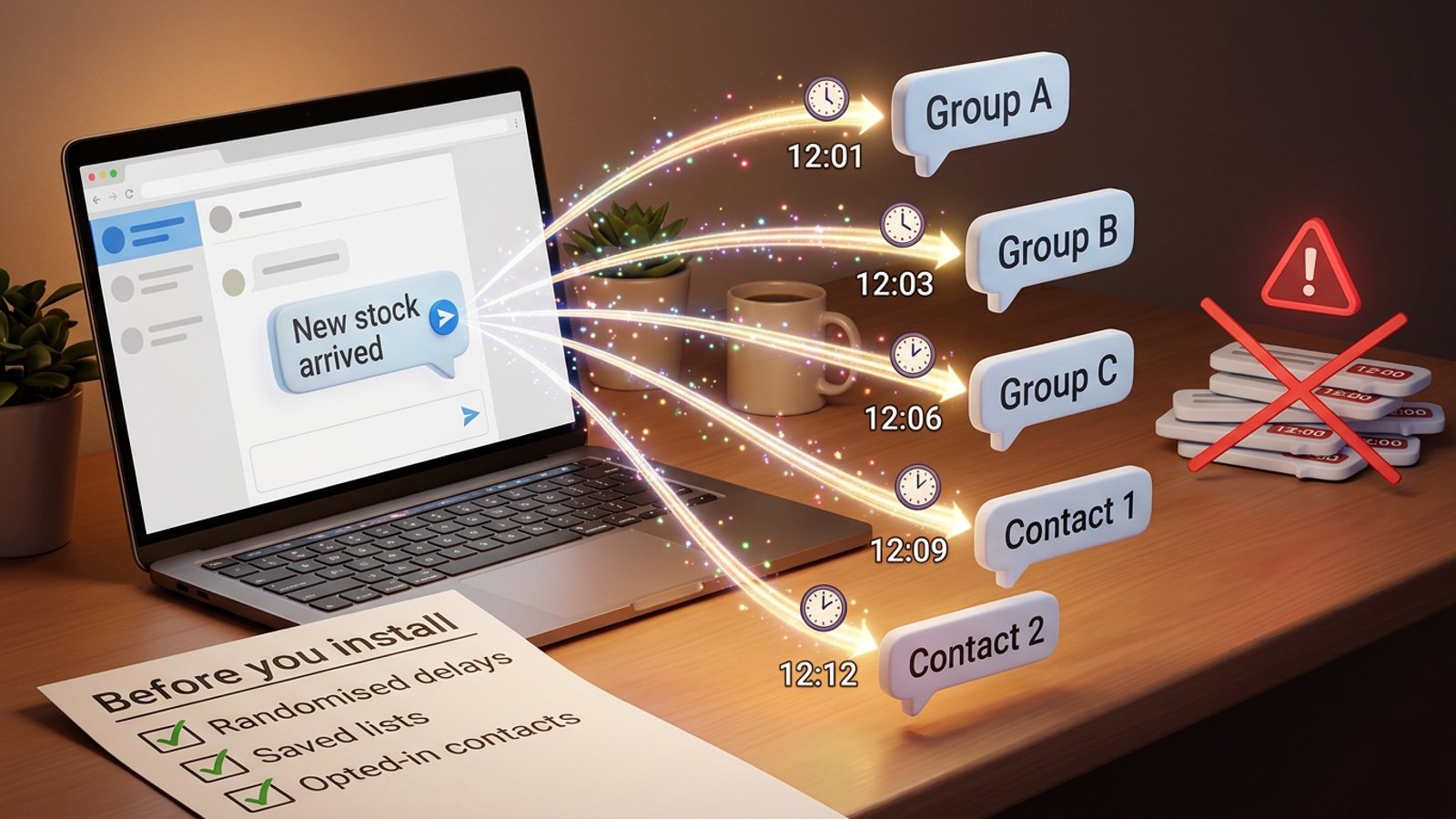
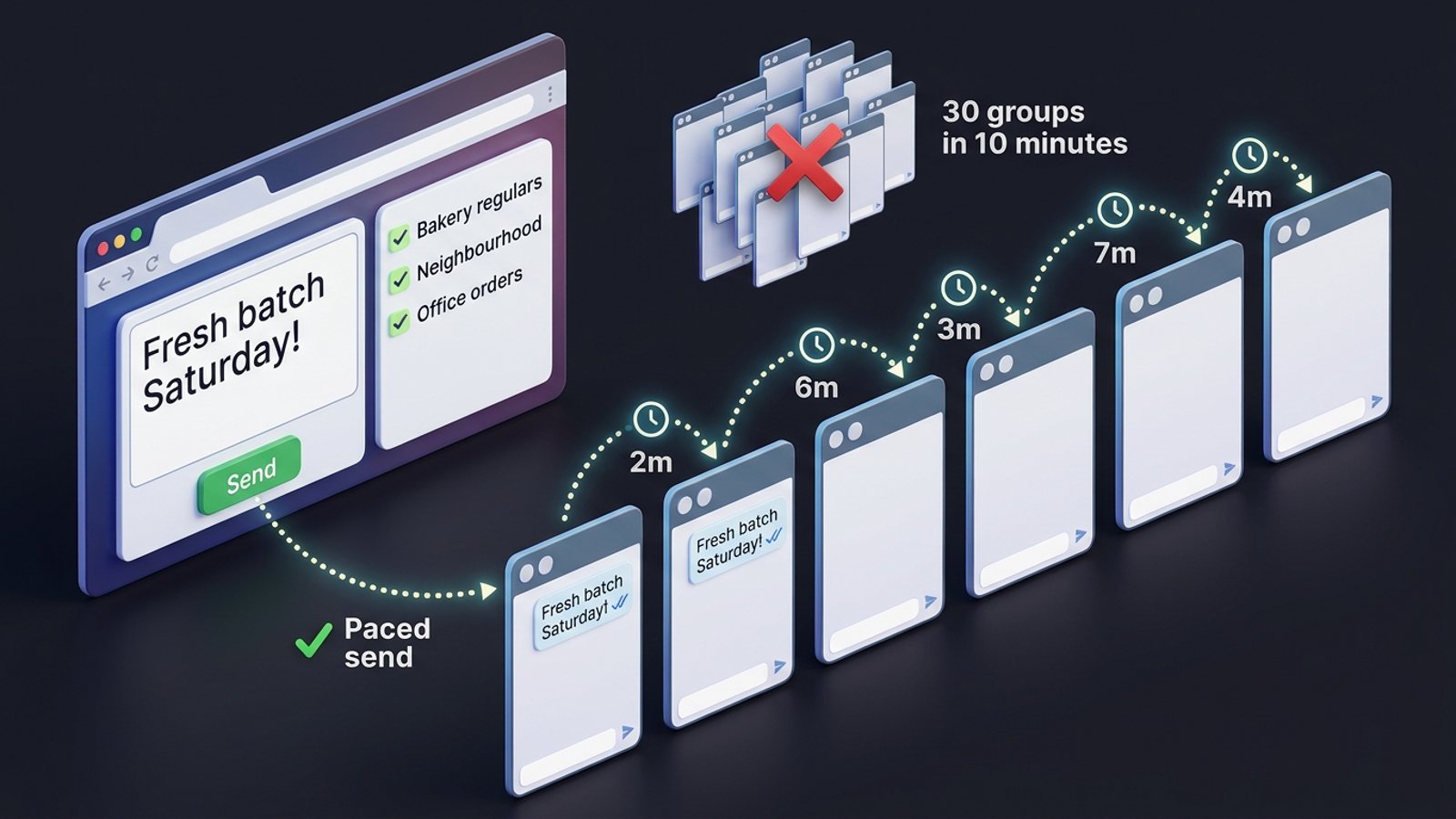
Think of it as two different physical actions. Rapid-fire sending is one burst: 15 groups, same text, 90 seconds. Human-like pacing is the same 15 groups spread out, with gaps between each send. Only the second resembles what a person tapping through WhatsApp actually looks like.
Randomised delays change the shape of a batch — they don't change the fact that it's a batch.
What are the JONI alternatives for coaches, compared?
Here's how the realistic options stack up for a coach with a weekly group routine. FivePlus is our pick of the tools we compared, because it's built around exactly this job: saved group lists, one-click sending beyond 5 recipients, and randomised delays.
| Option | Best for | Key features | Price | Watch-outs |
|---|---|---|---|---|
| FivePlus (Our pick) | Weekly reminders to many groups | Saved presets, 5+ recipients, randomised delays | Free 3-day trial | Chrome + WhatsApp Web only |
| JONI | Scheduling and CRM sync | Bulk send, repeat schedules, webhooks | Listed as free | Unapproved automation risk |
| WhatsApp groups / broadcast lists | Zero-tool sending | Free, built in, 256-contact lists | Free | Manual, one group at a time |
| WATI | Teams wanting official API | Broadcasts, chatbot, shared inbox | ~US$149/mo + Meta fees | Opt-in and templates required |
| Respond.io | Multi-agent follow-up | Shared inbox, CRM, AI agents | ~US$199/mo | Vendor says overkill for tiny teams |
Prices for WATI and Respond.io are as of November 2026, reported by Respond.io's own comparison blog (24 September 2026) — check the vendors' own pages, and prices can change.
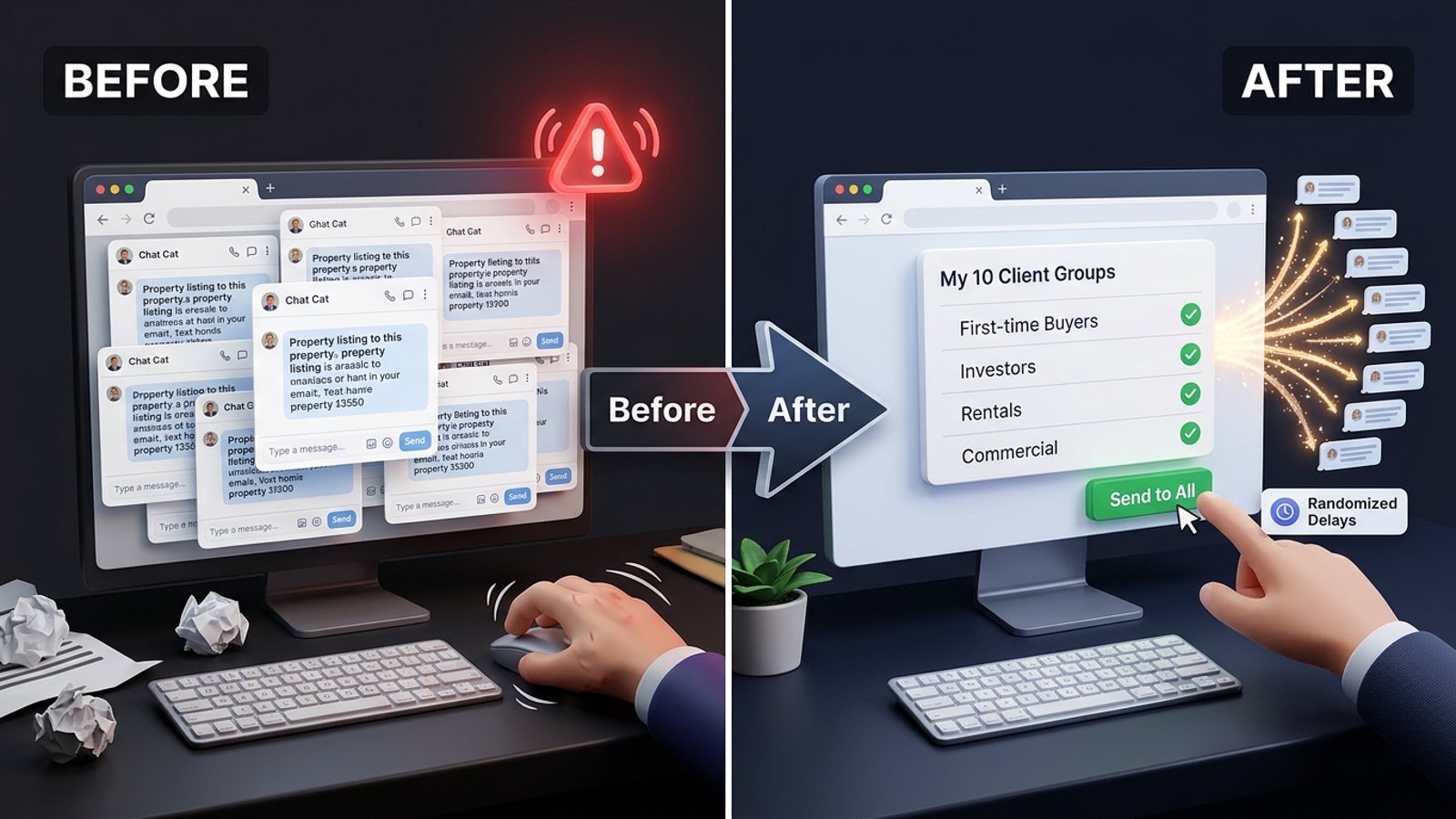
FivePlus is a Chrome extension for WhatsApp Web that shares a message, announcement or media to more than 5 groups and contacts in one click. You save your group and contact lists as presets once, mix people and groups into one preset, and V2 lets you send to several saved lists at once. Randomised delays stagger the timing. It's free to try for 3 days (as of November 2026; prices can change). Its limits: it needs Chrome and WhatsApp Web, and it isn't affiliated with Meta.
If you want to see how it handles a weekly routine, you can get FivePlus for WhatsApp Chrome extension (bulk share beyond 5 recipients).
JONI suits coaches who want scheduled, repeating messages and connect WhatsApp to a CRM. If you mainly need recurring schedules tied to monday.com or Pipedrive, JONI is the more direct choice.
WhatsApp groups and broadcast lists suit anyone who wants no third-party tool at all. Groups hold up to 1,024 contacts (hensontsai.com, 6 September 2026) and everyone sees each other's replies; broadcast lists are one-way and private but capped at 256 contacts who have saved your number (Wati, 22 September 2026). You still send group by group.
WATI suits a coaching business that wants an officially sanctioned route with a chatbot and shared inbox. It requires opt-in consent naming the business and message type (Wati, 2 February 2026), and template approval plus per-message Meta billing apply.
Respond.io suits a team of coaches or a larger B2C programme with multi-agent follow-up. The vendor itself says that for very small teams, more advanced features may be overkill.
FivePlus is made by the team behind this blog.
How do you send weekly reminders without losing your account?
Start with consent, then pace, then tooling — in that order. Skipping to the tool is the common mistake.
- Split reminders from offers. Session reminders go to groups you already run. Offers need opt-in and a gentler cadence — ActiveCampaign's blog (15 October 2026) describes a valid opt-in as explicit permission tied to a clear expectation of what will arrive and from whom.
- Keep reports low. Say who you are, offer a simple opt-out like "reply STOP", and avoid identical promo blasts (ActiveCampaign, 15 October 2026).
- Spread the batch. Don't send the same text to everyone within minutes. Randomised delays of the 3–7 second kind are the mitigation tool builders use.
- Save your lists once. Re-searching 15 group names every Tuesday is the time sink. FivePlus stores group and contact lists as presets you reuse; the owner confirms saved lists stay saved, so it's better not to uninstall the extension.
- Watch for warnings. A temporary restriction lifts when the timer expires — stop and wait.
- Re-check the rules. Meta's policy pages carry update dates, which shows enforcement guidance is revised over time.
What's the difference between a broadcast list and a group send?
A broadcast list sends one message to many people as private 1:1 chats, and only reaches people who saved your number. A group message is visible to every member — up to 1,024 per group — and replies are public in the group.
For a coach, that changes the tone. A broadcast reminder feels personal and nobody sees who else got it. A group reminder builds community but every reply lands in front of everyone. Many coaches run both: groups for the cohort, broadcasts for the waiting list.
Is an official API the safer route for coaches?
It's the sanctioned route, not a risk-free one. The WhatsApp Business API replaces the contact cap with a rolling 24-hour recipient tier and bills per message — and from 1 October 2026, service messages inside the 24-hour window became billable on the API side (SleekFlow, 15 September 2026). New business portfolios typically start at 250 unique recipients per rolling 24 hours (Zernio, 25 June 2026).
For a solo coach with 12 groups, that's usually more infrastructure than the job needs. For a coaching company with a sales team answering replies, it's the right shape.
If you want to compare more routes before deciding, our breakdown of how to message 30 WhatsApp groups at once without getting banned walks through the pacing in more detail, and whether a bulk WhatsApp sender is worth it versus messaging groups by hand does the time maths.
Ready to stop re-searching group names every week? Get FivePlus for WhatsApp Chrome extension (bulk share beyond 5 recipients) and save your lists once.
Sources
- WhatsApp Help Center – Unauthorized use of automated or bulk messaging
- WhatsApp Help Center (German) – Nicht autorisierte Verwendung
- WhatsApp Help Center (Indonesian) – Tentang Akun yang Dibatasi
- WhatsApp Help Center (Italian) – Informazioni sugli account con restrizioni
- Meta for Developers – WhatsApp policy enforcement (updated 2026-05-21)
- Wati blog (vendor) – 256-contact limit and throttling guide (2026-09-22)
- Wati blog (vendor) – Is WhatsApp Marketing Legal? (2026-02-02)
- SleekFlow blog – WhatsApp Business App vs API (2026-09-15)
- Respond.io blog (vendor) – Best bulk WhatsApp marketing software (updated 2026-11-20)
- hensontsai.com – WhatsApp broadcast or group (2026-09-06)
- folk CRM blog – How to send a broadcast message on WhatsApp (2026-08-31)
- ActiveCampaign blog – How to avoid a WhatsApp account ban (2026-10-15)
- ezone.hk – WhatsApp spam trigger analysis (2026-05-15)
- Chrome Web Store – JONI listing (updated 2026-08-18)
- Crx4Chrome – JONI (2026-08-18)
- NPM – @codeverselab/wa-bot (2026-08-03)
- NPM – @integratex/whatsappman (2026-07-30)
- Zernio blog – WhatsApp broadcast limits (2026-06-25)
Frequently asked questions
Of the tools we compared, FivePlus fits the weekly-reminder routine most directly: saved group presets, sending beyond 5 recipients in one click, and randomised delays. If you need repeating schedules and CRM integrations, JONI covers more ground. If you want zero third-party tools, use WhatsApp's own groups and accept the manual work.
No tool can promise that. Delays slow a batch and mimic human pacing, which is why packages like @codeverselab/wa-bot build them in — but WhatsApp states bulk and automated messaging violates its Terms of Service, so risk remains.
WhatsApp Web's standard sharing is limited to 5 chats at a time. FivePlus is built to go beyond that, sending to dozens of chats in one click with randomised delays. Broadcast lists, by contrast, are capped at 256 contacts who saved your number.
WhatsApp's help pages say a temporary restriction lifts automatically when the time expires. Meta's policy guide describes escalating steps — warnings, then 1- to 30-day bans, lockdown and permanent removal for repeat violations.
No. FivePlus works on WhatsApp Web in the Chrome browser with no login required, and the owner notes that only regular WhatsApp is supported rather than WhatsApp Business accounts. The Business App is a separate free option with its own 256-contact broadcast cap.