Best bulk WhatsApp sender for groups before a product launch in 2026
For a product launch where you're already inside the groups you want to reach, the best bulk whatsapp sender groups before a launch is a Chrome-extension sender that saves your group list once and paces each send with randomised delays — FivePlus is the preset-based option we compare here. WhatsApp itself caps forwarding at five chats, so anything beyond that needs a tool or a Community.
Get FivePlus for WhatsApp Chrome extension (bulk share beyond 5 recipients) if your launch audience already sits in groups you're a member of.
Why is a bulk WhatsApp sender the bottleneck before a product launch?
Because the message you want to send is exactly the one WhatsApp is built to slow down. WhatsApp's own Help Center states its products "are not intended for bulk or automated messaging, both of which have always been a violation of our Terms of Service."
The mechanics are stricter than most people expect. According to WhatsApp's Help Center page on forwarding limits, you can forward to five users or five groups at a time — and a message that has already been forwarded can go to only one group. A chain of five or more chats gets labelled "Forwarded many times."
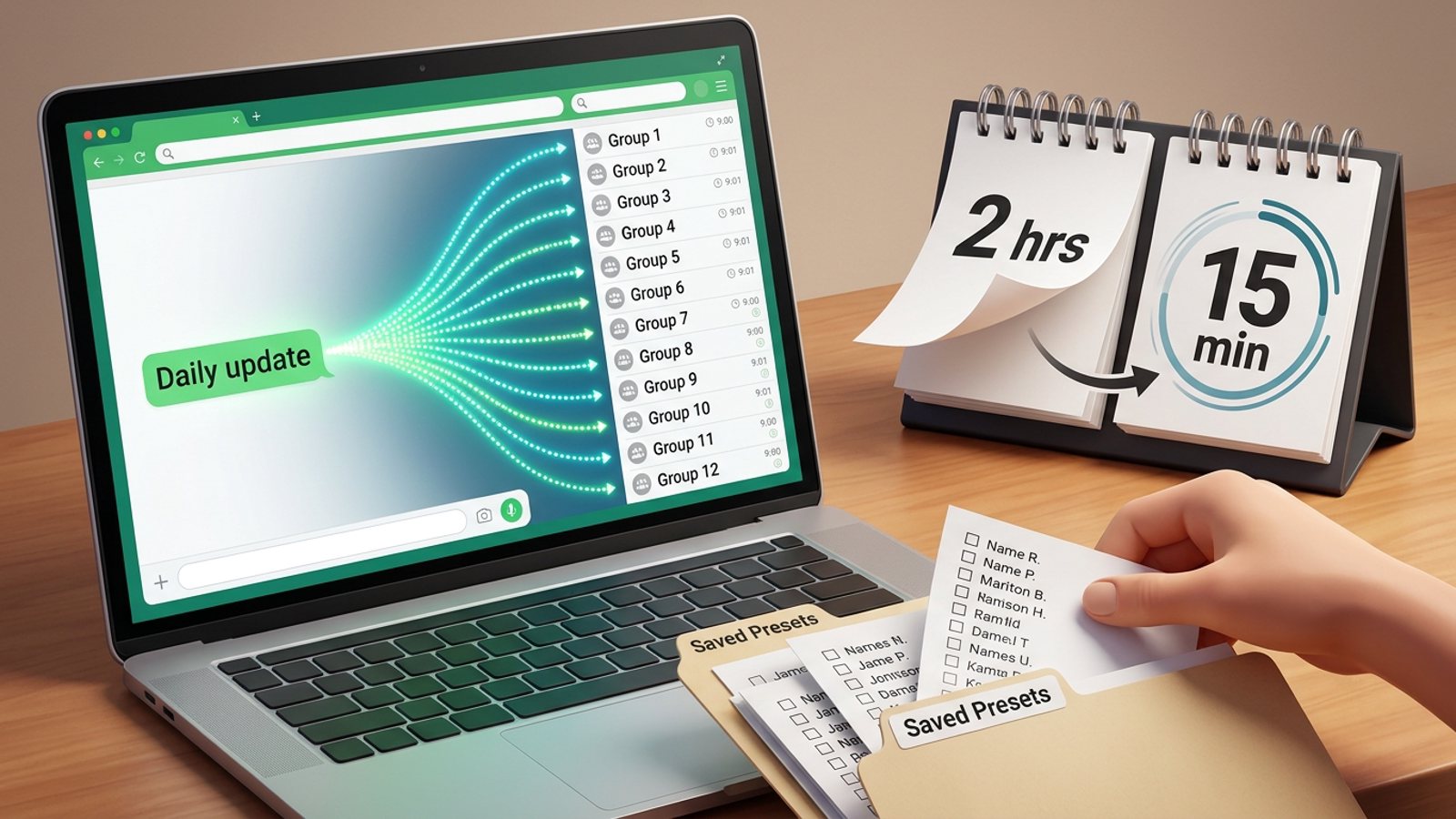
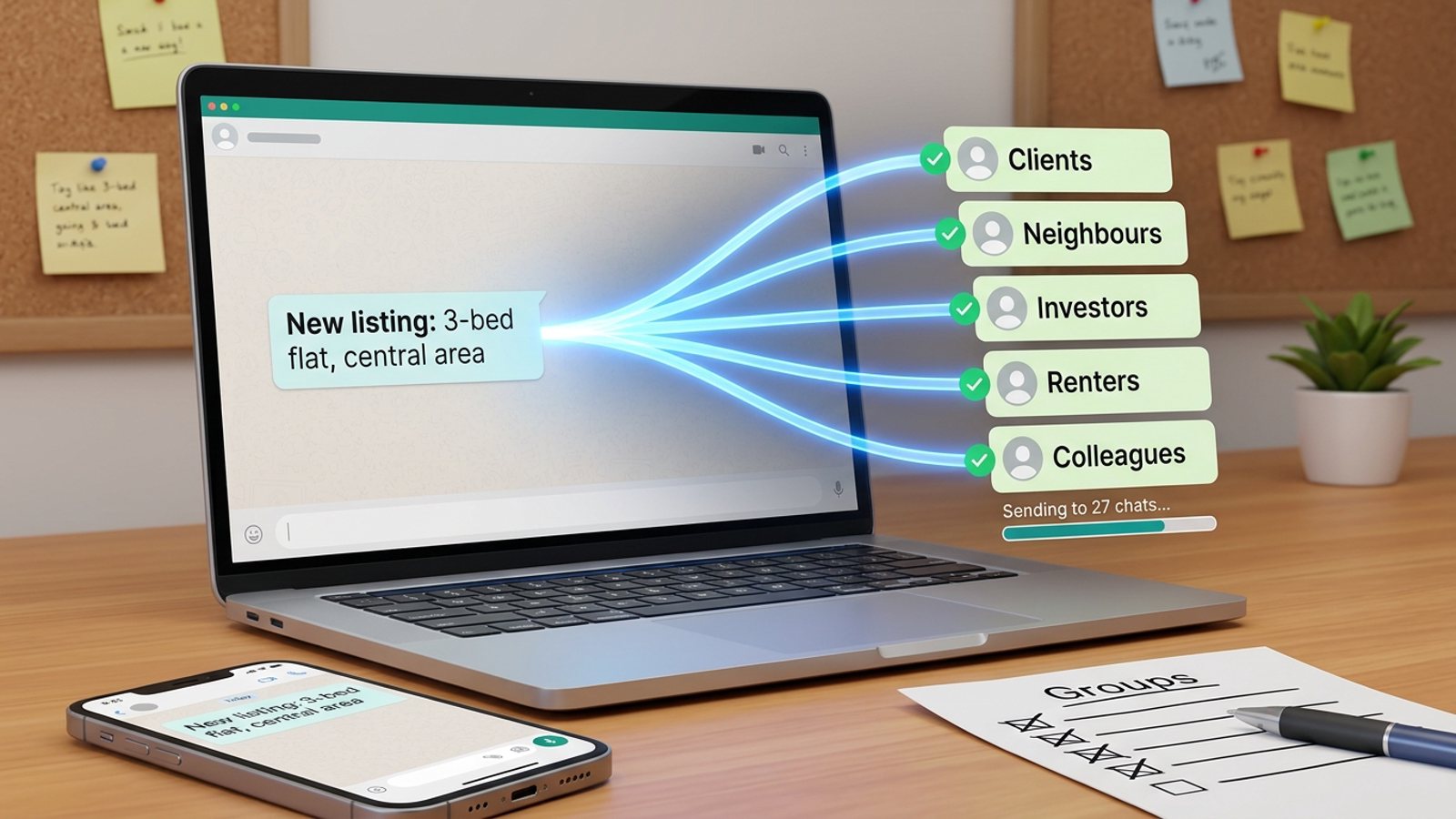
So a bulk WhatsApp sender for groups doesn't remove the rules. It removes the repetitive clicking: pick your groups once, send once, and let the tool space the sends out.
What are your four real options for a launch message to groups?
There are four routes, and they differ in who you can reach, what it costs, and how exposed your account is.
- A Chrome-extension sender — posts to groups you already belong to, from WhatsApp Web. No template approval, no per-message fee.
- WhatsApp Community announcements — free, one admin post reaches every member, but only members of your Community.
- WhatsApp broadcast lists — private 1:1 messages to people who saved your number. They don't reach groups.
- The official WhatsApp Business Platform (API) — the compliant route for business-initiated messages at scale, billed per delivered message.
The next sections take each one apart, starting with the one most launch senders actually need.
How does FivePlus handle a launch send to many groups?
FivePlus is a Chrome extension for WhatsApp Web that sends one message, announcement or media to many saved groups and contacts in a single click, instead of the standard five at a time. You install it, save your group and contact lists as presets once, then choose a preset, pick your message and send.
Three things matter for a launch specifically:
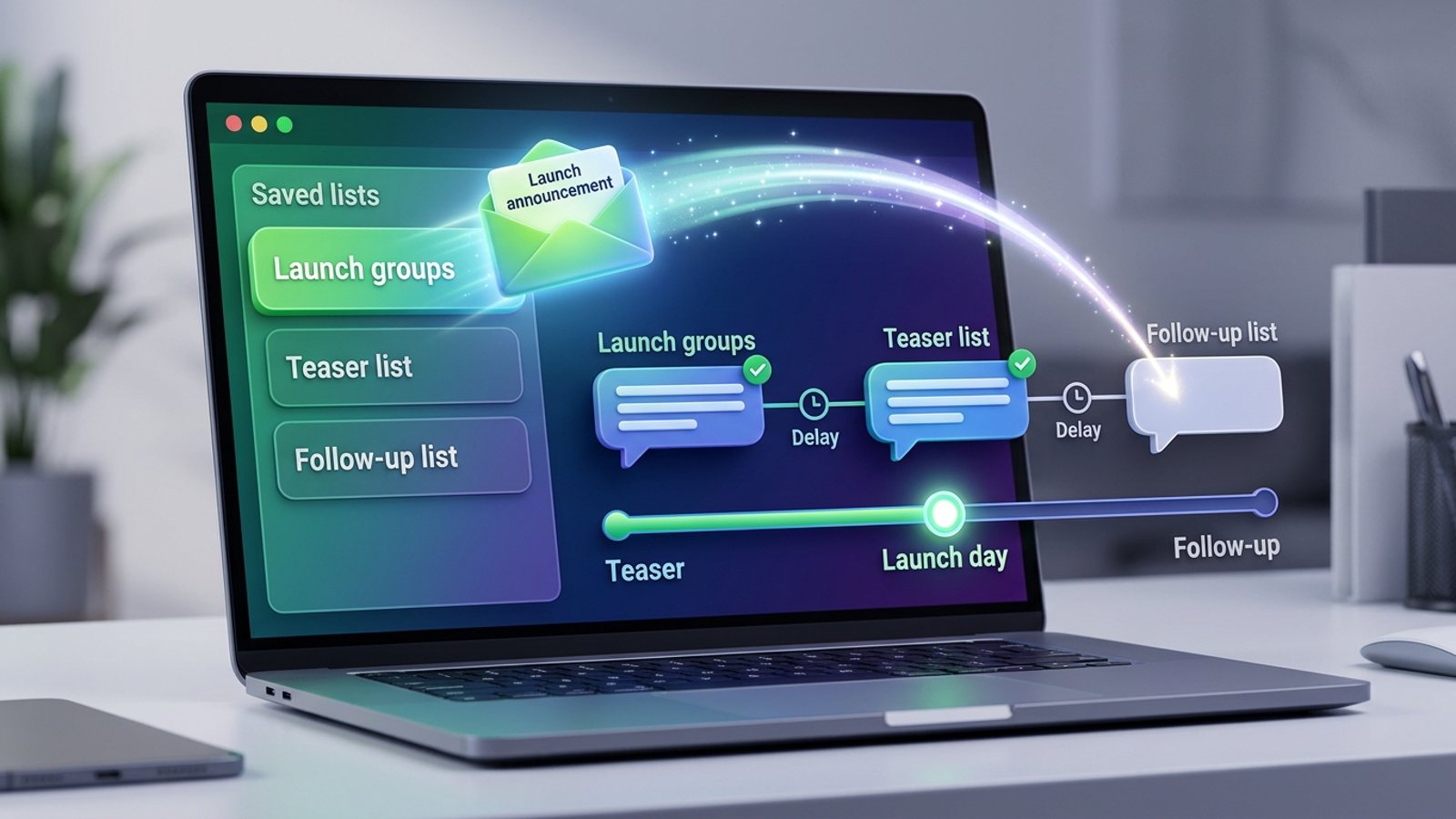
- Saved group lists. You build your "launch groups" preset once and reuse it for the teaser, the launch-day message and the follow-up — no re-searching groups each time.
- Multiple lists in one send. V2 lets you send to several saved lists at once, so you can mix people and groups into one preset for maximum reach.
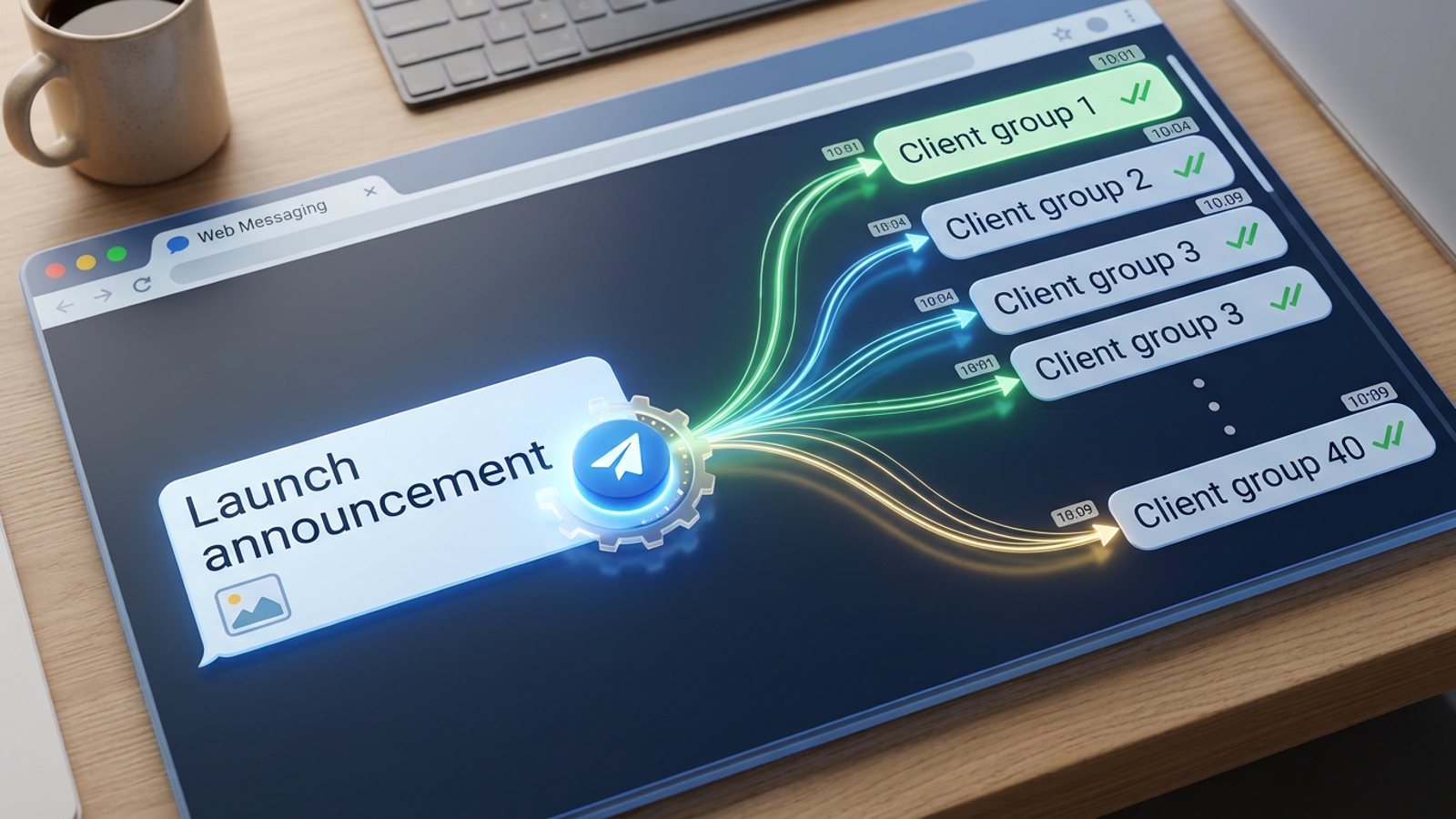
- Randomised delays and anti-ban technology that staggers message timing to mimic natural human behaviour, rather than firing everything in the same second.
It runs on WhatsApp Web in Chrome with no login required, and all plans include unlimited sharing with no monthly sending limit. It's free to try for 3 days, and prices can change — check the site for current pricing as of November 2026.
How do the options compare?
Here's the honest comparison of the tools and routes we looked at. FivePlus goes first because it's our pick for this job — the blog you're reading is its blog.
| Option | Best for | Key features | Price / free option | Watch-outs |
|---|---|---|---|---|
| FivePlus (Our pick) | Launch posts to groups you're already in | Saved presets, multi-list send, randomised delays | Free 3-day trial | Chrome + WhatsApp Web only |
| WhatsApp Community announcements | Audiences you can pull into a Community | One admin post reaches all members | Free | 2,000-member cap; you must own it |
| WhatsApp broadcast lists | Personal 1:1 notes to saved contacts | Private, up to 256 contacts | Free in the apps | Can't reach groups |
| WhatsApp Business Platform (API) | Scaled, compliant launches | Approved templates, analytics, scheduling | Per delivered message | Template approval; per-message cost |
| WAMessager | Sending to any number | WhatsApp Web-based, no API | Not stated in our sources | "No restrictions" pitch conflicts with WhatsApp's terms |
Why FivePlus is our pick of the tools we compared: it's built for the exact job — one launch message, many groups, saved lists, paced sends — and it doesn't ask you to move your audience into a new Community or get templates approved first.
If you mainly need a compliant, auditable campaign with analytics and personalisation, the official API is the more direct choice. If your audience is small and already saved your number, a broadcast list costs nothing and feels personal.
WAMessager appears in a directory listing (SaaSHub, 29 Jan 2026) described as letting you "send messages to any WhatsApp number without any restrictions." That pitch sits awkwardly against WhatsApp's stated terms on bulk messaging, and our sources carry no official pricing or independent review for it — so treat it with care.
FivePlus is made by the team behind this blog.
What does the official API cost, and when is it worth it?
The API is the only officially supported bulk route, usually accessed through a Meta-authorised BSP (Greenbubble.io, 13 Sep 2026), and it's the right answer when you need to reach people who never saved your number, at scale, with a paper trail.
The cost is real. Meta bills per delivered message, priced by template category and the recipient's country calling code (Meta for Developers, updated 18 Nov 2026). IDT Express (14 Jul 2026) puts 2026 marketing templates at roughly $0.01–$0.16 per delivered message, with provider markups commonly pushing the all-in cost to 2x–5x the raw Meta rate. Telnyx (22 Jun 2026) lists $0.004 per message pay-as-you-go with no monthly subscription.
Two changes landed in 2026 that affect launch budgets: from 1 October 2026, service messages became billable and utility templates lost their in-window free status, with 1,000 free service messages per number per month (Wati, 9 Jul 2026; Respond.io, 19 Nov 2026).
Source: IDT Express / Telnyx, 2026
And the timing trap: any business-initiated message outside the 24-hour window must use an approved template (ChatbotX, 29 Jul 2026). Submit each launch message as a separate template well before your teaser date.
Can a Community or broadcast list do the job instead?
Sometimes — and it's worth knowing which.
Community announcements are free and powerful: a Community is a directory of linked groups with an auto-created Announcements group where only admins post, and every member receives those posts (Kanal, 19 May 2026; WhatsApp Help Center). Limits: up to 2,000 members across a maximum of 100 linked groups (Chatmitra, 23 Oct 2026; 9bot, 8 Oct 2026). You can't post into a Community you don't own, and as of November 2026 you can't create one on the WhatsApp Business app (Lilach Bullock, 31 Oct 2026).
Broadcast lists are private — each recipient sees an ordinary 1:1 chat — and capped at 256 contacts per list (ChatbotX, 29 Jul 2026). But they only reach people who saved your number, and they can't reach groups at all (WA Smart Sender, 11 Nov 2026).
What's the launch sequence that actually works?
The sequence matters more than the tool. A practical product-launch rhythm on WhatsApp is a teaser 3–7 days before (to past buyers and your most engaged contacts), the launch-day message, then a follow-up 2–3 days later (theautomate.ai, 1 Nov 2026).
- Build the audience first. Put a click-to-WhatsApp opt-in link on your landing page, emails and social posts — sources describe this as the highest-leverage pre-launch step (Zixflow, 6 Sep 2026).
- Write three messages. Keep the launch-day one short with one clear call to action, and pair it with a time-limited offer for urgency (Connverz, 23 Jul 2026).
- Save your group list once in your sender so you're not hunting groups before each send.
- Set a slow, randomised delay instead of blasting everything in one minute.
- Send teaser, launch, follow-up. Watch replies and stop for anyone who asks — WhatsApp advises respecting it when someone opts out (WhatsApp Help Center).
- After launch, move people who want ongoing updates into a Community so future announcements are one free admin post (Kanal, 19 May 2026).
WAPilot (24 Aug 2026) recommends a teaser → early access → launch → follow-up arc with honest urgency rather than fake scarcity.
The launch message isn't the hard part — the hard part is reaching every group you already sit in, once, without tripping WhatsApp's speed and repetition checks.
How do you keep your account safe before launch day?
You can't eliminate ban risk, and any tool that promises otherwise is overselling. WhatsApp bans come in two tiers — a temporary review with a countdown timer, often 24–48 hours, or a permanent ban — and modified apps are consistently cited as a major trigger (News18, 3 Aug 2026).
Sending the same message to many recipients in a very short window, and messaging people who never saved your number, are two of the highest-risk patterns for auto-blocks (ezone.hk, 15 May 2026).
Our recommendation: vary the wording slightly between groups, space sends across the morning, message only groups where you're a known participant, and never send the same text to everyone in the same minute. Follow WhatsApp's terms, and remember that risks and rules can change. This is not legal advice.
Which tool should you pick?
If your launch audience lives in groups you're already part of, pick the extension route: save your groups once and send the teaser, launch and follow-up from one preset. That's the job FivePlus is built for.
If you need to reach people who never saved your number, at scale, with approved templates and analytics, the official API is the honest answer — budget for per-message costs and template approval time.
If your audience can be gathered into a Community you own, Community announcements are free and reach everyone in one post. And if it's a small list of saved contacts, a broadcast list is the simplest thing that works.
Get FivePlus for WhatsApp Chrome extension (bulk share beyond 5 recipients) and set up your launch groups before the teaser goes out.
If you want the wider picture first, our FivePlus blog covers account safety and comparison guides, and you can read what the best bulk WhatsApp sender for groups looks like in 2026 or how bulk senders keep your saved group lists.
Sources
- Unauthorized use of automated or bulk messaging on WhatsApp (WhatsApp Help Center)
- How to use WhatsApp responsibly (WhatsApp Help Center)
- About forwarding limits (WhatsApp Help Center)
- About WhatsApp community announcements (WhatsApp Help Center)
- WhatsApp Business Platform pricing (Meta for Developers, updated 18 Nov 2026)
- WhatsApp Service Message Pricing Changes Explained (Wati, 9 Jul 2026)
- WhatsApp Business Messaging API Pricing Calculator (Respond.io, 19 Nov 2026)
- How Much Does the WhatsApp Business API Cost in 2026? (IDT Express, 14 Jul 2026)
- WhatsApp Business API Guide (Telnyx, 22 Jun 2026)
- WhatsApp Broadcast Limits in 2026 (ChatbotX, 29 Jul 2026)
- WhatsApp Broadcast List vs Group vs API (WA Smart Sender, 11 Nov 2026)
- WhatsApp Community guide (Kanal, 19 May 2026)
- What Is a WhatsApp Community? (Chatmitra, 23 Oct 2026)
- WhatsApp Communities: How They Work + Limits (SetSmart.io, 27 Oct 2026)
- WhatsApp Communities: Limits, Controls and Catches (Lilach Bullock, 31 Oct 2026)
- WhatsApp Group Limit in 2026 (9bot, 8 Oct 2026)
- 2026 WhatsApp 群發訊息規則 (Wati, 22 Sep 2026)
- WhatsApp Account Under Review (News18, 3 Aug 2026)
- WhatsApp 隨時被 Ban?(ezone.hk, 15 May 2026)
- How to Announce a Product Launch on WhatsApp (theautomate.ai, 1 Nov 2026)
- How to Use WhatsApp for Your Product Launches in 2026 (Zixflow, 6 Sep 2026)
- How to Run a Product Launch Campaign Entirely on WhatsApp (Connverz, 23 Jul 2026)
- WhatsApp Product Launch Campaigns (WAPilot, 24 Aug 2026)
- WhatsApp Bulk Message Sender: Free Apps vs Official API Compared (Greenbubble.io, 13 Sep 2026)
- WAMessager VS whatsappbulkmessagesender.com (SaaSHub, 29 Jan 2026)
Frequently asked questions
Five chats or groups per forward, per WhatsApp's Help Center — and a message already forwarded can go to only one group. Anything wider needs a sender tool, a Community or the API.
No. Broadcast lists reach people, not groups, and only those who saved your number, capped at 256 contacts per list (ChatbotX, 29 Jul 2026).
Yes, for any business-initiated message outside the 24-hour window (ChatbotX, 29 Jul 2026). Submit each launch message as its own template early.
Teaser 3–7 days before, launch-day message on the morning, follow-up 2–3 days later (theautomate.ai, 1 Nov 2026).
A Chrome-extension sender like FivePlus fits best: save your group list once and send the teaser, launch and follow-up from one preset. If you need compliant scale with analytics, the official API is the more direct choice.