Is a bulk WhatsApp sender for groups worth it for an agency with many client groups?
For an agency with many client groups, a bulk WhatsApp sender is worth it mainly as a time-and-organisation tool: you share to more than 5 groups in one go and save each client's list once. It is not a safe-bulk licence — WhatsApp says its products "are not intended for bulk or automated messaging," which it calls a Terms of Service violation.
Why is a bulk WhatsApp sender worth it for an agency with many client groups?
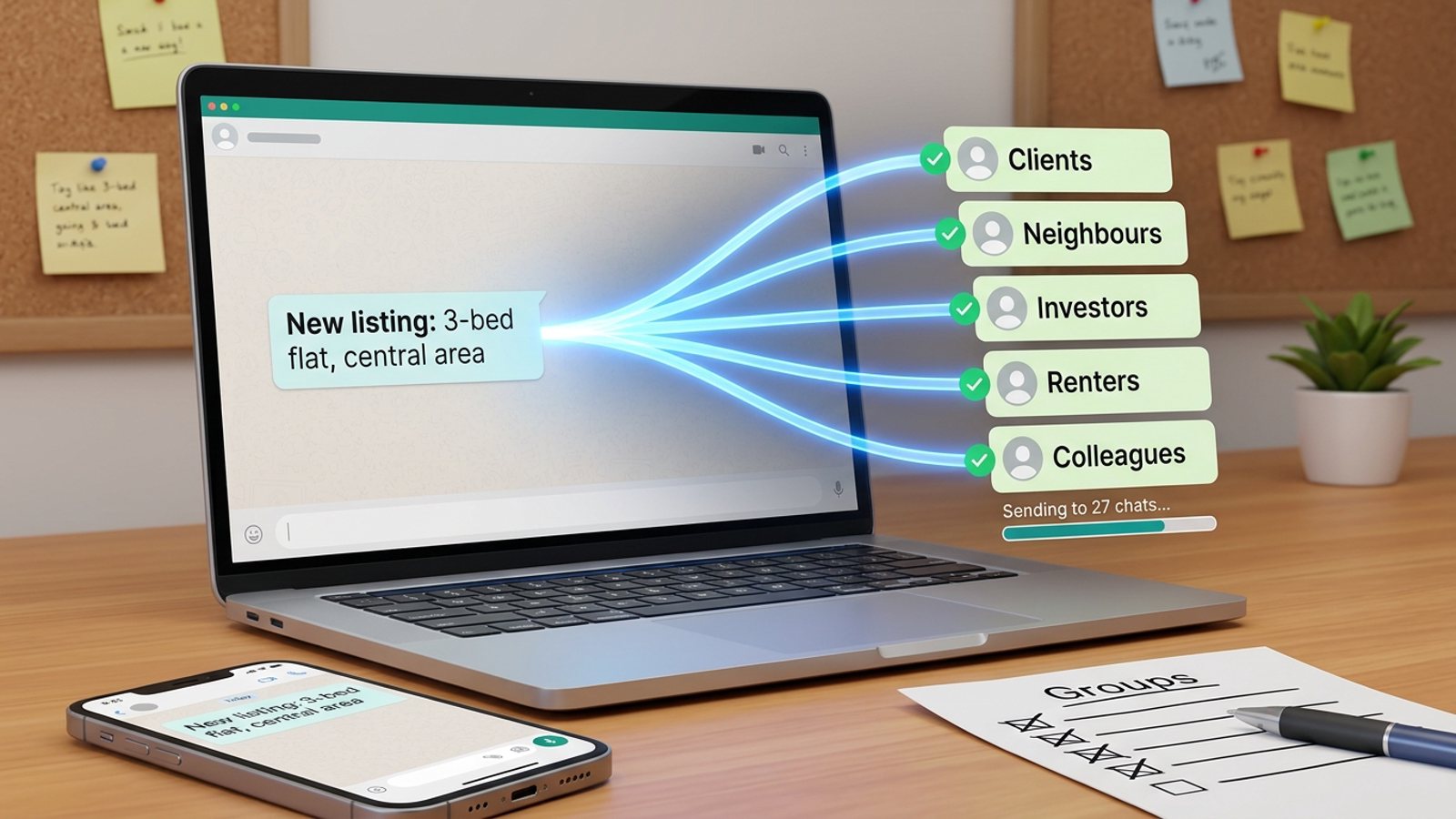
Because the same announcement usually has to land in a dozen client groups, and the standard WhatsApp forward limit stops you at five chats at a time. That gap is where agency time disappears.
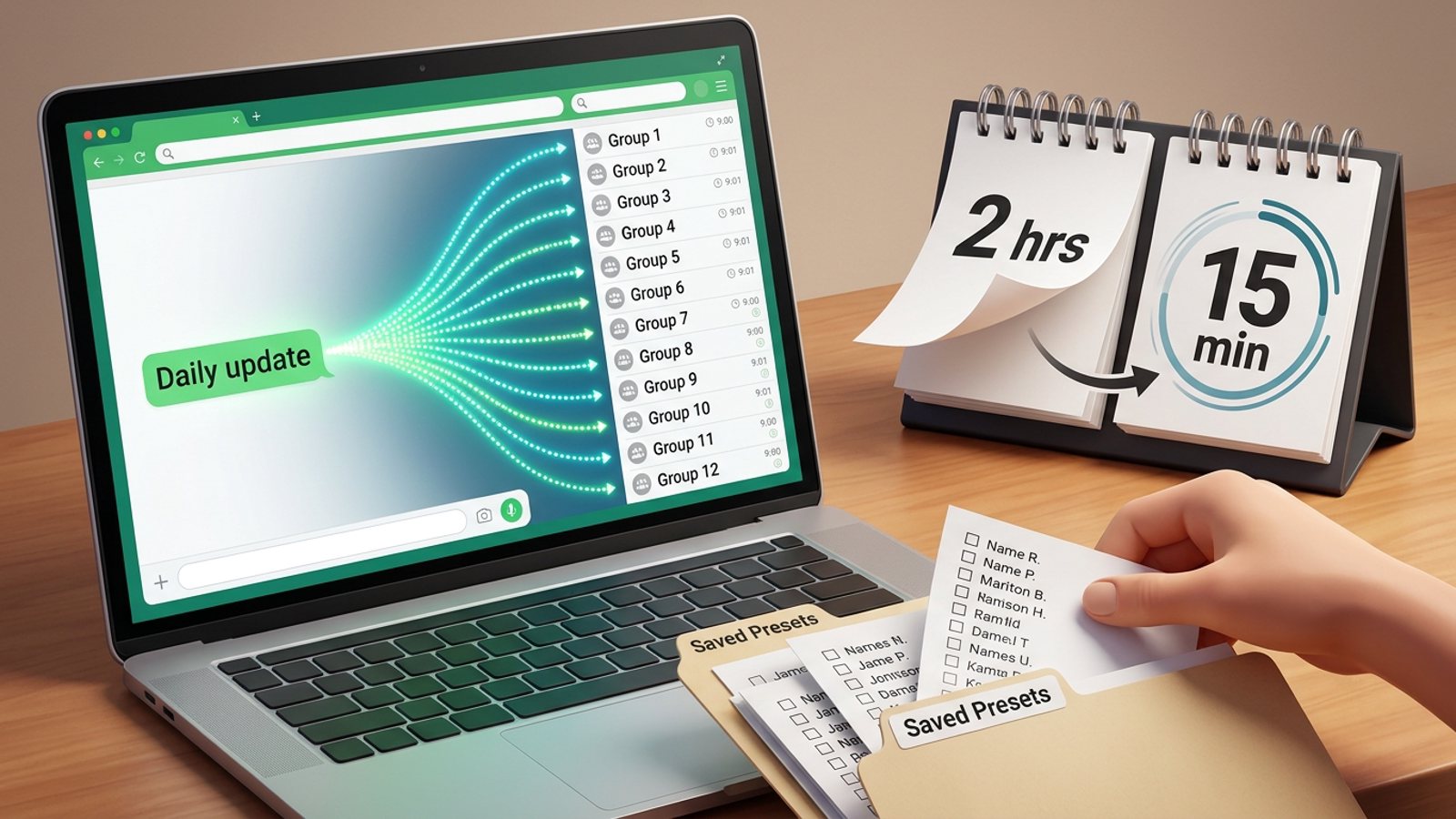
Think about a typical week. A small agency runs social accounts for eight clients and posts a monthly update to each client's WhatsApp group, plus a nudge to the contacts who asked for it. That is eight groups minimum, often more once you add sub-groups for campaigns or events. Sending five at a time means at least two rounds per campaign, every time, with the message copied and pasted again and again. A bulk WhatsApp sender for groups collapses that into one action per client list.
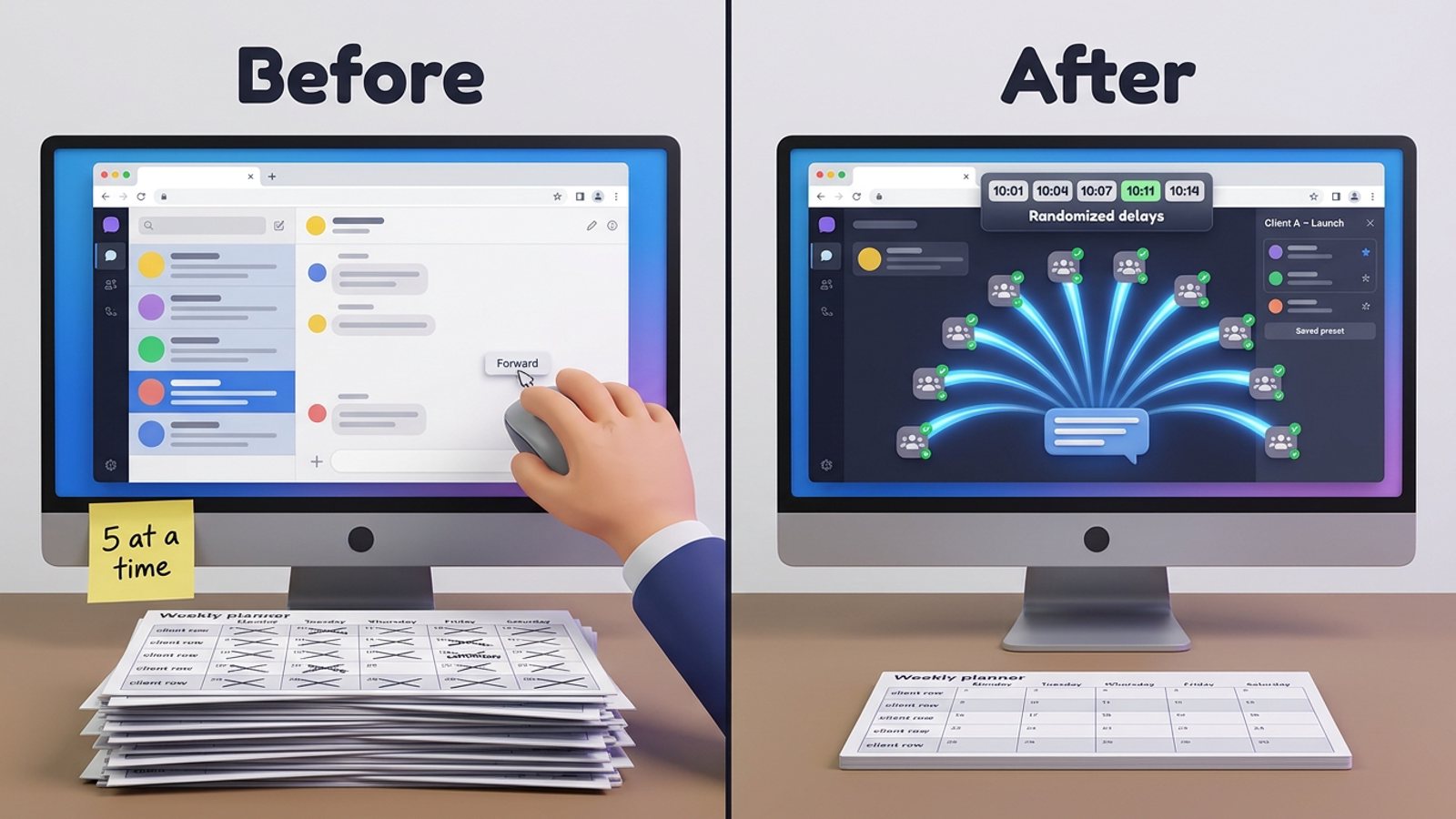
The second saving is organisation. Each client's group list gets saved once as a preset, so you stop hunting through the chat list for "Client A – March launch" every time you send. That is the part agencies underestimate: the searching, not the typing, eats the afternoon.
What does a bulk WhatsApp sender actually save an agency?
Time and repeated setup. The work it removes is the copy-paste loop and the list rebuilding, not the judgement about who to message.
Break it down by task:
- Sending: one click to a saved preset instead of five chats, then five more, then five more.
- List building: each client's groups saved once and reused, rather than re-found every campaign.
- Pacing: randomized delays spread the messages out, which is the opposite of the fixed, machine-like interval that anti-abuse systems watch for.
- Mixed reach: people and groups can sit in one preset, so a client's group admins and their direct contacts get the same message in the same run.
Our recommendation: before you buy anything, write down how many client groups you message in a normal month and how long one round takes you. If that number is under five, you don't have the problem this tool solves.
Is it safe to use a bulk WhatsApp sender for client groups?
No tool can make bulk sending safe on WhatsApp, and any vendor promising that is overstating what it can do. WhatsApp's help centre states plainly that its products "are not intended for bulk or automated messaging, both of which have always been a violation of our Terms of Service."
That matters for an agency more than for most users, because a ban hits your client relationships, not just your phone. WhatsApp says it has identified and stopped "millions of abusive accounts," is aware some companies try to evade its machine-learning systems, and can take legal action against businesses connected to abuse — including judging by off-platform evidence such as public claims of bulk capability. Since 7 December 2019 that legal route has existed in its terms.
What actually happens when an account is restricted? WhatsApp shows an in-app message, and the restriction lifts automatically after the stated period or you can request a review. Bans can be temporary or permanent. Reporting from Appuals (19 December 2025) and MEFMobile (23 September 2026) is consistent that no VPN, reset, paid "unban" service or third-party tool can restore a banned account — the legitimate route is the in-app review request, stopping bulk and unofficial activity, and waiting.
How do you send to many client groups without tripping spam filters?
Space the sends, vary the timing and break big campaigns into batches. The pattern that gets flagged is fast, repetitive and predictable.
- List every client group and mark which ones must receive a given post in one go. That is where the five-recipient limit bites.
- Read WhatsApp's current rules first. Bulk and automated sending is a Terms violation in WhatsApp's own words, so decide your pacing before you send anything.
- Test the free built-in route — a WhatsApp Business App broadcast list — on one client for a week and watch whether unsaved contacts actually receive the message.
- Save each client's group list once in a tool like FivePlus so you never re-search it.
- Set randomized delays rather than a fixed interval, and split large campaigns into batches.
- Log opt-ins for each client's contacts and keep replies two-way, so report rates stay low.
That last point is the one agencies skip. A client's group members who opted in and reply are your best protection against reports. A list bought or scraped for a campaign is the fastest way to a restriction.
What are the options for an agency with many client groups?
Four realistic routes, and they suit different agencies. Here is how they compare.
| Option | Best for | Key features | Price / free option | Watch-outs |
|---|---|---|---|---|
| FivePlus (Our pick) | Agencies sending to many saved groups in one go | Unlimited forwarding, saved lists, mixed presets, randomized delays | Free to try for 3 days | Chrome and WhatsApp Web only |
| WhatsApp Business App broadcast lists | Small, warm client audiences | Free, 256 contacts per list, sends as 1:1 chats | Free | Only reaches people who saved your number |
| WhatsApp Business API (WATI, 360dialog) | Sanctioned bulk at scale | Shared inbox, templates, opt-in enforcement | Wati from $59/month + per-message fees | Opt-in required, billed per message |
| Manual copy-paste in WhatsApp Web | Very small client counts | Total control, no third-party tool | Free | No pacing, high time cost |
FivePlus is our pick of the tools we compared for this specific job — an agency posting to many client groups from a browser — because it sends to dozens of chats at once beyond the standard five-recipient limit, saves each client's groups as presets, and lets V2 send to several saved lists in one run. Randomized delays stagger the timing, and anti-ban technology mimics natural human behaviour. It is honest about its limits: it needs Chrome and WhatsApp Web, the free trial runs 24 hours, and it is not affiliated with Meta.
FivePlus is made by the team behind this blog. If that fits how your agency works, you can get FivePlus for WhatsApp Chrome extension (bulk share beyond 5 recipients) and run your next client campaign from one preset.
If you mainly need sanctioned bulk with templates and a team inbox, the WhatsApp Business API is the more direct choice. Wati's annual plans were Growth $59/month, Pro $119/month and Business $279/month as of October 2026, before Meta's per-message charges. IDT Express put marketing messages at roughly $0.01 to $0.16 per delivered message depending on country as of 14 July 2026, with provider markups commonly pushing the all-in cost to 2x–5x. Since 1 October 2026, Meta has also charged for service and utility messages inside the 24-hour window, which Wati's vendor blog flagged on 13 August 2026. Prices can change, sometimes quarterly.
If your clients are few and warm, the built-in WhatsApp Business App broadcast list is the more direct choice — free, and it sends as private one-to-one chats. The catch: lists cap at 256 saved contacts, messages usually only arrive if the recipient saved your number, and lists can't be created on Web or Desktop, only on the phone.
Manual copy-paste stays free and gives you total control, but it has no pacing and a constant, predictable send interval is a known trigger for automated anti-abuse detection, per a LeadTrapper add-on listing on Microsoft Edge Add-ons (21 September 2026).
Source: Wati, Oct 2026
When is a bulk sender not worth it for an agency?
When your client groups are few, or when a client needs provably compliant delivery. In both cases a simpler or more official route wins.
Skip the paid tool if you message fewer than five client groups a month — manual sends are fine and cost nothing. Skip it too if a client's messages must reach people who never saved your number, or must be provably compliant; that is API territory, with its opt-in and per-message costs.
And skip it if you were hoping the tool removes the risk. It doesn't. WhatsApp's enforcement escalates: under its Business Platform policy, updated 21 May 2026, accounts that repeatedly violate policies first get a warning, then 1- or 3-day bans, then 5-, 7- or 30-day bans, account lockdown and ultimately permanent removal.
The sender saves you the hours; it does not move the line WhatsApp has drawn around bulk sending.
How do you set up client group presets in FivePlus?
Install the extension, open WhatsApp Web, and save each client's groups and contacts as a preset once. After that, a campaign is a preset, a message and a click.
- Install the extension from the Chrome Web Store and open WhatsApp Web in Chrome.
- Save your lists — each client's groups, contacts, or a mix of both — as presets.
- Pick a preset, or several in V2 for a multi-client push, add your message or media, and send.
- Let the randomized delays spread the messages out so the timing looks natural.
- Keep the extension installed — saved group lists stay saved, so it's better not to uninstall it if you want them back next campaign.
There is no monthly sending limit on any plan, and all plans include unlimited sharing. For a deeper look at how this compares with doing it by hand, see our breakdown of a bulk sender vs messaging groups by hand, and if you're weighing named tools against each other, the agency alternatives comparison covers that ground.
Follow WhatsApp's terms, keep opt-ins logged, and remember that rules and enforcement can change — this is not legal advice. When you're ready to run client campaigns from saved presets, get FivePlus for WhatsApp Chrome extension (bulk share beyond 5 recipients) and start with the free trial.
Sources
- Unauthorized use of automated or bulk messaging on WhatsApp — WhatsApp Help Center
- WhatsApp Business Platform policy and spam enforcement — Meta for Developers, updated 21 May 2026
- About account bans on the WhatsApp Business app — WhatsApp Help Center
- WhatsApp Broadcast List: How to Use and Create It — DragApp, 8 Dec 2024
- WhatsApp anti-spam rules guide — Wati, 22 Sep 2026
- WhatsApp Business App vs API — SleekFlow, 15 Sep 2026
- WhatsApp broadcast list guide — SleekFlow, 30 Mar 2026
- WhatsApp broadcast list guide — hensontsai.com, 30 Mar 2026
- Lista de transmissão WhatsApp — Zenvia, updated 21 Oct 2026
- Scalable WhatsApp Plans With Volume Pricing — Wati, 19–20 Oct 2026
- WhatsApp Service Message Pricing: October Pricing Update — Wati vendor blog, 13 Aug 2026
- How much does the WhatsApp Business API cost in 2026 — IDT Express, 14 Jul 2026
- WhatsApp Business API Pricing 2026 Guide — LINK Mobility, 2 Sep 2026
- WhatsApp API Pricing: What Changes on October 1, 2026 — MyOperator, updated 16 Oct 2026
- Fix "This Account Can No Longer Use WhatsApp" — Appuals, 19 Dec 2025
- Fix WhatsApp "Account Not Allowed Due to Spam" — MEFMobile, 23 Sep 2026
- WhatsApp account banned? How to send a review request — Gadgets Now, 27 Feb 2026
- WhatsApp delay calculator add-on — Microsoft Edge Add-ons / LeadTrapper, 21 Sep 2026
Frequently asked questions
It can be. WhatsApp treats bulk and automated messaging as a Terms violation and says it uses machine-learning systems to stop abusive accounts. Bans can be temporary or permanent, and no tool can promise an unban — the legitimate route is the in-app review request.
Only for small, warm audiences. Lists cap at 256 saved contacts, messages usually only arrive if the recipient saved your number, and lists can't be created on Web or Desktop — only on the phone.
WhatsApp has been testing monthly caps on broadcast messages since March 2025, with one example of 30 a month reported, and the test covered more than a dozen countries by October 2025 according to DragApp. There is no single published global number, and limits can differ by account and country.
It depends on the job. For posting to many saved client groups from a browser, FivePlus is our pick of the tools we compared. For sanctioned bulk with templates and a shared inbox, a WhatsApp Business API provider such as WATI is the more direct choice. For a handful of warm contacts, the free broadcast list is enough.
Use the in-app "Request a review" option, stop bulk and unofficial activity, and wait for WhatsApp's decision. WhatsApp's Business ban page notes most reviews complete within 24 hours, though the outcome isn't guaranteed.