What's the best bulk WhatsApp sender for groups when I have no time to send manually?
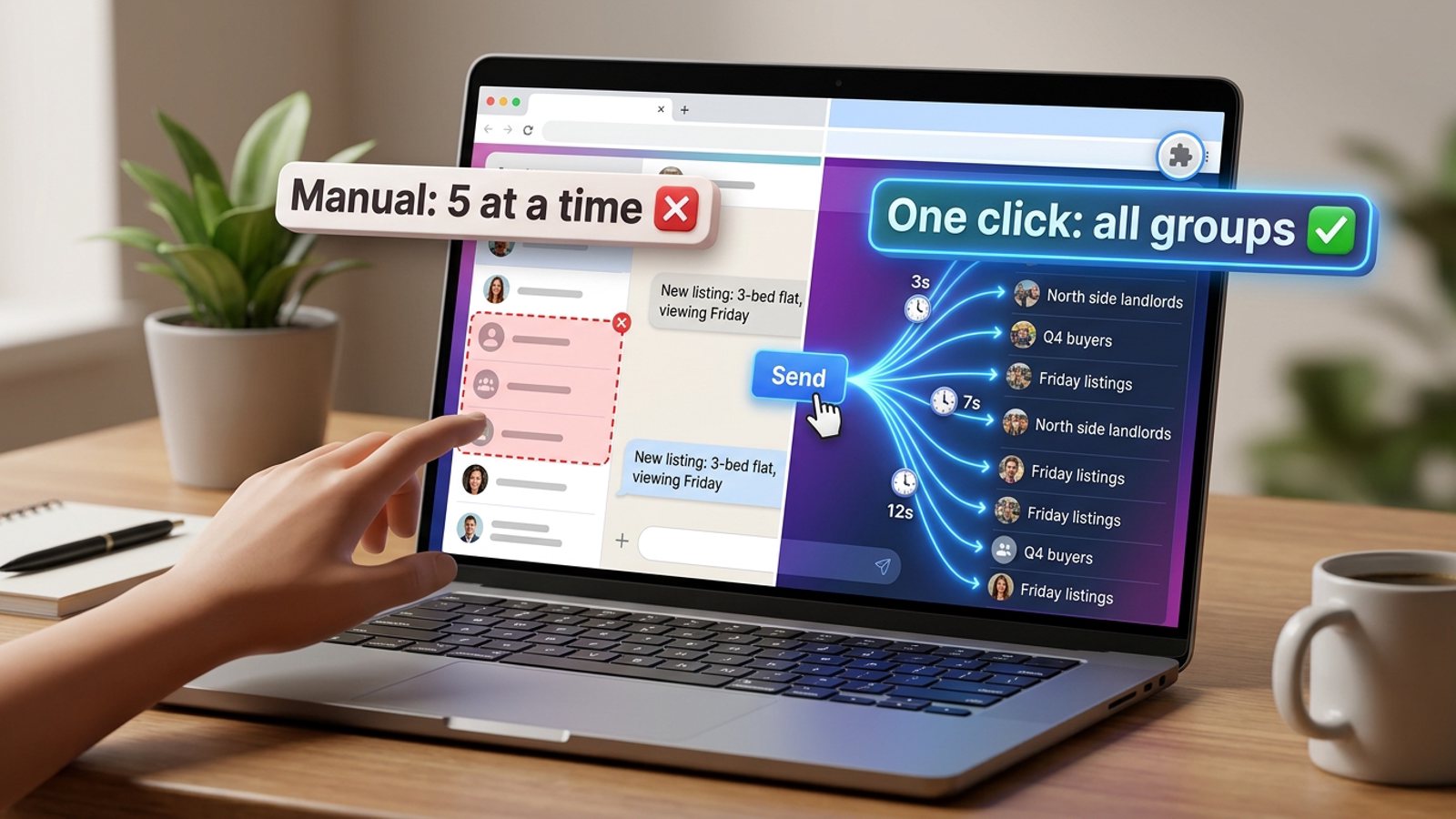
If you post the same message into groups you're already in, the fastest practical route is a Chrome-extension sender that saves your group list once and paces sends with randomised delays — FivePlus is the preset-based option we compare below. WhatsApp Communities, Business App broadcast lists and WATI's official-API route each solve a narrower version. None removes ban risk.
Why can't I just forward my message to all my groups?
Because WhatsApp's forwarding limit stops you at five. WhatsApp's Help Center says forwarding is capped at five users or five groups at a time, and a message already forwarded can go to only one group. A chain of five or more chats also labels the message "Forwarded many times," which recipients can see.
That cap is the whole reason this question exists. If you're in 20 client groups and need to post a price update before a viewing, forwarding by hand means four separate passes through the same message — and your recipients see the forwarded label each time.
The limit is a design choice, not a bug. WhatsApp's Help Center states its products "are not intended for bulk or automated messaging, both of which have always been a violation of our Terms of Service." Keep that sentence in mind for the rest of this article.
Which bulk WhatsApp sender is best when I have no time to send manually?
It depends on one thing: are the groups yours, or are you just a member? That single question decides which of the four options below actually fits your job.
Start with the recipient list, not the tool
Before you install anything, write down what you're actually messaging:
- People who saved your number — broadcast lists fit, but they can't reach groups.
- Groups you own and control — a WhatsApp Community announcement reaches all of them at once, officially.
- Groups you're a member of but don't own — no official WhatsApp feature posts into these in bulk. An extension sender or manual forwarding are the routes.
Most agents, planners and brokers are in category 3, which is why extension senders exist at all.
The four routes, compared
Here's how the options stack up for someone with a message to send today.
| Option | Best for | Key features | Price / free option | Watch-outs |
|---|---|---|---|---|
| FivePlus (Our pick) | Posting to many existing groups fast | Saved group presets, randomised delays, beyond-5 sending | Free to try for 3 days | Chrome + WhatsApp Web only |
| WATI (Business API) | Teams wanting templates and a shared inbox | Broadcasts, chatbots, team inbox | From about $59/month billed yearly, plus Meta fees | Plan plus per-message costs |
| Business App broadcast lists | Messaging people who saved you | Private 1:1 delivery, free | Free | 256 contacts, no groups |
| WhatsApp Communities | Your own linked groups | Admin posts once to Announcements | Free | 2,000-member cap, invite only |
| Doing it by hand | Occasional one-off sends | No tool risk | Free | Five chats per forward |
FivePlus is made by the team behind this blog.
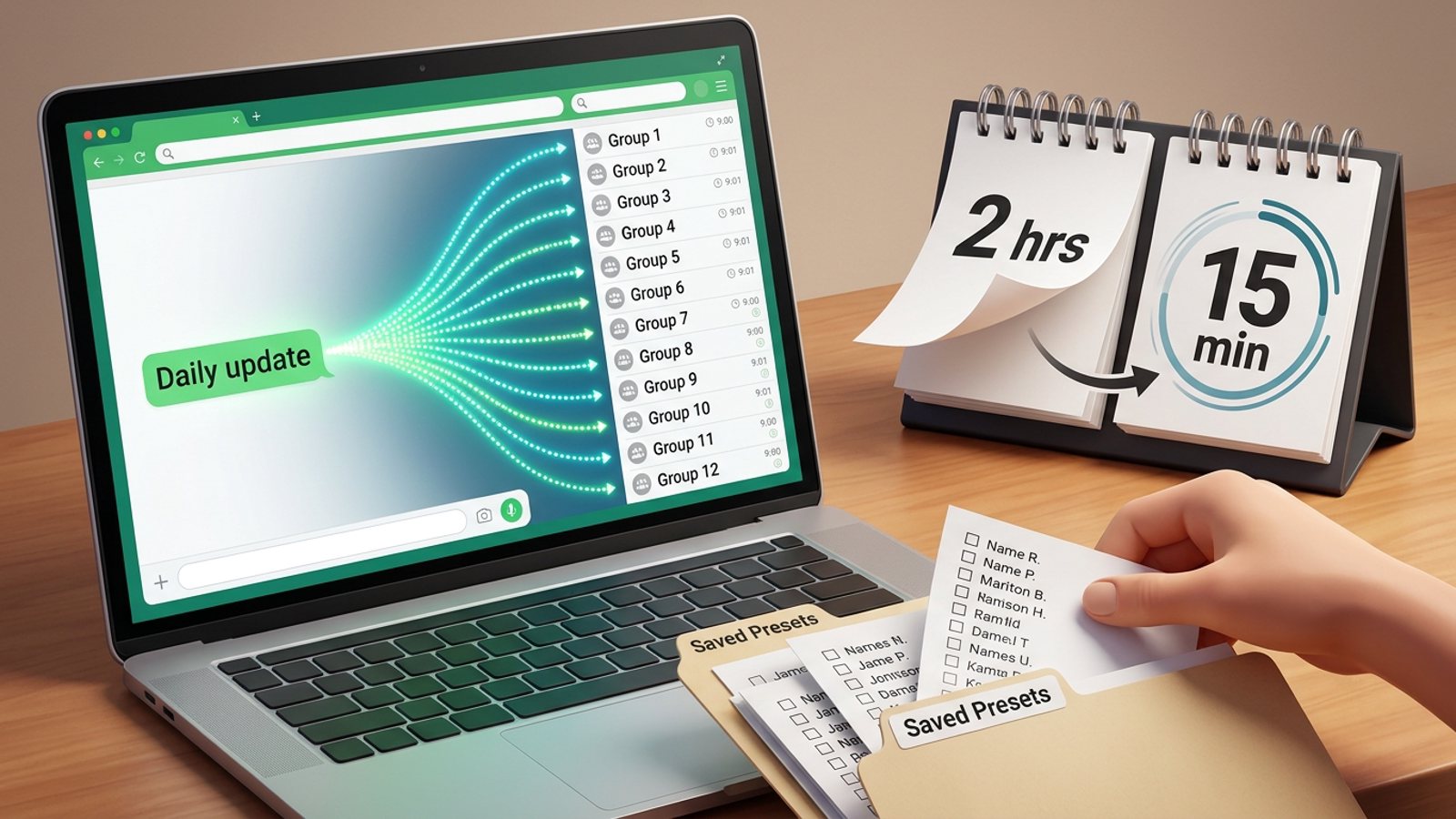
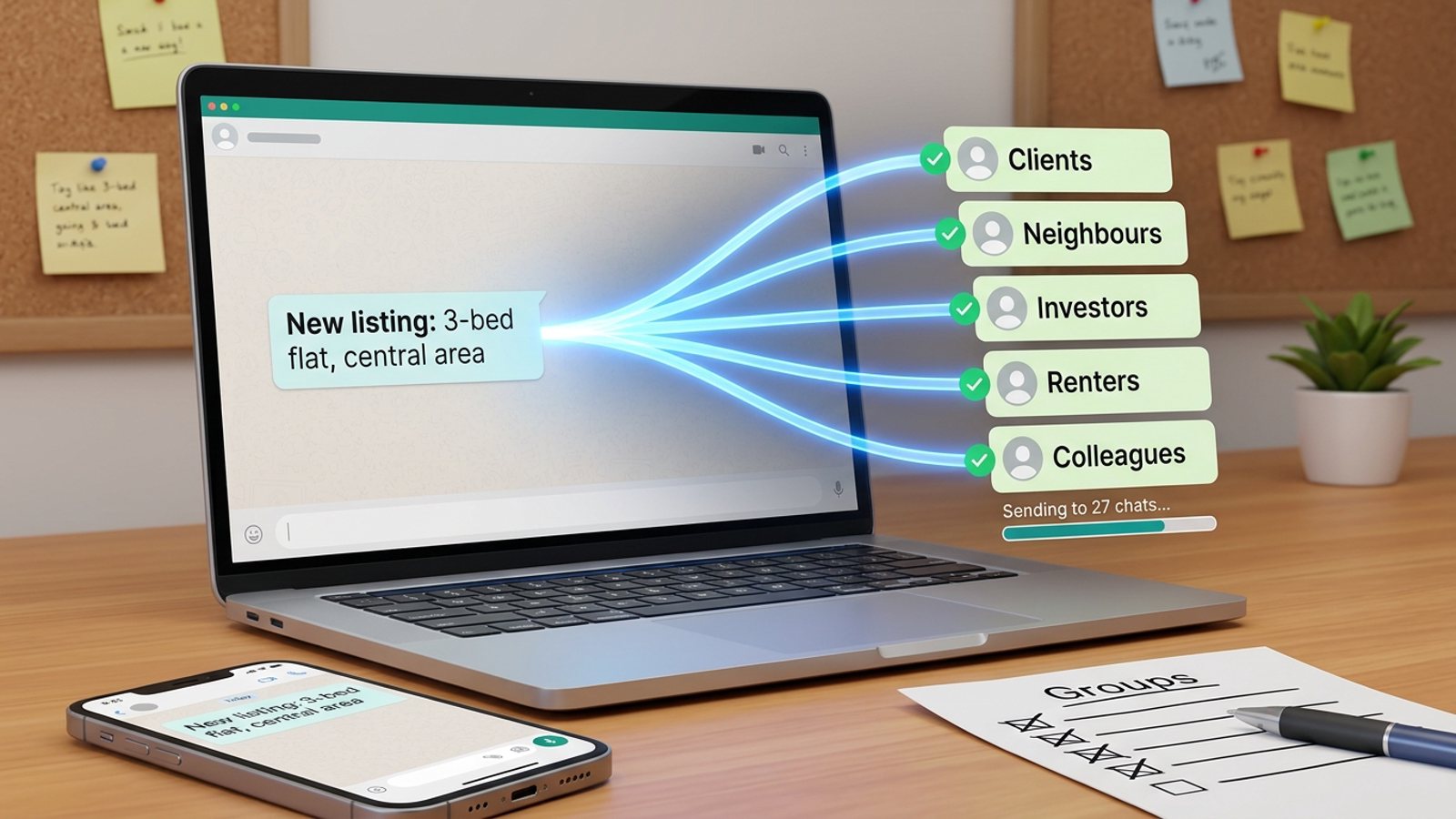
Our pick for the "no time, many existing groups" job is FivePlus for WhatsApp, a bulk WhatsApp sender extension that saves your group and contact lists as presets once, then sends a message or media to all of them in one click — past the standard five-recipient limit. It mixes people and groups into one preset, and its randomised delays stagger message timing to look more natural. The honest limits: it needs Chrome and WhatsApp Web, and it isn't affiliated with Meta.
If you mainly need templates, opt-in compliance and a team inbox, WATI is the more direct choice — it's an official-API platform accessed through a Meta-authorised Business Solution Provider, per Greenbubble.io (September 2026). Third-party reads put its entry plan around $59/month billed annually and Pro around $79/month (The AI Agent Index, updated November 2026; Wati's own page, September 2026), with Meta's per-message fees on top since the switch to per-message pricing on 1 October 2026. Wati says prices are shown by region, so check wati.io before budgeting.
If your audience is people rather than groups, the free Business App broadcast list is the simplest honest answer — 256 contacts per list, private one-to-one delivery. But ChatbotX (July 2026) notes messages silently fail for recipients who haven't saved your number, and 9bot (October 2026) confirms broadcast lists don't work for groups at all.
If you own the groups, a Community is the official route: admins post once in Announcements and members of every sub-group see it (WhatsApp Help Center). The ceiling is 2,000 members per Community and up to 100 groups, per the Help Center and Chatmitra (October 2026).
How do I send to many groups in one go without losing time?
Save the list first, then send. The time saving comes from never searching for a group twice.
Here's the technique, whichever tool you use:
- Build the list once. Create a named set of the groups and contacts you message regularly — "North side landlords," "Q4 buyers," whatever your work calls them.
- Write the message before you open the sender. A message written inside the tool is a message you'll rewrite three times.
- Pace the sends. Randomised gaps between messages are the difference between a broadcast and a blast.
- Send, then stop. If you get a warning from WhatsApp, stop sending and read it. Don't push through.
In FivePlus, those steps are literal: install the extension from the Chrome Web Store and open WhatsApp Web, save your group and contact lists as presets once, then choose a preset, pick a message or media, and send in one click. V2 lets you send to multiple saved lists at once. Randomized delays spread the messages out.
Saved lists persist — the owner confirms saved group lists are saved forever, so it's better not to uninstall the extension.
Is a bulk sender worth it when I could just send manually?
Yes, if you send the same message to more than five groups regularly. No, if it's a one-off.
Run the arithmetic on your own week. Say you're a broker with 12 client groups and a new listing every Friday. By hand that's three forwarding passes per listing, each one slower than the last, and every recipient sees the forwarded label. With a saved preset it's one click and a wait while the delays do their work.
The trade is risk, not time. WhatsApp's Terms treat bulk messaging as a violation, and MEFMobile (September 2026) lists browser extensions, bulk-sender tools and modified apps among the things that carry enforcement risk. Appuals (December 2025) names mass messaging and repeated spam reports among the most common ban reasons. A sender saves you minutes; it doesn't buy you immunity.
If you want the full cost comparison against manual sending, our breakdown of a bulk sender vs messaging groups by hand walks through it.
The honest trade is simple: a bulk sender buys you time, and you pay for it with a risk you have to manage yourself.
Will a bulk WhatsApp sender get my account banned?
It can raise your risk — no tool can rule it out. WhatsApp says bulk and automated messaging violate its Terms of Service, and MEFMobile (September 2026) reports that reports, blocks and unsolicited messages are the named policy risks.
What actually gets accounts restricted, per the sources: mass messaging, creating multiple groups with unknown contacts, repeated spam reports, and unofficial WhatsApp versions (Appuals, December 2025). Bans are tied to spam, bulk messaging, scams and unofficial apps (Gadgets Now, November 2026).
If it happens, a banned account shows "This phone number can't use WhatsApp" with an in-app "Request review" option. WhatsApp's Help Center says most reviews complete within 24 hours, and if no review option appears, the ban is final. Users whose accounts are suspended must not create another account without permission, per the Terms as reported by MEFMobile.
Practical risk reduction, from the research and our own view:
- Keep messages wanted. A message to a group that asked for it reads differently from a cold blast.
- Pace everything. Randomised delays exist for a reason — FivePlus builds them in.
- Vet any extension before installing. Check the Chrome Web Store listing and third-party scanners; Socket's AI flagged one listing as potential malware in May 2026 (Socket, 31 May 2026).
- Stop at the first warning. Don't send "just one more."
This is not legal advice, and WhatsApp's rules and enforcement can change — follow its Terms and check the current Help Center pages before you rely on any limit.
Which bulk WhatsApp sender should I pick for my situation?
Match the tool to the list, then check the price model. Extensions are often free to install with paid plans, while API platforms charge a monthly plan plus Meta's per-message fee (LeadTrapper, November 2026).
- You're in many groups you don't own, and time is the problem: a preset-based extension. FivePlus is free to try for 3 days, as of November 2026, and prices can change.
- You own the groups: a Community announcement, free.
- You message people who saved your number: a Business App broadcast list, free, 256 max.
- You need templates, a team inbox and scale: WATI, from about $59/month billed yearly plus Meta fees (third-party reads, November 2026).
For a wider field, our roundup of the best bulk WhatsApp sender for groups in 2026 covers more tools, and the FivePlus blog has walkthroughs for agents, coaches and freelancers.
Ready to stop forwarding five at a time? Get FivePlus for WhatsApp Chrome extension (bulk share beyond 5 recipients) and save your group list once.
Sources
- Unauthorized use of automated or bulk messaging on WhatsApp (WhatsApp Help Center)
- About forwarding limits (WhatsApp Help Center)
- About account bans (WhatsApp Help Center)
- About community announcements (WhatsApp Help Center)
- How to decide whether to create a WhatsApp group or community (WhatsApp Help Center)
- WhatsApp forward limit: how many chats at once (WavesFlo, 4 Oct 2026)
- How to Message Multiple WhatsApp Groups at Once (9bot, 8 Oct 2026)
- How to Create a WhatsApp Business Community: 2026 Guide (Trengo, 24 Jan 2026)
- What Is a WhatsApp Community? Features, Limits and How to Create One (Chatmitra, 23 Oct 2026)
- WhatsApp Broadcast Limits in 2026 (ChatbotX, 29 Jul 2026)
- WhatsApp Business App vs API: What's the Difference? (SleekFlow, 15 Sep 2026)
- How to send bulk messages on WhatsApp the right way (Sinch, 4 Sep 2025)
- WhatsApp Broadcast List: How to Use and Create It (DragApp, 8 Dec 2024)
- Official WhatsApp Business API · Wati (Wati, 7 Sep 2026)
- AiSensy vs Wati (eChai Ventures, 9 Nov 2026)
- Wati Review 2026 (The AI Agent Index, updated 16 Nov 2026)
- 了解 Wati 的計價結構 (Wati Help Center, 14 Sep 2026)
- Harga WhatsApp Business API 2026 (Wati blog, 24 Sep 2026)
- WhatsApp Bulk Message Sender: Free Apps vs Official API Compared (Greenbubble.io, 13 Sep 2026)
- Fix WhatsApp's "Account Not Allowed Due to Spam" Message (MEFMobile, 23–24 Sep 2026)
- Fix: "This Account Can No Longer Use WhatsApp" Error (Appuals, 19–20 Dec 2025)
- WhatsApp Account Banned? How to Appeal (Gadgets Now, 28 Nov 2026)
- Jessé Zap (Socket, 31 May 2026)
- WhatsApp Bulk Sender Price: What Each Kind of Tool Costs (LeadTrapper, 13 Nov 2026)
Frequently asked questions
WhatsApp's Help Center caps forwarding at five users or five groups at a time, and a message already forwarded can go to only one group. Longer chains also get the "Forwarded many times" label.
No. Broadcast lists target people, not groups — 9bot (October 2026) confirms they don't work for groups. They're also capped at 256 contacts and only deliver to people who saved your number (ChatbotX, July 2026).
Of the tools we compared, FivePlus is the most direct fit: it saves group and contact lists as presets and sends beyond the five-recipient limit with randomised delays. If you need official-API templates and a team inbox instead, WATI is the more direct choice.
Tap "Request review" in the app. WhatsApp's Help Center says most reviews finish within about 24 hours, and if no review option appears, the ban is final.
Usually the extension. Extensions are often free to install with paid plans, while WATI-style API access runs from about $59/month billed yearly plus Meta's per-message fees (LeadTrapper, November 2026; The AI Agent Index, November 2026).