Best bulk WhatsApp sender for freelancers juggling client groups in 2026
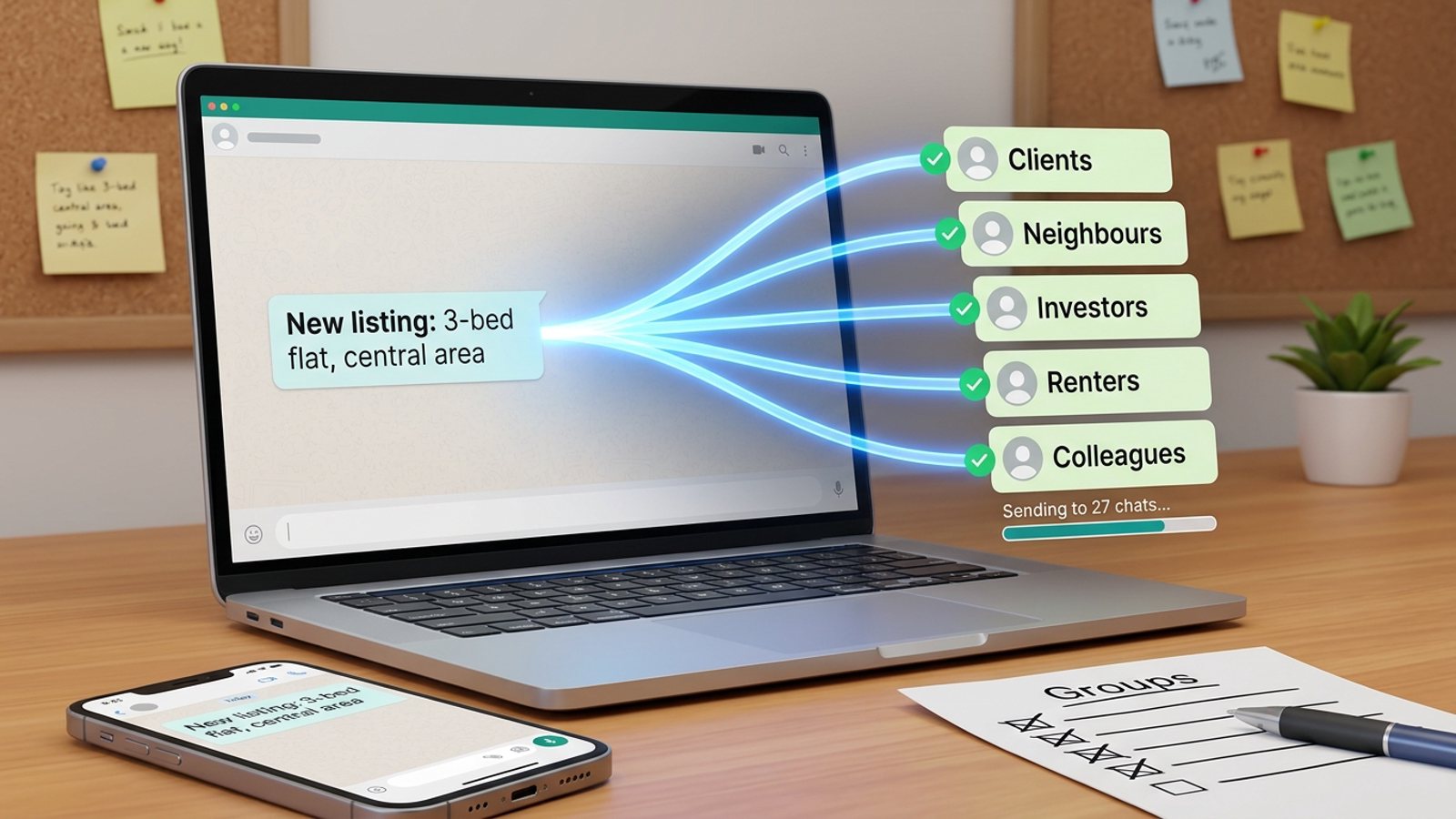
For a freelancer juggling client groups, the best bulk whatsapp sender freelancers juggling is a Chrome extension that runs inside WhatsApp Web: it sends one message to many groups and contacts in a single click, beyond WhatsApp's five-chat forward limit, with saved lists and randomized delays. FivePlus is our pick of the tools we compared. WhatsApp Business broadcast lists and the official Business Platform are the other honest routes.
Get FivePlus for WhatsApp Chrome extension (bulk share beyond 5 recipients) and send your next client update to every group in one go.
What does a freelancer actually need from a bulk WhatsApp sender?
A freelancer needs three things: reach beyond five chats at a time, saved lists so recurring client groups are one click away, and pacing that doesn't look like a burst. Everything else is a bonus.
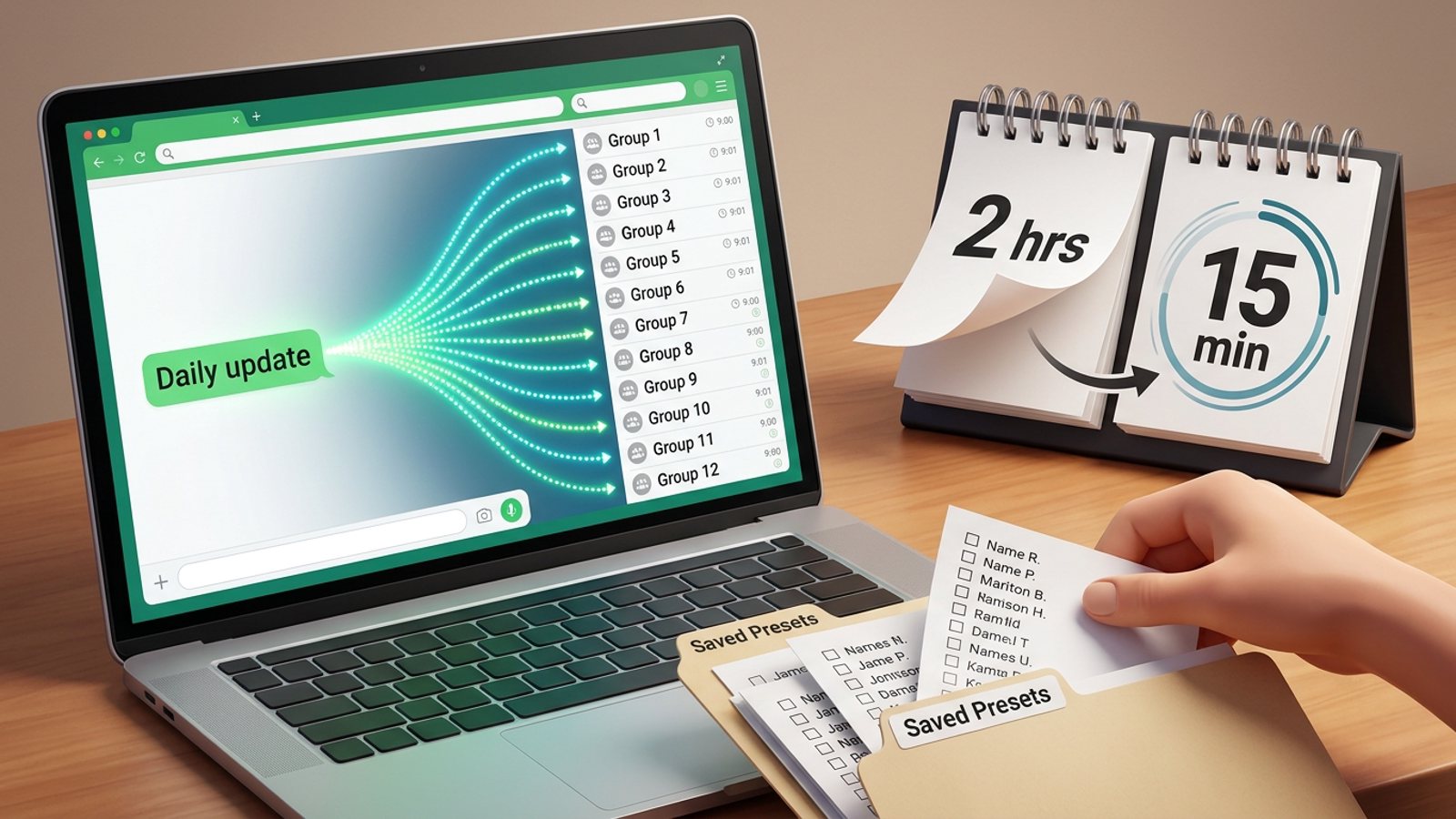
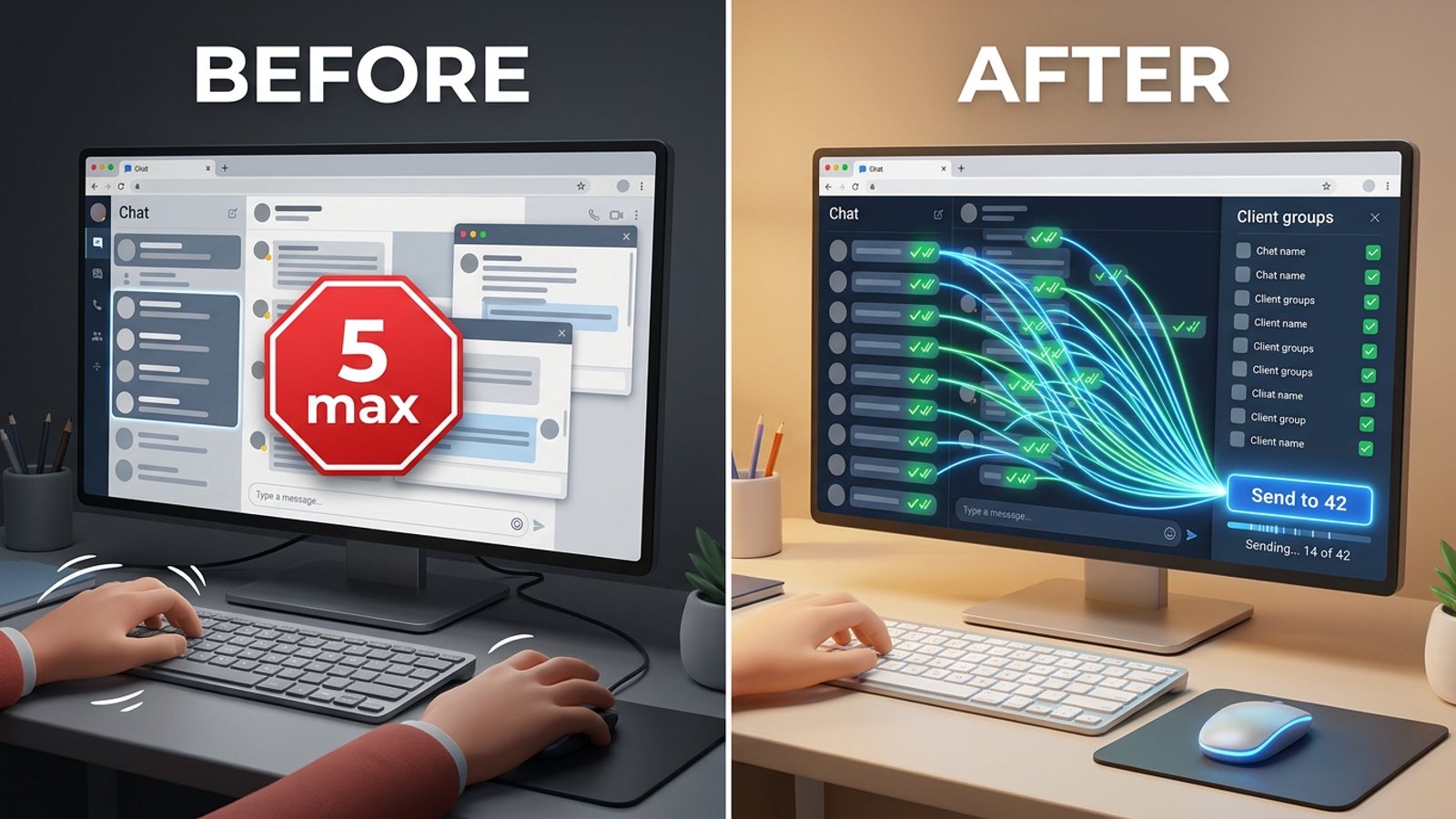
Think about a normal week. You have a design client group, two retainer groups, a workshop cohort, a few past clients you check in with, and a handful of individual contacts. The same "here's this week's update" message goes to all of them. By hand, that's the copy-find-share loop repeated over and over — and WhatsApp's forward limit caps you at five chats or groups at a time (WhatsApp Help Center, undated). A message already forwarded to five chats can go to only one more group, and a message labelled "Forwarded many times" can go to one chat only (9bot, 8 Oct 2026; WavesFlo, 4 Oct 2026).
So the job to be done is simple: send to many WhatsApp groups at once, from the WhatsApp you already use, without retyping the same message six times.
Which bulk WhatsApp sender is best for freelancers juggling client groups in 2026?
Of the tools we compared, FivePlus is our pick for this specific job: it's a Chrome extension that sends to dozens of chats at once from WhatsApp Web, saves your group lists as presets, and staggers sends with randomized delays.
Here's how the four routes compare for a solo freelancer.
| Option | Best for | Key features | Price / free option | Watch-outs |
|---|---|---|---|---|
| FivePlus (Our pick) | Freelancers with recurring client groups | Bulk send beyond 5, saved presets, mixed people + groups, randomized delays | Free to try for 3 days | Chrome + WhatsApp Web only |
| WhatsApp Business broadcast lists | Small warm lists who saved your number | Up to 256 contacts per list, multiple lists | Free with the Business app | Saved contacts only; phone-only setup |
| Brevo | Teams already running email/SMS campaigns | WhatsApp next to email, SMS and CRM | Professional from US$499/month, WhatsApp add-on | Built for teams, not solo freelancers |
| Forwarding by hand | Occasional one-off sends | No extra tool | Free | Five chats at a time, heavy repetition |
FivePlus is made by the team behind this blog, so treat our pick with that in mind — and check the other columns for yourself. What makes it fit a freelancer's week: you save your client groups and contacts as a preset once, mix people and groups into one list, and in V2 send to several saved lists at once. The extension mimics natural human behavior and uses randomized delays to stagger message timing. It works on WhatsApp Web in the Chrome browser with no login required. Prices can change, and the free trial is limited to 24 hours per the product's honest limits.
WhatsApp Business broadcast lists are the free, native option — and a good one if your clients have your number saved. Each list holds up to 256 contacts, and messages usually only arrive if the recipient has saved your number (Respond.io, 23 Nov 2025; Wati, 11 Nov 2026). The Business app also gives no contact import and no reporting beyond read receipts (SleekFlow, 15 Sep 2026). Lists can be created on the phone but not on WhatsApp Web — on Web you can only send to lists already made on the phone (Zenvia, updated 21 Oct 2026). If your client groups live in the regular WhatsApp app rather than as contacts, this route misses them.
Brevo runs WhatsApp campaigns through the official WhatsApp Business Platform. Its Professional plan starts at US$499/month, with WhatsApp as an add-on using prepaid credits plus a premium on Meta fees (Respond.io, 24 Sep 2026, byline 27 Nov 2026). It suits teams already running email and SMS campaigns who want WhatsApp next to a built-in CRM. If you mainly need email marketing with WhatsApp bolted on, Brevo is the more direct choice; for a solo freelancer with client groups, the entry price is hard to justify.
Forwarding by hand costs nothing and needs nothing installed. It's fine for a one-off note to three groups. Beyond that, the five-chat cap and the "Forwarded many times" label turn it into a grind.
How do you send one message to many WhatsApp groups without getting banned?
You can't guarantee it — and any tool that promises otherwise is overselling. What you can do is lower your risk: message people who expect to hear from you, space the sends out, and watch how recipients react.
WhatsApp states plainly that its products "are not intended for bulk or automated messaging, both of which have always been a violation of our Terms of Service" (WhatsApp Help Center, undated). Its anti-spam systems monitor sending speed, content repetition and report rates in real time, and suspicious behaviour can lead to throttling or permanent bans even below the 256-contact cap (Wati, 22 Sep 2026). Meta has not published a fixed threshold at which speed or repetition triggers a limit — treat these as risk signals, not a known formula (Wati, 22 Sep 2026).
Meta's common ban triggers include spam, bulk or unsolicited messaging, high block and report rates, bought or scraped lists, no easy opt-out, and unauthorised automation tools (ActiveCampaign, 15 Oct 2026). Accounts that repeatedly break policy face an escalating ladder: warning, then 1-, 3-, 5-, 7- or 30-day bans, lockdown, and eventually permanent removal (Meta for Developers, updated 21 May 2026).
A bulk sender can organise your sending, but it cannot change how WhatsApp counts or judges your messages — so the safest habit is still to send less, to fewer people, who actually want to hear from you.
Here's the practical routine that keeps a freelancer's number in good standing:
- Message only people who expect you. Your retainer clients, your workshop cohort, your past clients who asked to stay in touch. Not a scraped list.
- Space the sends out. Don't fire 40 messages in 30 seconds. Randomized delays help, but slower is better.
- Give an easy opt-out. One line — "reply STOP and I'll take you off updates" — lowers block and report rates.
- Watch the feedback. Rising blocks or reports are your early warning. Stop follow-ups to people who stopped engaging (Hypersender, 20 Nov 2026).
- Keep a log of sends and replies so you can spot a problem before it becomes a ban (Hypersender, 20 Nov 2026).
Follow WhatsApp's terms, and remember that risks and rules can change. This is not legal advice.
Get FivePlus for WhatsApp Chrome extension (bulk share beyond 5 recipients) to send with randomized delays instead of one fast burst.
How do the options compare on price and reach?
Reach is where the routes really split: a Chrome extension sends from your existing WhatsApp account, while the official platform runs on approved templates and per-message fees.
On the official WhatsApp Business Platform, from 1 October 2026 only the first 1,000 service messages a month per number are free (eChai Ventures, 10 Nov 2026). The platform works on Meta-approved template messages outside a 24-hour customer service window, plus messaging limits and quality controls — and it has no 256-contact list cap (Wati, 22 Sep 2026). A new business portfolio starts at 250 unique recipients per 24 hours and scales to 2,000, 10,000, 100,000 and unlimited (ActiveCampaign, 15 Oct 2026).
That's powerful, but it's a different product from "message my client groups from my phone number." For a freelancer, the everyday question is simpler: how many groups can I reach in one click, and do I have to rebuild my lists every time?
Read that chart carefully: the numbers measure different things. Five is the forward limit per send (WhatsApp Help Center, undated). 256 is the broadcast list cap (Wati, 11 Nov 2026). 1,024 is the maximum members in a single WhatsApp group (wabot.online, 9 Nov 2026). A Chrome extension like FivePlus doesn't raise these caps — it removes the repeated manual work of reaching many groups, one after another, from one preset.
How do you set up a bulk sender for recurring client groups?
The setup that saves the most time is the one you do once: list your groups, save them as presets, then reuse them every week.
- List your client groups and contacts. Note which ones are groups and which are individuals, and who has saved your number — that matters if you also use broadcast lists (Wati, 11 Nov 2026).
- Pick your route. Manual forwarding (five at a time), Business app broadcast lists (256, saved contacts only, phone only), a WhatsApp Web Chrome extension (many groups in one go with saved lists), or the official Business Platform via a provider (templates, opt-in, per-message fees).
- Save your lists once. In FivePlus, install the extension from the Chrome Web Store, open WhatsApp Web, and save your group and contact lists as presets. You can mix people and groups into one preset.
- Send in one click. Choose a preset (or several in V2), pick your message or media, and send.
- Let the delays do their work. Randomized delays spread the messages out to look natural.
- Review and prune. After each send, note who replied and who went quiet, and trim your presets.
If you want a broader walkthrough of the category first, our guide to the best bulk WhatsApp sender for groups in 2026 covers the same ground from a different angle. And if you're weighing whether a tool is worth it at all against messaging by hand, the worth-it comparison breaks down the time cost.
What's the biggest mistake freelancers make with bulk WhatsApp sending?
The biggest mistake is treating a bulk sender as a licence to message everyone you've ever met. Reach isn't the problem — relevance is.
A freelancer's advantage is that clients actually know them. The moment a message feels like a blast to strangers, blocks and reports climb, and those are exactly the signals Meta watches (ActiveCampaign, 15 Oct 2026). The second mistake is rebuilding the list every time: searching for the same eight groups each Monday is where the hours disappear.
Our recommendation: keep one preset for "active clients" and one for "past clients and prospects," and never send the same message to both in the same hour.
Get FivePlus for WhatsApp Chrome extension (bulk share beyond 5 recipients) — save your client groups once and send your next update in one click.
FivePlus is made by the team behind this blog.
Sources
- Unauthorized use of automated or bulk messaging on WhatsApp — WhatsApp Help Center, no date
- About forwarding limits — WhatsApp Help Center, no date
- How to Message Multiple WhatsApp Groups at Once — 9bot, 8 Oct 2026
- WhatsApp forward limit — WavesFlo, 4 Oct 2026
- WhatsApp message limit per day — WavesFlo, 16 Sep 2026
- Send a Message to Multiple WhatsApp Groups — wabot.online, 9 Nov 2026
- WhatsApp Broadcast in 3 Steps — Respond.io, 23 Nov 2025
- Batas Broadcast WhatsApp Business — Wati, 11 Nov 2026
- WhatsApp Business App vs API — SleekFlow, 15 Sep 2026
- Lista de transmissão WhatsApp — Zenvia, updated 21 Oct 2026
- WhatsApp 群發訊息規則 — Wati, 22 Sep 2026
- WhatsApp Message Limit Per Day — MSG.AI, 11 Oct 2026
- How to Prevent a WhatsApp Account Ban — ActiveCampaign, 15 Oct 2026
- WhatsApp Business Platform policy enforcement — Meta for Developers, updated 21 May 2026
- Best WhatsApp bulk marketing software comparison — Respond.io, 24 Sep 2026 (byline 27 Nov 2026)
- WhatsApp marketing: what to use and what founders use — eChai Ventures, 10 Nov 2026
- How to Avoid Getting Blocked on WhatsApp — Hypersender, 20 Nov 2026
Frequently asked questions
WhatsApp's own forward limit is five chats or groups at a time, and a message already forwarded to five chats can go to only one more group. A Chrome extension like FivePlus lets you send to dozens of chats in one click from a saved preset, beyond that five-recipient limit.
It can contribute to it. WhatsApp treats bulk and automated messaging as a Terms of Service violation, and an extension cannot change how WhatsApp judges your messages. Randomized delays and messaging only people who expect to hear from you lower the risk — they don't remove it.
It depends on your list. Broadcast lists are free and reach up to 256 contacts, but only people who saved your number receive them, and you can't create lists on WhatsApp Web. If your clients are saved contacts, it's the simpler choice; if you work from group chats, an extension fits better.
Of the tools we compared, FivePlus is our pick for freelancers juggling client groups, because it saves presets, mixes people and groups, and staggers sends with randomized delays. If you mainly need WhatsApp next to email and SMS on a team plan, Brevo is the more direct choice — at US$499/month for its Professional plan as of November 2026, prices can change.
No. FivePlus works on WhatsApp Web in the Chrome browser and requires no login. The owner notes that only regular WhatsApp is supported, so check that against your setup before you start.