What's the best bulk WhatsApp sender for coaches with paid groups?
If you run paid coaching groups, the practical pick is a browser-based bulk sender that posts to many WhatsApp groups and contacts in one go, with saved group lists and randomised delays — like FivePlus, which we recommend first of the tools we compared. WhatsApp says bulk and automated messaging breach its Terms of Service, so every option trades some account risk for reach.
You've built a coaching business on WhatsApp groups. Each cohort has its own group, each group has 20, 50, maybe a few hundred members, and every week you post the same session reminder, worksheet or replay link to all of them. Doing it by hand means opening each group, pasting, and hoping you didn't miss one.
That's the job a bulk WhatsApp sender for coaches with paid groups is built for — but the options work very differently, and one of them can cost you your number. Here's how to choose.
Get FivePlus for WhatsApp Chrome extension (bulk share beyond 5 recipients)
Why can't I just use WhatsApp broadcast lists for my paid groups?
Because a broadcast list cannot include a WhatsApp group. That's the wall most coaches hit first.
WhatsApp's broadcast lists are one-to-many and private — each recipient sees an ordinary 1:1 chat and can't see the others, according to ChatbotX (29 Jul 2026). Groups are many-to-many, capped at 1,024 members. The two don't mix: WavesFlo's blog (16 Sep 2026) confirms a broadcast list can't contain a group.
There's a second catch. In the free WhatsApp Business App, broadcast messages only reach recipients who have saved your number, and they fail silently for everyone else (ChatbotX, 29 Jul 2026; Sinch, updated 1 Sep 2026). The cap is 256 contacts per list.
So for paid groups, you're choosing between three routes: the official API, manual sending, or a Chrome extension that drives WhatsApp Web.
What actually gets a coach's WhatsApp account restricted?
WhatsApp scores accounts across several signals at once — number registration, behaviour over time, report and block rate, and content type — rather than one red flag, according to The Times of India (15/16 Aug 2026).
The same report lists the common triggers: sending the same message to many people too quickly, messaging numbers that haven't saved you, excessive group additions, and third-party automation tools outside the official Business API. WhatsApp's own restricted-account page lists spam, automated messaging and bulk messaging among the reasons an account can be blocked.
An UnderChat vendor help wiki (31 Mar 2026) adds practical advice: avoid high-speed blasts, vary wording, use random intervals rather than fixed delays, prioritise contacts who already replied, and avoid cold lists.
Pacing is damage control, not a shield — the open-wa docs (19 Nov 2026) note WhatsApp can change its sending limits without notice.
That matters for a coach specifically: your paid group members want your messages, which keeps your report rate low. The risk is volume and speed, not intent.
How do I send one message to many coaching groups at once?
The safest pattern is: build the list once, send in paced batches, vary the wording, and start small.
Here's the technique, whichever tool you use:
- Map where your people are. Separate contacts you can broadcast to (who must have saved your number) from paid groups you must post into.
- Build the recipient list once. Save group names and contacts so you're not re-searching every cohort each week.
- Set randomised intervals. UnderChat's wiki recommends random times over fixed delays; a fixed 30-second gap is itself a pattern.
- Vary the copy slightly. Identical messages to many recipients is one of the triggers TOI lists.
- Start with a small batch on a number you've used normally for a while, then scale gradually.
- Keep content relevant and honour opt-outs to hold your report rate down.
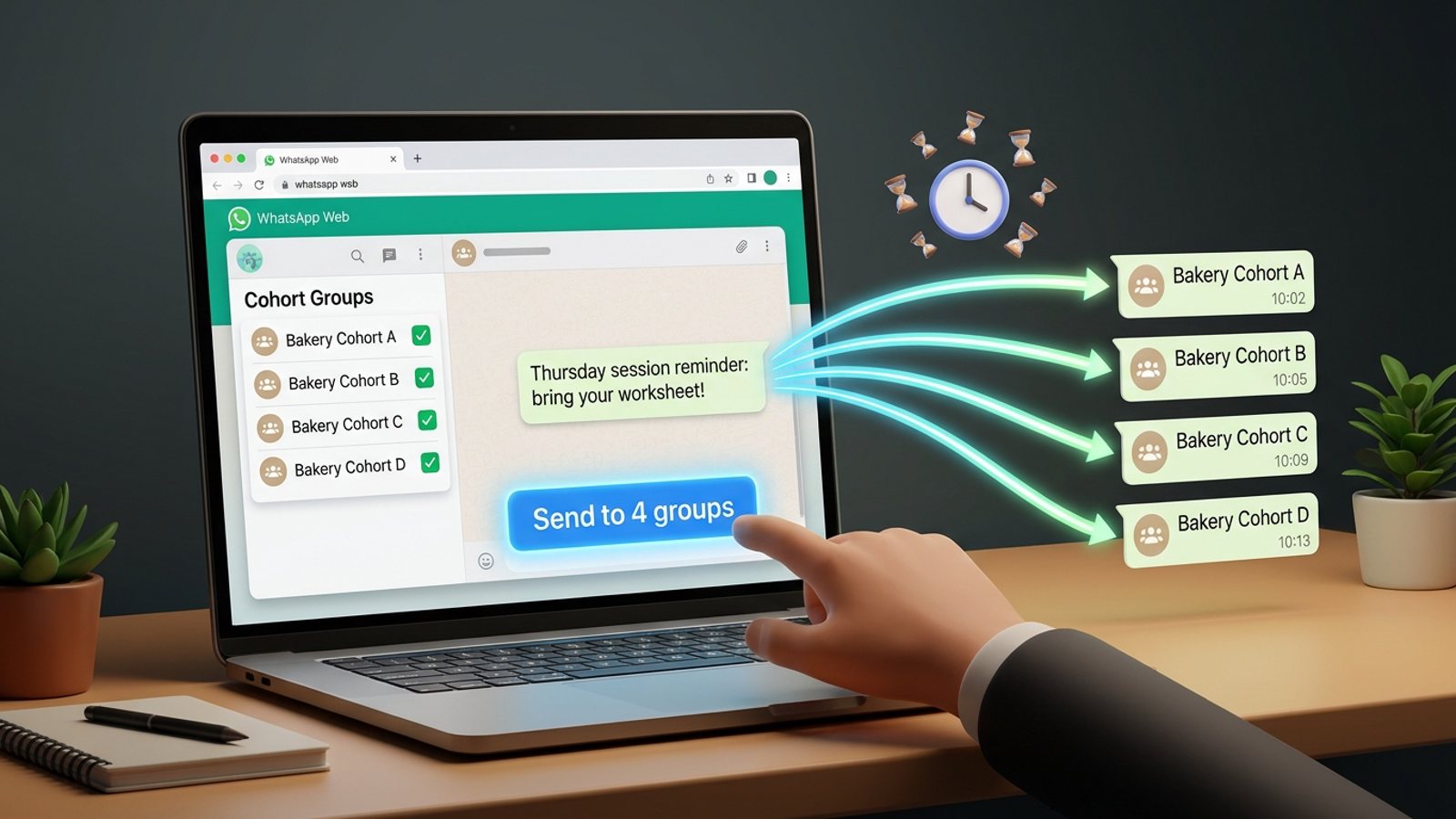
A worked example: say you run a bakery business-coaching cohort of four groups with 40 members each. You have a Thursday session reminder. Instead of pasting into four groups in 90 seconds, you save those four groups as one preset, write the reminder, and let randomised delays space the sends out — then repeat next week without rebuilding the list.
That's exactly the loop FivePlus is built around.
How does FivePlus handle paid coaching groups?
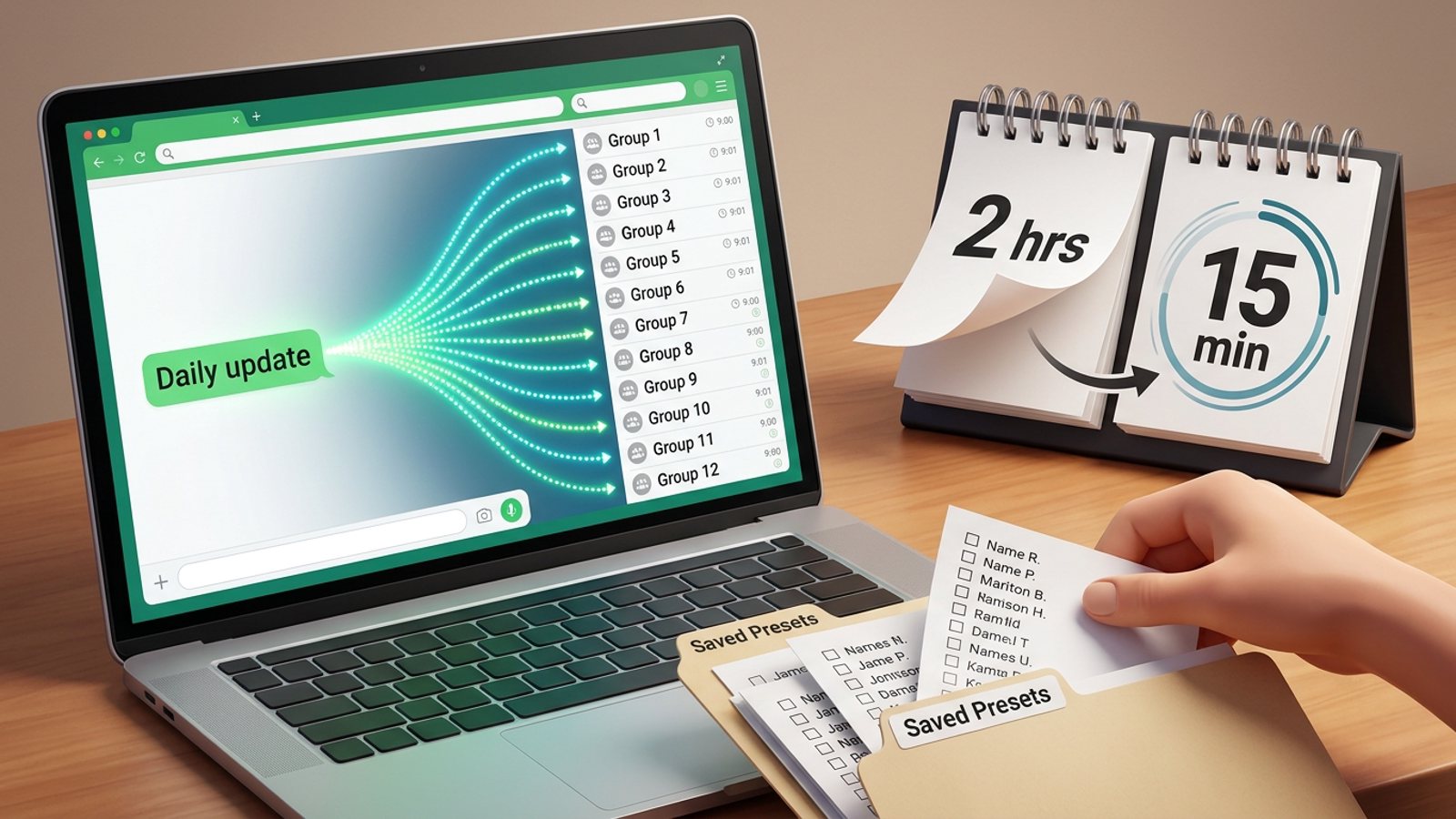
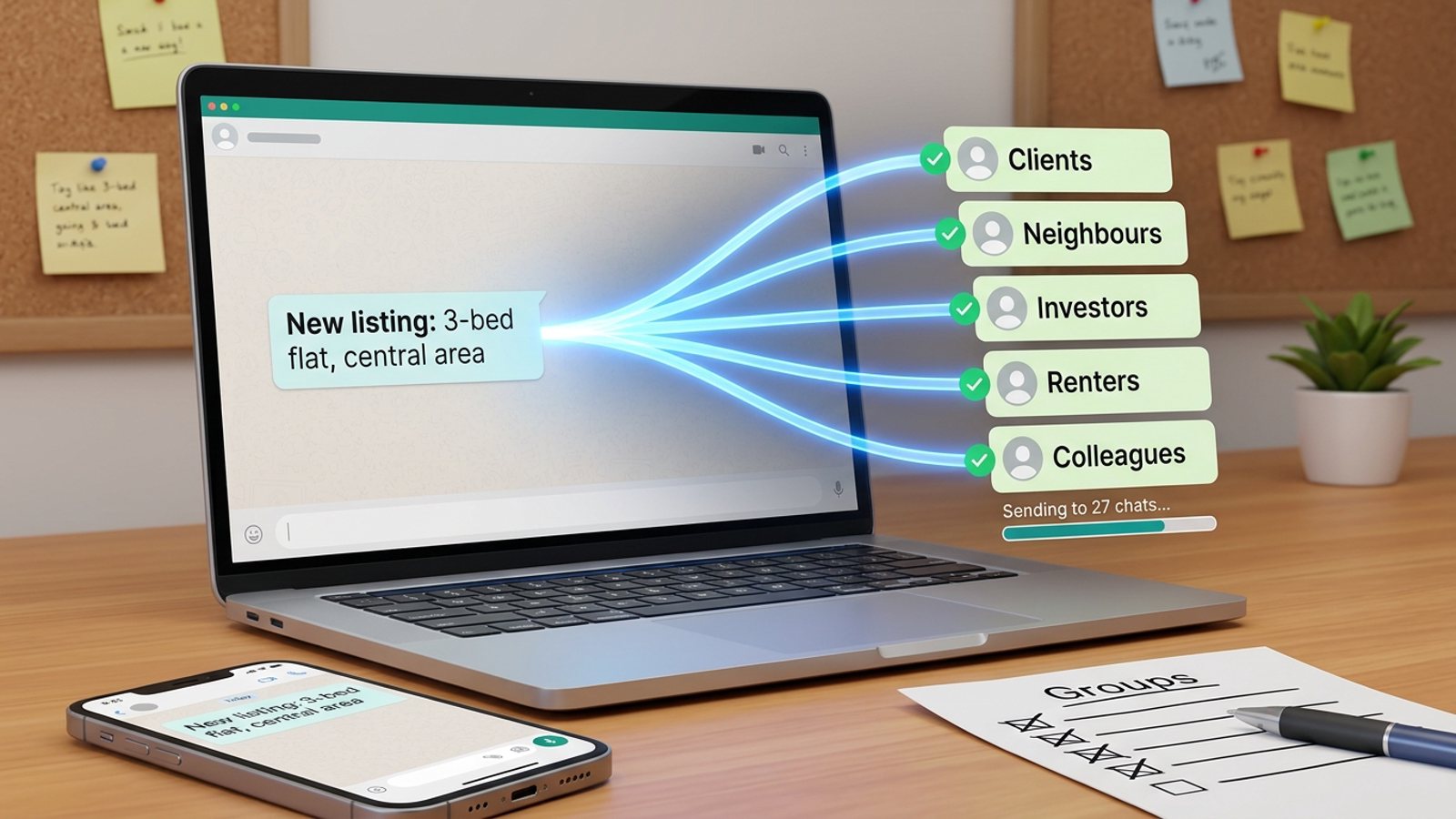
FivePlus is a Chrome extension for WhatsApp Web that sends a message, announcement or media to many saved groups and contacts in one click, instead of the standard five at a time.
For a coach, the useful parts are:
- Saved group lists. Save your cohort groups once and reuse them — no weekly search.
- Multiple lists at once (V2). Send to several saved presets in one go, so all cohorts get the same announcement.
- Mix people and groups into one preset for maximum reach.
- Randomised delays stagger message timing, and anti-ban technology mimics natural human behaviour.
- Works on WhatsApp Web in Chrome, no login required.
The workflow is four steps: install from the Chrome Web Store and open WhatsApp Web, save your group and contact lists as presets, pick a preset and a message, then send in one click while delays spread the messages out.
FivePlus is free to try for 3 days, and all plans include unlimited sharing with no monthly sending limit. Saved group lists stay saved — the owner advises not uninstalling the extension if you want to keep them.
Which bulk WhatsApp sender is best for coaches with paid groups?
Of the tools we compared, FivePlus is our pick for coaches whose main job is posting into many paid groups quickly — but it isn't the right answer for everyone.
Here's the honest comparison.
| Option | Best for | Key features | Price / free option | Watch-outs |
|---|---|---|---|---|
| FivePlus (Our pick) | Coaches posting to many groups fast | Saved lists, multi-list sends, randomised delays | Free to try for 3 days | Chrome + WhatsApp Web only |
| WhatsApp Business App broadcast lists | Private 1:1 updates to saved clients | Free, private, replies come individually | Free | Can't include groups; 256 cap |
| WATI | Coaches wanting inbox + automation | Official API, templates, reports | From $69/month plus Meta fees | Subscription + per-message fees |
| 360dialog | Teams with developers | Flat licence, Meta fees at zero markup | $59/month (€49) per channel | No inbox or dashboard |
| Manual WhatsApp Web sending | Very small, occasional sends | Free, no install, you see each chat | Free | Speed and identical copy still look like spam |
FivePlus is made by the team behind this blog.
FivePlus wins on the specific job: reaching more than five groups at once, with lists you don't rebuild and delays that space the sends. Its limit is honest — it runs only in Chrome on WhatsApp Web, and it's an unofficial route, so account risk is yours to manage.
WhatsApp Business App broadcast lists are the free, built-in option, and genuinely good for private updates to a few hundred clients who've saved your number. They simply can't touch your paid groups.
WATI is the compliant route via the official WhatsApp Business Platform. Third-party comparisons (Spur, 5 Nov 2026, prices checked 29 Oct 2026) list Growth at $69/month ($59 billed yearly), Pro at $149 ($119 yearly) and Business at $349 ($279 yearly), before tax and before WhatsApp message charges. Meta moved to message-based pricing on 1 July 2025, and from 1 October 2026 service messages are charged per message after 1,000 free service conversations per number per month (Wati Help Center, updated 6 Oct 2026). If you mainly need an inbox, automation and reports, WATI is the more direct choice.
360dialog is the pipe-only official API. Its docs (30 Sep 2026) list a monthly licence per channel at $59 (€49), with Meta fees passed through at zero markup. TMCnet (12 Aug 2026) notes it suits teams with developers — there's no inbox, no automation builder, no dashboard, and no free tier. If you have a developer and want the cheapest transparent path to the API, 360dialog is the better fit.
Manual sending costs nothing but time, and it's still risky: TOI's list includes fast, identical copy-paste sweeps as a trigger.
Get FivePlus for WhatsApp Chrome extension (bulk share beyond 5 recipients)
What should a coach check before installing any bulk sender?
Read the Chrome Web Store listing properly — data and privacy disclosures, how pricing is shown, and who the developer is.
One popular listing, Bulk Message Sender for wa (updated 5 Nov 2026), says data stays on the local machine, lets you set intervals, and offers templates plus CSV/Excel upload — but its subscription price only appears inside the extension, and the developer is declared a "non-trader," so EU consumer rights don't apply.
Our recommendation: check whether the price is visible before you install, and whether the tool lets you control the interval between messages.
Is the official API worth it for a solo coach?
Usually not, unless you also want the inbox and automation. The API removes the 256 cap and the "must have saved your number" rule, but it requires opt-in consent and Meta-approved templates for any business-initiated message outside the 24-hour window (ChatbotX, 29 Jul 2026). That's a lot of machinery for posting a session reminder into four groups.
A solo coach with paid groups typically wants speed and a saved list — which points back to an extension. A coach scaling to thousands of contacts, with a team and a CRM, points to WATI.
Does using a bulk sender guarantee I won't get banned?
No — and anyone who tells you otherwise is overselling. The open-wa docs (19 Nov 2026) state plainly that WhatsApp can change its sending limits without notice, so no send-queue setting guarantees an account won't be restricted.
What you can do is lower your risk: pace the sends, vary the copy, keep content relevant, and start small. For more on that, see our guide to the safest bulk WhatsApp sender for groups with anti-ban delays.
If you're still weighing whether a paid tool beats doing it by hand, our breakdown of a bulk WhatsApp sender vs messaging groups by hand walks through the time cost.
Get FivePlus for WhatsApp Chrome extension (bulk share beyond 5 recipients)
Sources
- Unauthorized use of automated or bulk messaging on WhatsApp — WhatsApp Help Center
- About restricted accounts — WhatsApp Help Center
- WhatsApp Broadcast Limits in 2026 — ChatbotX, 29 Jul 2026
- How to send bulk messages on WhatsApp — Sinch, updated 2026-09-01
- Send message to multiple WhatsApp groups — WavesFlo blog, 16 Sep 2026
- How to prevent your WhatsApp account from getting banned — The Times of India, 15/16 Aug 2026
- Evitar bloqueios no WhatsApp — UnderChat knowledge base, 31 Mar 2026
- open-wa rate limits docs — GitHub, 2026-11-19
- Bulk Message Sender for wa — Chrome Web Store, updated 5 Nov 2026
- WATI pricing in 2026 — Spur, 5 Nov 2026
- 了解 Wati 的定價結構 — Wati Help Center, updated 2026-10-06
- Pricing — 360dialog docs, 2026-09-30
- Best WhatsApp API provider for SMEs — TMCnet, 12 Aug 2026
Frequently asked questions
WhatsApp says bulk and automated messaging have always violated its Terms of Service, and its restricted-account page lists spam, automated messaging and bulk messaging among the reasons an account can be blocked. Enforcement weighs several signals together, so a well-paced, relevant send carries less risk than a fast blast — but no tool can promise safety.
A broadcast list cannot include a WhatsApp group, and in the free Business App it only delivers to recipients who have saved your number. That makes it useless for paid cohort groups, where the group itself is the destination.
Of the tools we compared, FivePlus fits best when your main need is posting the same update to many groups fast, with saved lists and randomised delays. If you need an official, compliant inbox with templates and reports, WATI is the more direct choice — at a monthly subscription plus Meta message fees.
No. Pacing reduces risk but doesn't make a risky pattern safe, and WhatsApp can change its sending limits. Delays are one layer, alongside relevant content, varied wording and a warmed number.
Saved group lists stay saved, which is why the owner advises not uninstalling the Chrome extension if you want to keep them. FivePlus is free to try for 3 days, so you can test the workflow before committing.