Is a bulk WhatsApp sender worth it for a small business owner?
If you regularly send the same message to more than five WhatsApp groups or contacts, a bulk sender is usually worth it — it replaces slow copy-paste with saved lists and paced sending. But WhatsApp says bulk and automated messaging breaks its Terms of Service, so no tool can promise safety. Test one cheaply before you commit.
What does "worth it" actually mean for a small business owner?
Worth it means the time and mistakes you save outweigh the subscription cost plus the risk you're accepting. That's a personal sum, not a universal one.
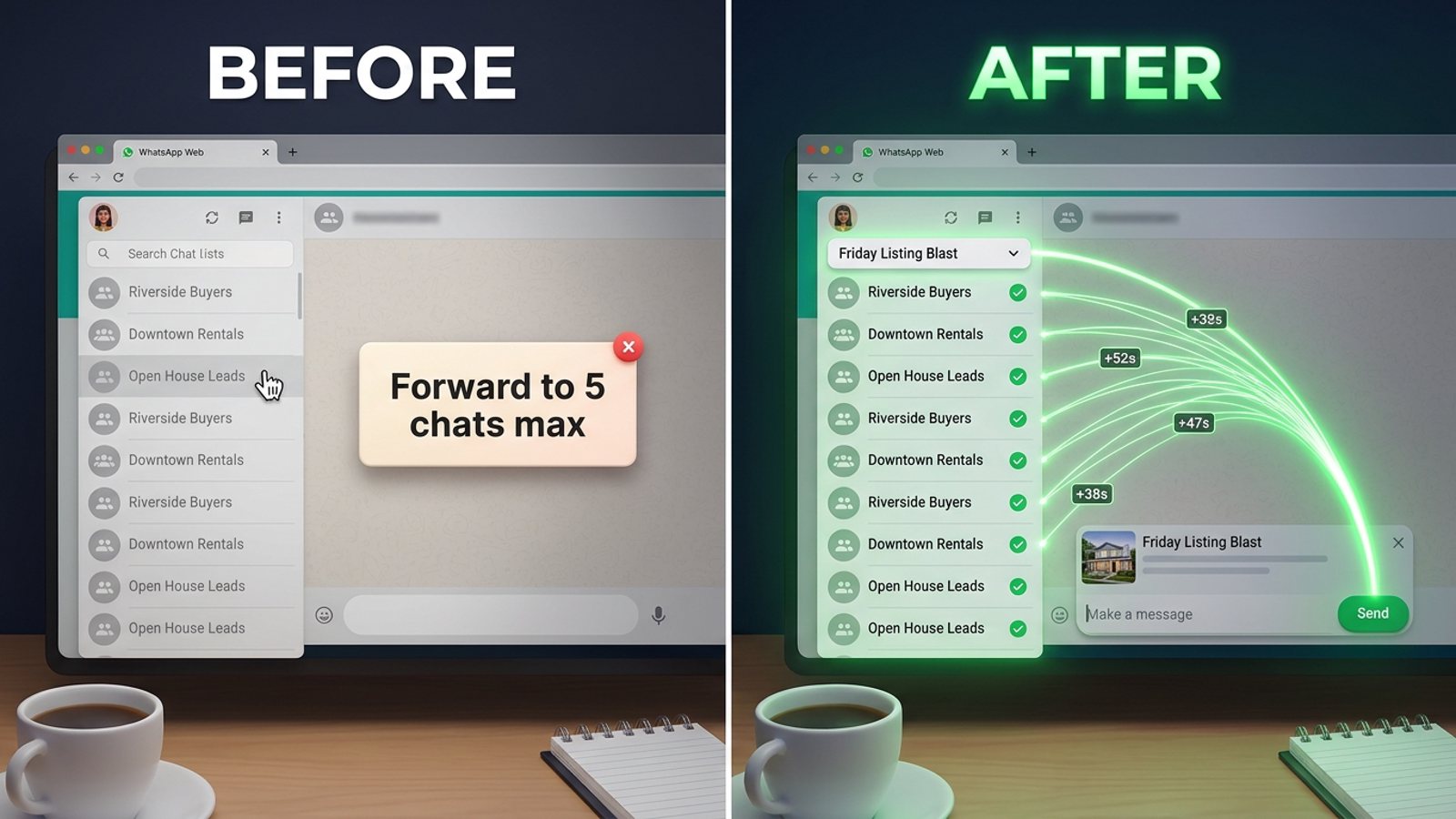
Say you run a bakery with 12 supplier and customer groups. A Friday special goes out every week. By hand that's a forward to five chats, then another forward, then another — and if the message was already forwarded, WhatsApp only lets you pick one group per send. Twenty minutes a week is roughly 17 hours a year spent on the same copy-paste.
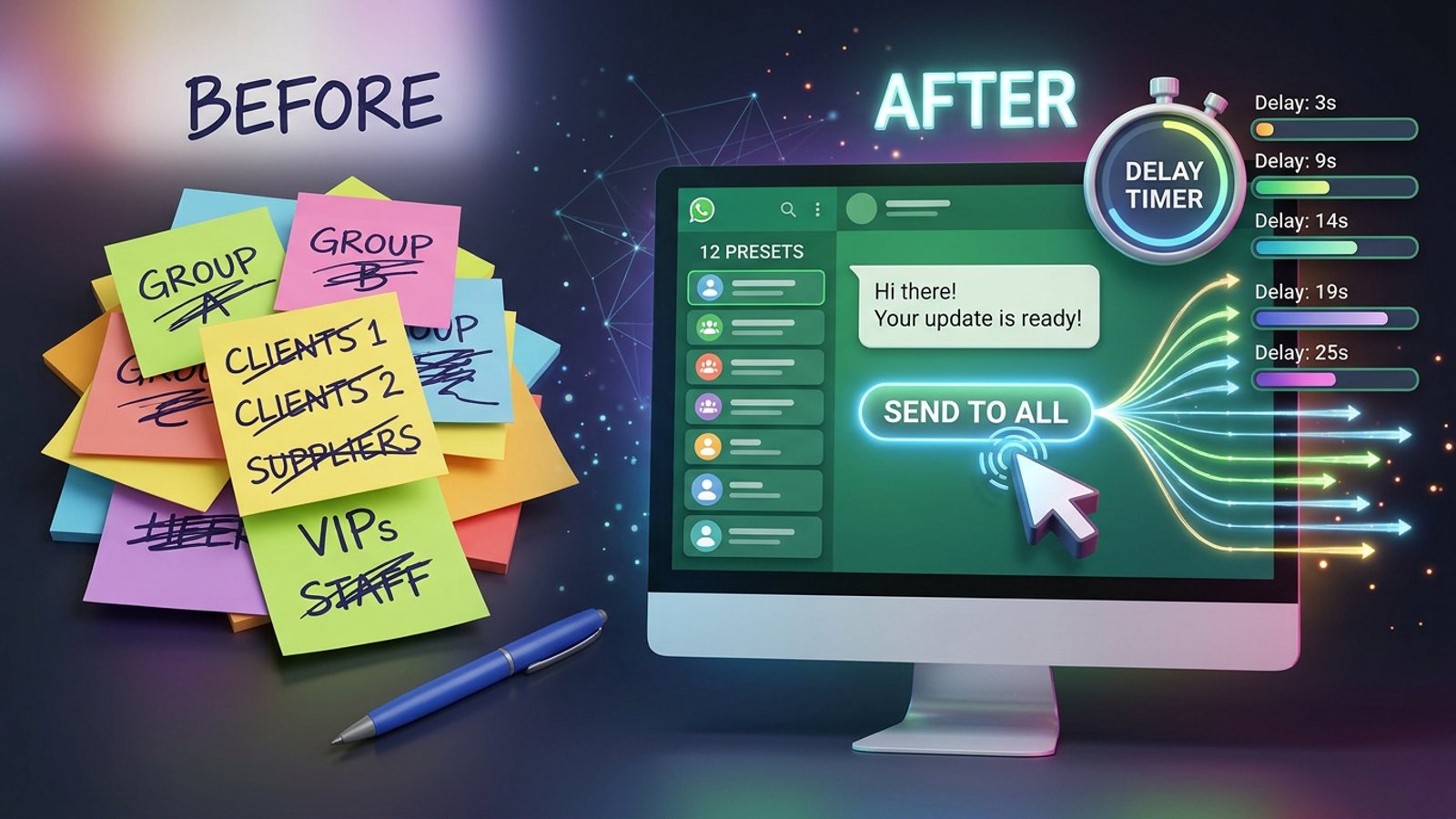
Now compare that to a preset-based tool: you save the 12 groups once, pick the preset, and send. The question is whether the minutes you get back, and the groups you stop forgetting, are worth the price and the account risk. For most owners messaging a dozen or more groups regularly, the answer tips to yes.
How much time does manual sending really cost?
Manual sending costs you 10–20 minutes for 10 groups and 30–60 minutes for 30 groups, according to one vendor blog's estimates (wazap.co.il, 23 April 2026). Treat those as rough vendor figures, not measured averages.
The same source flags two quieter costs: typos from repeated pasting, and forgotten groups — the customer who never got the announcement because you lost track at group nine. On WhatsApp Web, copy-paste is faster than on mobile, but it's still tedious (wasurge.com, 28 July 2026).
Here's the arithmetic that matters. If you send twice a week to 20 groups and each round takes 25 minutes, that's about 43 hours a year. Even at a modest hourly value for your own time, the case for a tool starts to build. If you send once a month to four groups, it doesn't.
What changes when you use a preset-based bulk WhatsApp sender?
A preset-based sender turns a repeated chore into a saved list plus one click. That's the core shift: the list lives in the tool, not in your memory.
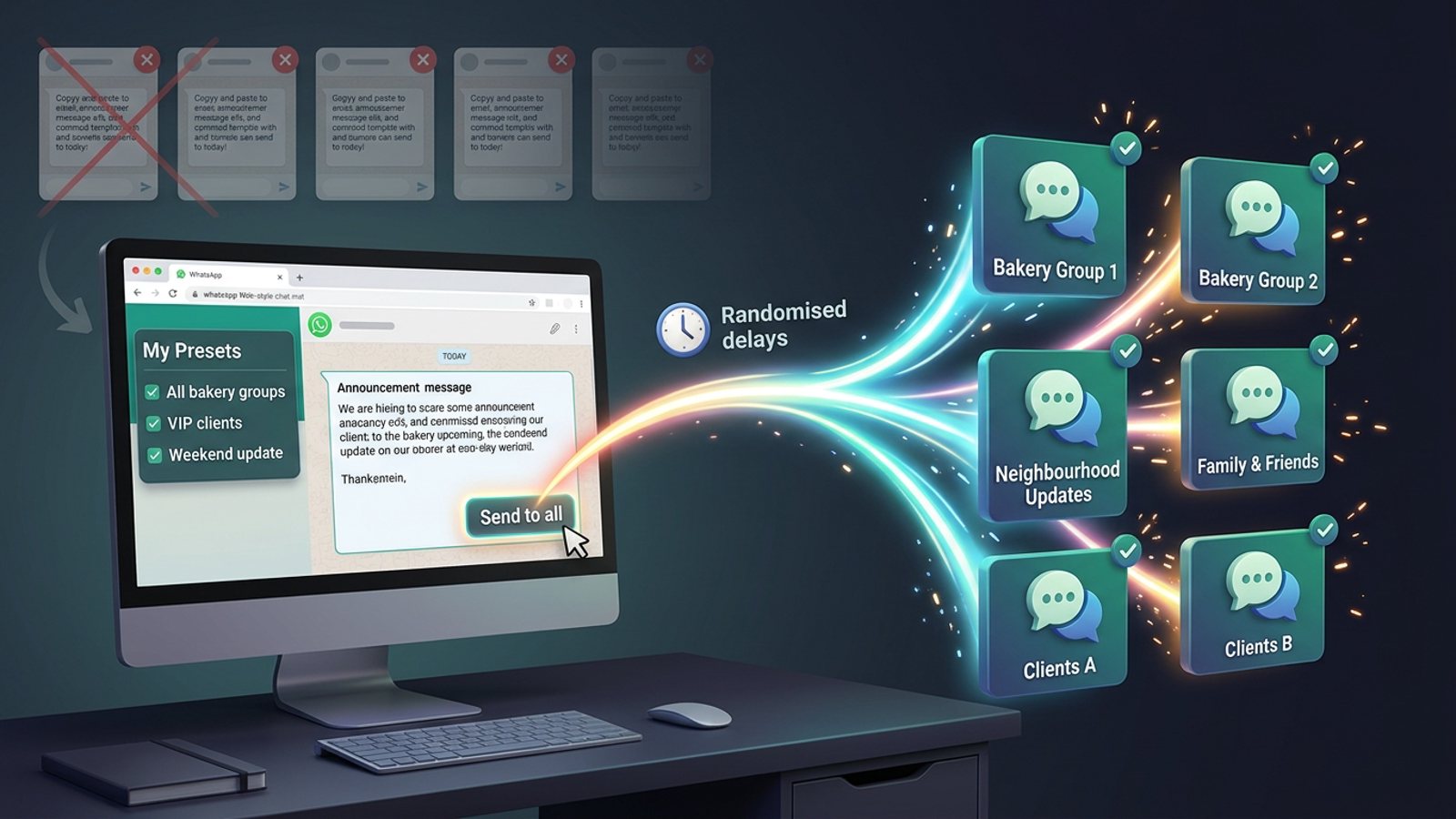
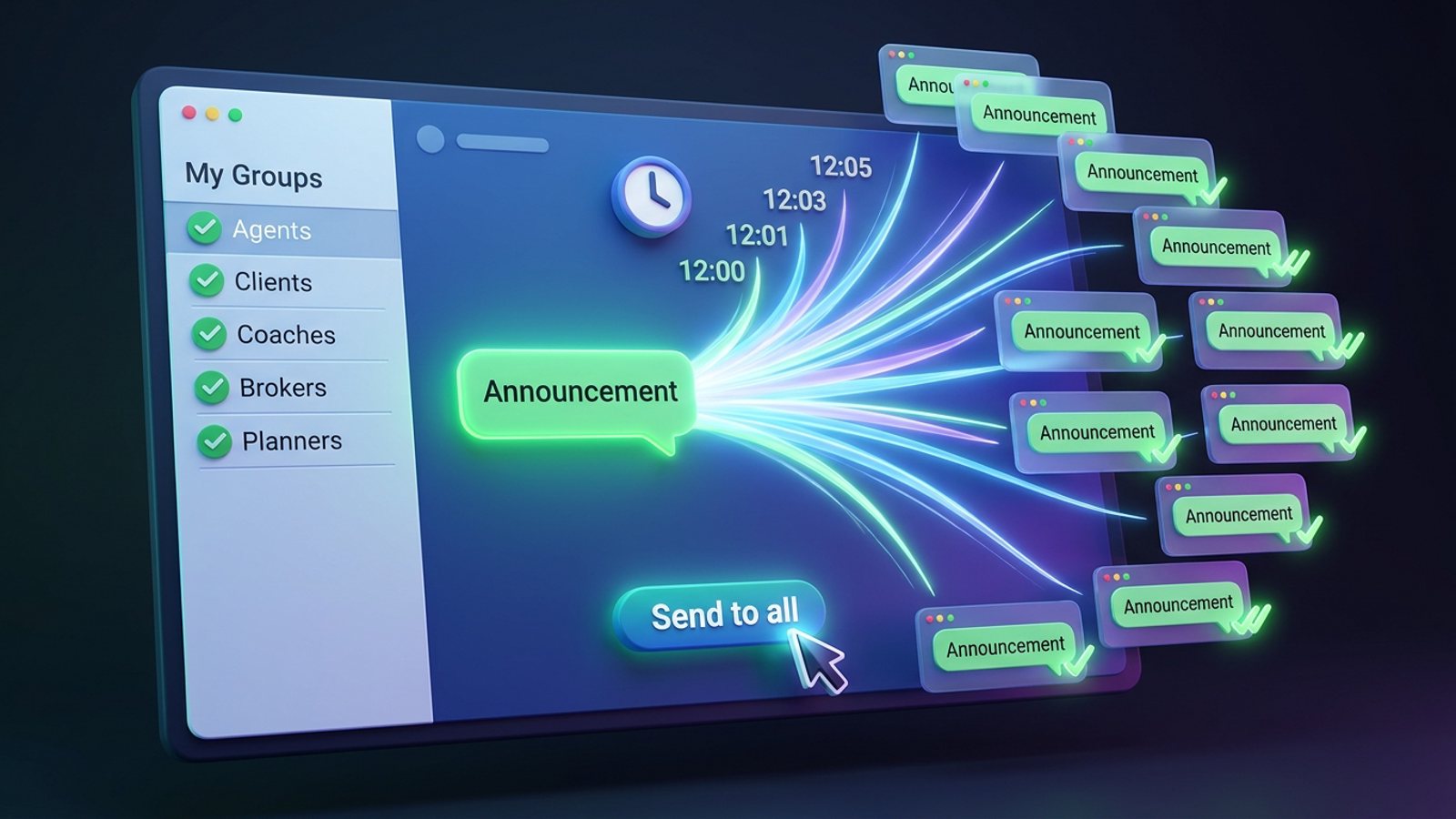
With FivePlus, the flow is: install the Chrome extension, open WhatsApp Web, save your group and contact lists as presets once, then pick a preset (or several, in V2), choose your message or media, and send. Randomised delays stagger the timing so the sending looks more natural. You can mix people and groups into one preset.
That last point matters for a small business. Your reach usually isn't just groups — it's 8 groups plus 15 regulars who prefer a direct message. A preset that holds both means one send covers everyone.
Is a bulk WhatsApp sender worth it compared with the free options?
The free options are genuinely good for some owners — the honest answer depends on your reach. Here's how the main routes compare, with FivePlus first because this is our blog.
| Option | Best for | Key features | Price / free option | Watch-outs |
|---|---|---|---|---|
| FivePlus (Our pick) | Owners sending to more than 5 groups and contacts | Saved presets, unlimited sharing, randomised delays, V2 multi-list sends | Free 3-day trial | Chrome + WhatsApp Web only; regular WhatsApp, not Business accounts |
| Manual sending in WhatsApp Web | Up to about 5 groups | Nothing to install; zero cost | Free | 5-chat forward cap; 10–60 min per round |
| WhatsApp broadcast lists | Contacts who saved your number | Up to 256 contacts per list, unlimited lists | Free | Contacts only, no groups; can't build on Web |
| WhatsApp Business API | Teams needing templates and multiple agents | Scale, templates, reporting | Per-message billing | Setup via a provider; template approval |
FivePlus is made by the team behind this blog. It's our pick of the tools we compared for this job because it does the one thing the free routes can't: send to dozens of chats in one click from saved lists, with randomised delays built in.
The honest limits: FivePlus needs the Chrome browser and WhatsApp Web, and free use is limited to a 24-hour trial. The owner confirms it works with regular WhatsApp rather than Business accounts. If you need a multi-agent inbox with CRM hooks, the API route is the more direct choice — but you'll pay per message, and Meta's rate cards are set per country and updated periodically (Route Mobile, 20 August 2026).
If you mainly message contacts rather than groups, broadcast lists are the more direct free choice — up to 256 contacts per list, as long as each one has saved your number (WhatsApp Help Center, 16 February 2026). If you admin the groups yourself, a Community announcement group reaches every member with one post (9bot, 8 October 2026).
Want to see the preset flow on your own lists? Get FivePlus for WhatsApp Chrome extension (bulk share beyond 5 recipients) and run your real groups through the trial.
How do I test a bulk sender without wasting money?
Test it on your real lists during a normal sending week, and measure two things: minutes saved and groups reached. A short free trial is enough to feel the difference.
- Count your real reach. How many groups, how many contacts, and how often do you actually message them?
- Time one manual round. Send your next announcement by hand and note the minutes — that's your baseline.
- Install the extension and open WhatsApp Web. Save your lists as presets once.
- Send the same kind of message through the preset. Note the minutes and check nobody was missed.
- Compare. Minutes saved per send, times sends per month, against the cost. If the gap is small, stay free.
The FivePlus trial runs 24 hours, so plan it around a real send rather than a quiet day. Saved group lists stay saved even if you cancel, so it's better not to uninstall the extension — but the free window itself is short, which is the point of testing properly.
Can WhatsApp ban me for using a bulk sender?
Yes — WhatsApp says accounts sending spam, automated or bulk messages can be restricted or banned. That's why "worth it" has to include risk, not just time.
WhatsApp has banned millions of abusive accounts, and since 7 December 2019 it may take legal action against those it judges to be abusing the platform, including automated or bulk messaging (WhatsApp Help Center). A third-party legal note confirms that automating a personal WhatsApp account violates the Terms of Service and carries real ban risk (GitHub, 27 January 2026).
What does that mean practically? No tool — ours included — can guarantee your account stays safe. FivePlus uses anti-ban technology that mimics natural human behaviour and randomised delays to stagger timing, which reduces the "spammy" pattern. It doesn't remove the rules. The honest framing: you're choosing a tool that paces sends to look more human, while accepting that WhatsApp's terms still apply and enforcement can change.
The real question isn't "can a tool keep me safe?" — it's "is this message something my groups actually want, sent at a pace that looks human?"
When is a bulk sender not worth it?
A bulk sender isn't worth it if you message a handful of groups occasionally, or if your audience is contacts who'd be better served by a broadcast list. In those cases, free wins.
Three signs you should skip it:
- You send to fewer than about five groups, rarely. Manual forwarding handles this in minutes.
- Your reach is contacts, not groups. Broadcast lists are free and private — up to 256 per list, as long as they've saved your number.
- You need multi-agent inboxes and reporting. The API route fits better, even with per-message costs.
And three signs it's worth it: you send the same message to a dozen or more groups weekly; you keep forgetting a group; you've built lists in a notes app because you're tired of searching. If any of those sound familiar, the trial will tell you quickly.
If you're weighing this against doing it all by hand, our breakdown of a bulk WhatsApp sender vs sending to 5 chats at a time by hand walks through the same trade-off in more detail. And if you're a coach or planner building a client list, see the best bulk WhatsApp sender for coaches in 2027.
What should I check before paying for any bulk sender?
Check four things: platform fit, saved lists, delay controls, and what happens to your data if you leave. These separate a tool that fits your week from one you'll abandon.
- Platform fit. Does it run where you work? FivePlus needs Chrome and WhatsApp Web, and works with regular WhatsApp rather than Business accounts.
- Saved lists. Can it store your group and contact lists as reusable presets? This is the feature that saves the most time.
- Delay controls. Does it stagger sends rather than blasting? Randomised delays are the difference between paced and spammy.
- Exit terms. What happens to your saved lists if you cancel? With FivePlus, saved lists stay saved — which is why it's better not to uninstall the extension.
Then look at price honestly. FivePlus is free to try for 3 days, and all plans include unlimited sharing with no monthly sending limit, confirmed by the owner. For other tools, prices change — WAMessager lists a free tier of 50 messages a day plus in-app purchases, and BizSend lists Pro at $29.99/month or $49.99 one-off as of November 2026 (Chrome Web Store listings). Always check the current listing before you buy.
If remembering your groups is the pain point, our post on a tool that remembers your WhatsApp group list for repeat sends covers that specifically.
Ready to put your own lists through it? Get FivePlus for WhatsApp Chrome extension (bulk share beyond 5 recipients) and see what a one-click send to your real groups feels like.
Sources
- Unauthorized use of automated or bulk messaging on WhatsApp — WhatsApp Help Center, undated
- About account restrictions — WhatsApp Help Center, undated
- How to use broadcast lists — WhatsApp Help Center, 16 Feb 2026
- WhatsApp group message: 4 ways — WavesFlo, 16 Sep 2026
- How to send messages to multiple WhatsApp groups at once — wasurge.com, 28 Jul 2026
- How to send a WhatsApp message to all groups at once — wazap.co.il, 23 Apr 2026
- How to message multiple WhatsApp groups at once — 9bot, 8 Oct 2026
- WhatsApp broadcast guide — Zenvia, 21 Oct 2026
- How to send bulk messages on WhatsApp — Sinch, updated 1 Sep 2026
- WhatsApp business pricing guide — Route Mobile, 20 Aug 2026
- Is the WhatsApp API free? — Wati vendor blog, 4 Nov 2026
- WA Bulk Message Sender – WAMessager — Chrome Web Store, 17 Nov 2026
- BizSend listing — Chrome Web Store, undated
- WhatsApp Terms & Legal Considerations — GitHub, 27 Jan 2026
- How to avoid WhatsApp account ban — ActiveCampaign vendor blog, 15 Oct 2026
Frequently asked questions
Usually yes if you send the same message to more than five groups or contacts regularly — saved lists and paced sending replace hours of copy-paste. It's not worth it if you message a few groups occasionally, where free manual sending or broadcast lists do the job.
For small owners who work in WhatsApp Web and want saved presets plus randomised delays, FivePlus is our pick of the tools we compared, with a 3-day free trial. If you mainly message contacts who've saved your number, WhatsApp's free broadcast lists are the more direct choice; if you need templates and multiple agents, look at the Business API.
Yes. FivePlus is free to try for 3 days, and other extensions list free tiers or trials — BizSend advertises a free trial, and WAMessager lists a free tier of 50 messages a day (Chrome Web Store, November 2026). Plan your trial around a real send so the comparison is honest.
WhatsApp says bulk and automated messaging violates its Terms of Service and accounts can be restricted or banned. No tool can guarantee safety. Randomised delays and paced sending reduce the spammy pattern, but you're still accepting risk — and rules can change, so this isn't legal advice.
Not for FivePlus — the owner confirms it works with regular WhatsApp rather than Business accounts. The WhatsApp Business API is a separate route with per-message billing and template approval, better suited to teams that need multiple agents and reporting.