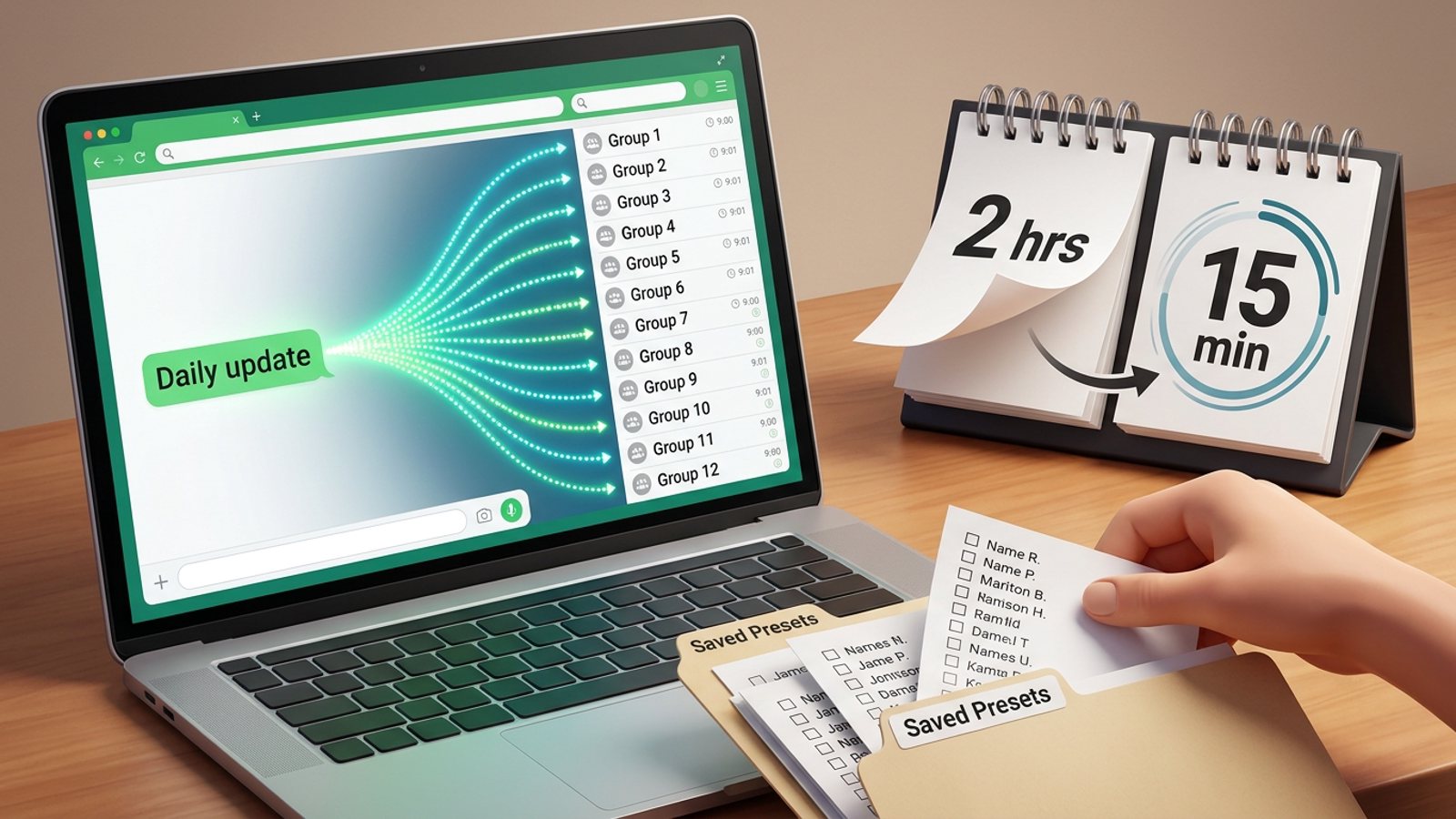
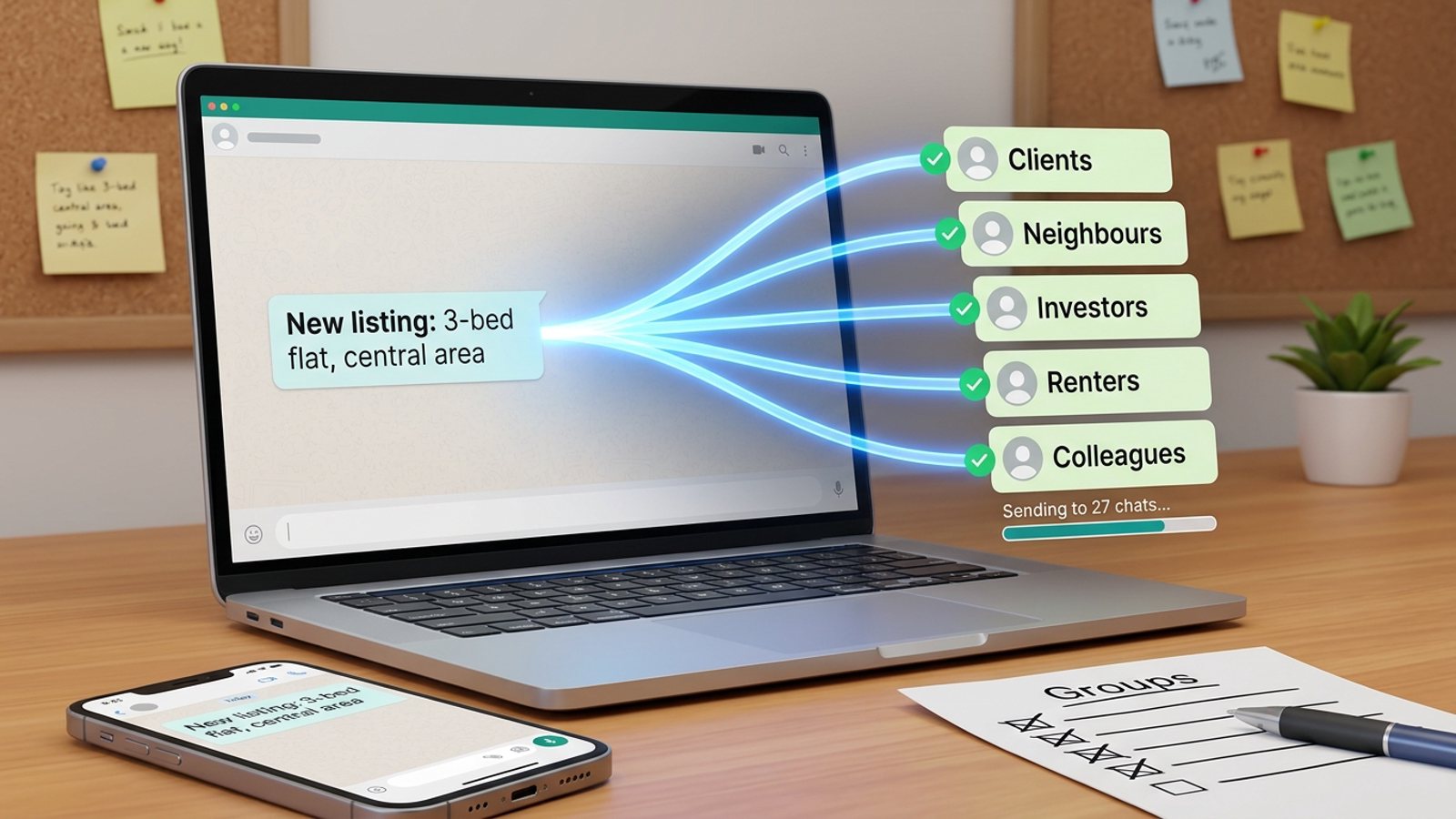
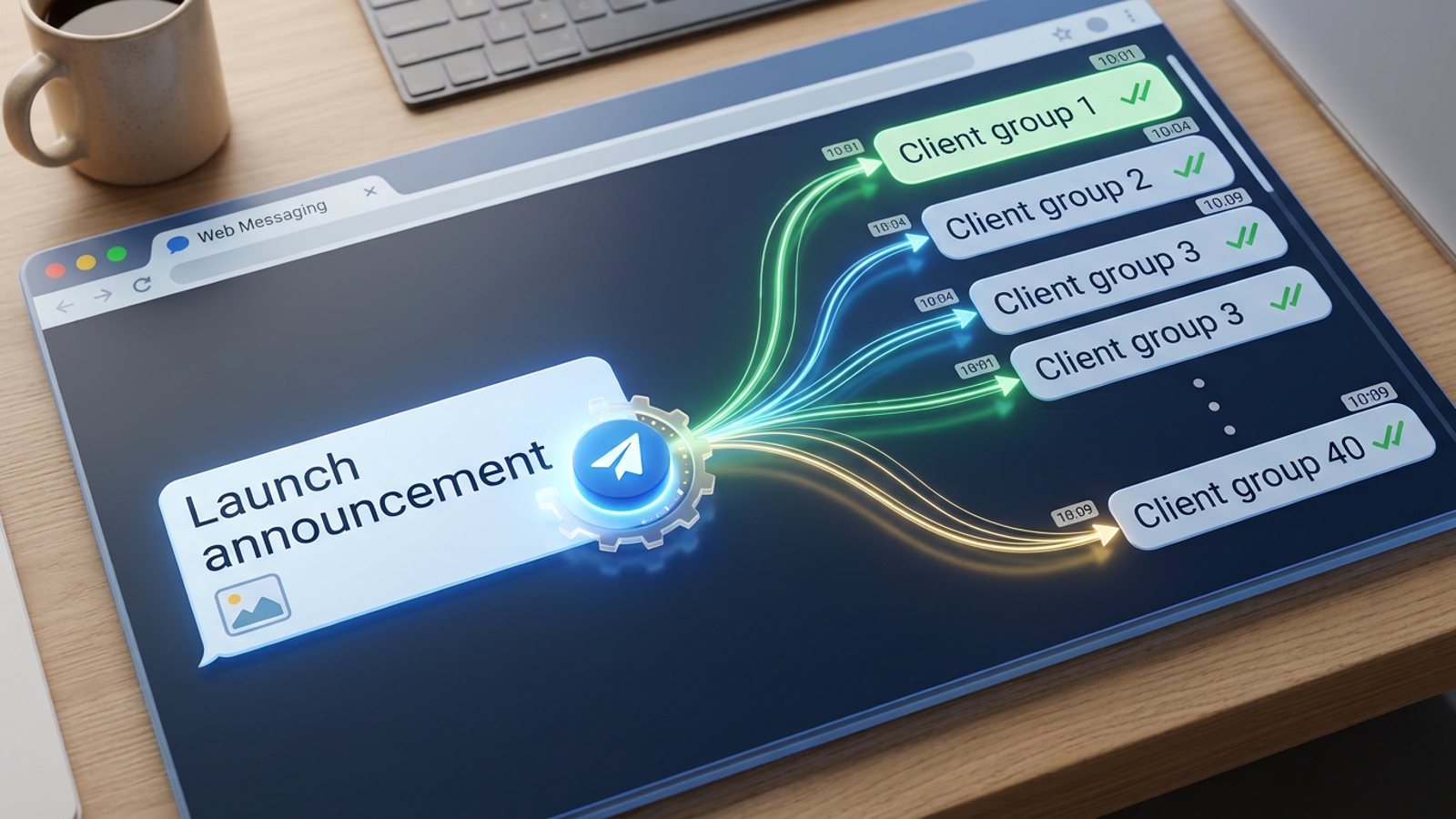
What's the best bulk WhatsApp sender for planners sending event updates to groups?
For a planner pushing one event update — a venue change, a running order, a last-call notice — into many WhatsApp groups at once, the practical pick is a Chrome extension bulk sender on WhatsApp Web that saves your group list as a preset and spaces sends with randomised delays. Of the tools we compared, FivePlus is our pick. No tool removes ban risk.
Send an update to dozens of event groups in one click instead of five at a time: Get FivePlus for WhatsApp Chrome extension (bulk share beyond 5 recipients).
How do planners send one event update to many WhatsApp groups at once?
You write the update once, pick your saved group list, and let a tool post it into each group with a gap between sends. The differences between tools come down to how they handle the list, the pacing and the safety.
Doing it by hand is the baseline. WhatsApp caps a forward at 5 people or groups, and a message that has already been forwarded can only go to one group, according to WhatsApp's Help Center. Chained forwards also pick up a "Forwarded many times" label, which The Times of India covered in June 2026. For a planner with 30 event groups, that's six rounds of tapping before you've checked whether the venue change landed.
A bulk sender automates that loop. The good ones do three things: remember your groups, send to more than five at once, and slow the pace so the pattern looks human.
The technique that matters most isn't speed — it's pacing a send so it looks like a person working through a list, not a machine firing at once.
What should a planner look for in a bulk WhatsApp sender?
Five things decide whether a sender is worth keeping: saved group lists, sending beyond 5 chats, randomised delays, a pause button, and whether it can post in the groups you're actually in.
- Saved group lists. Save your event groups once and reuse the list for every update. Re-searching 30 groups before each announcement is where the time goes.
- Sending past the 5-chat cap. WhatsApp's own limit is 5 per forward. A sender has to go beyond that to be worth installing.
- Randomised delays. A group-sender guide published by MSG.AI in October 2026 recommends configurable delays, commonly 20–60 seconds between group sends, plus pause and resume. Treat those figures as practitioner advice, not a WhatsApp rule.
- Permission reality check. If a group is set so only admins can post, no tool can create send permission for you — the MSG.AI guide says so plainly.
- Honest risk language. A Chrome Web Store listing for a bulk sender (updated 20 November 2026) states outright: "There is no way to send bulk messages with zero risk."
How does FivePlus handle a planner's event update?
FivePlus is a Chrome extension for WhatsApp Web that sends a message, announcement or media to many saved groups and contacts in one click — beyond the standard five at a time. You install it, save your event groups as a preset once, then pick that preset, attach the update, and send.
The parts that matter for event work:
- Saved group lists you build once and reuse, so a venue change at 6pm doesn't mean hunting for 30 groups.
- Mixed presets — people and groups in one list, so your venue contact and the guest group get the same notice in one go.
- V2 sends to multiple saved lists at once, useful when you're running two events in the same week.
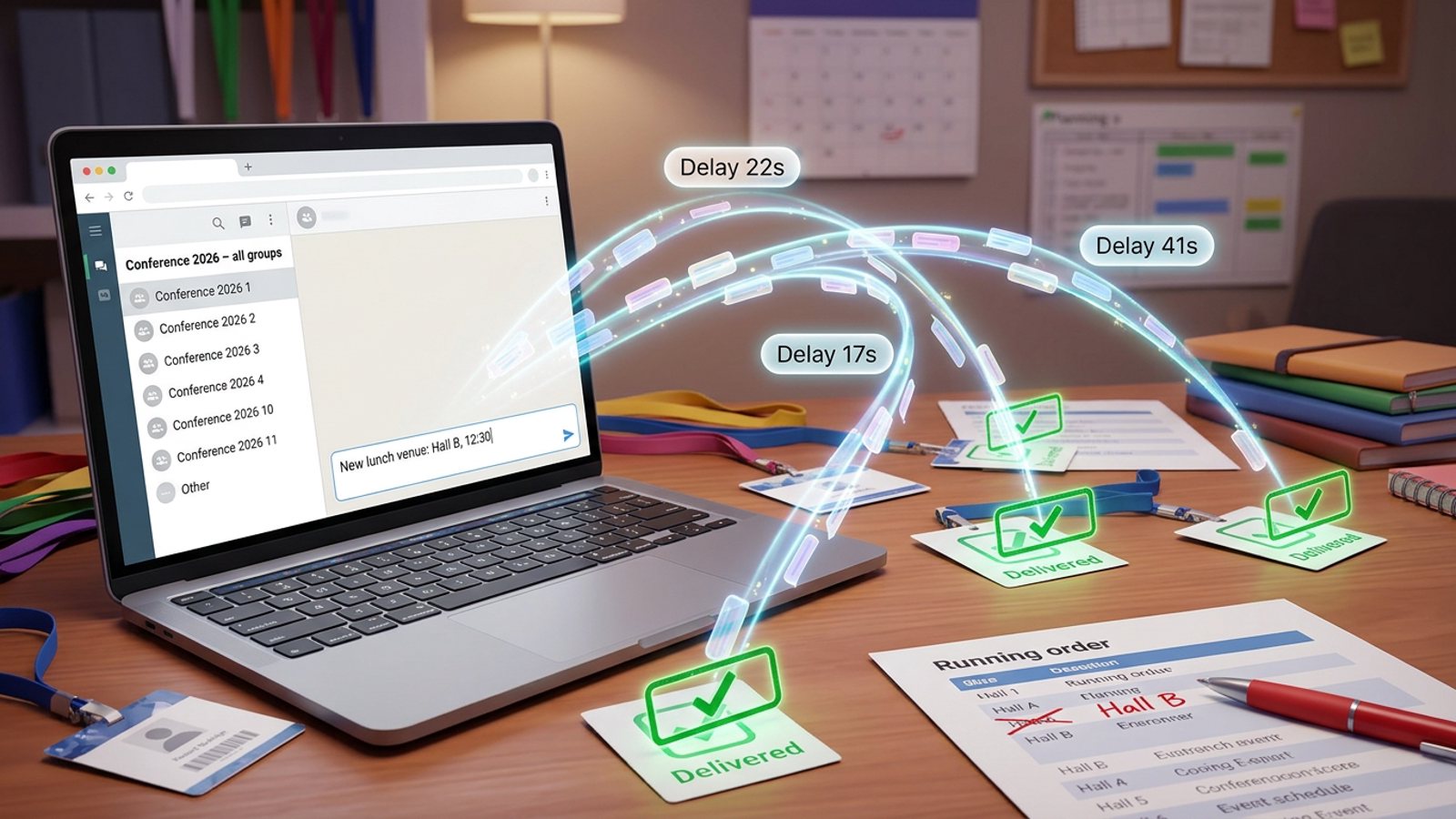
- Randomised delays stagger message timing, and anti-ban technology mimics natural human behaviour.
- No login required, and it runs on WhatsApp Web in Chrome.
Two honest limits: it needs Chrome and WhatsApp Web, and free use is limited to a 24-hour trial. Saved group lists stay saved forever, but the owner's advice is not to uninstall the extension if you want to keep them. FivePlus is not affiliated with Meta; WhatsApp is a trademark of Meta Platforms, Inc.
Say you run a two-day conference and the lunch venue changes. Instead of six forward rounds, you open your saved "Conference 2026 – all groups" preset, paste the new location and time, and send. The delays do the spacing while you get back to the room setup.
Which bulk WhatsApp sender is best for planners? The options compared
Of the tools we compared, FivePlus is our pick for planners already inside the event groups who need the update out today. The others win on different jobs — read the "best for" column honestly.
| Option | Best for | Key features | Price / free option | Watch-outs |
|---|---|---|---|---|
| FivePlus (Our pick) | Planners in many event groups, sending from WhatsApp Web | Saved presets, multiple lists in V2, randomised delays, media sharing | Free to try, as of November 2026; prices can change | Chrome + WhatsApp Web only; 24-hour free trial |
| WhatsApp Communities | Planners who run their own audience | One admin post reaches all sub-groups | Free | Your own Community only; 100 groups / 2,000 members |
| WhatsApp broadcast lists | Private 1:1 nudges to confirmed attendees | Reusable list, recipients can't see each other | Free | Reaches people, not groups; 256 contacts; phone only |
| WATI (Business API) | Planner businesses wanting opt-in, template-approved messaging | Official Meta partner, automation, team inbox | Growth $59/mo, Pro $119/mo, Business $279/mo billed annually, as of November 2026 | Template approval; Meta message fees on top |
| WA Group Sender (WAGroup) | Posting to groups you manage, with scheduling | Group selection, media, scheduling, @all | Not stated in our material | Groups you're in only; same ban exposure |
FivePlus is made by the team behind this blog.
FivePlus vs the free built-in routes. Communities and broadcast lists cost nothing, and for some planners they're enough. A Community announcement reaches every sub-group in a Community you run in a single admin post, per WhatsApp's Help Center — but only people already inside it, capped at 100 groups and 2,000 members according to Simyo (September 2026) and Canaltech (August 2025). It won't reach the five supplier groups someone else added you to. Broadcast lists are private 1:1 sends of up to 256 contacts who must have saved your number, WhatsApp's Help Center notes (updated 18 November 2026), and they can't be created on Web or desktop. If your audience is a warm contact list rather than group chats, a broadcast list is the more direct choice.
FivePlus vs WATI. WATI is an official Meta Business Solution Provider with Growth, Pro and Business plans — an independent tracker listed them at $59, $119 and $279 per month billed annually, verified 10 November 2026, with Meta's per-message charges on top. It's the right call if you want template-approved, opt-in messaging with a shared team inbox and a 7-day free trial. It is not built for posting inside existing third-party groups, which is exactly the planner's job.
FivePlus vs WA Group Sender. WAGroup is a Chrome extension for WhatsApp Web that selects groups you manage, sends one update with images, videos or files, schedules sends and tracks progress, per its own site. If scheduling is your priority, it's worth a look. We don't have its pricing in our material, and a group-sender guide from MSG.AI (October 2026) notes the same ban exposure applies to any automation tool.
Ready to stop re-searching groups before every update? Get FivePlus for WhatsApp Chrome extension (bulk share beyond 5 recipients).
How many groups can you message before WhatsApp steps in?
There is no published number. WhatsApp's Business Platform enforcement documentation describes a ladder — warning, then sending restrictions of 1, 3, 5, 7 and 30 days, then account lock, then permanent disablement — but no safe numerical limit.
What WhatsApp does say is that it runs machine-learning spam detection, and that behaviour drawing enforcement includes high volumes of near-identical messages in a short window and high block or report rates. Independent practitioner guides treat limits as behaviour-based rather than a fixed quota. Periskope's partner docs (July 2026) say 3–5 reports in a short window can trigger enforcement, and that sending to invalid numbers is a spam-list fingerprint.
Community-tested pacing figures — not Meta rules — put a new number at 20–50 messages a day, scaling over weeks, and established numbers under about 200 a day, per Whapi (May 2026) and Tenashi (June 2026). An Aliyun Developer Community article (October 2026) gives wider bands by account age and flags a sudden 4× jump in daily sends as the highest-risk signal, while saying plainly those lines are experience-based.
Our recommendation: start smaller than you think you need to, send in a sensible daytime window, and watch your block rate. If people start blocking you, rethink the message, not the tool.
What's the right way to send an event update step by step?
Write short, route it correctly, check permissions, save the list, pace it, and watch the response. That order saves you from the two classic failures: a message that reads like spam, and a send that dies halfway.
- Write the update once, short and specific. Event name, date, what changed, what to do next. Avoid identical generic blasts — repeated identical content is a spam signal, per Aliyun (October 2026) and EngageLab (August 2024).
- Pick the route. Your own Community for sub-groups you run; a broadcast list for warm 1:1 contacts; an extension sender for many groups you're already in; an API provider for opt-in, template-approved messaging.
- Check you can post in each group. Admin-only groups block everyone, and no tool changes that.
- Save the group list once. In FivePlus, that's a preset you reuse for the next update.
- Set randomised delays and send in a sensible window. Start smaller on newer numbers.
- Watch blocks and reports. If they climb, pause. High block rates are a top enforcement signal, per Periskope (July 2026).
Are broadcast lists or Communities better for event updates?
Neither replaces a bulk sender, because each reaches a different slice of your audience. Broadcast lists are private 1:1 chats to up to 256 contacts who saved your number — good for confirmed attendees and vendor contacts, useless for group chats. Communities are one admin announcement into every sub-group of a Community you run — good for your own audience, invisible to groups you only belong to.
If your event audience lives in groups you don't own, both routes leave people out. That's the gap an extension sender fills. For a deeper look at the Web-based route, see the best bulk WhatsApp sender for groups on WhatsApp Web.
Sources
- Unauthorized use of automated or bulk messaging on WhatsApp (WhatsApp Help Center)
- About forwarding limits (WhatsApp Help Center)
- About community announcements (WhatsApp Help Center)
- How to use broadcast lists (WhatsApp Help Center, updated 18 Nov 2026)
- WhatsApp Business Platform policy enforcement (Meta for Developers)
- WhatsApp broadcast list: setup, fixes and API guide (SleekFlow, updated 13 Apr 2026)
- How to create a WhatsApp Business Community: 2026 Guide (Trengo, 24 Jan 2026)
- WhatsApp community maken (Simyo, 20 Sep 2026)
- Como funcionam as Comunidades do WhatsApp (Canaltech, 28 Aug 2025)
- WhatsApp forward limit: how many chats at once (WavesFlo, 4 Oct 2026)
- WhatsApp forward messages explained (The Times of India, 6 Jun 2026)
- WhatsApp营销工具一天发多少条不封号 (Aliyun Developer Community, 27 Oct 2026)
- How to avoid a WhatsApp ban in 2026 (Whapi, 5 May 2026)
- How many WhatsApp messages can you send a day (Tenashi, 22 Jun 2026)
- Best practices (Periskope Docs, 15 Jul 2026)
- How to send bulk messages on WhatsApp without a ban (EngageLab, 28 Aug 2024)
- Scalable WhatsApp plans with volume pricing (Wati, updated 20 Oct 2026)
- Wati review / pricing (The AI Agent Index, updated 16 Nov 2026)
- WAGroup (WAGroup)
- WhatsApp group sender Chrome extension guide (MSG.AI blog, 1 Oct 2026)
- WA Bulk Message Sender PE (Chrome Web Store, updated 20 Nov 2026)
Frequently asked questions
Of the tools we compared, FivePlus is our pick for planners sending event updates into many groups they're already in — it saves group lists as presets, sends beyond 5 chats at once, and staggers sends with randomised delays. If you need opt-in, template-approved 1:1 messaging instead, WATI is the more direct choice.
No. Tools can't create send permission in admin-only groups, as a group-sender guide from MSG.AI (October 2026) states. Check each group's settings before you build your list, or your update will silently skip those groups.
Usually because the recipient hasn't saved your number. WhatsApp's Help Center (updated 18 November 2026) notes that broadcast list contacts must have your number saved for the message to arrive, and SleekFlow (April 2026) makes the same point.
Practitioner guides commonly suggest 20–60 seconds between group sends, plus a pause and resume option, per MSG.AI (October 2026). These are community estimates, not WhatsApp rules. Our recommendation: use the upper end of whatever range your tool offers on a newer number.
No tool is risk-free. WhatsApp says bulk and automated messaging violate its Terms of Service, and a Chrome Web Store bulk-sender listing (updated 20 November 2026) says plainly there is no way to send bulk messages with zero risk. Pacing and saved lists reduce obvious spam signals; they don't change the rules.