What's the best bulk WhatsApp sender for groups on WhatsApp Web?

There's no officially approved way to bulk-message WhatsApp groups — WhatsApp says bulk and automated messaging break its Terms of Service. For posting the same message into a list of groups you already belong to on WhatsApp Web, a Chrome extension that saves your group list once and paces sends with randomised delays is the practical route; FivePlus is the preset-based option here.
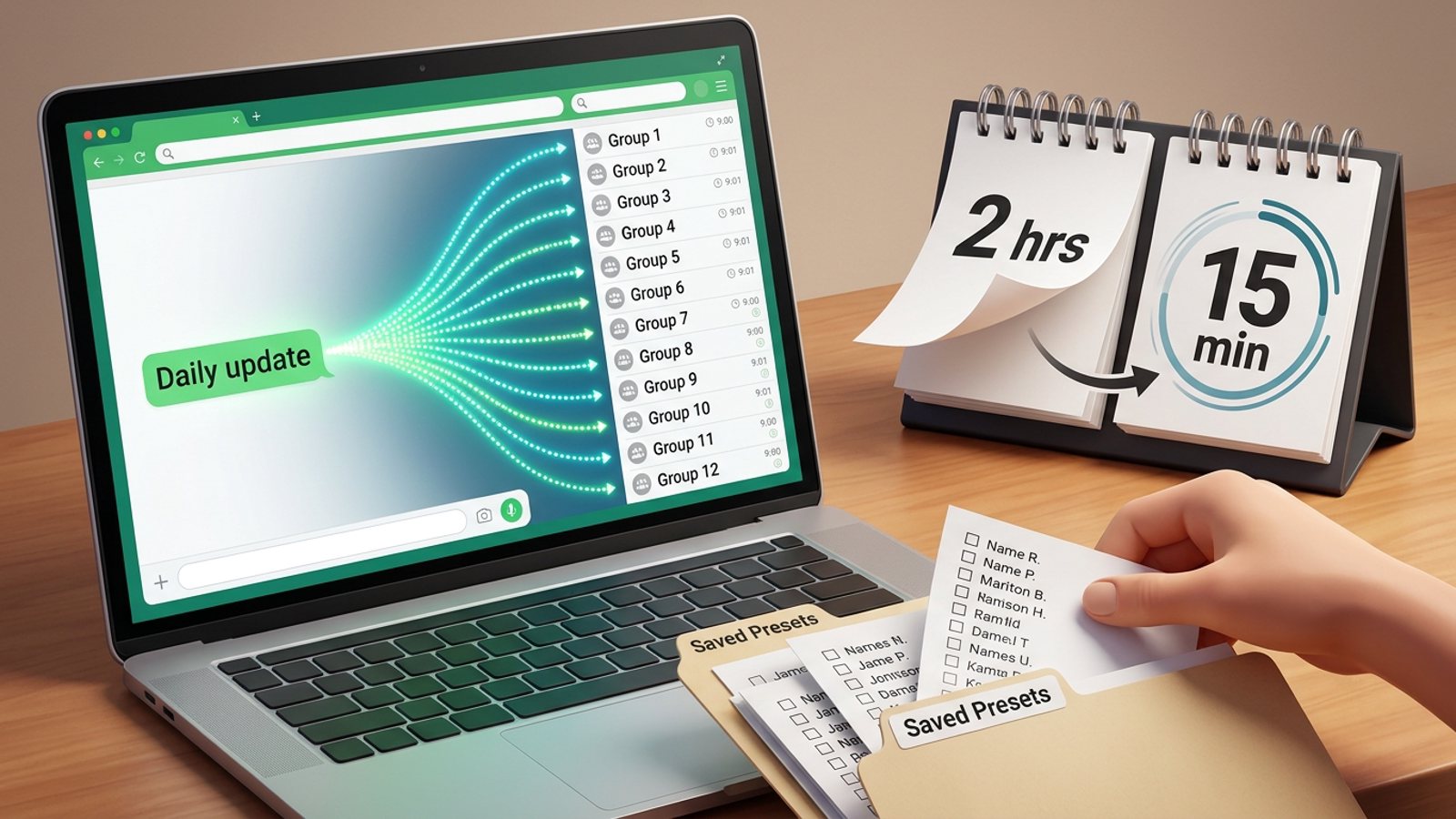
FivePlus is a Chrome extension that sends one message to dozens of saved groups and contacts in one click, beyond the standard five at a time. If your job is getting an announcement into every group you run, get FivePlus for WhatsApp Chrome extension (bulk share beyond 5 recipients) and see how a saved preset list changes your morning.
What counts as a bulk WhatsApp sender for groups?
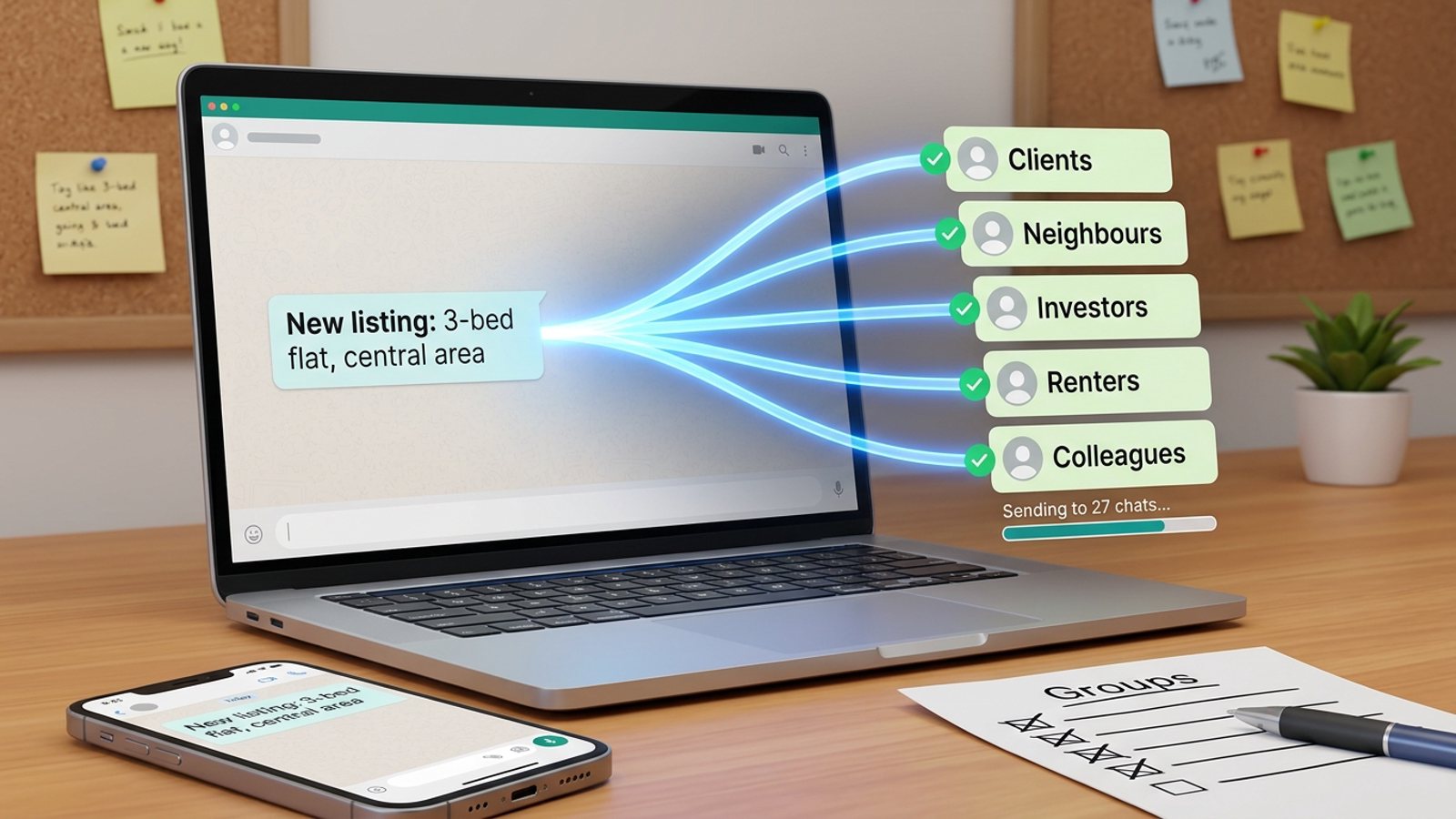
A bulk sender is any tool or feature that puts one message into many chats without you opening each one. On WhatsApp Web that usually means a browser extension that reads your existing chat list, lets you tick the groups you want, and fires the message into all of them with delays in between.
The important distinction: these tools post into groups you are already in. They don't add you to new groups, and they don't reach people who haven't joined. That's the job of the official routes below.
Why can't WhatsApp Web send to all my groups at once?
Because WhatsApp deliberately caps forwarding at five chats, and only one of those five can be a group. A message that has already been forwarded can go to just one group, and a chain of five or more chats gets the "Forwarded many times" label (WhatsApp Help Center; WavesFlo, 4 October 2026).
So the built-in ceiling isn't a bug you can toggle off. It's the design. That's exactly the gap third-party senders fill — and exactly why they sit in tension with the rules.
How do the options compare?
Here are the four routes worth knowing, with FivePlus first because it's the one built for this specific job.
| Option | Best for | Key features | Price / free option | Watch-outs |
|---|---|---|---|---|
| FivePlus (Our pick) | Posting into many existing groups from WhatsApp Web | Saved group presets, one-click send, randomised delays, anti-ban pacing | Free to try for 3 days | Chrome + WhatsApp Web only; not affiliated with Meta |
| WhatsApp Communities | Official, rule-compliant group announcements | Admin-only Announcements group, up to 100 groups, 2,000 members | Free | Every member must join; no discovery |
| WhatsApp broadcast lists | Private 1:1 messaging to contacts | 256 contacts per list, no template approval | Free | Cannot reach groups at all |
| WATI | Compliant template messaging at scale | Official Business API, shared inbox, no 256 cap | From about $39/month plus per-message fees | Not for posting into personal groups |
| WASender | Windows desktop campaigns | Excel import, multi-account, group automation | Free trial | Downloaded app; group-adding features breach WhatsApp rules |
FivePlus is made by the team behind this blog.
FivePlus — our pick of the tools we compared
FivePlus is built for one thing: taking a message you'd otherwise paste into group after group and sending it everywhere at once. You save your group and contact lists as presets once, mix people and groups into a single preset, and then pick a preset, attach your message or media, and send in one click. V2 lets you send to several saved lists at once.
The part that matters for your account is the pacing. FivePlus uses randomised delays to stagger message timing and anti-ban technology that mimics natural human behaviour, so the sends don't land as one suspicious burst. All plans include unlimited sharing, and there's no monthly sending limit per plan.
Honest limits: it needs Chrome and WhatsApp Web, the free trial runs 24 hours (the site advertises a 3-day try), and FivePlus is not affiliated with Meta — WhatsApp is a trademark of Meta Platforms, Inc. Saved group lists stay saved forever, so the owner's advice is not to uninstall the extension.
If you mainly need compliant, template-based messaging to people who never saved your number, WATI is the more direct choice. If you want the official route and your members will actually join, Communities is the honest answer.
WhatsApp Communities — the official answer
WhatsApp's own route for group announcements is a Community: related groups under one umbrella, with a central Announcements group where only admins can post. Members can react and reply in a thread. Communities hold up to 100 groups and reach up to 2,000 members through the announcement group (WhatsApp Help Center).
The catch is membership. Every person must actually join the Community, you're always added to the Announcements group as part of it, there's no community discovery, and reactions switch off above 1,025 members. Rules-compliant, but it only works if your audience follows you there.
WhatsApp broadcast lists — for people, not groups
Broadcast lists are free and each recipient sees an ordinary 1:1 chat, with no template approval needed. But they don't work for groups at all, they cap at 256 contacts per list, and only recipients who have saved your number actually receive the message — for everyone else it fails silently (Wati, 22 September 2026).
If your audience is a contact list rather than a set of groups, this is a solid free tool. If your audience lives in groups, it does nothing for you.
WATI — the compliant, paid route
WATI runs on the official WhatsApp Business Platform. It removes the 256-contact cap, reaches people who never saved your number, and gives you a shared team inbox. The trade-offs: it's a subscription plus per-message WhatsApp charges, and any business-initiated message outside the 24-hour customer service window must use an approved Meta template.
Pricing as of November 2026: a Wati landing-page snapshot lists $39/month (5 users) and $79/month tiers, with extra users at $12 and $24/month/user; an independent tracker reports WATI starting at $59/month billed annually. Prices vary by region and can change. From 1 October 2026 Meta also charges per service message sent inside the 24-hour window.
WASender — desktop power, more risk
WASender is a Windows desktop app for large campaigns: Excel import, multi-account switching, randomised delays, and group automation including auto group joining and bulk member adding. A free trial is advertised with no signup and no credit card; the README (vendor, 1 December 2025) doesn't show paid pricing.
The honest warning: auto group joining and bulk member adding are precisely the "unauthorised or automated" group creation WhatsApp warns against. The README is vendor marketing with "unlimited" claims that sit against WhatsApp's rules.
Source: Wati landing page snapshot and The AI Agent Index review
How do you send one message to many groups without getting flagged?
You slow down, vary the message, and keep it relevant. WhatsApp's anti-spam systems watch sending speed, content repetition and report rates in real time, according to Wati's 2026 guide — and Meta hasn't published a fixed threshold, so treat these as risk signals rather than a formula.
- Save your list once. Build the group preset before you send anything, so you're not hunting through chats mid-campaign.
- Set randomised delays. Vendor examples use 5–25 second gaps and send-X/pause-Y batching. Firing 40 groups in two minutes is the pattern that gets noticed.
- Vary the wording. Content repetition is one of the signals being watched, so change the opening line between sends where your tool allows it.
- Keep it relevant. Irrelevant content drives the blocks and reports that lead to action — offer an opt-out line.
- Batch across the day. Split a big list into morning and afternoon sends rather than one block.
The tool only changes how fast you can send — the message being worth receiving is what keeps your number safe.
Which one should you actually pick?
Pick by where your audience already is. If they're in groups you already run, a WhatsApp Web extension gets the message out today. If they'll join a Community, the official route is free and clean. If they're contacts who never saved your number, you need the Business API.
For most agents, planners, coaches and brokers reading this, the groups already exist and the members are already in them — which is why a preset-based extension is the practical pick. Ready to try it? Get FivePlus for WhatsApp Chrome extension (bulk share beyond 5 recipients) and send your next announcement in one click.
Sources
- Unauthorized use of automated or bulk messaging on WhatsApp (WhatsApp Help Center)
- How to use WhatsApp responsibly (WhatsApp Help Center, updated 2026-11-18)
- About forwarding limits (WhatsApp Help Center)
- WhatsApp forward limit: how many chats at once (WavesFlo, 4 Oct 2026)
- How to decide whether to create a WhatsApp group or community (WhatsApp Help Center)
- About building private, safe, and secure communities on WhatsApp (WhatsApp Help Center)
- Comment créer une communauté (WhatsApp Help Center, French)
- WhatsApp bulk-messaging rules 2026 (Wati blog, 22 Sep 2026)
- How to Message Multiple WhatsApp Groups at Once (9bot, 8 Oct 2026)
- Send a message to multiple WhatsApp groups (WavesFlo, 16 Sep 2026)
- Understanding Wati's pricing structure (Wati Help Center, 6 Oct 2026)
- Wati advertising landing page (Wati, 22 Aug 2026)
- Wati Review 2026 (The AI Agent Index, updated 16 Nov 2026)
- WhatsApp marketing tool comparison (eChai Ventures, checked 11 Nov 2026)
- WASender repository README (GitHub, 1 Dec 2025)
- Pro Sender listing (Chrome Web Store)
Frequently asked questions
Not with built-in WhatsApp. Forwarding stops at five chats with only one group allowed, and broadcast lists don't reach groups at all. You need Communities or a third-party sender.
No. They're for individual contacts, capped at 256 per list, and only reach people who saved your number.
WhatsApp lists automated or bulk messages among practices that may cause a ban, and its systems score sending speed, content repetition and report rates. No tool can promise otherwise.
Yes. WhatsApp points to bringing groups into a Community and posting once in the admin-only Announcements group.
Of the tools we compared, FivePlus is the one built for that exact job — saved presets, one-click send and randomised delays on WhatsApp Web. If you need template messaging to people outside your groups, WATI is the more direct choice.