What is the best bulk WhatsApp tool for real estate agents?
For an agent who sends every new listing to dozens of buyer and seller groups, the best bulk WhatsApp tool real estate agents use is a one-click preset extension on WhatsApp Web: save your group list once, then send the same message or media to more than five chats in one go. Official API providers cost more and need templates; broadcast lists stop at 256 contacts.
If your morning starts with a new listing and forty groups to tell, the tool you want is the one that turns that into one click. Get FivePlus for WhatsApp Chrome extension (bulk share beyond 5 recipients) and you can pick a saved list, attach the photos, and send — with randomized delays doing the pacing for you.
What does a real estate agent actually need from a bulk WhatsApp tool?
It needs to send one listing to many groups fast, keep the group list saved, and pace the sends so the account doesn't look like a machine. Everything else — chatbots, shared inboxes, analytics — is a bonus most solo agents never open.
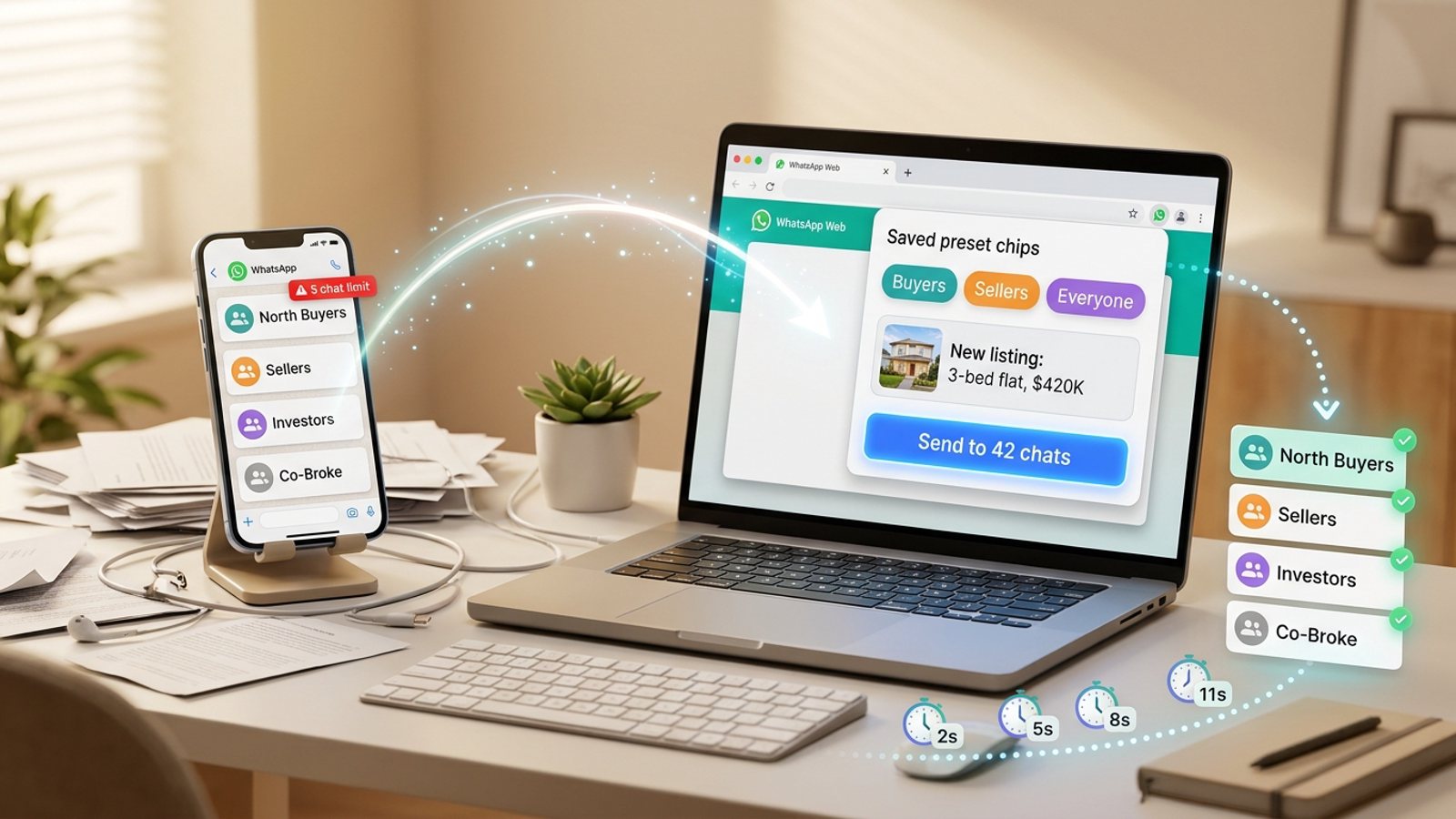
Think about your actual Tuesday. A flat comes on the market at 9am. You have a buyers group for the north side, a sellers group for the same area, an investors group, an agents group where you co-broke, and a handful of one-to-one clients who asked for first look. That's the job: same photos, same price, same viewing slot, everyone told before lunch.
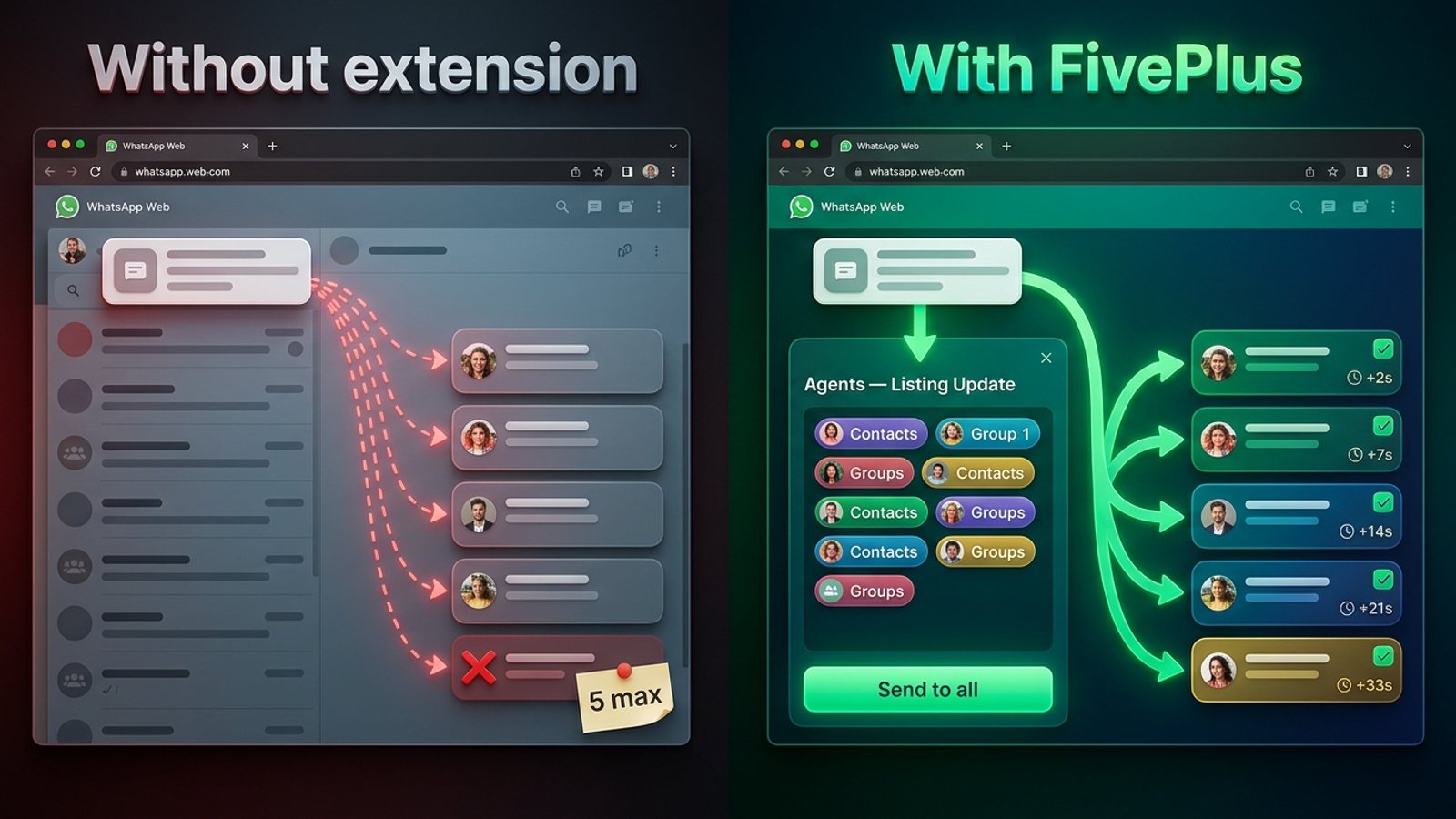
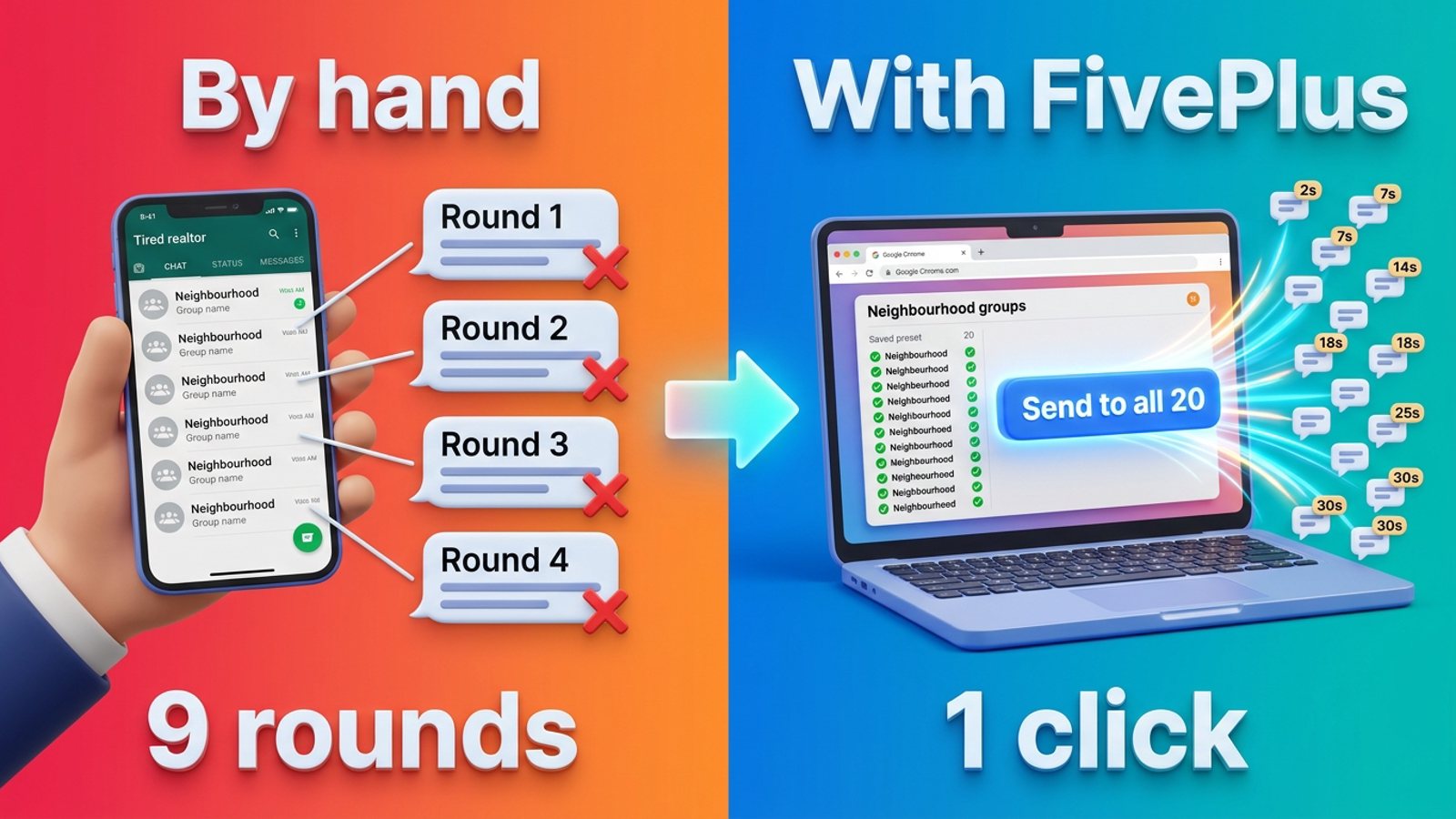
Native WhatsApp makes that hard. According to WavesFlo (16 September 2026), forwarding is capped at five chats per forward, and only one group if the message was itself forwarded. A Web extension that selects multiple groups and posts with a delay between each is the practical method once you're past a handful of groups, per wasurge.com (28 July 2026).
Which types of bulk WhatsApp tool are on the market in 2026?
Four kinds, and they solve different problems: one-click preset extensions, scheduling-first senders, desktop multi-account apps and CSV-driven senders. The official API sits above all of them as the sanctioned route.
- One-click preset extensions run inside WhatsApp Web in Chrome. You save group and contact lists once, then send to all of them at once. Best for the daily listing blast.
- Scheduling-first senders are built around queuing messages for a future time. Useful if you plan a week of content, less so if the listing goes live now.
- Desktop multi-account apps let one machine hold several WhatsApp accounts. That suits a small agency with a front desk, not a solo agent with one number.
- CSV-driven senders take a spreadsheet of numbers and message them. Powerful for cold outreach, but a spreadsheet of numbers you haven't spoken to is exactly the pattern WhatsApp's spam detection watches.
- Official API providers (BSPs) are the only officially sanctioned bulk route, but they come with monthly fees, Meta per-message charges and template approval.
What is the best bulk WhatsApp tool for real estate agents in 2026?
Of the tools we compared, FivePlus is our pick for an agent's daily listing routine, because it does the one thing the job needs: send to more than five groups and contacts in a single click from WhatsApp Web, with your group lists saved as presets.
Here's how it works in practice. You install the extension in Chrome and open WhatsApp Web. You save your buyer, seller and co-broke groups as a preset — once. Then for each new listing you choose the preset (V2 lets you pick several saved lists at once), attach the message and photos, and send. Randomized delays stagger the timing, and the extension's anti-ban technology is built to mimic natural human behaviour. You can mix people and groups into one preset, and there's no login required beyond WhatsApp Web itself.
For an agent, the preset is the whole point. Your "north side buyers" list doesn't get rebuilt every morning; it's there, saved. The product facts confirm saved group lists stay saved even if you stop using the tool — which is why it's better not to uninstall the extension.
FivePlus is free to try for 3 days, and all plans include unlimited sharing with no monthly sending limit, as of November 2026; prices can change. The honest limits: it needs Chrome and WhatsApp Web, the free trial runs 24 hours, and it isn't affiliated with Meta — WhatsApp is a trademark of Meta Platforms, Inc.
How do the alternatives compare for an agent's listing blast?
Each alternative below is genuinely better than FivePlus at something. Read the "watch-outs" column as carefully as the strengths.
FivePlus is made by the team behind this blog.
| Option | Best for | Key features | Price / free option | Watch-outs |
|---|---|---|---|---|
| FivePlus (Our pick) | Daily listing blast to many groups | Saved presets, one-click send, randomized delays | Free 3-day trial | Chrome + WhatsApp Web only |
| WATI | Officially sanctioned bulk route | Shared inbox, chatbots, templates | From $39/mo + Meta fees | Verification and template approval |
| 360dialog | Own CRM or chat stack | Official API, flat per-number fee | €49 / $59 per number per month | Per-number fee + Meta fees |
| Broadcast lists | Warm leads who saved you | Free, private 1:1 delivery | Free | 256 contacts, no groups |
| Manual copy-paste | Two or three groups | Nothing to install | Free | One group at a time |
WATI is the official route. Its own page (7 September 2026) lists Growth at $39/mo, Pro at $79/mo and Business at $199/mo, billed annually with up to 25% annual saving, plus per-message Meta rates and a 7-day free trial. Prices are shown in your currency, and other published figures differ — a comparison blog listed $99/$249/$499 on annual billing (bossbot.uk, 4 August 2026), and a review site lists from $59/mo annual (The AI Agent Index, updated 10 November 2026). Treat all of these as indicative. If you mainly need a shared inbox for a team and compliance paperwork, WATI is the more direct choice.
360dialog suits an agency that already has its own CRM. Its docs (30 September 2026) list a Regular channel Standard Subscription at €49 / US$59 per number per month, Premium at €99 / $119, with per-message Meta fees on top and no per-message markup claimed. Secondary sources vary on the higher tiers (APIs.io, 31 October 2026; Srileo, 12 August 2026). Note that an unverified Meta Business account can't connect more than two numbers (Simla.com docs, 2 November 2026).
WhatsApp Business broadcast lists are free and private — each recipient sees an ordinary one-to-one chat. But they cap at 256 contacts per list, can't target groups, and delivery fails silently if the recipient hasn't saved your number (ChatbotX, 29 July 2026). You also can't create them on WhatsApp Web — only send to lists already made on the phone (Zenvia, updated 21 October 2026). For warm leads, they're excellent. For groups, they don't apply.
Manual copy-paste costs nothing and every message looks individually typed. It's also one group at a time, forever.
How do you set up a bulk WhatsApp routine for listings?
Start with the channel, then the list, then the pacing. In that order — most agents do it backwards and rebuild their group list every week.
- Decide the channel. A saved-preset extension for the daily group blast; broadcast lists for leads who have your number saved; an API provider if you need templates, a shared inbox and compliance paperwork (Lands Of Nigeria, 1 November 2026).
- Save your lists once. Group your contacts by buyer type, area or development. In FivePlus this is a preset; in other extensions it's a saved group list (WA Spark, for example, advertises saved group lists — Chrome Web Store).
- Set a randomized delay. Rather than firing everything at once, space the messages out. WA Spark advertises randomized 6–15 second delays on its listing (Chrome Web Store).
- Warm a new number slowly. Don't start a fresh number on your biggest list.
- Keep the message personal. A listing with the address, price and one viewing slot reads like a person. A wall of text with three links reads like a blast.
- Track replies separately. Follow up in one-to-one chats or broadcast lists, not in the same group blast.
Should an agent use groups, broadcast lists or a channel for listings?
Use all three, for three different jobs: channels for a one-way listing feed, broadcast lists for warm leads, and small groups only for buyers in one development.
That's the guidance Lands Of Nigeria (1 November 2026) gives estate agents, and it matches how the tools behave. A broadcast is one-to-many and private — each recipient sees an ordinary 1:1 chat. A group is many-to-many and public, capped at 1,024 members (ChatbotX, 29 July 2026). A channel is one-way with hidden numbers.
So the listing you'd post in a channel is the same listing you'd send to your saved buyer groups — but the group send is where the conversation happens. If you're weighing those channels against each other, our post on bulk sender vs WhatsApp group sender for agents walks through the trade-offs.
What does the official API cost on top of the subscription?
Meta charges per delivered message, by category and recipient country — and since 1 October 2026, delivered service and support messages are charged too (Simla.com docs, 2 November 2026). Some resellers add a markup; the same source describes one Business API reseller charging Meta's official rates plus 10%, with 1,000 free delivered service messages per number per month.
On top of that, business-initiated messages to contacts who haven't messaged you in the last 24 hours must use a Meta-approved template, and review can take up to 24 hours (Digital Tool Box, 27 September 2026). Templates get rejected if the category doesn't match the content.
For a solo agent sending a listing to their own buyer groups, that's a lot of machinery for a Tuesday morning. If you're weighing the cost, see is a paid bulk WhatsApp sender worth it for estate agents — and if you're comparing spreadsheet-driven tools with saved presets, spreadsheet sender vs saved-preset extension covers that directly.
Source: Wati and 360dialog pricing pages, checked 23 Nov 2026
WATI figures are billed annually and exclude Meta per-message rates; 360dialog figures are per number per month, also excluding Meta fees. Prices can change.
Is a bulk WhatsApp tool safe for my number?
No tool guarantees it. WhatsApp treats bulk and automated messaging as a Terms of Service violation, and it restricts accounts that show send spikes.
What you can do is reduce the obvious signals: pace the sends, don't start a cold number on a huge list, keep messages personal, and stop when people ask you to. A tool with randomized delays and anti-ban behaviour helps with pacing — but it is risk reduction, not a guarantee. Anyone promising a ban-proof account is selling you something.
The safest bulk sender is the one that makes your sending look like what it is: a person with a listing, telling the people who asked to hear about it.
Ready to stop pasting the same listing into forty groups? Get FivePlus for WhatsApp Chrome extension (bulk share beyond 5 recipients) and send your next listing in one click.
Sources
- WhatsApp Help Center — About unauthorized uses of WhatsApp (en_US)
- WhatsApp Help Center — same page, zh_HK locale, incl. 7 Dec 2019 legal-action note
- Respond.io — WhatsApp Business banned: causes and prevention (28 Sep 2026)
- Wasurge — How to send messages to multiple WhatsApp groups at once (28 Jul 2026)
- WavesFlo — WhatsApp group message: send one to many groups (16 Sep 2026)
- ChatbotX — WhatsApp broadcast limits in 2026 (29 Jul 2026)
- Zenvia — Lista de transmissão no WhatsApp (updated 21 Oct 2026)
- SleekFlow — WhatsApp Business App vs API (15 Sep 2026)
- Digital Tool Box — WhatsApp broadcast for real estate: 2026 guide (27 Sep 2026)
- Simla.com docs — WhatsApp Business API pricing (2 Nov 2026)
- Lands Of Nigeria — WhatsApp broadcast vs group vs channel for estate agents (1 Nov 2026)
- AgentsAI — WhatsApp broadcast lists for real estate agents (May 2026)
- SendApp — WhatsApp Web: complete guide and its limits (24 Nov 2025)
- Wati — Wati API landing page & pricing (7 Sep 2026)
- 360dialog docs — Pricing (30 Sep 2026)
- APIs.io — 360dialog plans & pricing (31 Oct 2026)
- Srileo — 360dialog WhatsApp pricing & BSP fees (12 Aug 2026)
- bossbot.uk — WhatsApp Business API pricing in 2026 (4 Aug 2026)
- The AI Agent Index — Wati review (updated 10 Nov 2026)
- Chrome Web Store — WA Spark
- Chrome Web Store — Message Pilot Free
- Socket — Message Pilot Free package overview (18 Jun 2026)
Frequently asked questions
No. Forwarding is capped at five chats per forward, and only one group if the message was itself forwarded (WavesFlo, 16 September 2026). WhatsApp has no built-in multi-group post — you open each group individually.
Of the tools we compared, FivePlus is our pick for the daily listing blast, because saved presets plus one-click sending to more than five chats matches how agents actually work. If you need an officially sanctioned route with a shared inbox and templates, WATI is the more direct choice.
Only for warm leads who have saved your number. Broadcast lists cap at 256 contacts, can't target groups, and delivery fails silently if the recipient hasn't saved you (ChatbotX, 29 July 2026).
Only on the official API. Business-initiated messages to contacts who haven't messaged you in the last 24 hours must use a Meta-approved template, and review can take up to 24 hours (Digital Tool Box, 27 September 2026). Sending from WhatsApp Web with an extension doesn't involve templates.
They stay saved — which is why it's better not to uninstall the Chrome extension. Rebuilding forty groups from scratch is the one job nobody wants twice.