WhatSender Pro vs WA Sender: which is better for freelancers?
If your freelancer workflow is "same message, same saved groups, every week", WA Sender is the stronger of the two on list handling and templates, while WhatSender Pro is the simpler, free-labelled option. Neither saves your group lists as reusable presets the way FivePlus does, and neither is a Meta product — WhatsApp's rules still apply to both.
What is the difference between WhatSender Pro and WA Sender?
WA Sender is a Chrome extension with 200K users and a 4.7 rating from 641 ratings (version 2.1.10, updated 19 November 2026, per its Chrome Web Store listing), built around importing a contact list and sending templated messages. WhatSender Pro is a Chrome extension its listing describes as a "free WhatsApp bulk sender" for contacts and groups, with single, bulk and group sending from the browser "without complicated setup".
The practical difference for a freelancer is how you feed each one your recipients.
- WA Sender: pick by single contact, group, label, country, or all available contacts; or paste "Name:Phone" records, or copy the name and phone columns from Excel. It can also check whether imported numbers are linked to WhatsApp accounts before adding them.
- WhatSender Pro: its published guide (4 November 2025) walks through opening the app, clicking "Open WhatsApp", scanning the QR code under Linked Devices, then importing contacts and sending. A separate whatsender.net page describes contact search, filter, multi-select and CSV export in its Chrome plugin.
Neither listing documents a way to save a named group list once and reuse it in one click — which is the part that decides how much of your week disappears into admin.
Which one is quicker to set up for a solo freelancer?
WhatSender Pro is the shorter setup if you only have a contact list: link WhatsApp Web by QR, import, send. WA Sender asks for a little more preparation — you choose how to build the audience and validate your numbers — but that preparation is what makes its templates and scheduling useful afterwards.
Here is the honest trade: WhatSender Pro's "no complicated setup" pitch suits someone sending a one-off batch. WA Sender suits someone who sends regularly and wants variables, random intervals and repeat-for-N-days scheduling in the same tool.
Which one handles recipient lists better?
WA Sender edges it on list flexibility, because it accepts several ways in — contacts, groups, labels, country, pasted records, Excel columns — and validates numbers on import. WhatSender Pro documents contact import plus search, filter, multi-select and CSV export.
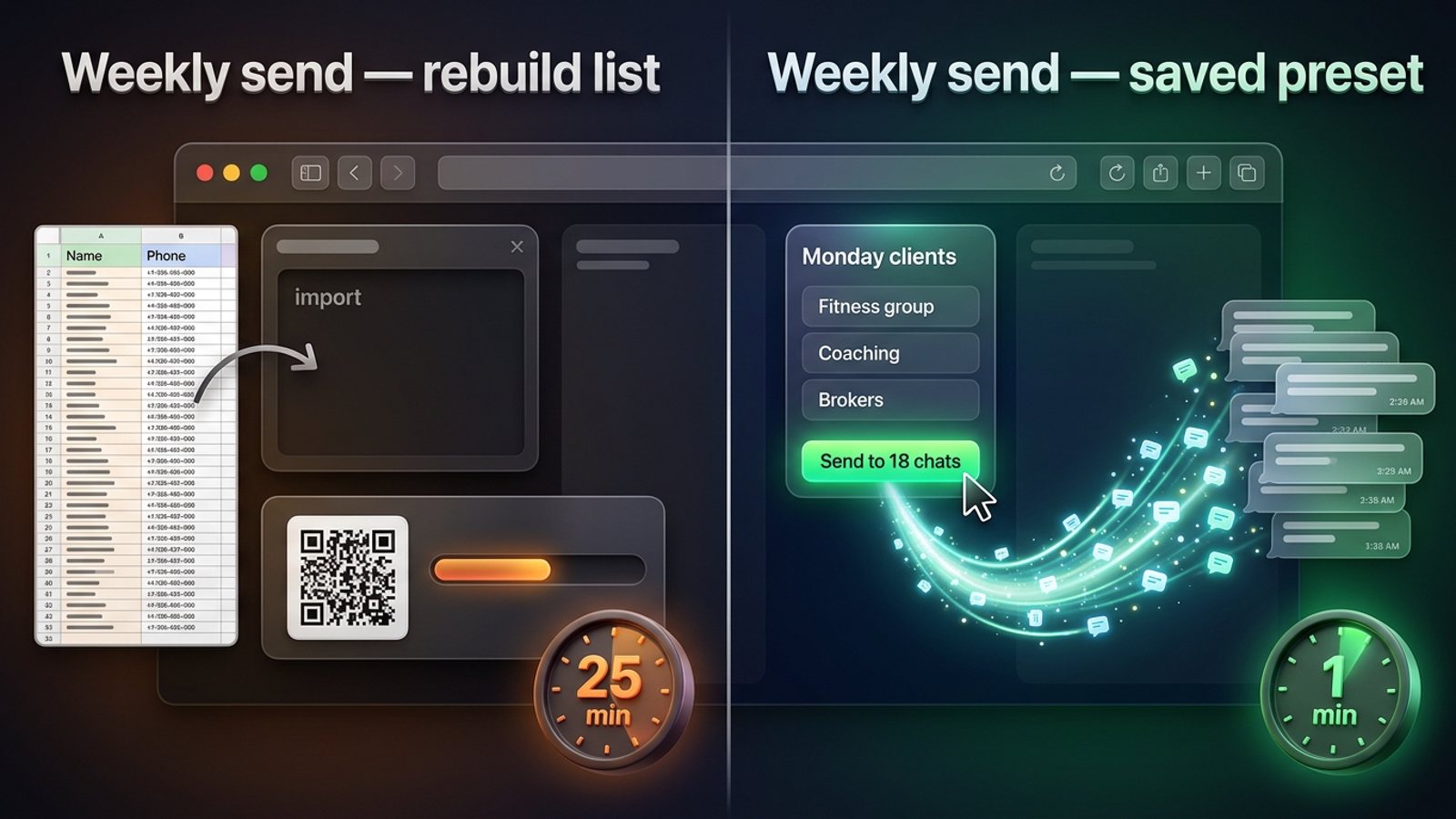
But "handles lists better" and "saves you from rebuilding lists" are different questions. Both tools start from an import or a selection each time you send. If your freelancer work is a roster of client groups you message every Monday, the repeated step is the same in both.
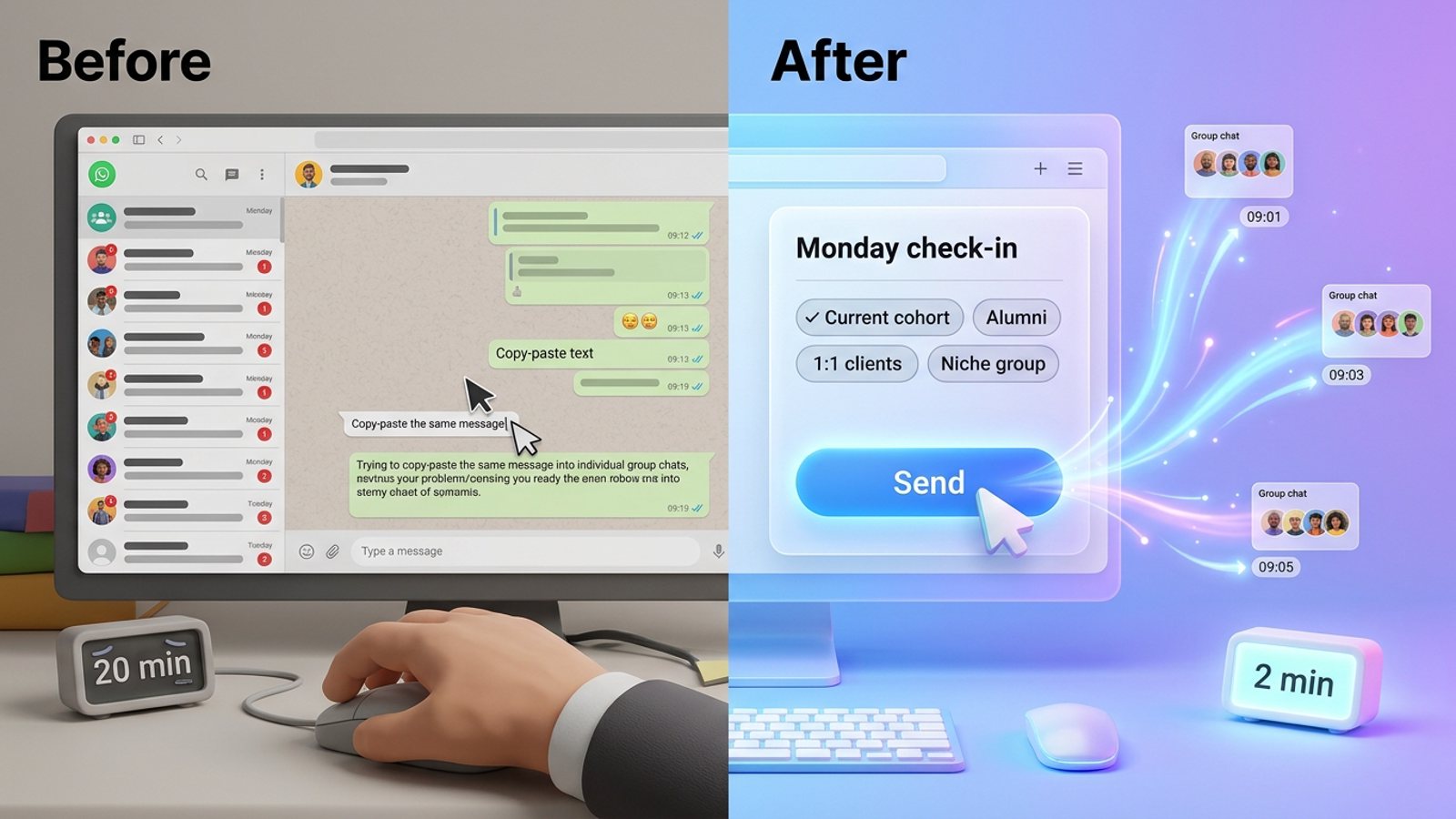
That is where saving group lists once changes the job. FivePlus lets you save your group and contact lists as presets once, then pick a preset — or several, in V2 — and send in one click, mixing people and groups into one preset. No login is required, and it works on WhatsApp Web in Chrome.
If you want the full picture of how saved presets compare with a spreadsheet-driven sender, our post on spreadsheet sender vs saved-preset extension walks through it.
Can WhatSender Pro or WA Sender get my WhatsApp account banned?
Both carry risk, because WhatsApp states plainly that bulk and automated messaging violate its Terms of Service, and that it uses on-platform machine-learning signals to identify and ban abusive accounts. It has banned millions of accounts and, since 7 December 2019, has pursued legal action against companies it judges to be facilitating bulk or automated use.
WA Sender's listing is candid about this: it says the platform controls delivery and account status, not the extension, that it is independently developed and not affiliated with, endorsed by or sponsored by WhatsApp or Meta, and that users must follow applicable laws, messaging rules and platform terms.
Meta's enforcement ladder for its Business Platform runs from a warning, to 1-, 3-, 5-, 7- or 30-day blocks, to an account lock with appeal only, to permanent disablement for repeat violations such as spam (Meta for Developers, updated 21 May 2026).
How do the options compare for freelancers?
FivePlus goes first here because it is our product and because saved presets are the gap both rivals leave open. Every other entry is judged on its own listing.
| Option | Best for | Key features | Price/free option | Watch-outs |
|---|---|---|---|---|
| FivePlus (Our pick) | Reusing the same group lists weekly | Saved presets, unlimited sharing, randomized delays | Free to try for 3 days | Chrome + WhatsApp Web only |
| WA Sender | Importing an existing contact list | Templates, variables, scheduling, number checks | Not stated on listing | Needs tab, PC and phone online |
| WhatSender Pro | A simple free-labelled sender | QR setup, contact import, CSV export | Listing says "free" | Undated docs; name clashes |
| Broadcast lists | Small warm audiences | Free, private 1:1 delivery | Free in WhatsApp | 256 contacts; saved numbers only |
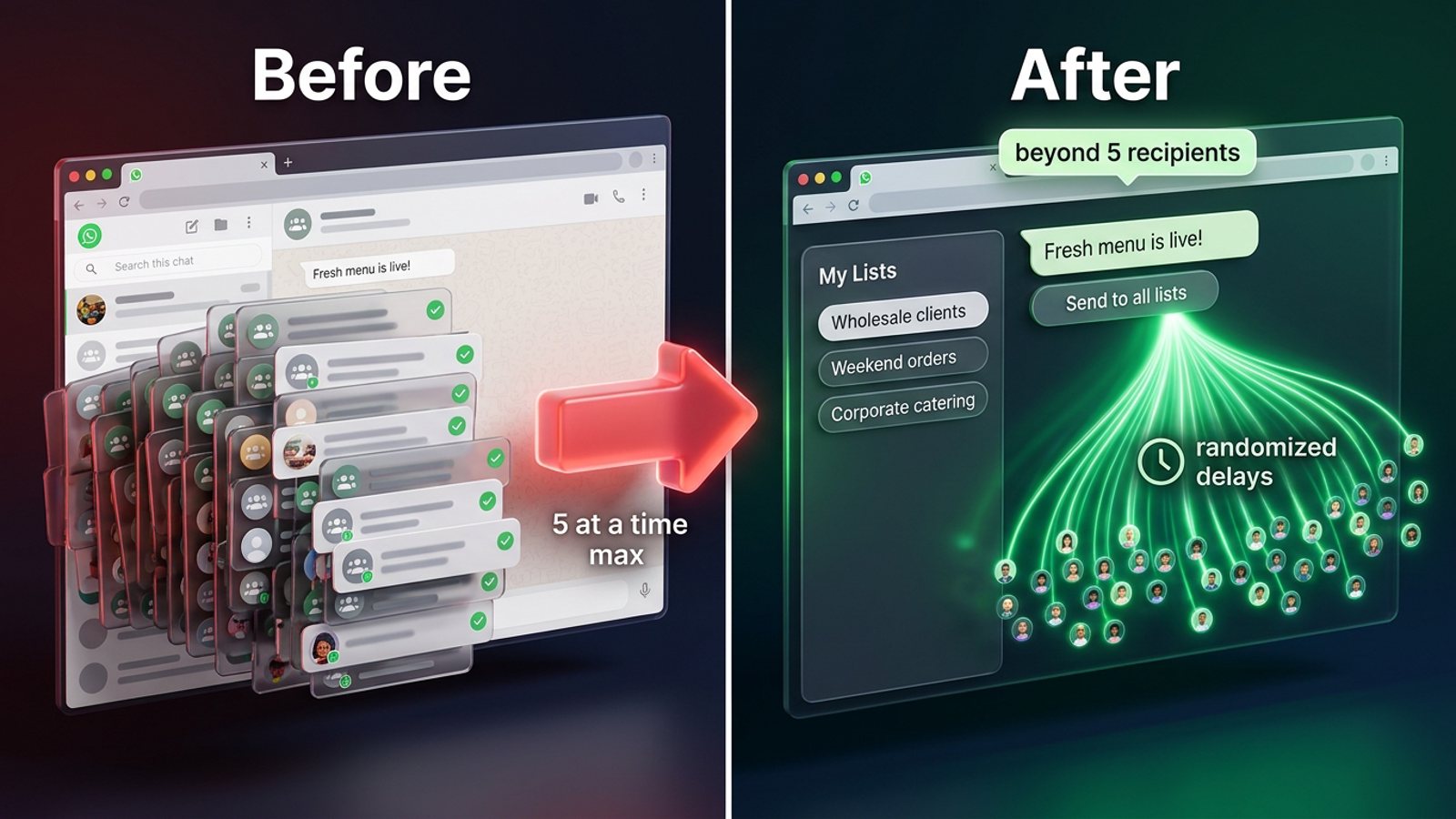
FivePlus is made by the team behind this blog. Of the tools we compared, it is the one built around the freelancer's repeat job: share to more than 5 groups and contacts in one go, with randomized delays staggering the timing so sends look natural rather than machine-fired.
WA Sender is the more direct choice if you mainly need to import a spreadsheet of leads and personalise each message with variables — its template and smart-reply features are genuinely broader than FivePlus's preset model. WhatSender Pro suits a PC user who wants a contact-and-group sender with the least setup ceremony.
Broadcast lists remain the zero-tool option: free, and recipients never see each other because messages arrive as separate private chats (Mailrelay, 6 October 2026). But they cap at 256 contacts, only deliver to people who saved your number, and cannot contain groups (DragApp, 21 October 2026).
Prices for other tools are as of November 2026 and can change. FivePlus is free to try for 3 days, as of November 2026, and prices can change.
Ready to stop rebuilding the same list? Get FivePlus for WhatsApp Chrome extension (bulk share beyond 5 recipients) and save your groups as presets once.
How do I set up bulk sending in either tool?
WA Sender, step by step (per its Chrome Web Store listing, 19 November 2026):
- Install the extension and open WhatsApp Web.
- Pick your audience by contact, group, label, country, or all contacts.
- Import pasted "Name:Phone" records or Excel name and phone columns, and let it validate the numbers.
- Choose a template with dynamic variables, or write the message.
- Set random intervals, then send now or schedule.
WhatSender Pro, step by step (per its guide, 4 November 2025):
- Open the app and click "Open WhatsApp".
- Scan the QR code under Linked Devices until it reads "Ready".
- Import your contacts.
- Send your message.
FivePlus, step by step:
- Install the extension from the Chrome Web Store and open WhatsApp Web.
- Save your group and contact lists as presets once.
- Choose a preset (or several in V2), pick a message or media, and send in one click.
- Let randomized delays spread the messages out.
Notice the difference in step two: two of these tools import a list each time, one saves it. For a freelancer billing by the hour, that is the line that matters.
Sources
- การใช้การรับส่งข้อความอัตโนมัติหรือข้อความจำนวนมากที่ไม่ได้รับอนุญาตบน WhatsApp (WhatsApp Help Center)
- WhatsApp Business 开放平台政策和垃圾信息政策执行 (Meta for Developers, updated 21 May 2026)
- WA Sender - Bulk Messages & Automation (Chrome Web Store, updated 19 Nov 2026)
- WA-Sender listing referencing WhatSender (Chrome Web Store)
- WhatSender Pro – Free WhatsApp Bulk Sender & Automation Software (Chrome Web Store)
- How It Works WhatSender (WhatSender Pro, 4 Nov 2025)
- WhatSender Extension Chrome (whatsender.net)
- whatsender extension (Chrome Web Store)
- WhatsApp broadcast list (DragApp, 21 Oct 2026)
- WhatsApp broadcast list (Mailrelay, 6 Oct 2026)
- WhatsApp broadcast list guide (SleekFlow, 30 Mar 2026)
Frequently asked questions
If you message the same groups repeatedly, FivePlus fits best because presets are saved once and reused in one click. If you need spreadsheet imports with merge fields, WA Sender is the more direct choice. If you want the least setup and a free-labelled listing, try WhatSender Pro.
Both. Its listing says you can pick recipients by single contact, group, label, country, or all currently available contacts.
That rule applies to WhatsApp's built-in broadcast lists, which only deliver to contacts who saved your number (DragApp, 21 October 2026). It is not a limitation the extension listings describe for their own sending.
For WA Sender, scheduled work only runs while the WA Web tab, the computer and the phone stay connected, per its listing. Check each tool's own documentation for its behaviour.
Its Chrome Web Store listing describes it as a free bulk sender. No paid tier is documented on the pages reviewed for this article, so treat "free" as the vendor's own description rather than a confirmed plan structure.