What are the best alternatives to WhatSender Pro?
WhatSender Pro is a free Chrome extension for WhatsApp Web plus a paid Windows desktop app, so most people switch when they want one tool instead of two, no spreadsheet import, or a price that doesn't renew. The strongest whatsender pro alternatives as of November 2026 are FivePlus, WA Sender, WA Plus Bulk Sender, and WhatsApp's own broadcast lists.
If you're sending the same announcement to twenty client groups every week, the question isn't which tool has the longest feature list — it's which one fits the way you already work.
Get FivePlus for WhatsApp Chrome extension (bulk share beyond 5 recipients)
Why do people look for WhatSender Pro alternatives?
Mostly because WhatSender Pro is two products, not one. Its Chrome Web Store listing (updated 17 March 2026) describes a free extension that runs on WhatsApp Web, and tells you to "upgrade by purchasing the WhatSender Pro desktop software subscription" for advanced capabilities.
That split is the usual reason people shop around. You install a browser extension, then discover the fuller workflow lives in a Windows 10/11 download. WhatSender Pro's own Standard Edition guide (12 May 2022) walks through installing that desktop app, importing contacts, writing messages, sending campaigns and using safety tools — and tells users to click through Windows Defender SmartScreen with "More info → Run anyway," which it calls normal for desktop marketing tools.
Two more things push people to look elsewhere: the spreadsheet import, and the price. The 2022 guide lists "$19.95 / year · 1 PC license," while Software Advice (no date given) lists the product from "$50.00 flat rate per year." Both figures are in the material; neither is a today-confirmed price.
What are the best WhatSender Pro alternatives in 2026?
The shortlist comes down to one tool for preset-based bulk sending, two other Chrome extensions, and WhatsApp's own features. Here they are side by side.
| Option | Best for | Key features | Price / free option | Watch-outs |
|---|---|---|---|---|
| FivePlus (Our pick) | Sending to many groups and contacts in one click from saved lists | Unlimited forwarding beyond 5 chats, saved group lists, randomised delays, no login | Free to try for 3 days | Chrome + WhatsApp Web only; no scheduling |
| WA Sender | Solo senders who want a paid extension with pacing built in | Personalised messages, randomised intervals, daily limit, campaign history | US$9.99/month or US$69.99/year | Paid beyond trial basics; browser-only |
| WA Plus Bulk Sender | Spreadsheet fans who prefer a one-off payment | Bulk messages, Excel/CSV upload, personalisation, text formatting | Yearly and lifetime plans | Spreadsheet-centred; prices not shown on listing |
| WhatsApp broadcast lists | Small lists of customers who saved your number | Free, official, up to 256 contacts per list | Free | Only reaches people who saved you; no groups |
Prices for other tools checked November 2026; they can change. FivePlus pricing follows the product facts, as of November 2026, and prices can change.
FivePlus: our pick of the tools we compared
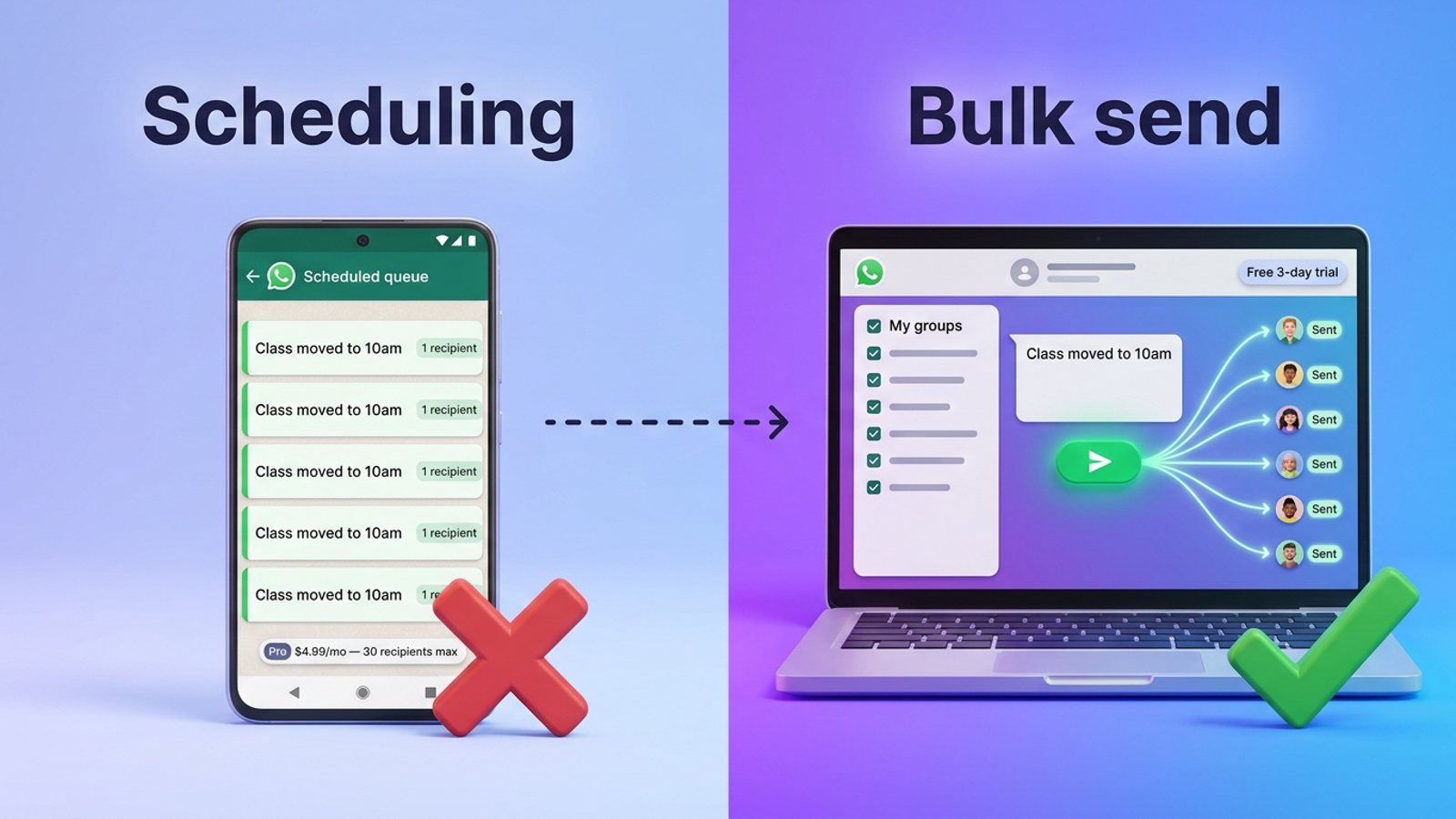
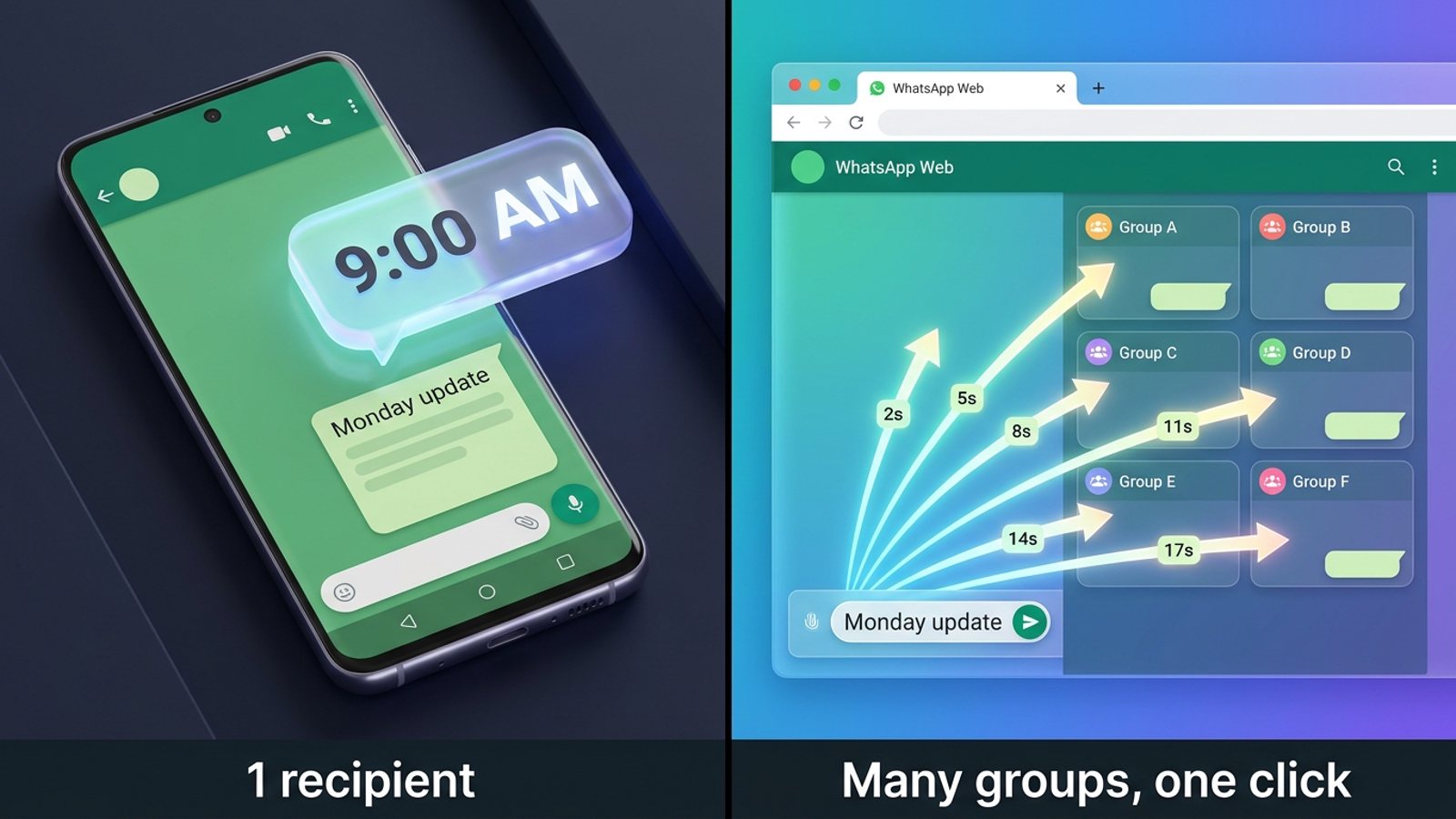
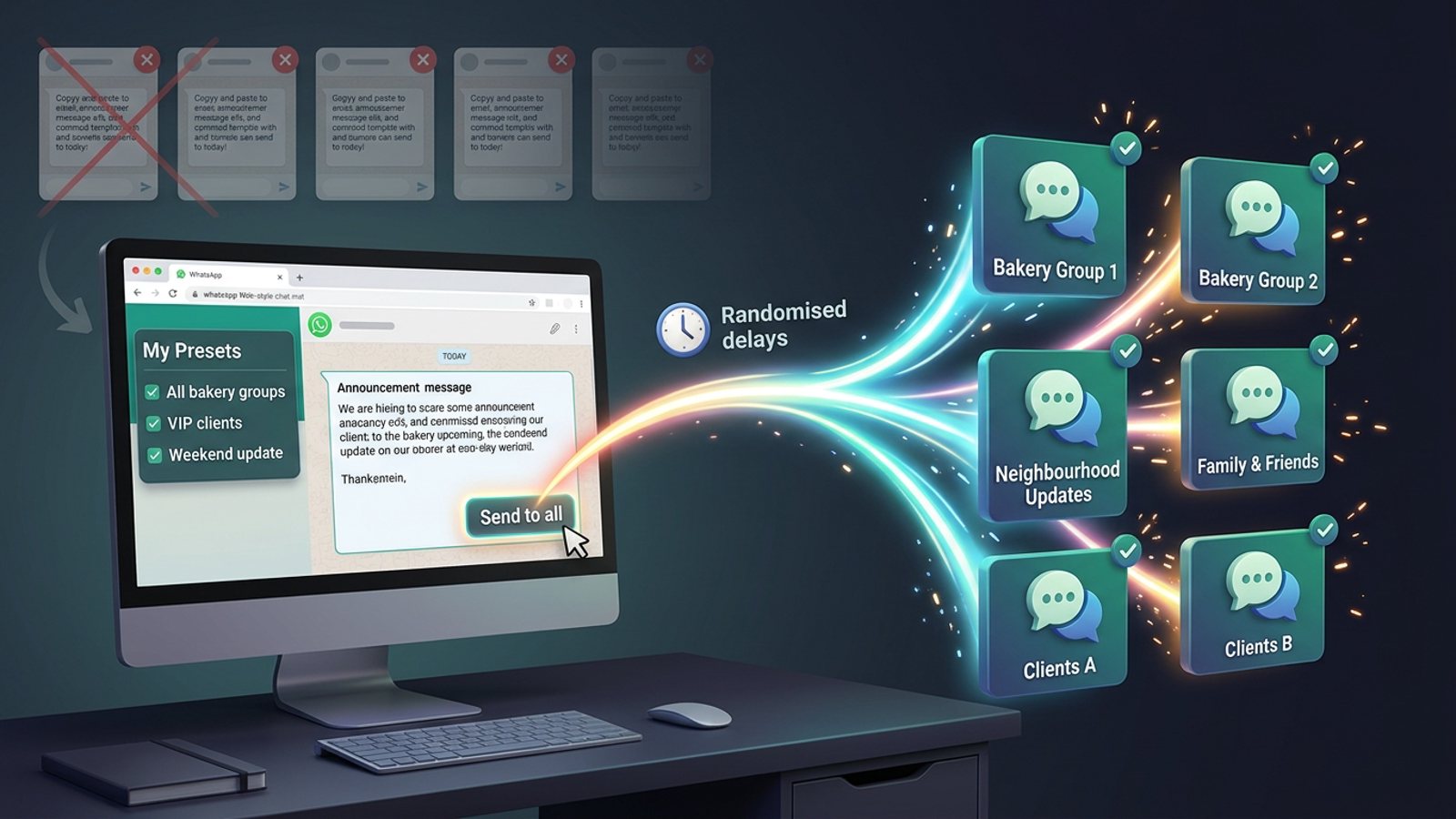
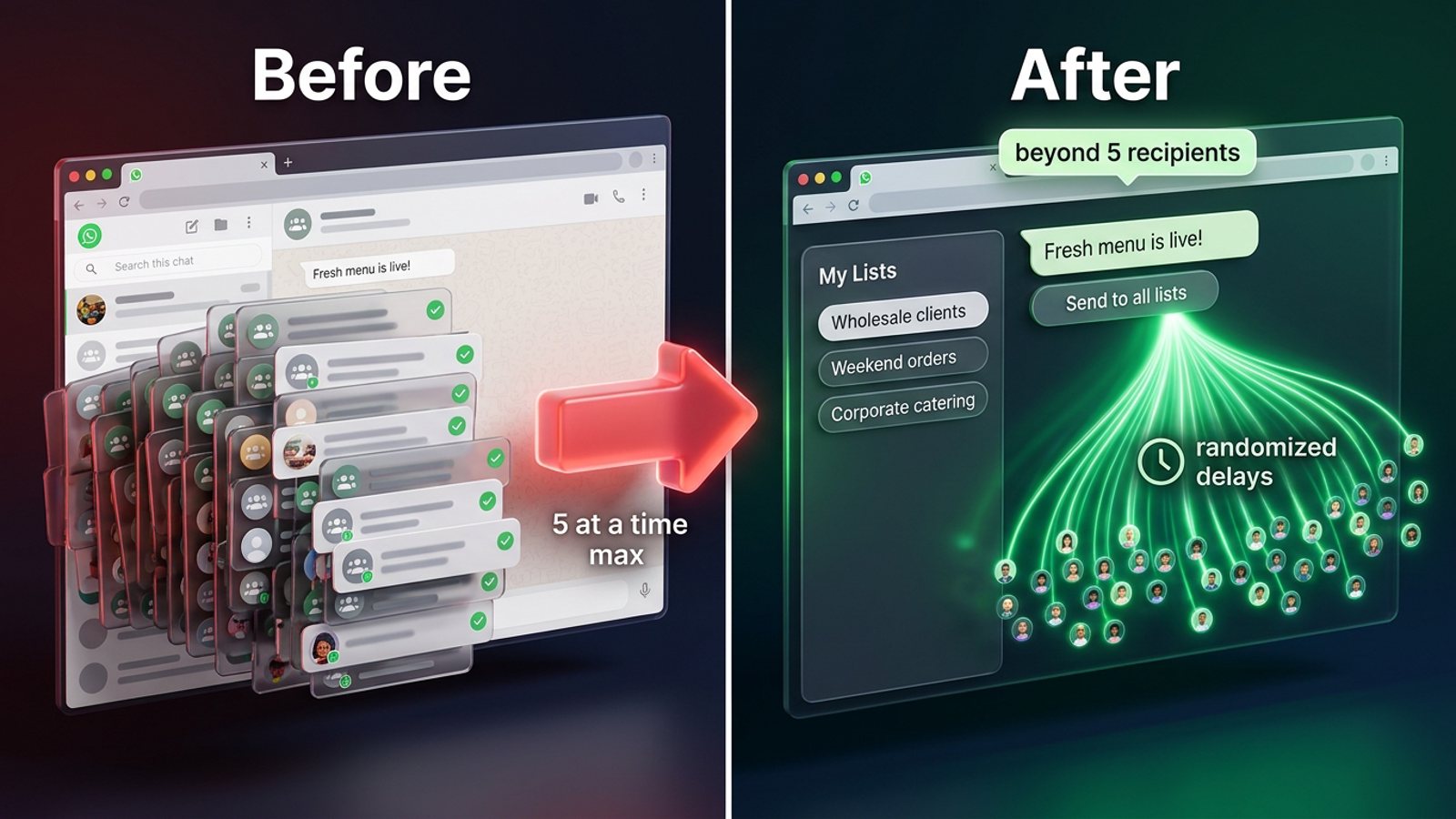
FivePlus is a Chrome extension that sends one message, announcement or media to dozens of saved groups and contacts in a single click — past the standard five-chat limit. You save your group and contact lists once as presets, mix people and groups into one preset, and reuse it every time instead of searching for each group again. V2 lets you send to several saved lists at once.
It also builds in anti-ban and randomized delays, staggering message timing to look like natural human behaviour, and it runs on WhatsApp Web in Chrome with no login required.
The honest limits: it needs Chrome and WhatsApp Web, the free trial runs 24 hours, and there's no scheduling. If you need a campaign queued for 9am tomorrow, that's not this tool.
Get FivePlus for WhatsApp Chrome extension (bulk share beyond 5 recipients)
FivePlus is made by the team behind this blog.
WA Sender: the paid extension with pacing built in
WA Sender (branded "WA Sender Tool PRO" by its vendor) is the closest like-for-like swap if you want a paid Chrome extension and nothing else. Its pricing page lists US$9.99/month or US$69.99/year — about US$5.83/month — with all features on one device, activated by pasting a key, no account or sign-up. A free version lets you try the basics.
Listed features include personalised messages with {{name}}, randomised intervals and a sending window, AI-rewritten message variations, your own audio files, a daily limit with long human-like pauses, funnels, templates, a blacklist, and campaign history export to CSV or JSON.
If you mainly need granular pacing controls and message variation on a paid plan, WA Sender is the more direct choice. Its "safe pacing" framing is the vendor's own marketing, not a guarantee — no tool can promise your number stays safe.
WA Plus Bulk Sender: for spreadsheet workflows and lifetime pricing
WA Plus Bulk Sender, from So Lets Talk Digital, is built around Excel/CSV upload: you import contact numbers and it queues messages to any country. It also lists personalised messaging, bold/italic/strikethrough/emoji formatting and extra privacy tools, and the developer describes it as an "unofficial enhancement tool for WhatsApp Web" that doesn't share user data.
Its pricing page shows yearly and lifetime options paid via Razorpay or PayPal for unlimited use, but the exact amounts aren't shown on the listing (checked November 2026). The listing gives no version date or user count.
If you'd rather pay once and you're comfortable with a spreadsheet, WA Plus Bulk Sender fits that habit better than a preset-based tool.
Which alternative is best if you don't want to import a CSV?
FivePlus. It's preset-based rather than spreadsheet-based: you save group and contact lists once, then pick a preset and send. There's no file to prepare, and no columns to map.
This matters more than it sounds. Say you run a bakery with a wholesale list, a weekend-orders group and a corporate-catering group. With a CSV tool you export or maintain three files. With presets you tick three saved lists, type the message, and send.
If CSV import is the specific thing you want to escape, the same logic applies to other tools in this family — see our comparison of a WaSenderHQ alternative that doesn't need a CSV upload.
Do these tools work on WhatsApp Web only?
Yes — all three extensions in this comparison run on WhatsApp Web in a browser. WhatSender Pro's listing states WhatsApp Web must be open and logged in to use its extension, and FivePlus works the same way, on Chrome specifically.
That's a real constraint, not a footnote. Your laptop needs to be on, WhatsApp Web open and your phone connected. For desktop-based campaign sending that's fine. For sending from your phone on the move, none of these extensions help.
What if you'd rather stay inside official WhatsApp features?
Then use broadcast lists or the WhatsApp Business app. Broadcast lists are free and built in, with a cap of 256 contacts per list and multiple lists allowed, per a Wati blog post (vendor blog, 22 September 2026).
The catch is delivery. Broadcast lists only reach people who have saved your number, and they don't reach groups at all. Wati's example is blunt: for 5,000 recipients you'd need about 20 separate 256-person lists, and only those who saved your number receive anything.
The Business app is free at its core, but some markets are rolling out Business Broadcasts and Marketing Messages charged per delivery, so it's not accurate to call every Business app broadcast feature free. Business app and Business Platform users must also follow the WhatsApp Business Messaging Policy (WhatsApp.com, last updated 23 September 2026).
If your audience is small, known and has your number saved, official features may be all you need. If you're messaging dozens of groups, they won't get you there.
How do you actually choose between them?
Work backwards from the thing that bothers you most about WhatSender Pro. That single answer points to your tool.
- Name the friction. Two pieces of software, the CSV import, the renewal price, or the account risk. Write down which one made you search.
- Match it to a tool. Two-piece setup or CSV → FivePlus presets. Want paid pacing controls → WA Sender. Want a one-off payment → WA Plus Bulk Sender. Want official only → broadcast lists.
- Check the platform. All three extensions need Chrome and WhatsApp Web open. If you send from your phone, none of them fit.
- Test small. Run one campaign to a handful of chats before you commit to a plan.
- Keep volumes human. Whatever you pick, pace your sends and message people who expect to hear from you.
The right alternative isn't the one with the most features — it's the one that removes the specific step you dread doing twenty times a week.
Will bulk sending get my WhatsApp number banned?
No tool can promise otherwise, and you should be sceptical of any that does. WhatsApp's Messaging Guidelines (last updated 23 September 2026) prohibit behaviour that harms the integrity of its systems, including unauthorised automated or bulk messaging.
Enforcement escalates. Meta for Developers (updated 21 May 2026) lists penalties for repeat violations — a warning, then 1/3/5/7/30-day blocks, account lock, then permanent disablement.
What you can control is how your sending looks. Wati (vendor blog, 22 September 2026) notes Meta does not publish a fixed throttle formula, so send speed, duplicate content and report rate should be treated as risk signals rather than known thresholds. That's exactly why randomised delays and human-like pacing are worth having — they reduce the signals, they don't erase the risk.
This is not legal advice, and rules and enforcement can change.
Still weighing it up? Get FivePlus for WhatsApp Chrome extension (bulk share beyond 5 recipients) and run your next announcement through a saved preset instead of twenty separate searches. For more comparisons like this one, the FivePlus blog has them.
Sources
- WhatSender Pro – Free WhatsApp Bulk Sender & Automation Software (Chrome Web Store, updated 17 March 2026)
- WhatSender PRO – WhatsApp Bulk Sender (Socket, 24 October 2024)
- Standard Edition Guide — WhatSender Pro (WhatSender Pro, 12 May 2022)
- WhatSender Pro Review (Software Advice, date not given)
- WhatSender Pro (Capterra, 2 October 2024)
- WhatSender alternatives 2026 (OMR Reviews, date not given)
- Allwebmart vs WhatSender/WSTool (Position Is Everything, 27 September 2026)
- WhatsApp Business Platform policy and spam enforcement (Meta for Developers, updated 21 May 2026)
- WhatsApp Messaging Guidelines (WhatsApp.com, last updated 23 September 2026)
- About unsupported unofficial WhatsApp apps / bulk messaging (WhatsApp Help Center, date not given)
- 2026 WhatsApp 群發訊息規則 (Wati blog, vendor blog, 22 September 2026)
- WA Sender — WASender Bulk WhatsApp Sender for Chrome (WhatsApp Sender Tool, date not given)
- Preços — WA Sender Tool PRO (WhatsApp Sender Tool, date not given)
- WA Plus Bulk Sender (Chrome Web Store, date not given)
- WAPP Group Sender (ExtPose, 2 November 2025)
- Send a message to multiple WhatsApp groups (9bot, 8 October 2026)
Frequently asked questions
The Chrome extension is free, per its Chrome Web Store listing (updated 17 March 2026). The desktop software is a paid subscription, listed at $19.95/year on WhatSender Pro's 2022 Standard Edition guide and $50/year on Software Advice.
FivePlus, of the tools we compared, if your job is sending one message to many saved groups and contacts in a single click. It saves your group lists as presets and sends beyond the standard five-chat limit, with randomised delays. If you mainly need spreadsheet imports and a lifetime payment, WA Plus Bulk Sender is the more direct choice.
Yes — FivePlus is preset-based, so you save group and contact lists once and reuse them. WA Sender also works from your chats rather than a file. CSV import is a feature of some tools, not a requirement of bulk sending.
No. Broadcast lists only deliver to contacts who have saved your number, and they cap at 256 contacts per list (Wati blog, 22 September 2026). They also don't reach groups.
WhatsApp's own forward-to-5-chats limit is free, and the Help Center suggests moving managed groups into a Community and posting once in the announcement group (9bot, 8 October 2026). Beyond that, the extensions here offer trials rather than permanent free tiers — FivePlus is free to try for 3 days.