WaSenderHQ review: worth it for a small marketing team?
WaSenderHQ is a free Chrome and Firefox extension that sends personalised WhatsApp messages from a CSV or Google Sheet through your own WhatsApp Web session, with Pro listed at $19.99 one-time as of November 2026. For a small team already working from a spreadsheet and sending consent-based follow-ups, it is a sensible, low-cost option. For the same weekly announcement to the same groups, a preset-based sender is faster.
WaSenderHQ review small business buyers usually ask one thing: will this pay for itself? At a listed $19.99 one-time, the maths is easy. The harder question is whether a spreadsheet queue matches how your team actually works.
If your team sends the same weekly announcement to the same set of groups, get FivePlus for WhatsApp Chrome extension (bulk share beyond 5 recipients) and skip the import step entirely.
What is WaSenderHQ and who is it built for?
WaSenderHQ is a browser extension for WhatsApp Web on Chrome and Firefox that sends bulk messages from a CSV file or a Google Sheet link, personalises each message with variable tags such as {name}, and paces sends with randomised delays. Its public description says it needs no WhatsApp Business API and no coding, runs locally in the browser, and lets you message numbers without saving them to your phone's address book.
That design points at a specific buyer: someone with a contact list in a spreadsheet and a reason to message each person individually — a follow-up, an order update, a delivery date. The vendor's own three-step flow is install the extension, set up a queue (import list, map fields, review), then start the campaign from your existing WhatsApp Web session.
If that is your job, it is a good fit. If your job is "tell all twelve client groups the same thing every Monday", the spreadsheet is overhead, not the point.
How much does WaSenderHQ cost?
The pricing page, checked 23 November 2026, lists a "Free Starter" tier at $0 forever and promotes a one-time Pro lifetime licence listed at $19.99, with no subscription. Prices can change, and the vendor's own pages disagree: the Firefox listing's Pro section shows $19.99 in one place and "a single one-time lifetime payment of $9.99" in its FAQ on the same page. Confirm at checkout.
The free tier covers core sending from an active WhatsApp Web session, CSV and Google Sheets import, custom fields and number cleanup, image attachment in the public Chrome release, and campaign scheduling, pause, resume and activity logs.
What does the free plan actually limit?
Free CSV and Google Sheets imports are capped at 50 contacts at a time, and attachment campaigns at 10 recipients, according to the Chrome Web Store listing updated 19 November 2026. Pro removes the 50-contact import limit and unlocks larger attachment campaigns, scheduling, saved campaigns and templates, chat backups, extra typing controls, warm-up settings, safety scoring and message-variation controls.
Text campaigns on the free plan carry no extension-imposed daily quota, per the same listing. So a small team sending plain-text follow-ups to under 50 people per batch can stay on free indefinitely.
For a team with 300 contacts, that 50-contact cap means six imports per campaign. That is the point where Pro pays for itself in an afternoon.
How does the CSV and Google Sheets workflow run?
The first row must hold clear headers, the phone column needs international prefixes with no spaces or symbols, and a Name column lets placeholders replace correctly, per the vendor's CSV guide published 26–27 July 2026. Personalisation works by mapping any CSV or Sheet column header into the message template — {First Name}, {Order ID}, {Delivery Date}.
For Google Sheets, publish the sheet to the web as comma-separated values and paste that link into the extension's Numbers tab. The Chrome listing stresses the sheet must be viewable by anyone with the link, so private sheets cannot be imported.
The step-by-step
- Install the extension from the Chrome Web Store or Firefox Add-ons and open WhatsApp Web.
- Build the sheet with a header row, international phone prefixes, and a Name column.
- Publish to web as CSV if you are using Google Sheets, and paste the link into the Numbers tab.
- Write the message and map columns into variable tags.
- Set minimum and maximum delays so sends are randomly spaced.
- Review valid, invalid, duplicate and suppressed contacts, and add opt-outs to the Do Not Message list.
- Start the campaign and keep the WhatsApp Web tab open in the background.
- Track sent, pending and failed, then retry the failures.
Where does the spreadsheet approach cost your team time?
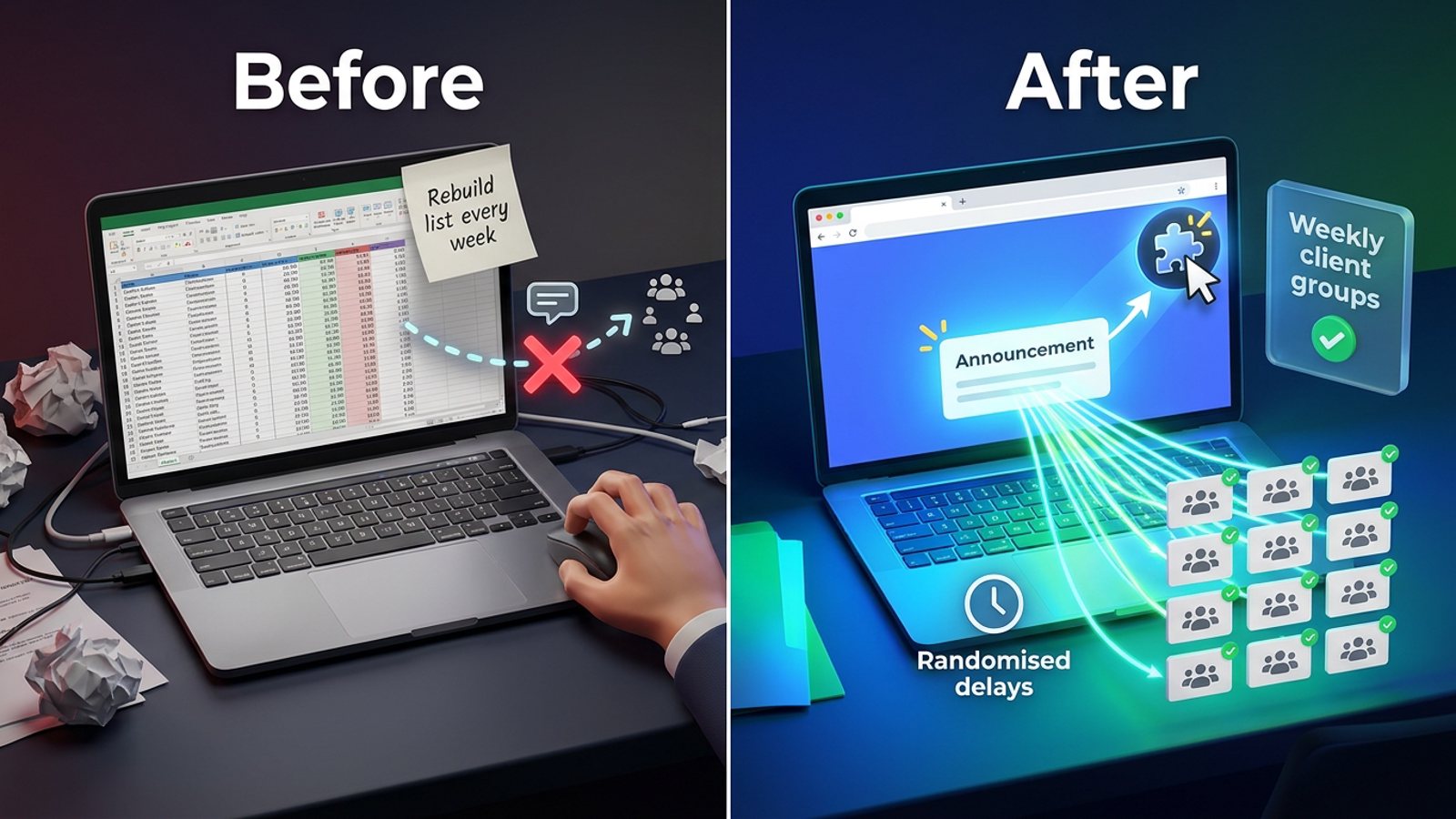
Every campaign starts from a list you build or re-import, and the same weekly announcement means the same list rebuilt. That is the trade-off of a contact-level tool applied to a group-level job.
Say you run a five-person agency with fourteen client WhatsApp groups and one status update every Friday. In WaSenderHQ you would maintain a sheet of the group's member numbers, publish it, import it, map fields, review, and send — every week. In a preset-based tool you save the group set once and click.
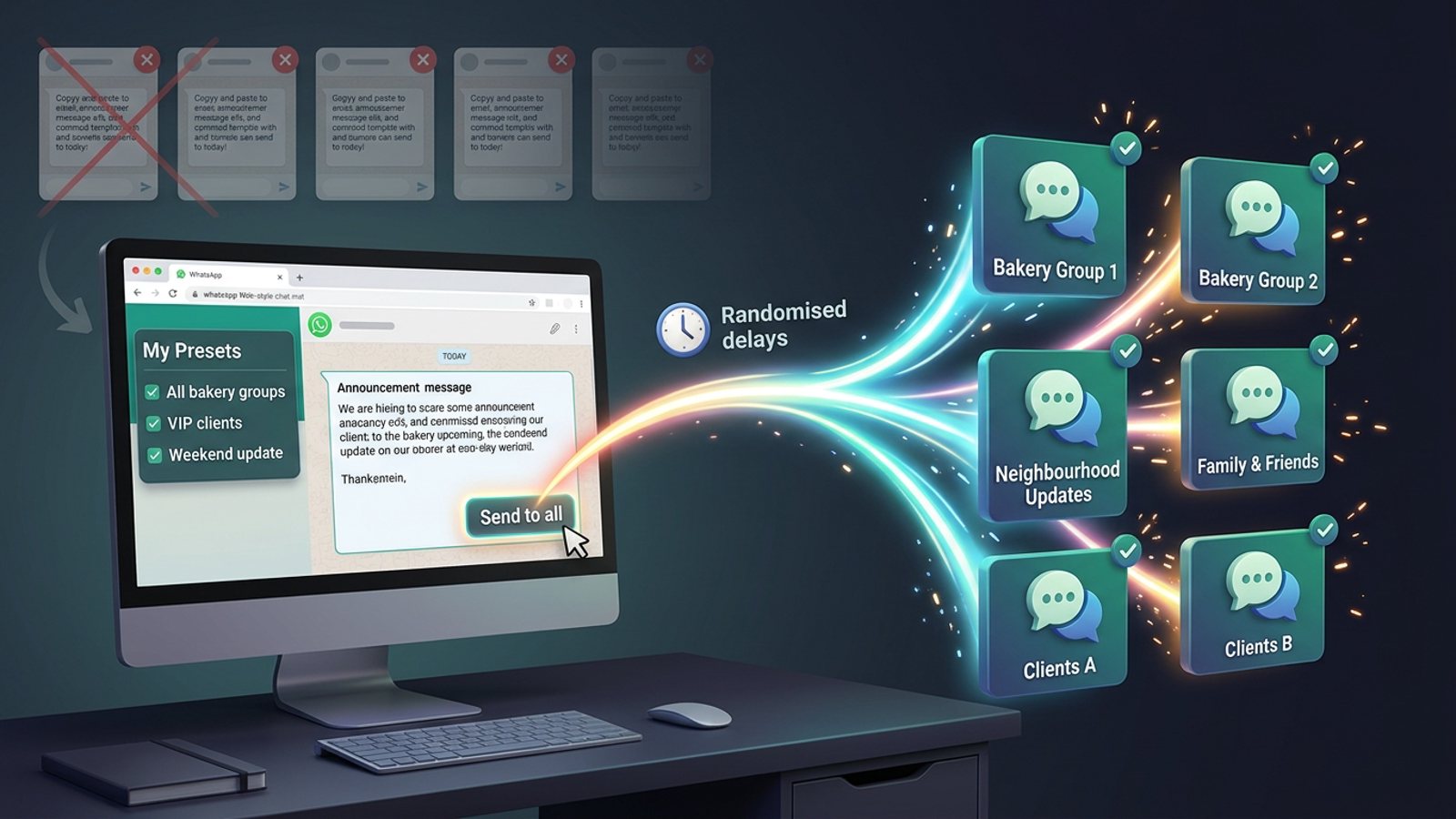
That is the gap FivePlus fills. It saves your group lists once as presets, lets you mix people and groups into one preset, and in V2 sends to multiple saved lists at once. Randomised delays stagger the timing, and the whole thing works on WhatsApp Web in Chrome with no login required.
WaSenderHQ vs FivePlus vs the built-in options
FivePlus is made by the team behind this blog. The table below compares it with WaSenderHQ and WhatsApp's own tools, using each vendor's public description.
| Option | Best for | Key features | Price | Watch-outs |
|---|---|---|---|---|
| FivePlus (Our pick) | Weekly announcements to the same groups | Saved presets, more than 5 recipients, randomised delays | Free 3-day trial | Chrome and WhatsApp Web only |
| WaSenderHQ | Contact-level personalised campaigns | CSV/Sheets import, variable tags, retry, Do Not Message list | Free tier; Pro listed $19.99 | 50-contact free import cap |
| WhatsApp broadcast lists | Opted-in contacts, one-to-one feel | Up to 256 contacts per list, unlimited lists | Free | Only contacts who saved your number |
| WhatsApp Communities | Groups you admin | Post once in the announcement group | Free | Only your own community |
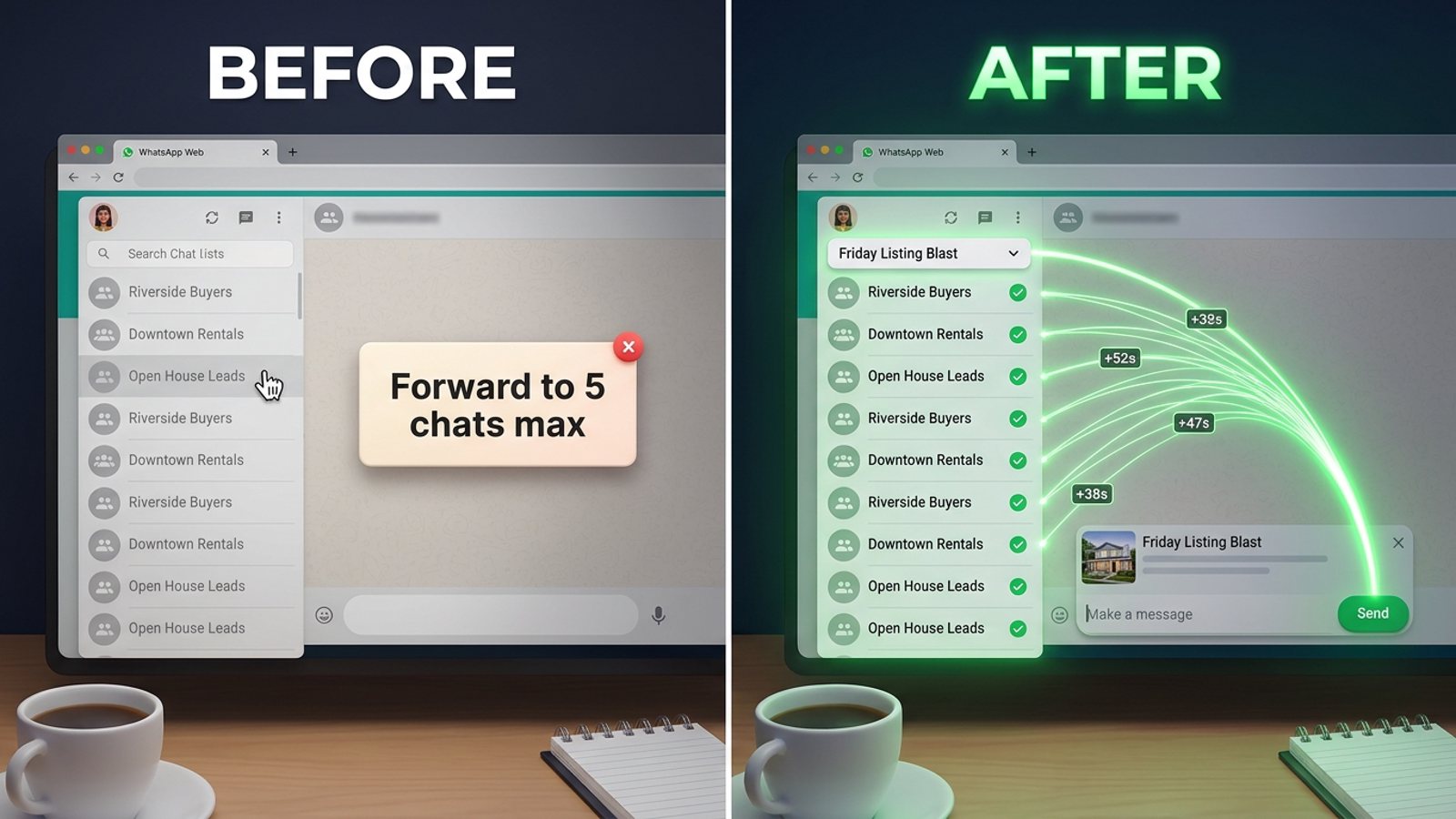
| Manual forward | A handful of chats | Built in, no extension | Free | Five recipients per forward |
FivePlus is our pick of the tools we compared for the team sending the same message to many groups on a schedule, because the saved preset removes the weekly rebuild and the one-click share goes beyond the standard five at a time. If you mainly need to personalise a message per contact from a spreadsheet, WaSenderHQ is the more direct choice.
Our pick also has honest limits: it requires the Chrome browser and WhatsApp Web, free use is limited to a 24-hour trial, and it is not affiliated with Meta — WhatsApp is a trademark of Meta Platforms, Inc. All plans include unlimited sharing, there is no monthly sending limit per plan, and saved group lists stay saved forever, so it is better not to uninstall the extension.
WhatsApp broadcast lists are free and let you reach up to 256 contacts per list with unlimited lists, per WhatsApp's Help Center (16 February 2026), but every contact must have saved your number, and lists cannot be created on WhatsApp Web — only sent to from a phone-built list. They also go to contacts, not groups.
WhatsApp Communities is WhatsApp's own suggested route when you run the groups: post once in the announcement group to reach every member. It only covers groups you actually admin.
Manual forwarding is free and needs no extension, but it is capped at five recipients per forward, with one extra group only if the message was itself forwarded, and long chains get the "Forwarded many times" label.
Get FivePlus for WhatsApp Chrome extension (bulk share beyond 5 recipients) if presets match your weekly rhythm.
Is WaSenderHQ safe for your WhatsApp account?
No tool can promise that. WaSenderHQ offers randomised delays, character-by-character typing and risk scoring, but the vendor states no setting can guarantee account safety, and its responsible-use note says it is for permission-based communication only with no guarantee of delivery or protection from platform restrictions. WhatsApp's Help Center states plainly that its products are not intended for bulk or automated messaging, both of which have always been a violation of its Terms of Service, and that it can use legal action to prevent abuse including automated or bulk messaging.
Sending in unnatural bursts is a known ban trigger: WhatsApp looks for volume spikes, and without throttling an account can be restricted or flagged, per Respond.io (28 September 2026).
Who should pick which?
Pick WaSenderHQ if your campaigns are contact-level and spreadsheet-driven: order updates, delivery dates, personalised follow-ups, and lists that change every time. The free tier is genuinely usable, and $19.99 one-time is a low bar.
Pick FivePlus if your campaigns are group-level and repetitive: the same announcement to the same sets of groups, week after week. The saved preset is the whole advantage.
Pick WhatsApp broadcast lists if everyone on your list has saved your number and you want a private one-to-one feel. Pick Communities if you run the groups yourself. Pick manual forwarding if you have five chats and no budget.
The tool that wins is the one that matches how often your list changes, not the one with the longest feature list.
One more thing worth knowing before you install anything: the Chrome Web Store lists WaSenderHQ's developer as a "non-trader", meaning EU consumer rights do not apply to contracts with that developer, and its data disclosure says the extension handles personally identifiable information and authentication information.
If you want to compare more options before deciding, the FivePlus blog covers alternatives and account-safety questions in more depth. You can also read is there a WaSenderHQ alternative that doesn't need a CSV upload? and is a paid bulk WhatsApp sender worth it for a marketing agency owner?.
Ready to stop rebuilding the list? Get FivePlus for WhatsApp Chrome extension (bulk share beyond 5 recipients).
Sources
- WhatsApp Bulk Sender & Auto Sender — WaSenderHQ (Chrome Web Store, updated 19 Nov 2026)
- WaSenderHQ, alternate Chrome listing URL (undated)
- WaSenderHQ (Firefox Add-ons, 24 May 2026)
- WaSenderHQ, Japanese locale (Firefox Add-ons, 24 May 2026)
- WaSenderHQ home page (undated)
- WaSenderHQ pricing page (undated)
- WaSenderHQ personalisation page (updated 1 Oct 2026)
- WaSenderHQ CSV guide (26–27 Jul 2026)
- Unauthorized use of automated or bulk messaging on WhatsApp (WhatsApp Help Center, undated)
- About forwarding limits (WhatsApp Help Center, Spanish, undated)
- About forwarding limits (WhatsApp Help Center, Danish, undated)
- WhatsApp broadcast lists limit (WhatsApp Help Center, 16 Feb 2026)
- Lista de difusión de WhatsApp (DragApp, 21 Oct 2026)
- WhatsApp broadcast vs group (9bot, 8 Oct 2026)
- WhatsApp Business banned account guide (Respond.io, 28 Sep 2026)
Frequently asked questions
Yes. A free tier exists with core sending, CSV and Google Sheets imports up to 50 contacts per import, and attachment campaigns up to 10 recipients, per the Chrome Web Store listing updated 19 November 2026. Pro is a one-time purchase.
It is listed at $19.99 one-time, with a $9.99 figure also appearing on the vendor's own Firefox page. Confirm at checkout — prices can change.
Its public description is number, CSV and Sheet driven, and mentions extracting visible member numbers from a group. Nothing in the material says it posts into saved group chats directly, so if group-level sending is your job, a preset-based tool is the safer assumption.
If your lists change every campaign, WaSenderHQ's spreadsheet workflow is the more direct fit. If you send the same announcement to the same groups weekly, FivePlus's saved presets save more time. Both are browser extensions working on your own WhatsApp Web session, and neither can promise account safety.
No. It works through WhatsApp Web in your browser, and the vendor says no Business API and no coding are required.