What are the top 5 bulk WhatsApp senders for realtors?
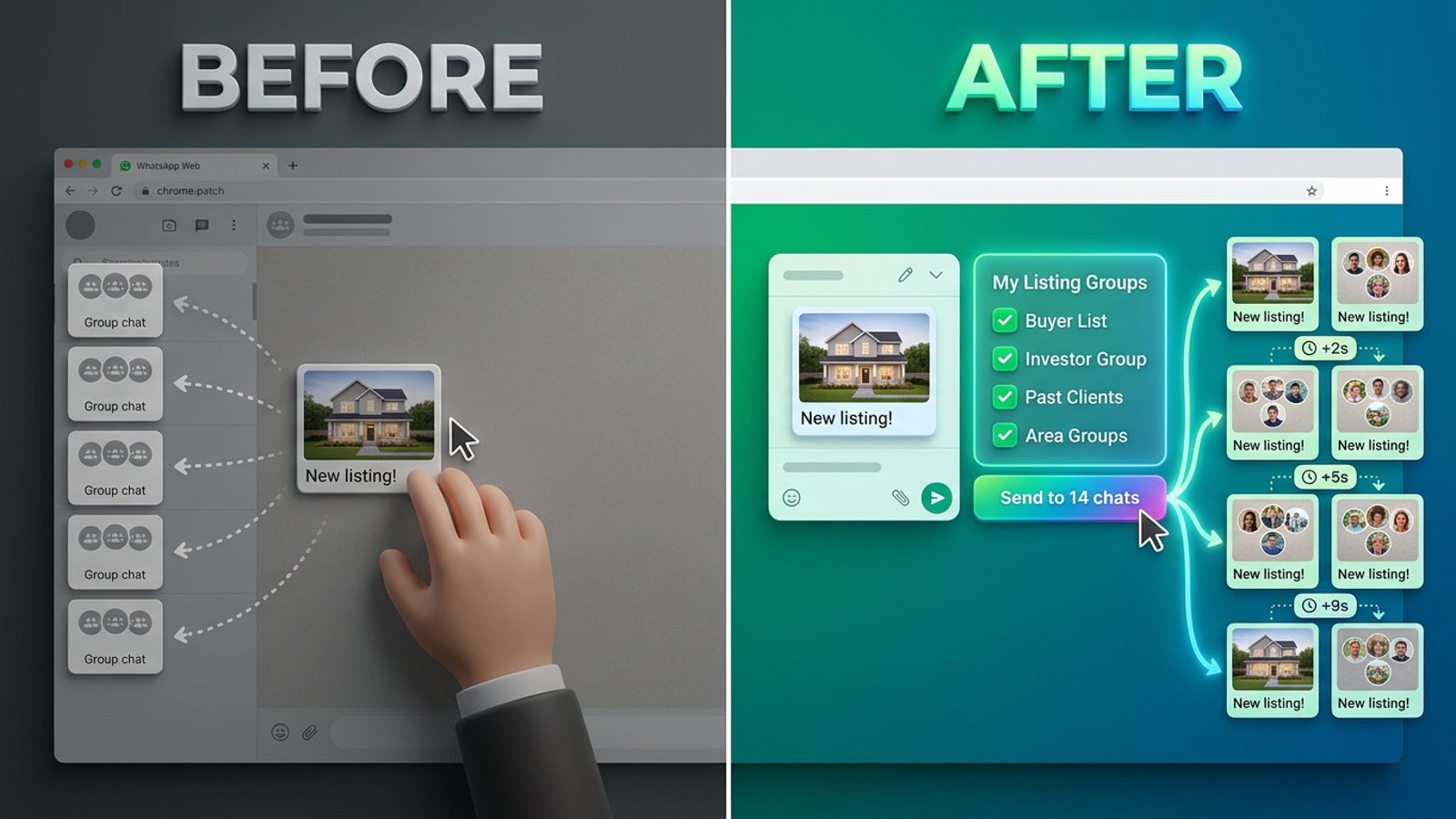
If you're a realtor sending one listing to several groups at once, the five realistic routes as of November 2026 are: a Chrome extension that sends from your saved WhatsApp group lists (FivePlus), the free WhatsApp Business App broadcast lists, desktop multi-account sender apps, CSV/Excel import senders, and the official WhatsApp Business Platform. No route is officially approved for bulk sending on a personal account.
How did we rank these bulk WhatsApp senders for realtors?
We ranked on what a realtor actually does every week: post one listing to several existing WhatsApp groups, in one go, without rebuilding a contact list each time. Saved group lists, paced sending, and no spreadsheet came first. Price and setup effort came second.
One thing to be clear about before the list. WhatsApp's Help Center states its products are not intended for bulk or automated messaging, that this has always violated its Terms of Service, and that it can take legal action — including based on off-platform evidence such as a company publicly claiming it can use WhatsApp in breach of the terms. An independent rule-tracking site reproduces the same rule and dates its last update to 16 July 2026 (InternetLab / Achearegra).
So this is a trade-off list, not a safety guarantee list. Our recommendation: pick the route that matches how your groups already exist, and keep your sending pattern looking like a person sending a listing to people they know. This is not legal advice, and rules and risks can change.
1. FivePlus — our pick for saved group lists on Chrome
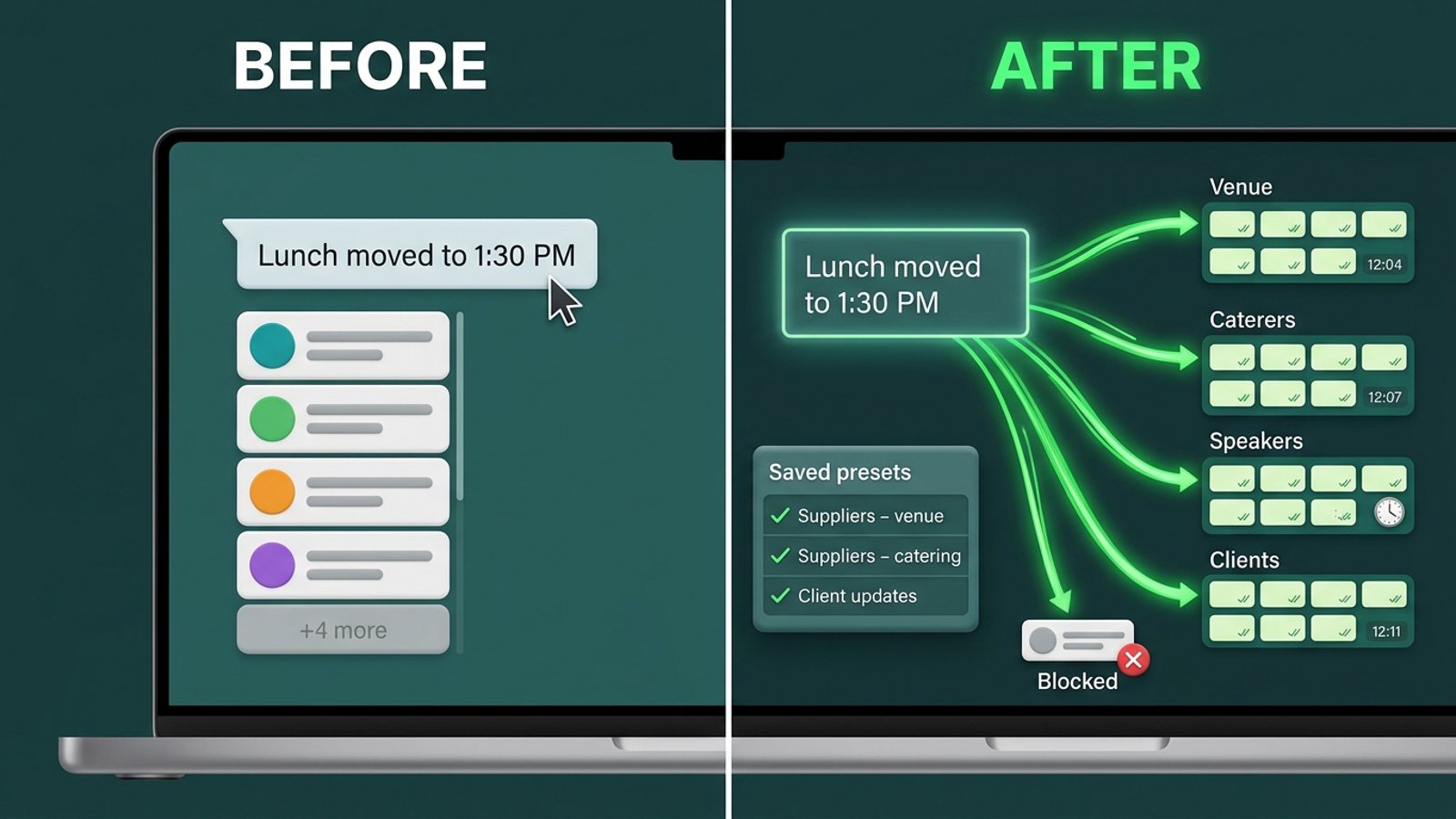
FivePlus is a Chrome extension for WhatsApp Web that sends a message, announcement or media to many saved groups and contacts in one click, instead of the standard five at a time. If your listing always goes to the same buyer list, investor group and area groups, this is the closest match to that job.
What it does for a realtor:
- Send beyond 5 chats — it forwards to dozens of chats at once, past the standard 5-recipient limit.
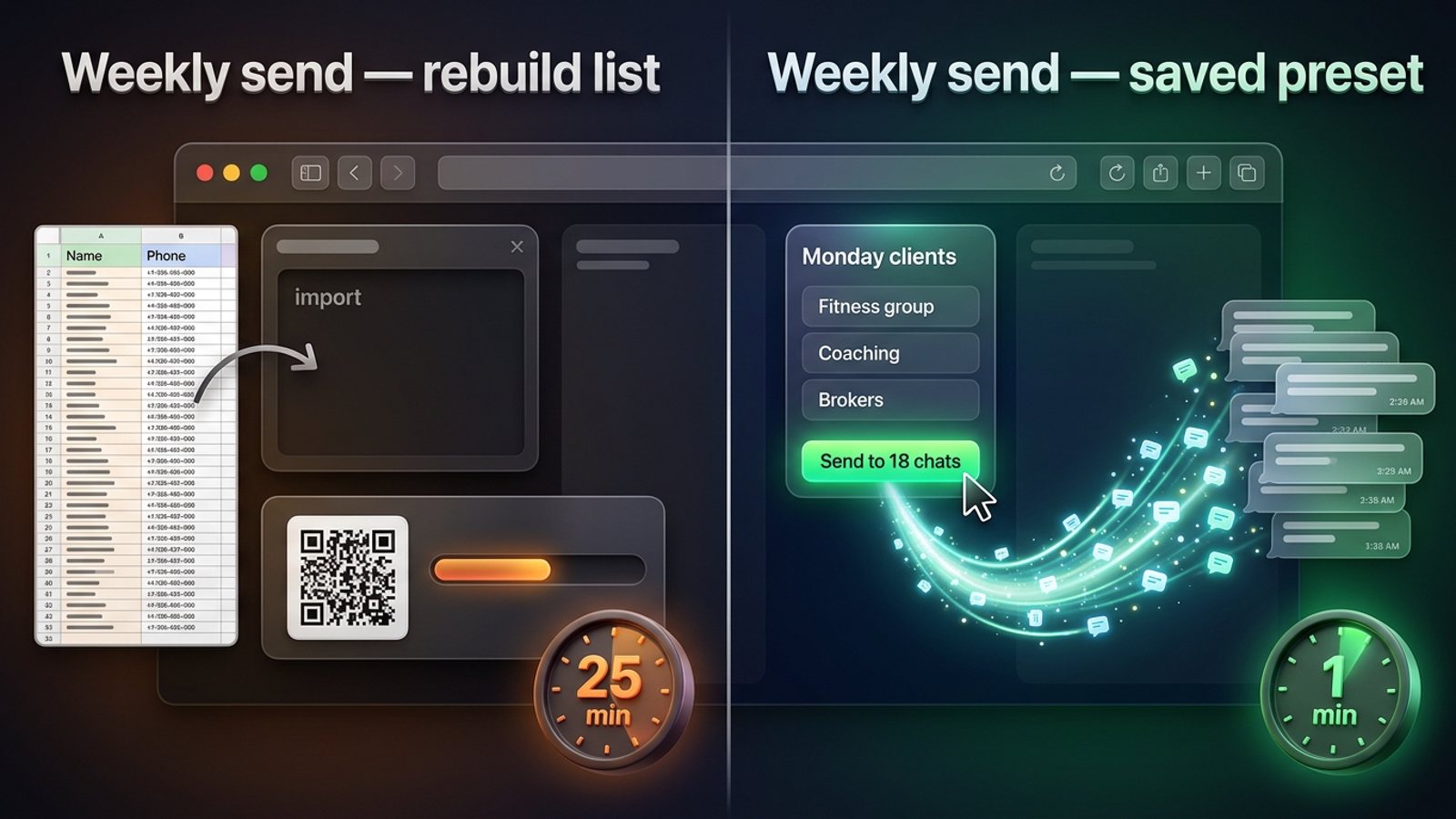
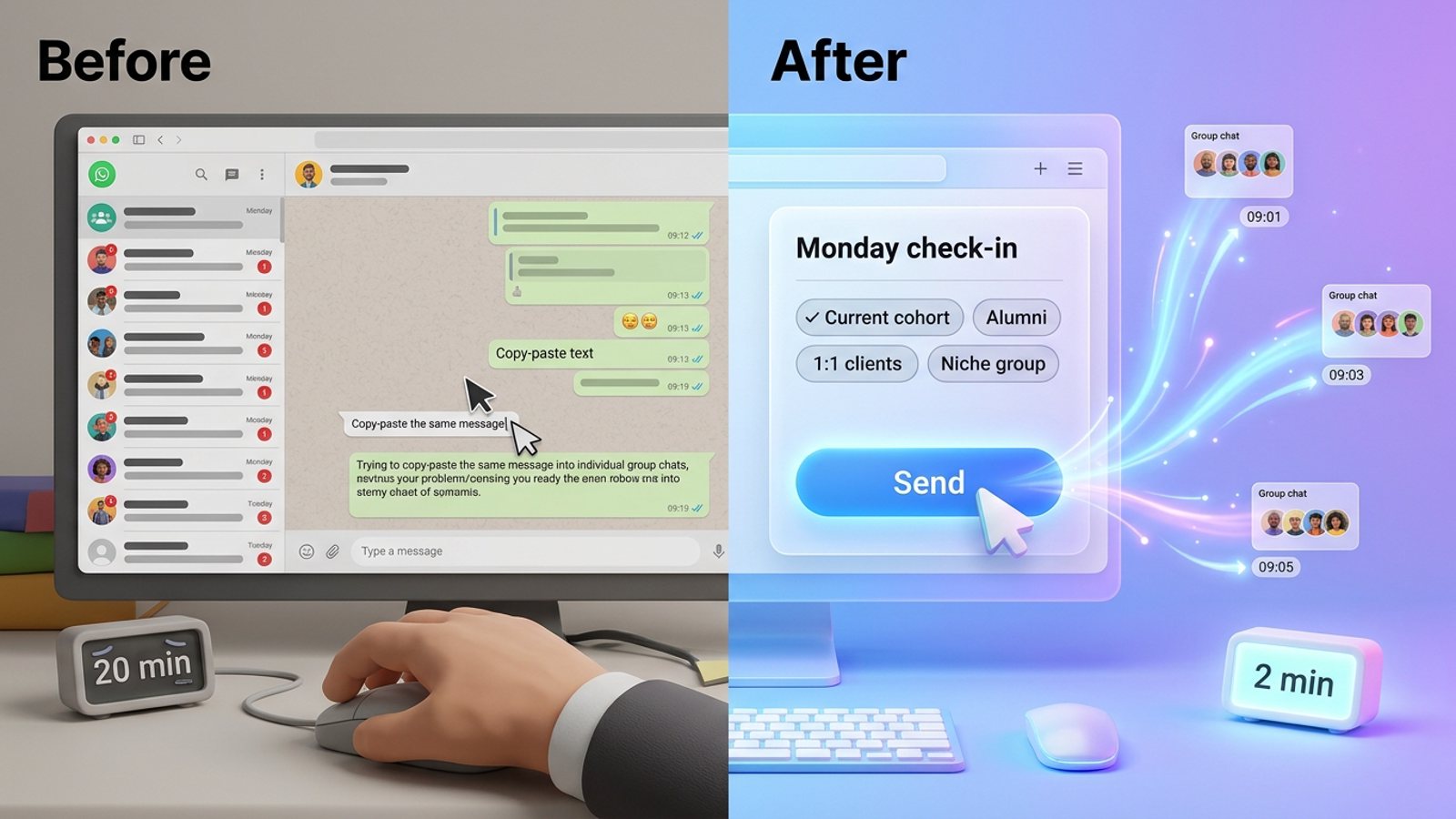
- Save group lists once and reuse them; V2 lets you send to multiple saved lists at once.
- Mix people and groups into one preset.
- Randomised delays stagger message timing, and anti-ban technology mimics natural human behaviour.
- Works on WhatsApp Web in Chrome, with no login required.
The honest limits: it requires the Chrome browser and WhatsApp Web, and free use is limited to a 24-hour trial. Saved group lists stay saved, so the owner's advice is not to uninstall the extension.
Ready to try it on your next listing? Get FivePlus for WhatsApp Chrome extension (bulk share beyond 5 recipients) and save your group lists once.
2. WhatsApp Business App broadcast lists — free, but no groups
The WhatsApp Business App is free to download and use, and its broadcast lists send to a maximum of 256 contacts per list. Each recipient sees a private 1:1 message rather than a group post. That suits a realtor with a tidy client base of recurring buyers.
The catch is structural. Only recipients who have saved your number receive the broadcast (Zenvia, updated 21 October 2026), and a broadcast list cannot include a WhatsApp group (WavesFlo blog, 16 September 2026). Lists can be created on iOS and Android but not on WhatsApp Web or Desktop. The Business App also shares one number across at most 5 devices with no chat assignment between team members (SleekFlow, 15 September 2026).
If you mainly need a free, one-to-one message to a saved client base of under 256, this is the more direct choice. If your listings go to groups, it can't do the job.
3. Desktop multi-account sender apps — for several numbers at once
Desktop apps such as WAProSender, WADesk and WASender are built for operators running several WhatsApp numbers from one dashboard. WADesk lists bulk messaging, number verification, auto-replies, chat transfer, local backups and group-member export at $25/month (SourceForge listing, as of November 2026). WAProSender is version 20.5.1.0, released July 2025, for Windows 7 SP1 through 11 64-bit, with a "Blind Mode"; its prices are ₹399 / $5 for one month, ₹1,499 / $16 for six months and ₹2,500 / $28 for one year (MacMyths, 23 September 2026). WASender is described as a Windows and macOS desktop app with a free tier (ToolStory listing, data updated 3 October 2026).
Watch-outs: MacMyths notes that install and link-session failures can interrupt a campaign and require re-authentication. "Anti-ban protection" is vendor marketing, and a legal-primer README on GitHub (27 January 2026) says unofficial WhatsApp automation of any kind violates WhatsApp's Terms of Service and risks bans.
If you mainly need to juggle three numbers and a team inbox, a desktop multi-account app is the more direct choice.
4. CSV/Excel import senders — for a buyer database, not live groups
This family of Chrome extensions sends from a spreadsheet of phone numbers rather than from your existing WhatsApp groups. WhatsApp Bulk Sender imports CSV, TXT, XLSX or XLS, personalises with template variables, supports pause/resume/schedule and avoids duplicate sends via local history; it's free for 20 confirmed sends, then $5/month, one device per licence (Chrome Web Store listing, as of November 2026). Privacy Guard lists free Excel/CSV import, random send intervals and 3 saved templates, with Pro "starts at $1.9/month". Setu Pro markets itself to real estate agents and says its free plan sends 30 messages a day.
The trade-off is the spreadsheet itself: it has to be built and kept current for every send, which is the opposite of a saved in-app group list. Unsaved numbers and no-save recipients also limit delivery. Same Terms of Service exposure as any unofficial automation.
If you mainly need to message a purchased or CRM-exported phone list, a CSV sender is the more direct choice.
5. WhatsApp Business Platform (Cloud API) — the compliant route, at a price
The official Cloud API, through a provider such as WATI or 360dialog, is the only Terms of Service-compliant path for automated messaging (GitHub legal primer, 27 January 2026). It requires opt-in consent, pre-approved templates outside the 24-hour service window, and compliance with the WhatsApp Business Policy. It sends up to 80 messages per second per number by default (WhatSetter, 24 July 2026).
It also costs. 360dialog charges EUR 49 / 99 / 500 per number per month (Regular / Premium / Scale) plus Meta's fees, with a 4% card fee on licence invoices (Telnyx, 5 October 2026, citing 360dialog's October 2026 page). WATI is cited at $49/month in a small-business example (bossbot.uk, 29 July 2026), with extra numbers at €29/month each. Per-message marketing rates vary by country — Germany $0.1707, UK $0.0667 (Versatik, 7 July 2026). Since 1 October 2026 Meta bills service messages beyond 1,000 a month per number (WhatSetter, 24 July 2026).
360dialog assumes you already have software to plug into (TMCnet, 11 August 2026), so for a solo realtor it's usually overkill. For a multi-agent brokerage with opt-in consent and an inbox team, it's the right answer.
Which bulk WhatsApp sender should a realtor choose?
| Option | Best for | Key features | Price / free option | Watch-outs |
|---|---|---|---|---|
| FivePlus (Our pick) | Saved in-app group lists on Chrome | Send beyond 5 chats, saved lists, randomised delays | Free 24-hour trial | Needs Chrome + WhatsApp Web |
| WhatsApp Business App | Under 256 saved clients | Broadcast lists, free profile | Free | No groups, 256 cap, saved numbers only |
| Desktop multi-account apps | Several numbers at once | Multi-login, auto-replies, export | WAProSender from $5/month | Link-session failures, vendor "anti-ban" claims |
| CSV/Excel senders | A phone-number database | CSV import, templates, scheduling | WhatsApp Bulk Sender $5/month | Spreadsheet upkeep, same ToS risk |
| Cloud API (WATI, 360dialog) | Multi-agent brokerages | Opt-in templates, high throughput | 360dialog from EUR 49/month | Opt-in, template approval, per-message fees |
FivePlus is made by the team behind this blog. Prices for other tools are as of November 2026 and can change. For a deeper look at how a Chrome extension stacks up against the alternatives, see our comparison of WhatsApp bulk sender extensions for Chrome in 2026.
How do you send one listing to many groups without losing your account?
No tool can guarantee safety, but the technique below lowers the risk signals. It's the same whether you use an extension or do it by hand.
- List the groups first. Note which groups already exist in WhatsApp — buyer list, investor group, past-client group, area groups — and which you actually post to.
- Pick the route that matches: broadcast list (free, no groups), saved-group extension, spreadsheet, desktop app, or the official API.
- Write one real listing message with one clear link and a real photo — avoid copy-paste-identical blasts in tight bursts.
- Set pacing. Random intervals beat a fixed burst. An unofficial WhatsApp Web automation library (open-wa docs, 19 November 2026) states WhatsApp can change its limits without notice, so pacing lowers risk but doesn't make a risky pattern safe.
- Save the list, not the spreadsheet. Repeat sends to the same groups are the whole job — a saved preset means no searching and no rebuilding.
Randomised delays lower your risk signals, but no queue setting makes a bulk pattern safe — the only Terms of Service-compliant route for automated sending is the official Business Platform.
If you want to send your next listing to more than 5 groups in one go from your saved lists, Get FivePlus for WhatsApp Chrome extension (bulk share beyond 5 recipients).
Sources
- WhatsApp Help Center — unauthorized bulk messaging
- InternetLab / Achearegra — WhatsApp bulk messaging rule, updated 2026-07-16
- WhatsApp Help Center — forwarding limits
- The Times of India — WhatsApp forward rules, 6 Jun 2026
- Zenvia — broadcast lists, updated 21 Oct 2026
- WavesFlo — send to multiple WhatsApp groups, 16 Sep 2026
- Wati — WhatsApp Business App limits, 16 Sep 2026
- SleekFlow — Business App vs API, 15 Sep 2026
- Wati blog — 256 cap and throttling, 22 Sep 2026
- open-wa docs — rate limits, 2026-11-19
- GitHub — WhatsApp legal primer, 2026-01-27
- Chrome Web Store — WhatsApp Bulk Sender listing
- Chrome Web Store — Privacy Guard listing
- Chrome Web Store — Setu Pro listing
- MacMyths — WAProSender pricing, 2026-09-23
- SourceForge — WADesk alternatives listing
- ToolStory — WASender listing, updated 2026-10-03
- Telnyx — WhatsApp API providers, 2026-10-05
- TMCnet — best WhatsApp API provider for SMEs, 2026-08-11
- WhatSetter — WhatsApp API providers compared, 2026-07-24
- bossbot.uk — WhatsApp Business API cost guide, 2026-07-29
- Versatik — per-message marketing rates, 2026-07-07
- Aissist — WhatsApp Business API pricing, 2026-10-20
- ARY News — WhatsApp scheduling beta, 21 Feb 2026
Frequently asked questions
No tool can promise that. WhatsApp states its products are not intended for bulk or automated messaging and that this violates its Terms of Service. Pacing and saved lists reduce risk signals; they don't remove the risk.
For saved in-app group lists on Chrome and WhatsApp Web, FivePlus is our pick of the tools we compared — it sends beyond 5 chats with randomised delays and a 24-hour free trial. If you need a compliant, high-volume route with opt-in, the Cloud API through WATI or 360dialog is the honest answer.
Five users or five groups at a time, per WhatsApp's Help Center — and only one group if the message was forwarded to you. Messages forwarded through a chain of five or more chats also get a "Forwarded many times" label.
They haven't saved your number. Broadcast list recipients only receive the message if your number is in their contacts (Zenvia, updated 21 October 2026).
For repeat sends to groups that already exist in WhatsApp, yes — it avoids rebuilding a CSV every time. A spreadsheet suits a phone-number database you already hold, such as a CRM export.