How do I get customers to opt in to WhatsApp updates?

To get a whatsapp customer opt-in, ask clearly, let the person say yes themselves, and tell them what you will send. WhatsApp's Business Messaging Policy, last updated 23 September 2026, asks for permission "confirming that they wish to receive subsequent messages" and clear opt-out. A QR code, link or checkbox can all work.
Key takeaways
- WhatsApp's policy says you are "solely responsible for determining the method of opt-in", so pick one that is clear and that you can prove.
- Meta's developer page lists website, SMS, in-chat, phone and in-person or paper opt-in.
- Tell people what you will send and roughly how often (our suggestion for the "how often" part).
- Make leaving as easy as joining, and honour every stop request.
- Never add people to a list or group they did not ask to join.
What does WhatsApp's Business Messaging Policy say about opt-in?
It says you need permission from the person first. At the time of writing, the WhatsApp Business Messaging Policy (page dated "Last updated: September 23, 2026") asks for "opt-in permission from the recipient confirming that they wish to receive subsequent messages or calls from you." It adds: "Users should expect the messages and calls they receive."
On method, the policy says "You are solely responsible for determining the method of opt-in". It also lists good practice: "Obtaining an opt-in that encompasses the different categories of messages that you will send" and "Obtaining separate opt-in by specific message category." And it says to "Ensure your opt-in and opt-out flows are clear and intuitive for users."
WhatsApp also says it may "reactively evaluate a business' opt-in flows", and that its systems may limit how many messages a business can send based on user feedback. People can block or report a business, so a vague opt-in costs you reach.
What does Meta recommend for collecting opt-in?
Meta's "Getting opt-in" page for developers (undated, fetched November 2026) says opt-in should clearly state the person agrees to receive WhatsApp messages from your business, and name the business. It lists these methods:
- SMS
- Your website
- A WhatsApp conversation
- Phone, using an interactive voice response flow
- In person or on paper, such as a signed form
Meta says any method that meets its requirements is acceptable. Its best practices: ask for opt-in by message category (for example order updates or offers), explain why getting messages on WhatsApp is useful, keep opt-in and opt-out clear, and monitor your quality rating when you launch a new method.
This guidance is written for the WhatsApp Business Platform. If you use the free Business app, the same ideas are a sensible standard to follow, and the Business App terms also say businesses must honour requests to stop and secure the consents they need.
How do I actually get customers to opt in?
Pick one or two of the methods below. QR codes, click-to-chat links, checkboxes and "reply YES" are practical ways to put those methods to work, and are our suggestion.
QR code at the till or on printed material
Put a QR code on the counter, receipt or menu that opens a chat with your business. Add a short line: "Scan to get our weekly offers on WhatsApp. Reply STOP any time." The customer starts the chat, which shows they chose to hear from you (our suggestion).
A wa.me link on your website
A wa.me link opens a chat with your number. Per tyntec's help centre (a vendor page from September 2023), the format is https://wa.me/<number>, with the number in full international format and no zeros, brackets, dashes or plus sign. The number must have an active WhatsApp account. You can add pre-filled text with ?text= followed by URL-encoded words, for example "Yes, send me weekly offers".
A checkbox at checkout or on a form
Add an unticked box: "Send me order updates on WhatsApp", with the phone number field next to it. Meta lists website opt-in as a valid method. The UK's ICO, speaking about charities in March 2024, pointed to opt-in tick boxes and said consent cannot be a condition of signing up. Keep the box separate from your terms (our suggestion).
"Reply YES" by text or in chat
Send a one-off message to a customer who already gave you their number, or answer a customer who messaged first: "Want our weekly offers here on WhatsApp? Reply YES." Meta lists in-chat and SMS opt-in. Only act on a clear yes (our suggestion).
In person or on paper
A sign-up sheet or form at an event is on Meta's list. Include your business name, what you will send and a phone number field people fill in themselves.
What should the opt-in message say?
Say who you are, what you will send and how to stop. Meta says opt-in should name the business and make clear the person agrees to WhatsApp messages. Our suggested wording:
"Yes, I'd like [business name] to send me order updates and weekly offers on WhatsApp. I can reply STOP any time."
If you send different kinds of messages, such as order updates and offers, ask for each kind separately. Both WhatsApp and Meta recommend category-level opt-in.
How do I make opting out easy?
Tell people how to stop in your first message and in later ones. The policy says to "Provide clear instructions for how people can opt out of receiving specific categories of messages or calls" and "You must respect all requests (either on or off WhatsApp) by a person to block, discontinue, or otherwise opt out". So if someone asks you to stop by phone or in the shop, that counts.
The ICO's charity guidance (March 2024) also asks for an easy opt-out that you act on promptly, and a do-not-contact list. A simple version (our suggestion): a spreadsheet column marked "stopped", checked before every send.
How should I keep records of consent?
Keeping records is our suggestion, since it lets you show how each person agreed if anyone asks. For each person, keep:
- Their name and number
- The date and where they signed up (till QR, website form, event sheet)
- The exact wording they agreed to
- The message categories they chose
- The date of any stop request
A spreadsheet is enough for a small business. A screenshot of the form or chat helps.
What about GDPR and PECR-style rules?
Marketing messages generally need the person's agreement, and rules differ by country. The ICO, the UK regulator, said in March 2024 that charities should only email or text people who specifically agreed, and that sending marketing texts, calls or emails without valid consent breaks the law (PECR). Other countries have their own versions. This is general information, not legal advice; rules vary by country, so check your local rules or ask a professional.
Which tools can help once people have opted in?
Of the options we compared, the best fit depends on who your audience is.
| Option | Best for | Key features | Price / free option | Watch-outs |
|---|---|---|---|---|
| WhatsApp Business Platform (via a provider) | Messaging many opted-in customers officially | Opt-in based messaging under the policy above | Pricing not covered here; see Meta's pages | Needs a provider and setup; opt-in rules apply |
| WhatsApp Channels | Public updates to people who choose to follow | One-way updates; followers choose to follow | See WhatsApp's Channels page | One-way updates only |
| Your own WhatsApp group | A community that asks to join | People join themselves; you set group rules | Not covered here | Only people who asked to join should be in it |
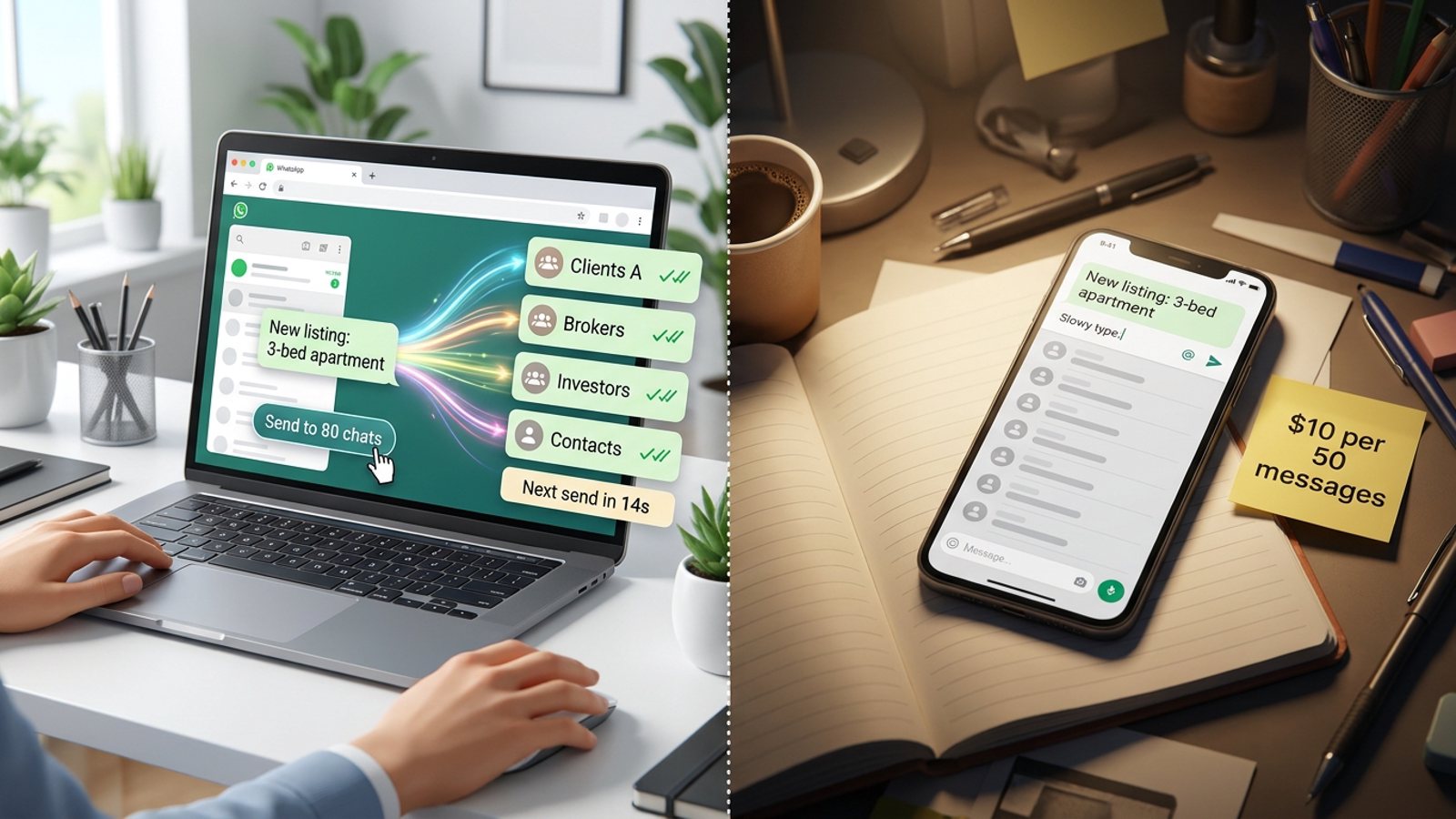
| FivePlus (Chrome extension) | Sharing one update to more than 5 groups and contacts you already belong to | Saved presets, text/images/video/documents/voice notes, runs on WhatsApp Web | Free 24-hour trial; see current plans | Computer and Chrome only; not an official WhatsApp product; it does not find new people for you |
For official messaging at scale to customers who opted in, the WhatsApp Business Platform is the more direct fit. FivePlus is a strong choice for a different job: if you run several WhatsApp groups that people already chose to join, FivePlus lets you save those groups once as a preset and share one update to all of them. See how presets work.
FivePlus is made by the team behind this blog. It is for groups and chats you already belong to, whose members want your messages. It is never for messaging people who did not opt in. Whatever you use, WhatsApp can limit or ban accounts it flags for spam, and no tool can guarantee that your account will not be restricted. Our guide on what WhatsApp considers spam covers this in more detail.
FivePlus is not affiliated with or endorsed by WhatsApp or Meta.
How do I stay on the right side of the rules?
Keep to a short checklist (our suggestion):
- Only message people who asked.
- Say what you will send and how often.
- Ask separately for each message type.
- Keep a record of how and when each person agreed.
- Make STOP simple and act on it straight away.
- Watch for blocks and reports, since WhatsApp says user feedback can affect how many messages you can send.
For more on staying inside the rules, read how to stay within WhatsApp's rules when sharing to many groups.
Sources
- WhatsApp Business Messaging Policy (WhatsApp, last updated 23 September 2026) — https://whatsappbusiness.com/policy/
- Getting opt-in (Meta for Developers, undated, fetched November 2026) — https://developers.facebook.com/docs/whatsapp/overview/getting-opt-in
- Create click-to-chat links (tyntec help center, vendor page, 13 September 2023) — https://www.tyntec.com/helpcenter/docs/internal/create-click-to-chat-links-wa-me-links/
- ICO warns charities about direct marketing rules (ICO, 5 March 2024) — https://ico.org.uk/about-the-ico/media-centre/news-and-blogs/2024/03/ico-warns-charities-about-direct-marketing-rules-as-it-orders-penny-appeal-to-stop-sending-spam-texts
- WhatsApp Terms for the Business App (WhatsApp, effective 23 September 2026) — https://www.whatsapp.com/legal/WhatsApp-Terms-for-WhatsApp-Business-App
- WhatsApp Channels (WhatsApp) — https://www.whatsapp.com/channels
- FivePlus on the Chrome Web Store (checked 2026-11-05) — https://chromewebstore.google.com/detail/cokbcpgkbjofdjlmdlnmjnmflajnlghp
Frequently asked questions
Ask clearly, let people say yes themselves, and tell them what you will send and how to stop. Meta lists website, SMS, in-chat, phone and in-person or paper opt-in; QR codes, wa.me links and checkboxes are practical ways to do it (our suggestion).
Our suggestion is no: ask first and let people join themselves. WhatsApp's policy says users should expect the messages they receive.
Tell them how to stop in your first message and act on every request, on or off WhatsApp. WhatsApp's policy says you must respect all requests to opt out.
Yes, the policy lists obtaining separate opt-in by specific message category as good practice, and Meta recommends it too, for example order updates versus offers.
Of the options we compared, the WhatsApp Business Platform is the more direct fit for official messaging at scale to opted-in customers. FivePlus suits sharing one update to groups and contacts you already belong to, from WhatsApp Web on a computer, and is never for people who did not opt in.