What are the best alternatives to WaSenderHQ for agency marketers?
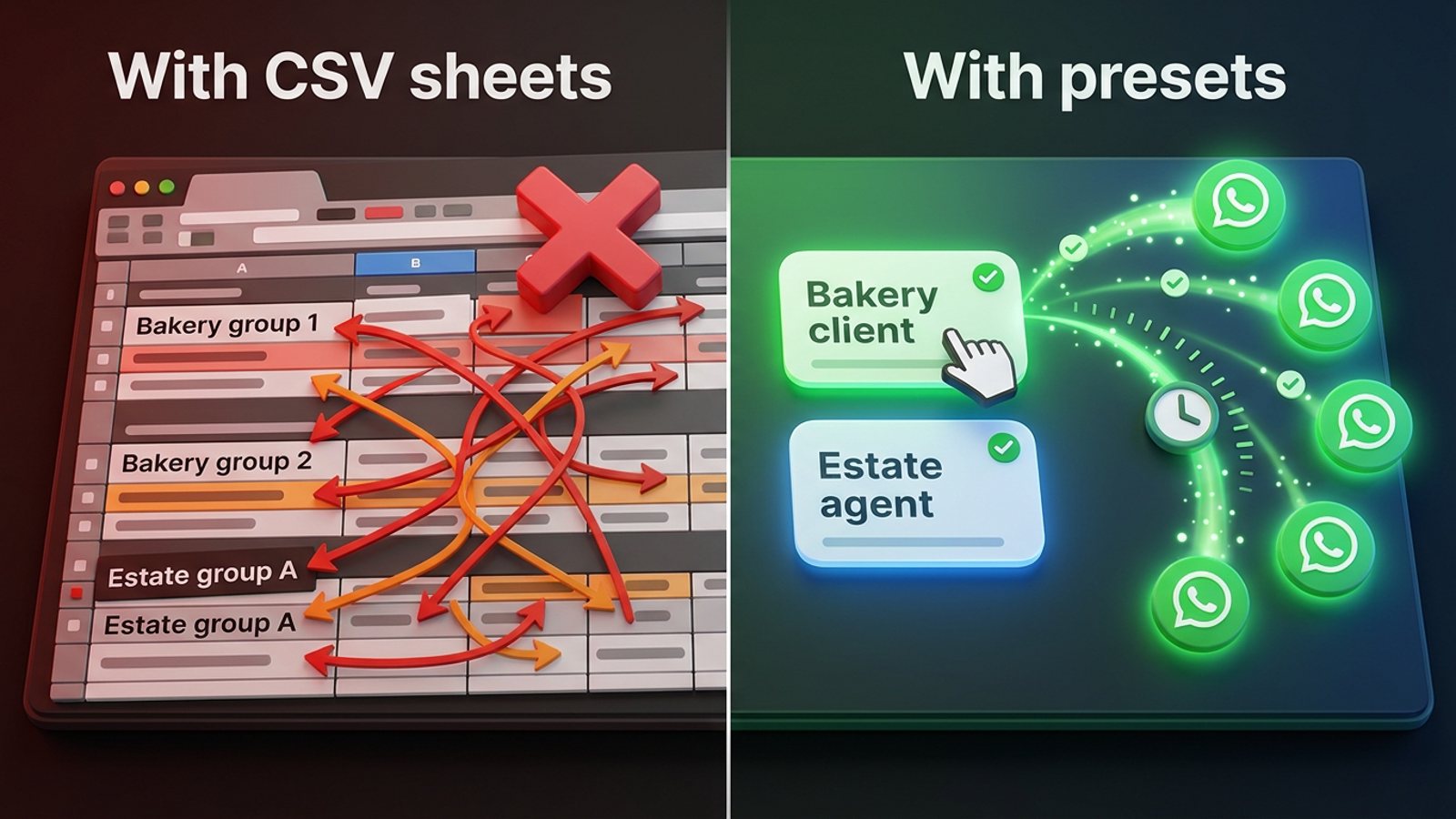
If you're juggling several client group lists, the best WaSenderHQ alternatives for agency marketers are FivePlus (preset-based, no spreadsheet rebuild), WhatsApp Business broadcast lists (free, 256-contact cap), the official WhatsApp Cloud API (compliant, per-message fees) and WATI (paid BSP with an inbox). WaSenderHQ is CSV/Google Sheet-driven, so every client list change means rebuilding a sheet.
Why do agency workflows break with a CSV-driven sender like WaSenderHQ?
Because the spreadsheet becomes the source of truth, and client lists change constantly. WaSenderHQ's Chrome Web Store listing describes sending bulk messages from a CSV file or a Google Sheets link, with variable tags like {name} and human-like delays. It also says the free tier imports up to 50 contacts at a time, and that Pro Lifetime ($19.99 one-time) removes that limit.
For a solo sender that's fine. For an agency running ten client accounts, it means ten sheets. A new group member, a client who changes numbers, a list you rebuild every Monday — each change sends you back to the spreadsheet before you can send anything.
There's a second wrinkle: the same listing says Google Sheets integration requires the sheet to be shared so anyone with the link can view it. Private sheets can't be imported. So your client's contact list has to be link-public to be usable.
What are the best alternatives to WaSenderHQ for agency marketers?
Here are the four routes worth comparing, starting with the one built for repeat client lists.
| Option | Best for | Key features | Price | Watch-outs |
|---|---|---|---|---|
| FivePlus (Our pick) | Agencies reusing client group lists | Presets, 5+ recipients, randomized delays | Free to try for 3 days | Chrome + WhatsApp Web only; no CSV import |
| WaSenderHQ | CSV/Sheet-driven campaigns | CSV/Sheet import, {name} tags, delays | Free tier; Pro $19.99 one-time | Sheet must be link-public; rebuild on change |
| WhatsApp broadcast lists | Small, warm audiences | Private 1:1 delivery, free | Free | 256-contact cap; must save your number |
| WhatsApp Cloud API | Compliance at scale | Official, templates, opt-in | Per delivered message | Needs a developer or BSP |
| WATI | Teams wanting inbox + chatbots | Broadcasts, chatbots, shared inbox | From ~$69/mo + message fees | Costs stack up |
FivePlus is made by the team behind this blog.
FivePlus: save each client's groups once, reuse forever
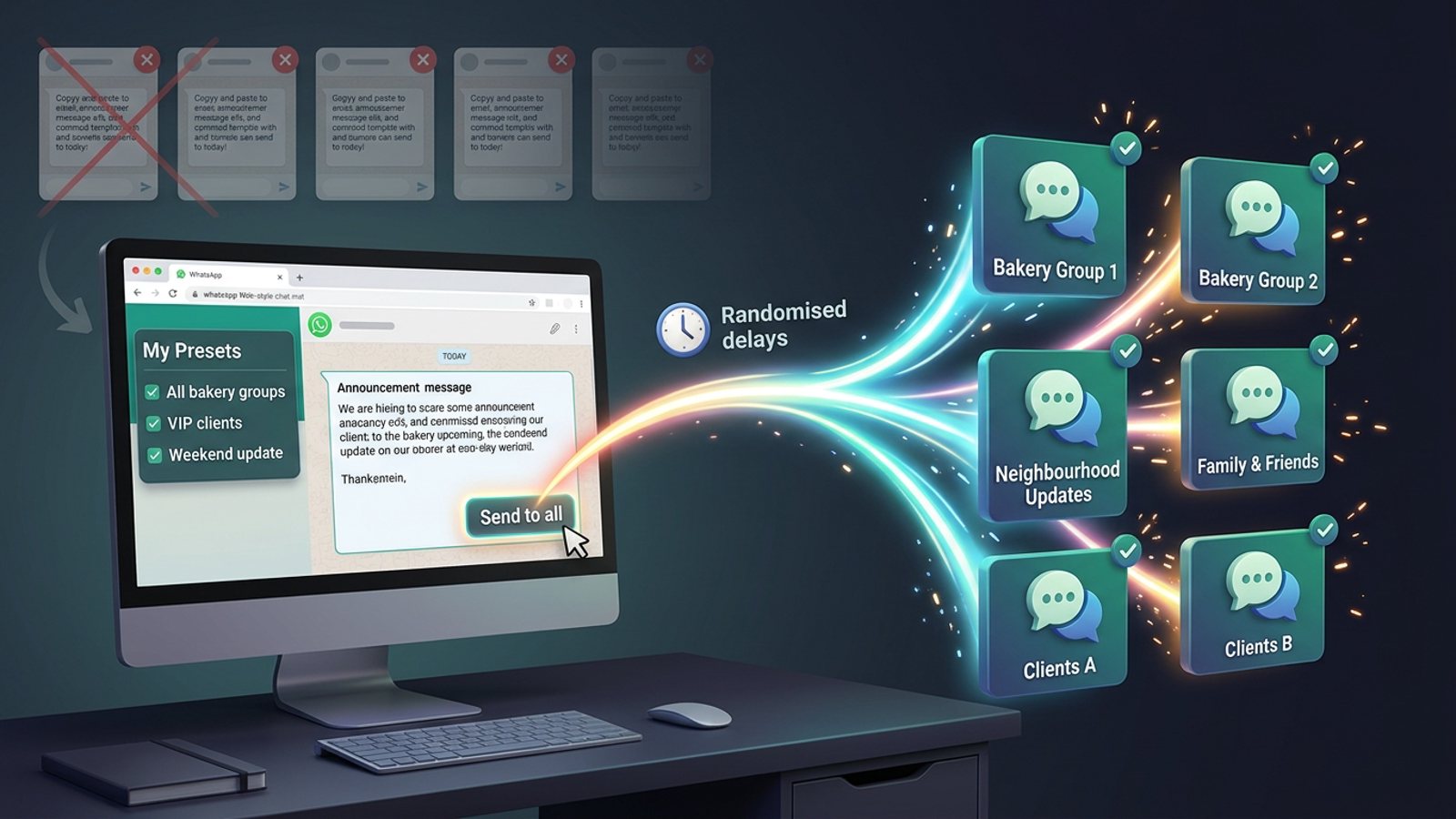
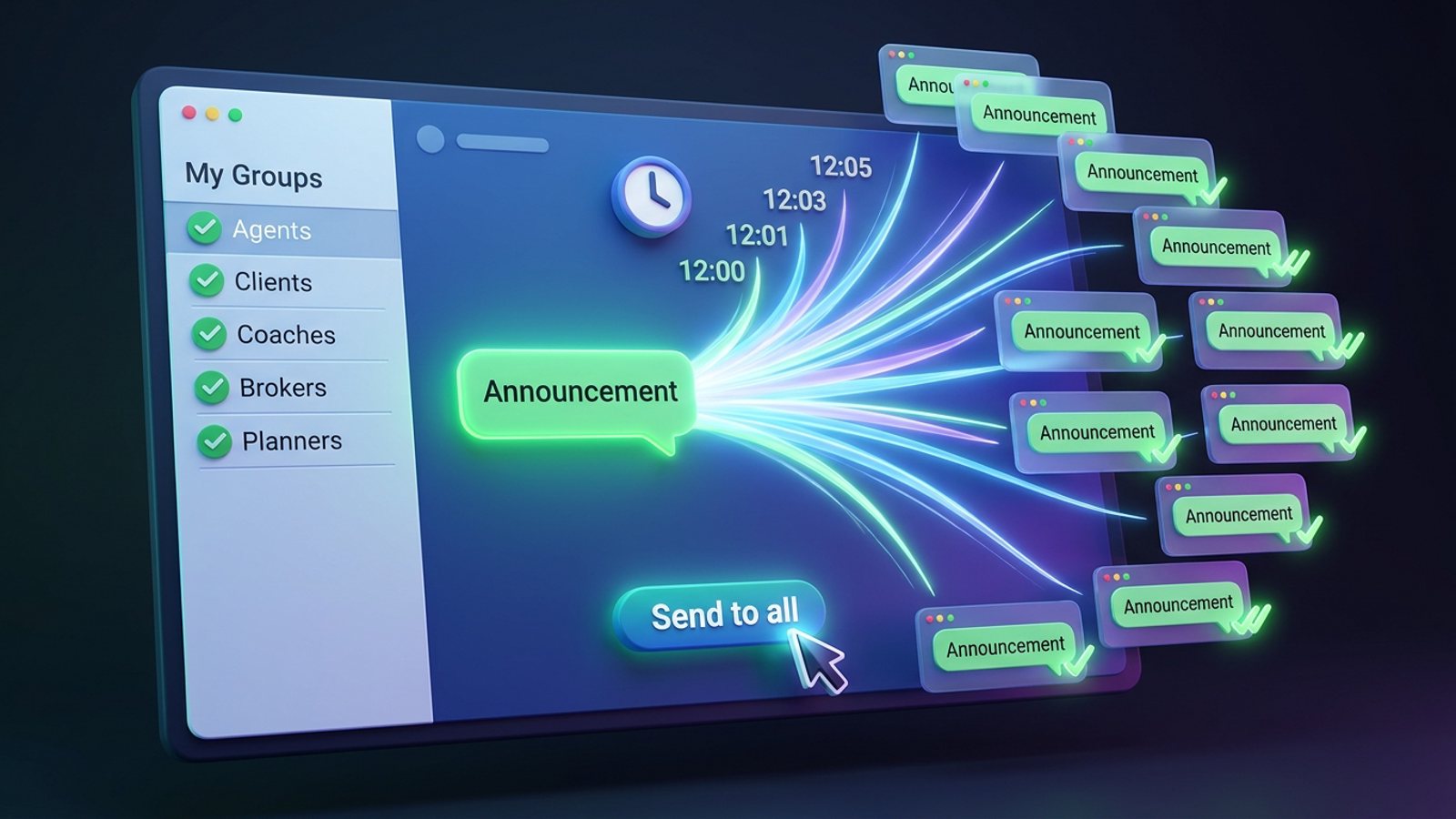
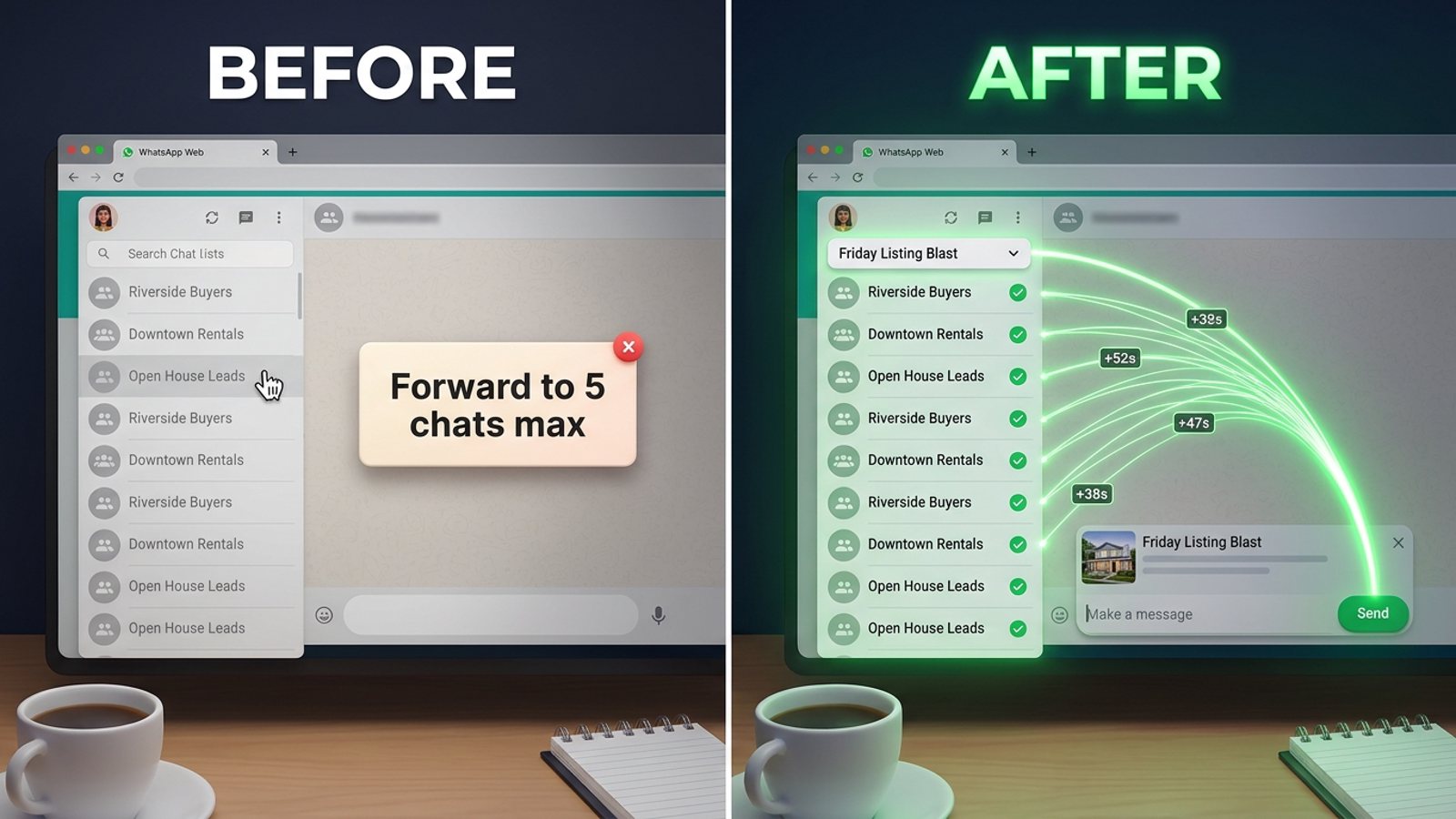
FivePlus is a Chrome extension for WhatsApp Web that sends a message, announcement or media to many saved groups and contacts in one click, instead of the standard five at a time. The part that matters for an agency is the preset: you save a client's group and contact list once, and reuse it for every future send. Mix people and groups into one preset for maximum reach, and V2 lets you send to multiple saved lists at once.
Say you run a bakery's account and an estate agent's account. Two presets, two sends, no sheet to rebuild when the bakery adds a new branch group. Anti-ban technology mimics natural human behaviour, and randomized delays stagger timing so messages don't all land at once. Saved group lists are saved forever — the owner notes it's better not to uninstall the extension.
The honest limit: it requires Chrome and WhatsApp Web, and the free trial is 24 hours (the site advertises a 3-day try). It does not import CSV or sync Google Sheets — the whole point is that you don't need a sheet.
Ready to stop rebuilding spreadsheets? Get FivePlus for WhatsApp Chrome extension (bulk share beyond 5 recipients) and set up your client presets once.
WaSenderHQ: strong if your lists already live in a spreadsheet
WaSenderHQ describes itself as a free WhatsApp bulk sender for WhatsApp Web that sends from a CSV file or Google Sheets link, personalises with tags like {name}, and uses human-like delays — all in the browser, no API. The free tier covers text campaigns with no extension-imposed daily quota, imports up to 50 contacts at a time, and attachment campaigns up to 10 recipients.
Pro Lifetime at $19.99 one-time (per the Chrome Store listing) removes the 50-contact import limit and adds scheduling, saved campaigns and templates, chat backups, warm-up settings, safety scoring and message-variation controls. The listing shows version 1.3.7 updated 19 November 2026. Note the Firefox add-on page shows a conflicting "$9.9…" fragment in its FAQ, so treat $19.99 as the current figure and check before buying.
Its own listing is refreshingly blunt: no setting can guarantee account safety, and the user is responsible for consent, message frequency and platform rules. If your workflow is genuinely spreadsheet-first — a CRM export you re-import each campaign — WaSenderHQ is the more direct choice.
WhatsApp Business broadcast lists: free, but capped
Broadcast lists send the same message to several contacts at once, each in their own individual chat — like email BCC, so recipients don't see who else got it and replies come privately. Respond.io (2026) puts the WhatsApp Business app cap at 256 contacts per list, and notes messages only reach contacts who have saved your number.
Broadcast via the Business app is free with unlimited messages, though WhatsApp's Help Center says people in some countries may see a monthly broadcast limit of up to 35 free broadcast messages per month, rolling out gradually. SleekFlow (2026) notes broadcast lists suit small, warm audiences rather than large campaigns. For an agency with big client groups, the 256 cap and the saved-number requirement are the blockers.
WhatsApp Cloud API: compliant, billed per message
The official WhatsApp Business Platform (commonly the Cloud API) has no Meta monthly platform fee, but you pay per delivered template message — marketing, utility and authentication — and the price varies by recipient country and category. TheAutomate.ai (2026) notes the first 1,000 service replies per number each month are free. Since 1 October 2026, Meta bills more message types, including utility templates sent inside an open window, per Telnyx (2026).
Zernio (2026) reports that new business portfolios typically start with a messaging limit of 250 unique recipients per rolling 24 hours. You'll need a developer to build on it, or a paid BSP front-end, plus opt-in consent and approved templates. Square Cloud (2026) notes Meta can change prices and rules quarterly. If compliance is the client's hard requirement, this is the route — it's just not a one-click send.
WATI: an official BSP with an inbox
WATI is an official Meta Business Solution Provider. Respond.io (2026) lists fast deployment, basic broadcasts, chatbots and a shared inbox among its strengths. Third-party comparison Spur (checked 29 October 2026) lists three plans at $69/$149/$349 per month monthly, or $59–$279 billed yearly, before tax, plus WhatsApp message fees on top. WATI's own landing page (August 2026) shows different figures, so verify on wati.io.
If you mainly need an official API, a shared team inbox and chatbots in one place, WATI is the more direct choice. If you mainly need to fire the same announcement into fifteen client groups this afternoon, a subscription plus per-message fees is a lot of machinery for the job.
Agencies don't lose time on the send; they lose it on rebuilding the list before every send.
How do you choose between them?
Start with where your lists actually live. If they live in a spreadsheet your CRM exports, WaSenderHQ or the Cloud API fit. If they live in WhatsApp itself — groups you've already joined for each client — a preset-based tool saves the most time.
Our recommendation: write down your three most common sends this month. If two of them go to the same set of client groups, presets win. If each send needs a fresh, filtered export from a CRM, a CSV importer wins.
Then check the cost shape. One-time and free tools suit tight retainers; per-message API billing suits clients who pay for compliance. For a deeper look at whether the spend pays off, see Is a paid bulk WhatsApp sender worth it for a marketing agency owner?
How do you set up preset-based sending in FivePlus?
- Install the extension from the Chrome Web Store and open WhatsApp Web in Chrome. No login is required for the extension itself.
- Build one preset per client. Save that client's group and contact lists — mix people and groups in the same preset.
- Pick a preset, or several in V2, choose your message or media, and send in one click.
- Let randomized delays run so messages are staggered and look natural.
Will bulk sending get my WhatsApp account banned?
WhatsApp's Help Center says bulk and automated messaging have always violated its Terms of Service, and a 2026 developer discussion on GitHub flags ban risks for unofficial automation clients. No tool can promise safety — WaSenderHQ's own listing says no setting can guarantee account safety. FivePlus uses anti-ban technology and randomized delays to mimic natural behaviour, but that reduces risk; it isn't a guarantee. Follow WhatsApp's terms, keep consent records, and remember rules can change.
Set up your first client preset today: Get FivePlus for WhatsApp Chrome extension (bulk share beyond 5 recipients). For more comparisons, browse the FivePlus blog, or read Best WhatsApp bulk messaging software for agencies in 2026.
Sources
- WhatsApp Bulk Sender & Auto Sender — WaSenderHQ (Chrome Web Store)
- WaSenderHQ (Chrome Web Store alt URL)
- WaSenderHQ Firefox add-on (Firefox Add-ons, 2026-05-24)
- Unauthorized use of automated or bulk messaging on WhatsApp (WhatsApp Help Center)
- About broadcast limits (WhatsApp Help Center)
- WhatsApp broadcast list (Mailrelay, 2026-10-06)
- WhatsApp broadcast 3 steps (Respond.io, 2026)
- WhatsApp broadcast list guide (SleekFlow, 2026-03-30)
- Best bulk WhatsApp marketing software (Respond.io, 2026-09-24)
- Is WhatsApp API free? (TheAutomate.ai, 2026-10-24)
- WhatsApp Business API pricing (Telnyx, 2026-06-22)
- Official WhatsApp API cost (Square Cloud, 2026-10-21)
- WhatsApp Broadcast Messages (Zernio, 2026-06-25)
- WATI pricing 2026 (Spur, 2026-11-05)
- Wati advertising landing page (Wati, 2026-08-22)
- PSA: WhatsApp ToS and ban risks (GitHub Discussion, 2026-07-09)
Frequently asked questions
If your client lists already live in WhatsApp groups and you resend to them often, FivePlus is our pick of the tools we compared, because presets remove the rebuild step. If your lists come from CRM exports, WaSenderHQ's CSV and Sheet import is the more direct fit. Neither is affiliated with Meta.
No. FivePlus works from saved group and contact lists you set up once inside the extension. If spreadsheet import is essential to your workflow, WaSenderHQ is built around exactly that.
Respond.io (2026) reports that a WhatsApp Business app broadcast list is capped at 256 contacts, and messages only reach contacts who have saved your number. There's no contact import and no reporting beyond read receipts on individual messages.
Access to the Cloud API is free, but you pay per delivered template message, and the first 1,000 service replies per number each month are free, per TheAutomate.ai (2026). Pricing depends on message type, volume and recipient country.
The product facts state a free trial — the site advertises 3 days, while the listed limit is a 24-hour trial, as of November 2026, and prices can change. Check fiveplus.net for current terms. All plans include unlimited sharing with no monthly sending limit, per the owner.