Bulk Sender - WhatsApp Business Web review: worth it for agents?
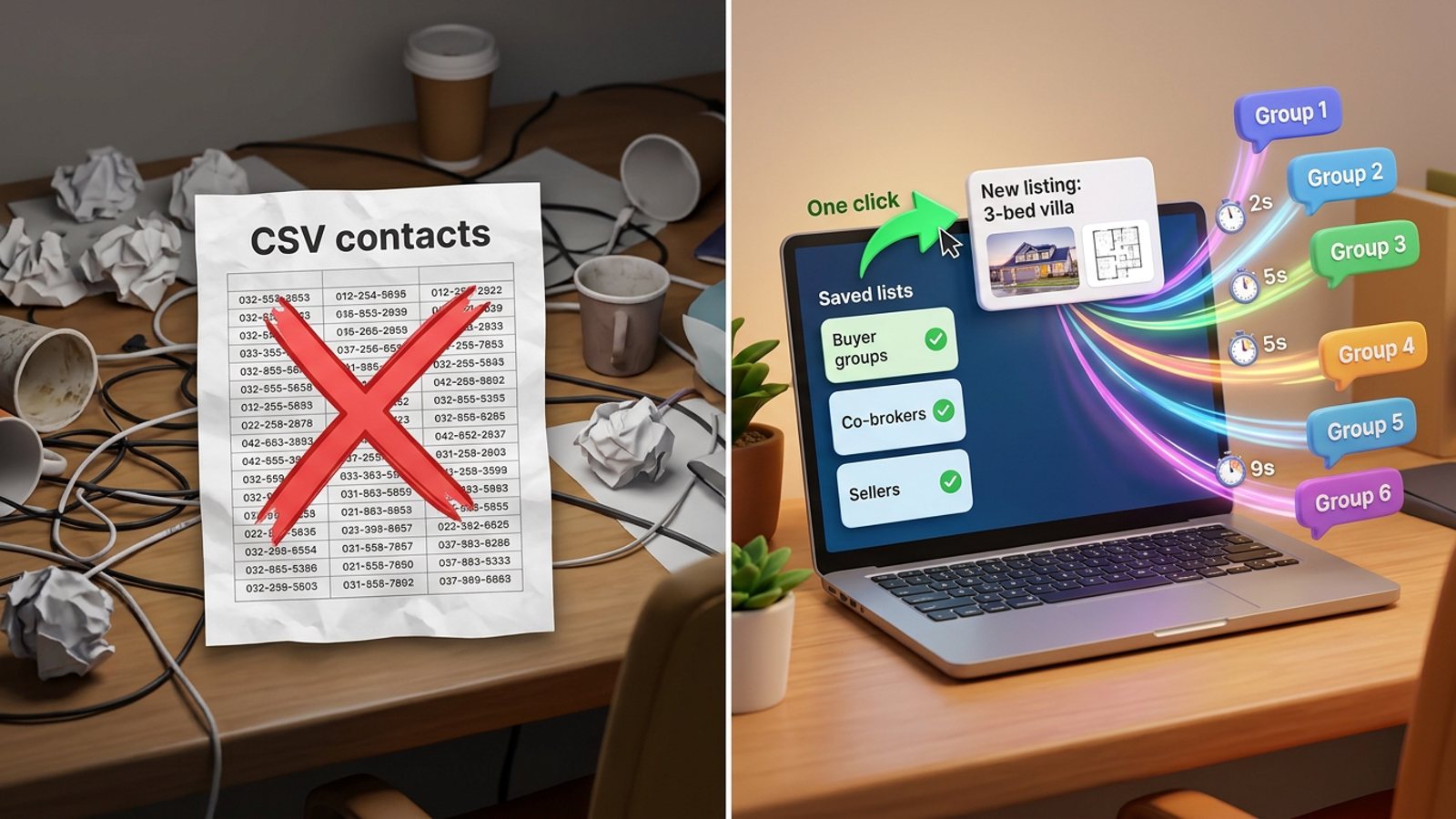
If you're a real estate agent blasting listings to dozens of client groups, a bulk sender whatsapp business web review comes down to one trade-off: these Chrome extensions add CSV imports, personalization and scheduling, but they run inside WhatsApp Web, which WhatsApp says is not built for bulk or automated messaging. For most agents, a simpler saved-preset sender is the faster, cleaner fit.
If you want the short version of the workflow — save groups once, reuse them every time — you can get FivePlus for WhatsApp Chrome extension (bulk share beyond 5 recipients) and skip the CSV setup entirely.
What is "Bulk Sender - WhatsApp Business Web" and what does it actually do?
The sources reviewed for this piece describe a family of near-identically named Chrome extensions — "WA Bulk Sender", "WA Bulk Message Sender", "WA BULK SENDER PRO", WaBulkMessenger — that all do roughly the same job: they sit inside WhatsApp Web and send a message to many contacts in a batch.
The category's feature set, taken from the listings themselves, looks like this:
- CSV/Excel contact import with a "phone" column, plus custom columns you can drop into a message as placeholders (Chrome Web Store listings for WA Bulk Sender and WaBulkMessenger).
- Personalization tokens such as
{{name}}and{{city}}, so a listing alert reads "Hi Priya" rather than "Hi all". - Attachments — images, video, voice notes, documents; WaBulkMessenger's listing mentions per-recipient attachments up to 25 MB.
- Campaign controls — create, save, pause, resume, cancel, and live sent/failed/remaining counts.
- Scheduling and warm-up features on the paid tiers of some listings.
One listing, WA Bulk Sender by watool.online, showed 4.7 from 72 ratings and 5,000 users in a Chrome Web Store snapshot from 1 August 2026. A different listing tracked by Chrome-Stats ("WA Bulk Message Sender") showed 200,000 users and 4.80 from about 2,523 ratings, last updated 11 May 2026.
That's the shape of the thing. Whether it's worth it for an agent depends on what you're actually trying to do — which is rarely "run a campaign" and usually "get this listing in front of my buyer groups before the weekend".
How do agents actually use a bulk sender for listings?
The realistic agent workflow, based on the steps the vendor listings describe, runs like this:
- Install the extension in Chrome and open WhatsApp Web with the number you use for clients.
- Prepare your list as a CSV with a phone column and optional name/city columns.
- Write the template with placeholders and attach the listing media — a photo gallery, floor-plan PDF or location pin.
- Warm up the number according to the vendor's own caps (WA Bulk Sender's listing suggests waiting 15 days after registering, keeping the same area and IP, and limiting to 50 messages on day one and 300 on later days).
- Launch the campaign, watch the sent/failed counters, pause or resume as needed, and honour STOP replies.
- Optionally compare with a native broadcast list on your phone, capped at 256 contacts who have your number saved.
Notice what's missing from that list: your groups. These tools are built around contact lists — phone numbers in a spreadsheet. WA Bulk Sender's listing describes sending to people without saving their numbers. If your actual job is "post this new listing to my 30 buyer and co-broking groups", a contact-CSV tool is solving a slightly different problem than the one you have.
Is a bulk sender extension safe for your WhatsApp number?
No tool in this category can promise your number stays safe, and the sources are blunt about why. WhatsApp's own Help Center states: "Our products are not intended for bulk or automated messaging, both of which have always been a violation of our Terms of Service." It also says it takes legal action against those it finds assisting abuse such as automated or bulk messaging, including based on evidence from outside the platform, a policy it dates to 7 December 2019.
WhatsApp's Help Center also notes that activity which looks like spam, automated or bulk messaging can lead to an account being limited or banned.
The practical risk factors, per the sources:
- Spam reports are the biggest trigger. A GitHub legal-docs page for WAPI (5 June 2026) describes recipient "report spam" taps as the most common ban trigger, with consent-free bulk messaging second.
- New numbers are fragile. WA Bulk Sender's own listing advises a 15-day warm-up before sending anything at volume.
- Broad permissions carry their own risk. A Koidex security report (undated, and for an older version 1.2.49 of one extension) flagged a critical-severity dependency vulnerability and broad host permissions on "WA Bulk Message Sender". Treat that as a snapshot, not a current verdict — but read permissions before you install anything.
- Your data may leave your machine. WaBulkMessenger's listing states contact groups are encrypted before storage and that account data — contacts, templates, campaign data, delivery results — is stored on its servers.
FivePlus vs Bulk Sender extensions: which fits an agent's week?
FivePlus is made by the team behind this blog, so read the next section with that in mind. Here's the honest comparison of the tools we looked at.
| Option | Best for | Key features | Price / free option | Watch-outs |
|---|---|---|---|---|
| FivePlus — Our pick | Agents re-sending to the same client groups | Saved group lists, 5+ recipients at once, randomized delays | Free to try for 3 days (as of November 2026; prices can change) | Needs Chrome + WhatsApp Web; 24-hour free use |
| WA Bulk Sender (watool.online) | Senders with a contact spreadsheet | No-save sending, placeholders, media types | Free listing, no price shown | Broad permissions; ToS risk |
| WaBulkMessenger | Campaign-style sends with tracking | CSV import, placeholders, pause/resume, opt-out | FREE 50 msgs/month; PRO ₹499/month | Data stored on vendor servers |
| WhatsApp broadcast lists | Small audiences who saved your number | 256 per list, private delivery | Free | Saved-number rule; no Web creation |
| Manual copy-paste | A handful of groups, one-off sends | Zero setup | Free | Time cost per group |
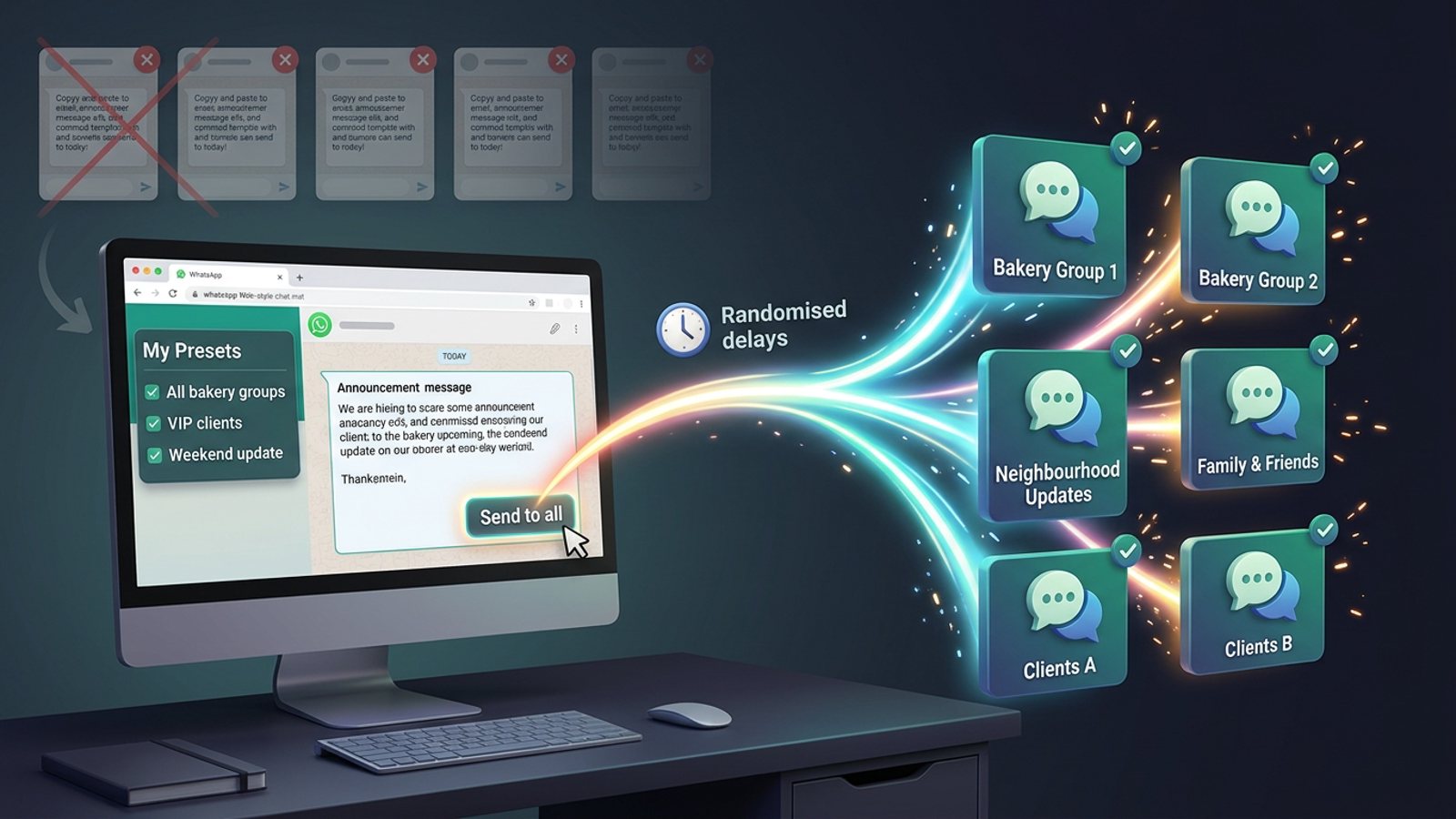
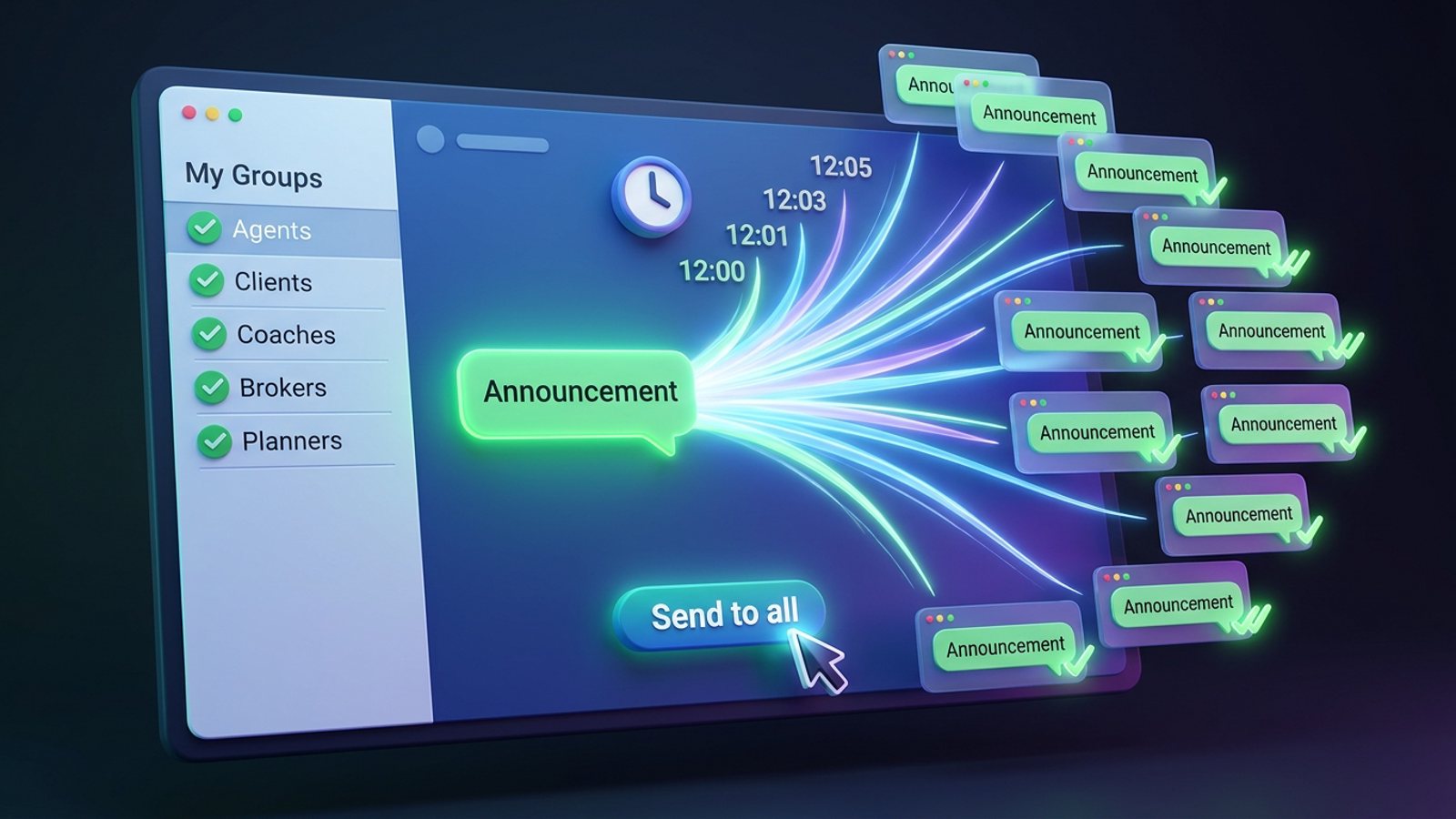
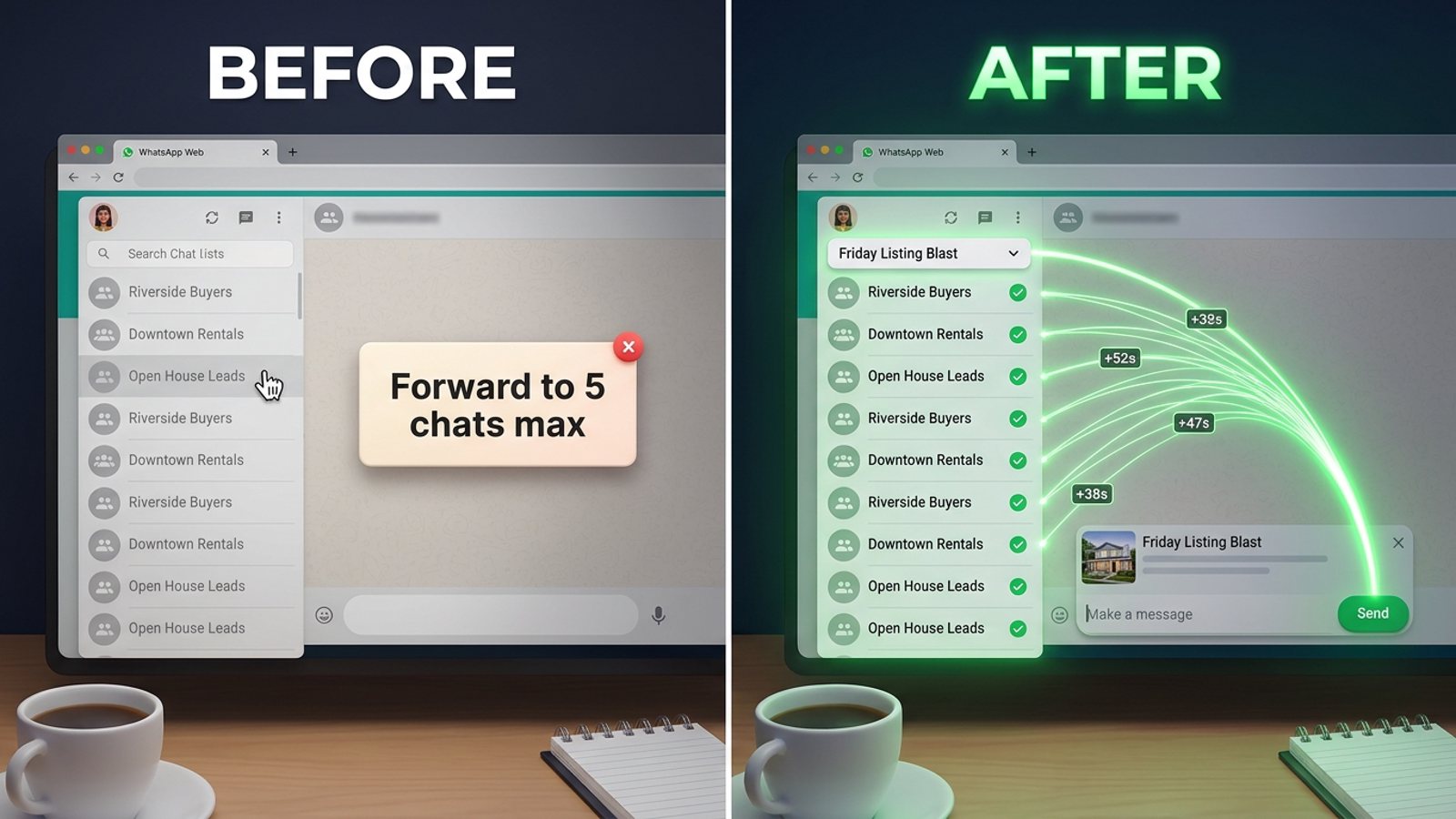
Our pick of the tools we compared is FivePlus, for one reason that matters to an agent's actual week: it saves your group lists once as presets and lets you send to more than 5 groups and contacts in one click, with randomized delays to stagger timing. You're not rebuilding a CSV every Friday — you're picking the "buyer groups" preset and sending the new listing. The V2 version lets you send to several saved lists at once, and you can mix people and groups into one preset.
The honest limits: FivePlus requires the Chrome browser and WhatsApp Web, free use is limited to a 24-hour trial, and the owner confirms it's built for regular WhatsApp rather than WhatsApp Business accounts. It also doesn't do CSV import, sender modes or scheduling — if those are must-haves, the extensions above are the more direct choice.
If you mainly need spreadsheet-driven campaigns with per-recipient personalization and delivery logs, WaBulkMessenger is the more direct choice — its listing shows CSV/Excel import, {{name}}/{{city}} placeholders, live campaign tracking and a STOP auto opt-out. If you simply want a free, official route for a small audience, WhatsApp's own broadcast lists are the safest option, provided everyone has your number saved.
You can get FivePlus for WhatsApp Chrome extension (bulk share beyond 5 recipients) and set up your first preset in a few minutes.
What are the honest limits of a bulk sender extension?
The limits are real and worth saying plainly before you install anything.
It needs Chrome and WhatsApp Web. Every tool in this category runs in the browser. Your phone stays the source of truth for WhatsApp; the extension just drives the web session.
WhatsApp can change the rules at any time. The Help Center language on bulk and automated messaging is unambiguous, and enforcement isn't something a vendor controls. Bans, per the WAPI legal docs, can arrive without warning or appeal.
Setup is real work. A CSV with a phone column, placeholder syntax, media attachments, warm-up caps — that's an afternoon before your first send, and again whenever you change your list.
Group posting isn't what they're built for. The listings describe sending to contacts, including numbers you haven't saved. If your reach comes from existing WhatsApp groups, verify the tool handles groups before you pay.
Permissions and data handling vary. Read the Chrome Web Store permissions, check who the developer is, and note whether contact data is stored on their servers.
Why didn't my broadcast reach everyone?
The most common reason is WhatsApp's saved-number rule. For native broadcast lists, a recipient only receives the message if they have your number saved in their contacts — without it, the message isn't delivered (Zenvia, updated 21 October 2026; the same rule is stated by Respond.io, 23 November 2025).
Two more things trip people up:
- You can't create broadcast lists on WhatsApp Web or Desktop — only send to lists already created on the phone (Zenvia, updated 21 October 2026). That's a big part of why agents look for browser tools in the first place.
- Broadcast lists have a ceiling. WhatsApp Business app broadcast is capped at 256 contacts per list, with no contact import and no reporting beyond per-message read receipts (Respond.io, 23 November 2025).
If your audience is bigger than a few hundred, or you're working from groups rather than a phone contact list, a broadcast list won't carry the load — which is exactly the gap the extensions fill, at the cost of ToS risk.
Is the WhatsApp Business API a better route for agents?
It's the compliant route, and it's priced like one. The WhatsApp Business app itself is free, but the Business API removes the 256 cap through rolling 24-hour recipient tiers and bills per message by category and country (SleekFlow, 15 September 2025). Outside the 24-hour service window you need pre-approved templates, and there are per-message conversation costs (Zenvia, updated 21 October 2026).
For an agency running hundreds of opted-in listing alerts a month, that's a legitimate investment. For a solo agent sending a new listing to 25 buyer groups on a Friday afternoon, it's a lot of machinery — templates, opt-in records, per-message billing — for a job that a saved-preset sender handles in one click.
One extension listing, SendApp Agent Sender (Chrome Web Store, 7 September 2026), makes the same argument from the other side: it states that unauthorized automation on WhatsApp Web increasingly leads to account restrictions or permanent bans and offers the official API route instead.
FivePlus is made by the team behind this blog.
Sources
- WhatsApp Help Center — bulk and automated messaging policy
- WhatsApp Help Center — spam, automated and bulk activity
- Zenvia — WhatsApp broadcast lists (updated 21 Oct 2026)
- Respond.io — WhatsApp broadcast (23 Nov 2025)
- SleekFlow — WhatsApp Business app vs API (15 Sep 2025)
- Chatfuel — WhatsApp broadcast guide (27 Jul 2023)
- Chrome Web Store — WA Bulk Sender (watool.online)
- Chrome Web Store — WaBulkMessenger
- Chrome Web Store — WA Bulk Sender (CSV import listing)
- Chrome-Stats — WA Bulk Message Sender
- Koidex — security report
- SendApp Agent Sender — Chrome Web Store (7 Sep 2026)
- Greenbubble.io — WhatsApp marketing for real estate (2 Nov 2026)
- WavesFlo — WhatsApp groups for real estate (4 Oct 2026)
Frequently asked questions
It can, because WhatsApp states that bulk and automated messaging violate its Terms of Service and that spam-like activity can lead to an account being limited or banned. Randomized delays and warm-up caps reduce the risk of looking automated; they don't make the activity permitted. Rules and enforcement can change, and this is not legal advice.
For repeat sends to the same saved groups, FivePlus is our pick of the tools compared — you save your group lists once as presets and share to more than 5 at a time with randomized delays. If you need CSV import, placeholders and campaign tracking, WaBulkMessenger is the more direct choice. If your audience is small and has your number saved, WhatsApp's free broadcast lists are the safest option.
Some do. WaBulkMessenger's listing states that contact groups are encrypted before storage and that account data — contacts, templates, campaign data and delivery results — is stored on its servers. Check each listing's privacy section before importing a client list.
No. Broadcast lists can only be created on the phone; WhatsApp Web and Desktop can send to lists that already exist (Zenvia, updated 21 October 2026). That limitation is one of the main reasons agents look at browser extensions.
Vendor guidance is the only concrete figure in the sources: WA Bulk Sender's listing suggests 15 days of account age, the same area and IP, and a limit of 50 messages on day one rising to 300 on later days. Our recommendation: start well below any vendor cap and stop if you see delivery failures.